Build a 3D Game in One Session With Claude Opus, Blender and Unity
 Build a 3D Game in One Session With Claude Opus, Blender and Unity
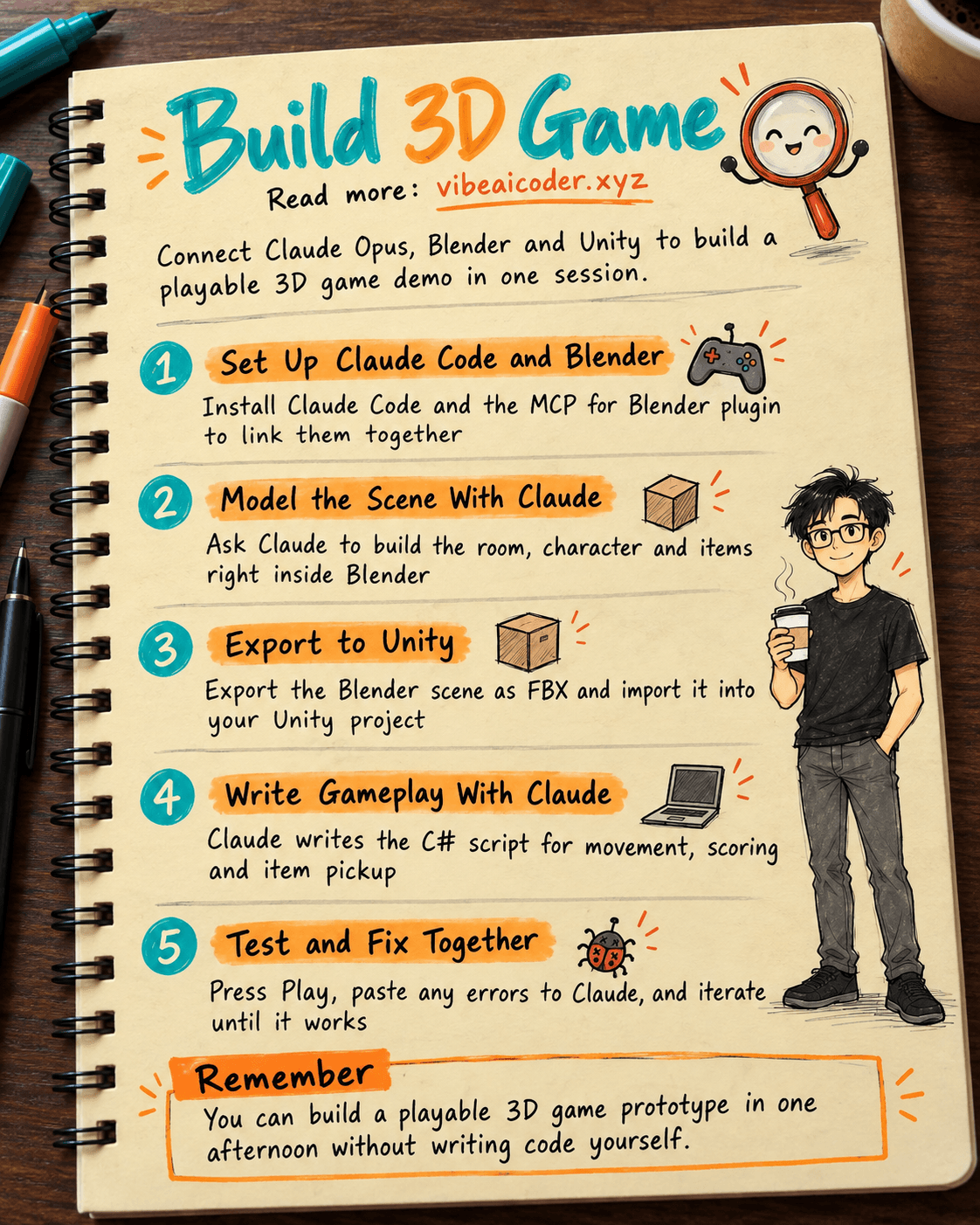
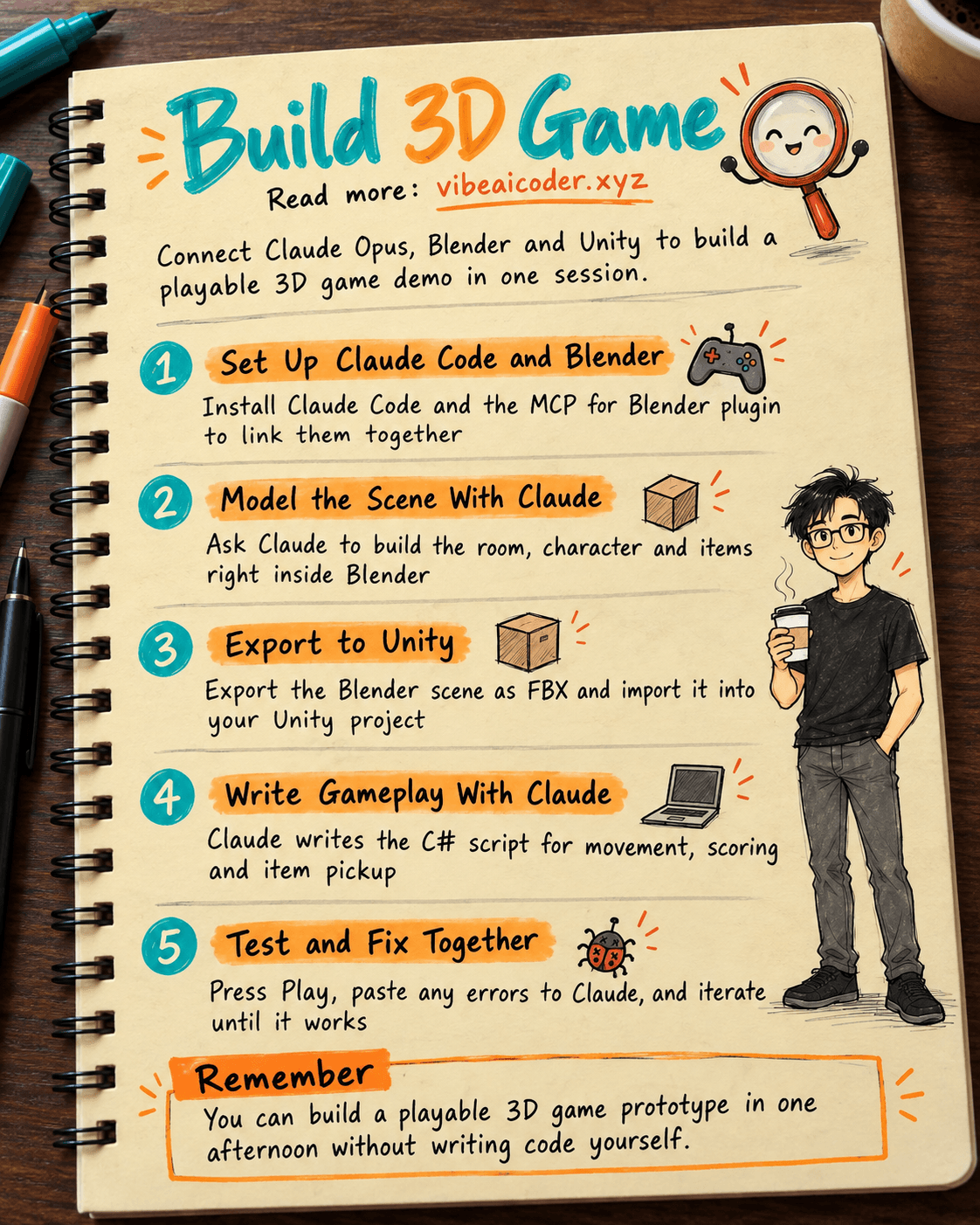
You do not know how to program games, you do not know how to build 3D models, but you have a small game idea you want to try out. This post shows you how to connect three tools: Claude Code (running the Claude Opus 5.5 model), Blender (for building 3D models) and Unity (where the game actually runs), so that in one session you end up with a playable 3D demo on your computer. You will need a computer that can run Blender and Unity, a Claude Code account, and about 3 to 4 free hours.
 What you need
- Claude Code: Anthropic's command line tool, running on the Claude Opus 5.5 model. If you are not yet familiar with Claude Code, read the full A to Z guide to installing and using Claude Code first.
- Blender (free, download at blender.org), version 3.0 or later.
- MCP for Blender: a community plugin that connects Blender to Claude via MCP (Model Context Protocol, a way for AI to call external tools directly instead of just replying with text). Install it with a single command, no programming knowledge needed.
- Unity (the free Personal edition is enough), version Unity 6 or later to get the official AI package out of the box, or an older version with a community MCP plugin.
- A really simple game idea to start with, for example: a character walks around a room, picks up items, and scores points.
 Step by step
Step 1: Install Claude Code and connect Blender
Open a terminal and install the plugin that connects Blender to Claude.
uvx mcp-for-blender
Then register this plugin with Claude Code using the command:
claude mcp add blender uvx mcp-for-blender
Open Blender and enable the MCP addon in Blender's addon settings (the installer does this step for you automatically on macOS and Linux). The addon opens a "gateway" that lets Claude send commands into Blender.
Step 2: Ask Claude to build the character model and scene
In Claude Code, describe your game idea and ask Claude to build the model in Blender.
I'm making a simple 3D game called [game name].
In Blender, create a small box shaped room as the scene,
a simple block shaped character (no facial details needed yet),
and 3 small items for the character to pick up. Give each object a clear name.
When you're done, take a screenshot of the scene from an angled view so I can see it.
Claude writes and runs Python code directly inside Blender to create the objects, then sends back a screenshot of the scene. You look at the image, give feedback ("make the room bigger", "make the character shorter"), and Claude adjusts it right away. Repeat until you are happy with the result.
Step 3: Use ready made assets to save time
If you do not want to build everything yourself, ask Claude to pull ready made models from the Blender asset libraries that are already connected (Poly Haven, Sketchfab, Poly Pizza).
Search the asset library for a wooden crate model and a desk lamp model,
import both into the current scene, and place them in a corner of the room that makes sense.
Step 4: Export the model to a format Unity can read
Export the current scene to FBX format, name the file [scene_name].fbx,
and save it to [export folder path].
Step 5: Connect Claude Code to Unity
Open Unity and create a new 3D project. If you are using Unity 6 or later, enable the official AI package at Edit > Project Settings > AI > Unity MCP and confirm the status shows "Running". If you are using an older version of Unity, install a community MCP plugin for Unity (search "Unity MCP" in the package registry), then register it with Claude Code using a command similar to the one in step 1.
Drag the FBX file you just exported into the Assets folder of your Unity project.
Step 6: Ask Claude to write the gameplay code
In this Unity project, write a C# script for the character [character name]:
move with the arrow keys or WASD, when it touches an item the item
disappears and the score goes up by 1, and show the current score in the corner of the screen.
Attach the script to the correct object and check the references in the Inspector.
Claude writes the script file, attaches it to the GameObject, and adjusts the properties in the Unity Inspector through MCP, without you having to drag and drop anything yourself.
Step 7: Test it and fix bugs together with Claude
Press Play in Unity. If an error shows up in the Console window, paste the exact error text to Claude.
The Console shows this error when I press Play: [paste the exact error].
Please find the cause and fix it directly in the script.
Repeat this step until the character can move around, pick up items, and the score increases correctly.
 Sample result
After about 3 hours following the steps above, you will have a 3D room in Unity, a character that can move with the arrow keys, 3 items that disappear when touched, and a score counter in the corner of the screen that goes up, all running inside the Unity Editor, even though you never wrote a single line of C# code or clicked around to build a 3D model yourself.
 Tips for better results
- Ask Claude to "take a screenshot of the scene" after every major change in Blender, do not wait until everything is finished to look at it. Catching issues early saves you from redoing work.
- Break requests into small pieces: do not combine "build the whole level and write the whole game" into one sentence. Claude works more accurately when handling small pieces at a time.
- Keep the 3D model simple (few shapes, little detail) for your first test, Unity runs more smoothly and Claude can also adjust things more easily.
- Always read through the C# code Claude writes before running it, so you understand how the game works and can make small fixes yourself next time.
 Limitations to keep in mind
- This is a way to make a quick prototype to test an idea, not a complete commercial game development process. A real game needs sound, effects, difficulty balancing, and much more thorough testing.
- 3D models from Poly Haven, Sketchfab, and Poly Pizza each come with their own usage license, check the terms before using them in a commercial product or sharing them publicly.
- Claude can still write things incorrectly or misunderstand what you want, especially with complex game logic. You still need to verify the result yourself by playing the game, not just trust Claude's report that it is "done".
- A weaker computer may run Blender and Unity at the same time a bit slowly, so close other applications while you work.
 FAQ
FAQ
I have zero programming experience, can I still do this? Yes, because Claude writes all the Python code in Blender and all the C# code in Unity. Your job is to describe clearly what you want and play test the result to give feedback.
Do I have to use Claude Opus 5.5? Opus 5.5 is currently the most capable version in Claude Code, suited for writing a lot of code in a row with fewer errors, but other Claude versions in Claude Code can still handle the basic steps, you will just need to fix more errors along the way.
Do MCP for Blender and MCP for Unity cost money? The two MCP plugins themselves are free, you only pay for whatever Claude Code plan you are already using.
I finished the prototype, what if I want to keep developing it? Keep asking Claude to add features one at a time (another level, enemies, sound effects), following the same approach of breaking requests into small pieces as in steps 6 and 7.
Can I export this game to share with friends? Yes, Unity lets you build the project into a file that runs on Windows or Mac through the File > Build Settings menu, but make sure every asset you used is allowed to be redistributed before sending it to anyone else.
This is also a concrete example of vibe coding: you describe what you want in words, and the AI handles the code. If you want to see AI work through a chain of steps on its own without you giving instructions one at a time, read more about what an AI agent is. Working in small steps and checking before moving on is also the approach used in the guide using Claude Code to build a store landing page in one session. And if you are curious what AI driven game development looks like at a much larger scale, check out how Epic Games dropped manual coding to build a Disney game with AI.
More articles
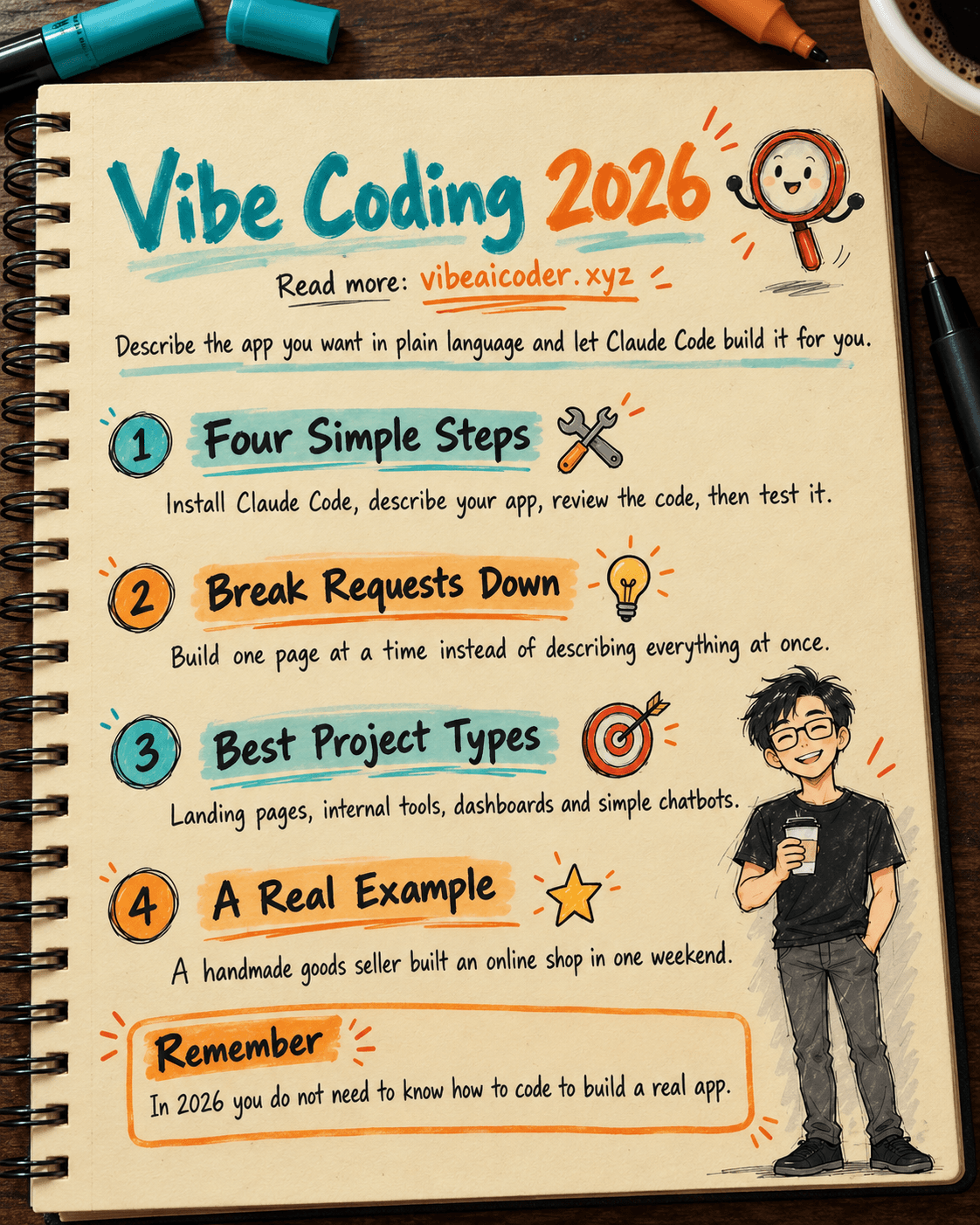
Vibe Coding in 2026: Build Real Apps With Claude Code, No Programming Needed
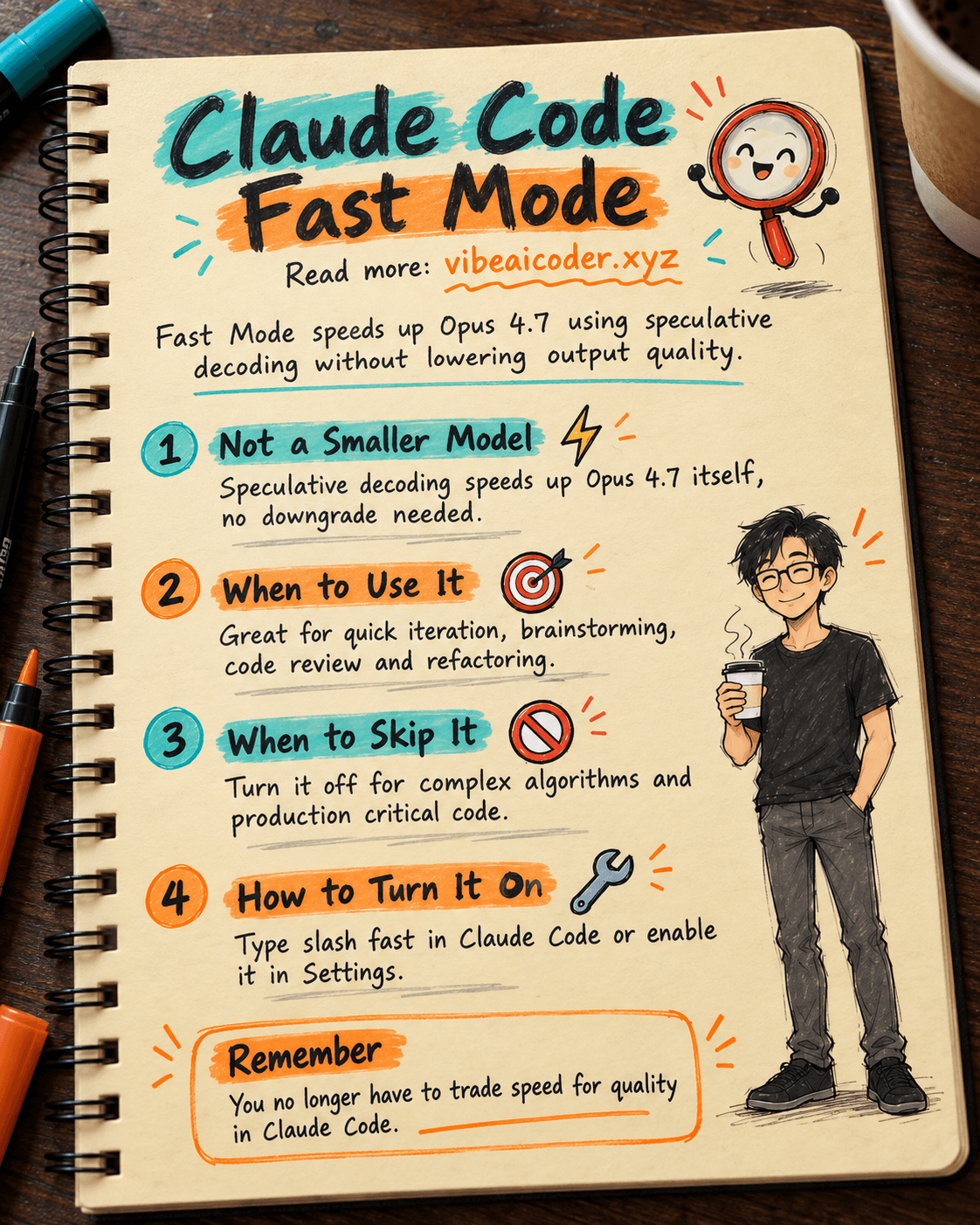
Claude Code Fast Mode: Opus 4.7 Speed Without Losing Quality

Stop-Slop: The Skill File That Stops AI Writing From Sounding Robotic
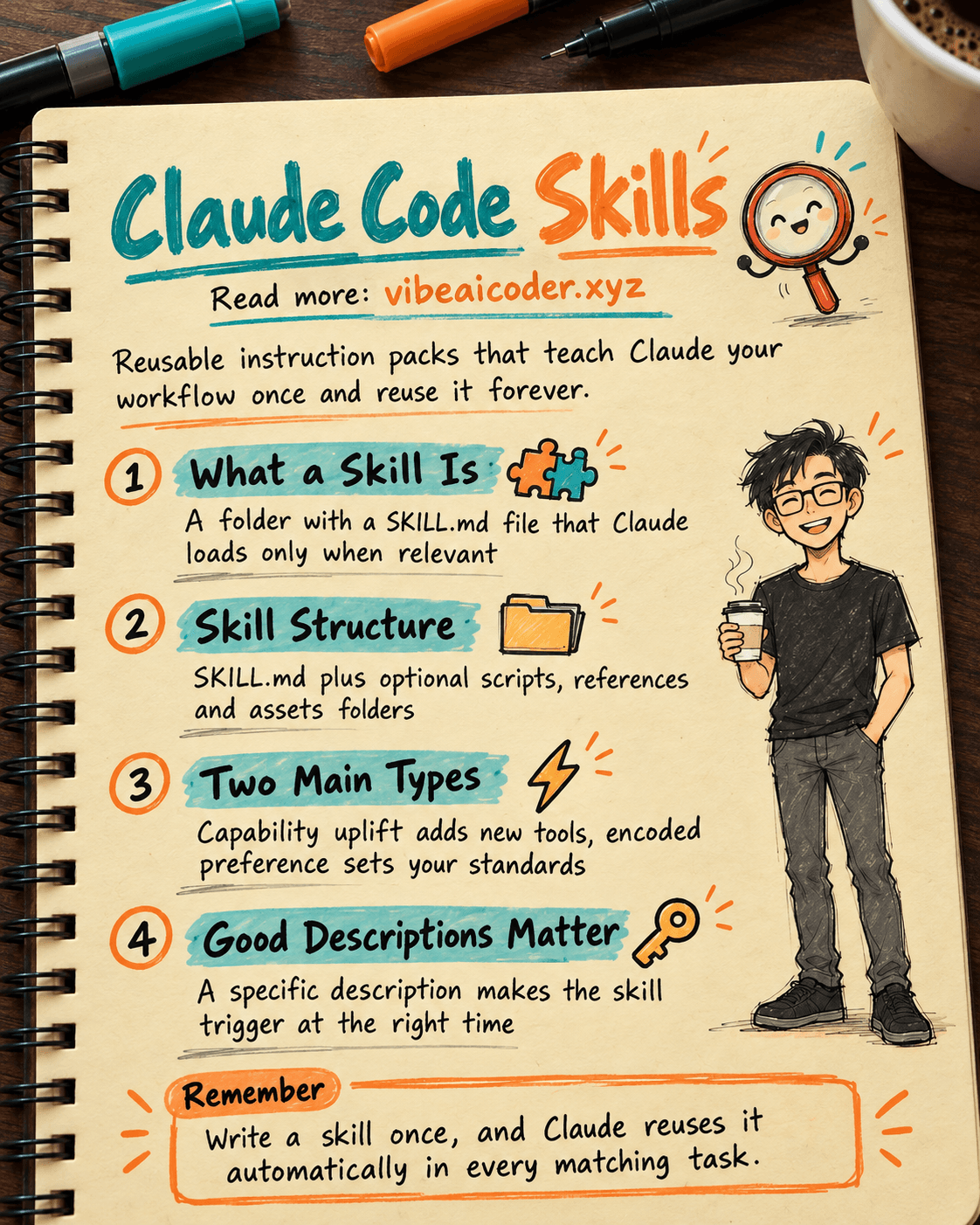
Claude Code Skills: Reusable Instruction Packs That Make AI Work Your Way

ElevenLabs Valuation Doubles to 22 Billion Dollars as AI Voice Tools Heat Up
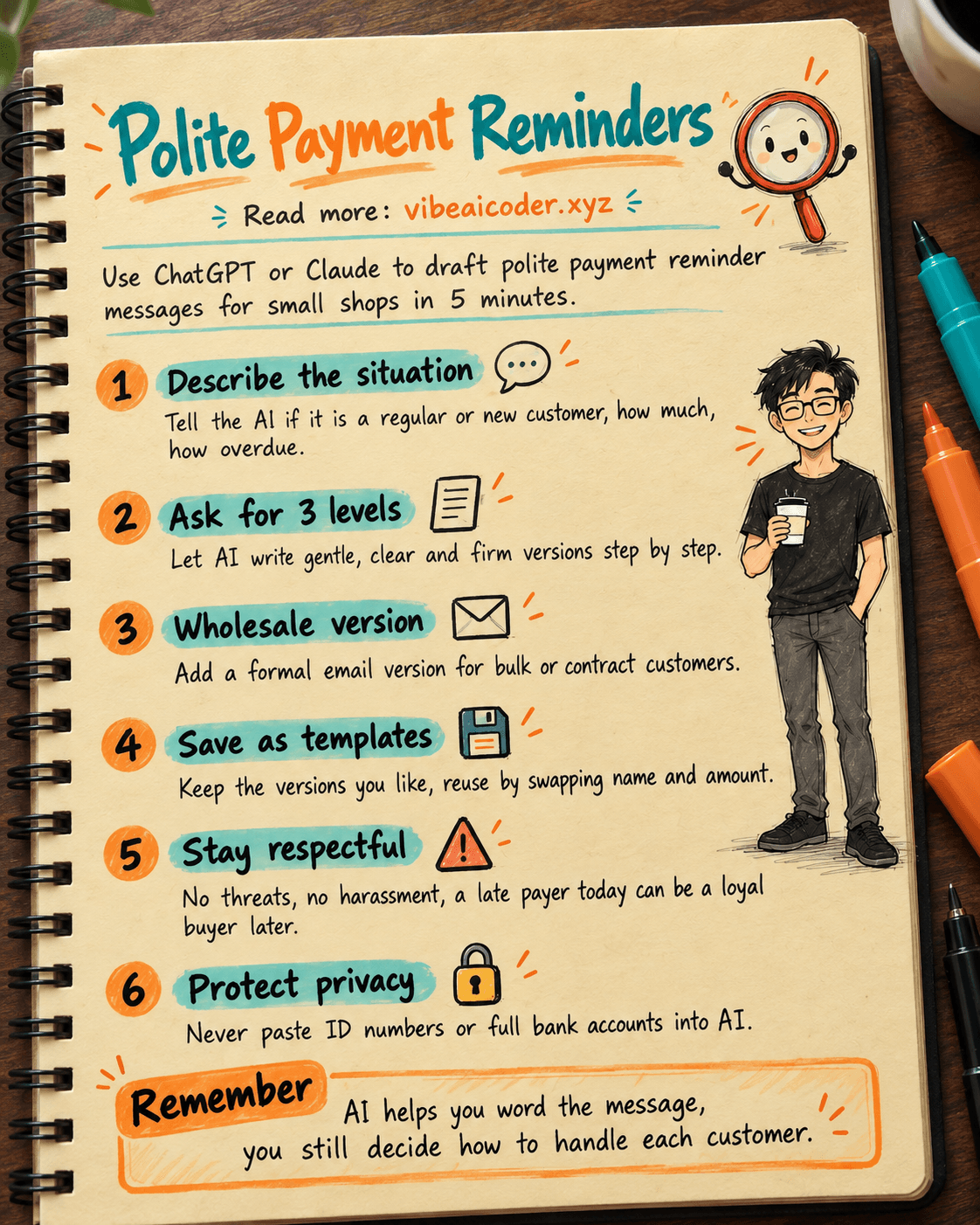
Use ChatGPT or Claude to Write Polite Payment Reminder Messages in 5 Minutes