Stop-Slop: The Skill File That Stops AI Writing From Sounding Robotic
Stop-Slop: The Skill File That Stops AI Writing From Sounding Robotic
 What Are "AI Tells"?
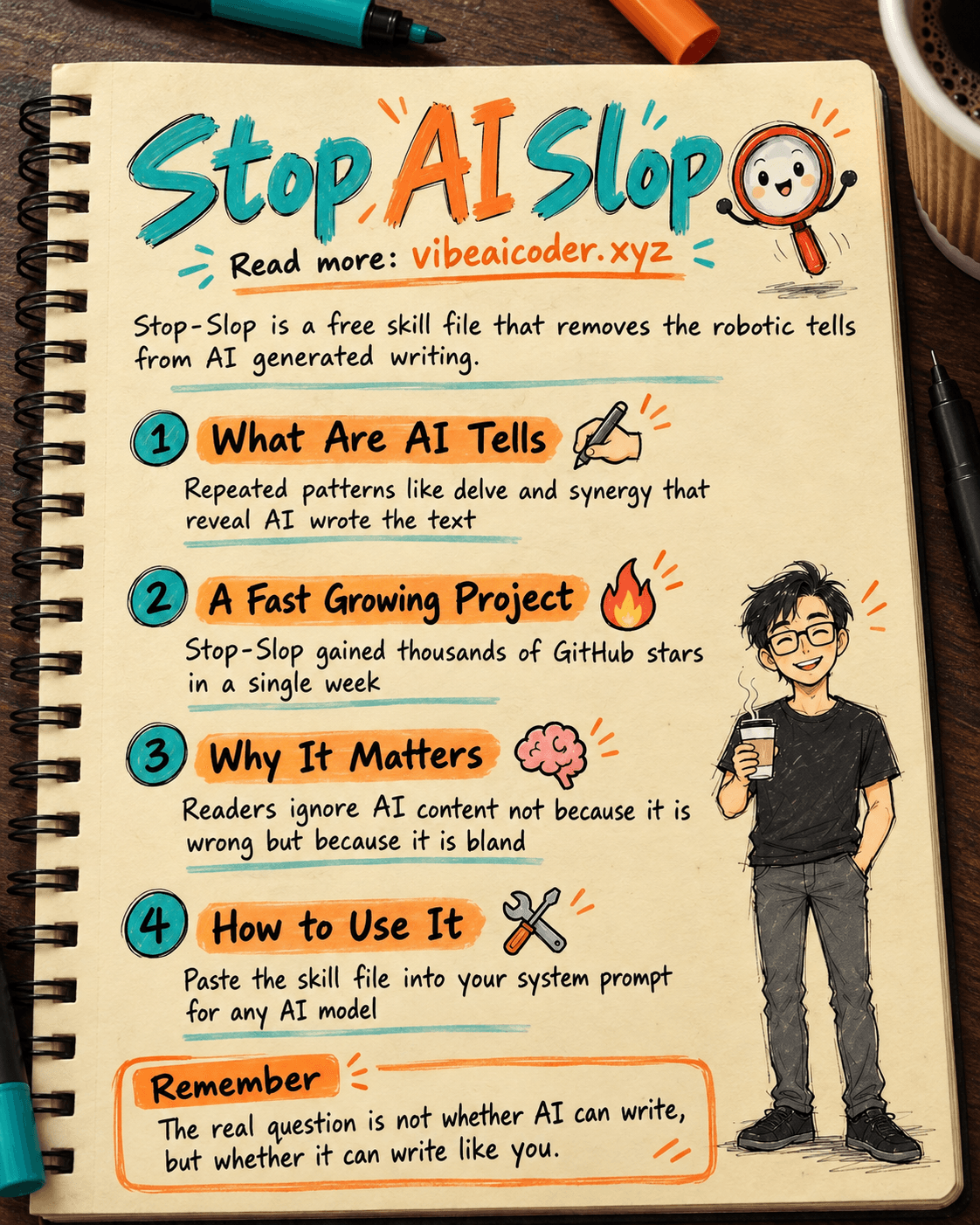
AI tells are the telltale signs that reveal a piece of text was written by AI rather than a human. They show up everywhere, often enough that you can spot them instantly without even thinking about it.
Have you ever read an opener like "Certainly! I'd be happy to help!"? Or noticed words like "delve," "synergy," and "comprehensive" packed densely into a single piece? That's an AI tell. The sentences are too perfect, too symmetrical. The argument always balances both sides and never dares to take a strong stance. These are all highly recognizable patterns of AI-written text.
 How Did Stop-Slop Come About?
Stop-Slop is a GitHub project built by hardikpandya, currently sitting at 8,250 stars and having gained 3,770 stars in just one week. That number says a lot about how much the developer community cares about the quality of AI content.
At its core, Stop-Slop is a specialized "skill file," essentially a detailed set of instructions you feed into the context when working with AI. It isn't an app or a model of its own. It's a rulebook that teaches AI to write more naturally, with more personality, and less like a robot.
In the same spirit, Taste-Skill is also drawing attention with 31,680 stars and a gain of 11,000 stars in one week. Taste-Skill tackles a related but different problem: stopping AI from producing content that's boring, generic, and lacking a point of view.
 Why Does This Actually Matter?
As AI content floods the internet, readers are unconsciously developing a sense for spotting it. People don't dismiss AI writing because it's wrong. They tune it out because it's bland.
A genuinely human piece of writing has sentences that cut short out of nowhere. It takes a controversial stance. It has small inconsistencies because the author's perspective shifts partway through. It uses slightly odd, slightly off-norm words. AI can't naturally produce any of that, and Stop-Slop exists to fix exactly this gap.
 How Do You Use Stop-Slop?
In practice, you grab the skill file from the Stop-Slop repo and drop it into the system prompt or project instructions when working with any AI, Claude, ChatGPT, or Gemini, it doesn't matter which.
The content of that file gives the AI specific guidance: which words to avoid, which sentence structures to avoid, and more importantly, what tone to aim for. Instead of "Certainly! Here are five comprehensive strategies...", the AI learns to open more directly, more forcefully, with more of a point of view.
This is one of the most practical applications of vibe coding applied to content: you're not coding a new feature, you're fine-tuning the AI's behavior to serve your specific needs.
 The Bigger Trend Behind It
Stop-Slop and Taste-Skill aren't isolated phenomena. They reflect a wave of pushback forming within the community: as AI content becomes too common and too uniform, serious users are starting to look for ways to get their real voice back through AI.
The question is no longer "can AI write?" but "can AI write the way I do?" And that's a much harder question. Projects like Stop-Slop are a first step toward answering it.
Are you using AI to write content? Do you find yourself constantly editing it because it keeps coming out sounding "too AI"?
More articles
Vibe Coding in 2026: Build Real Apps With Claude Code, No Programming Needed
Claude Code Fast Mode: Opus 4.7 Speed Without Losing Quality
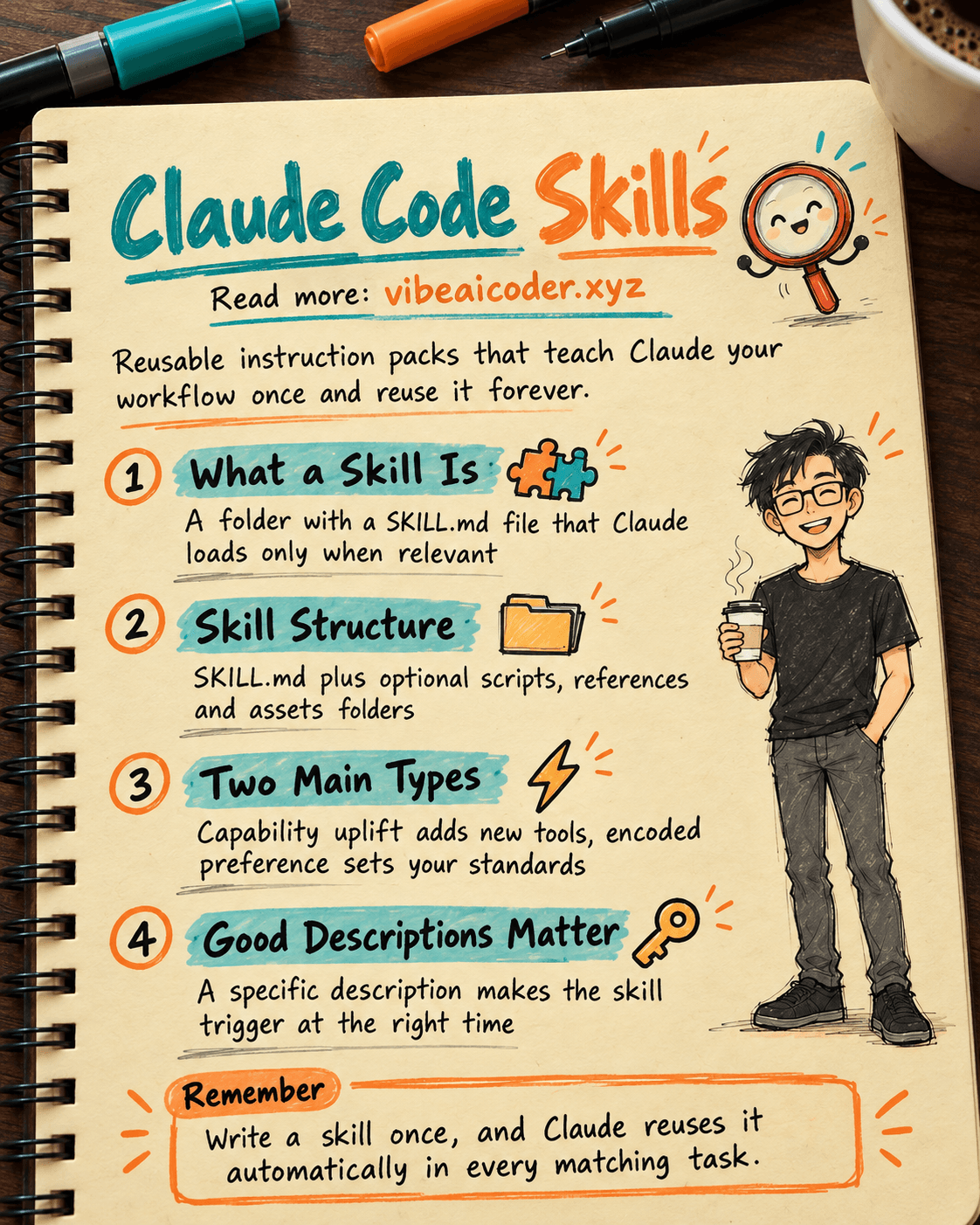
Claude Code Skills: Reusable Instruction Packs That Make AI Work Your Way
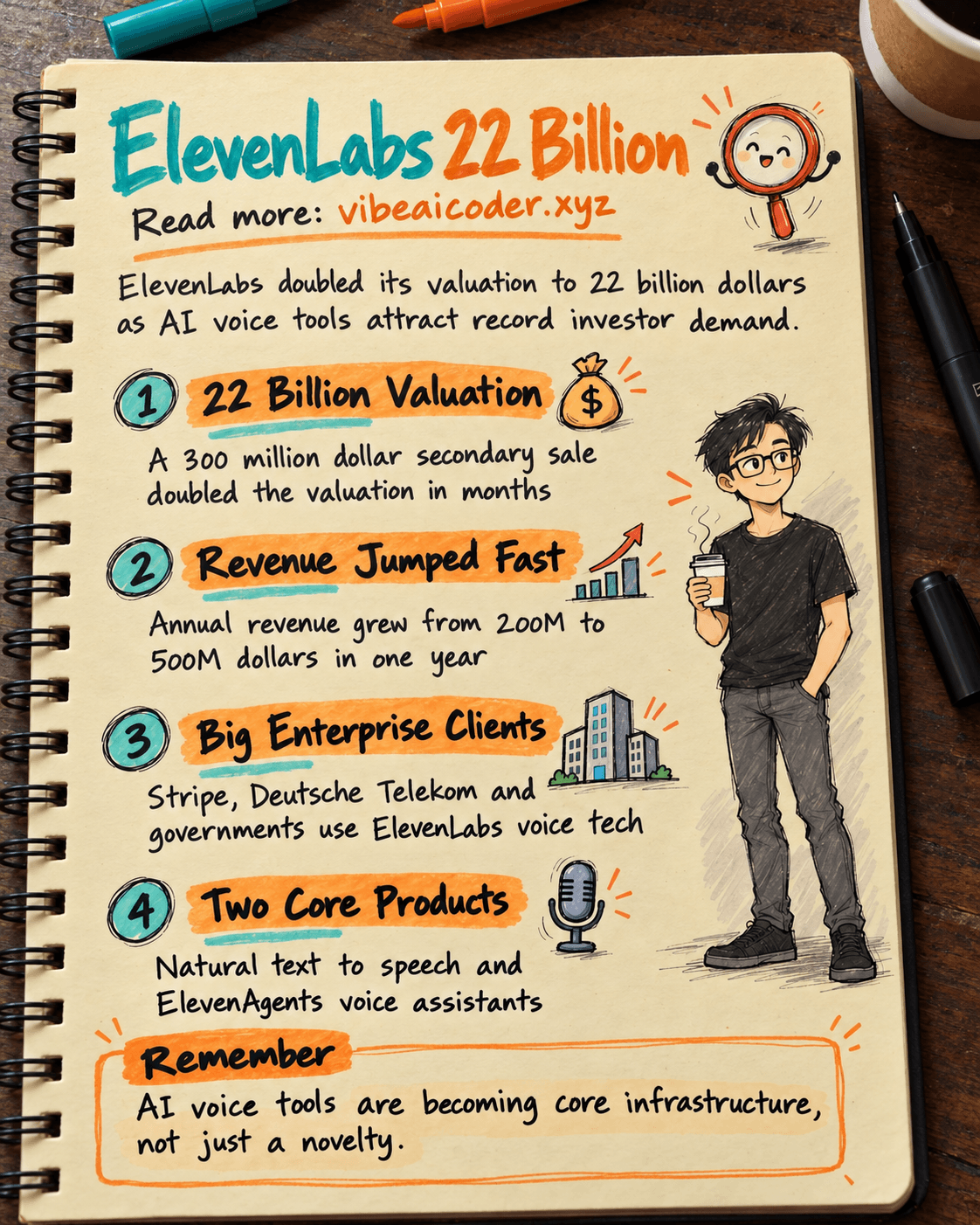
ElevenLabs Valuation Doubles to 22 Billion Dollars as AI Voice Tools Heat Up
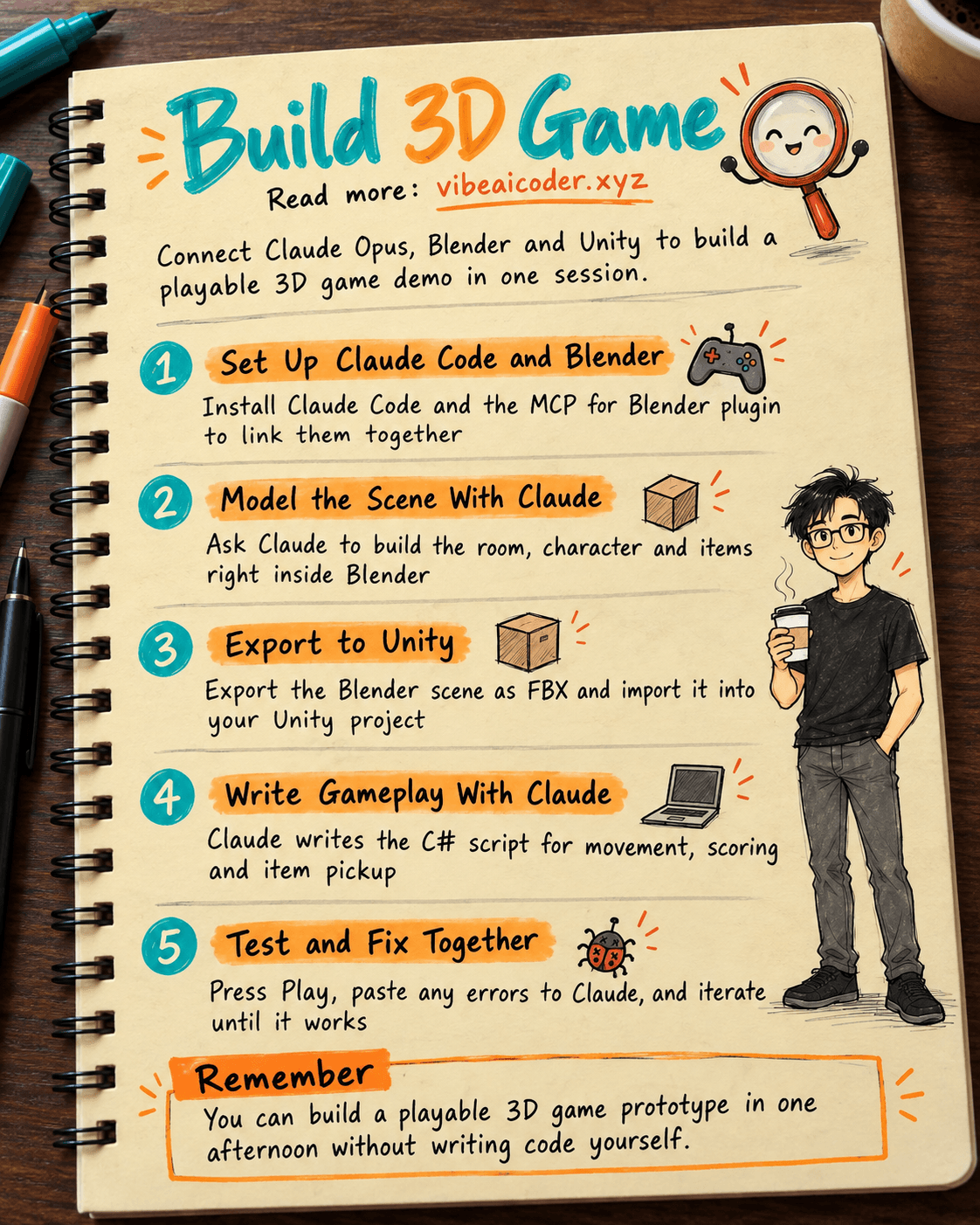
Build a 3D Game in One Session With Claude Opus, Blender and Unity
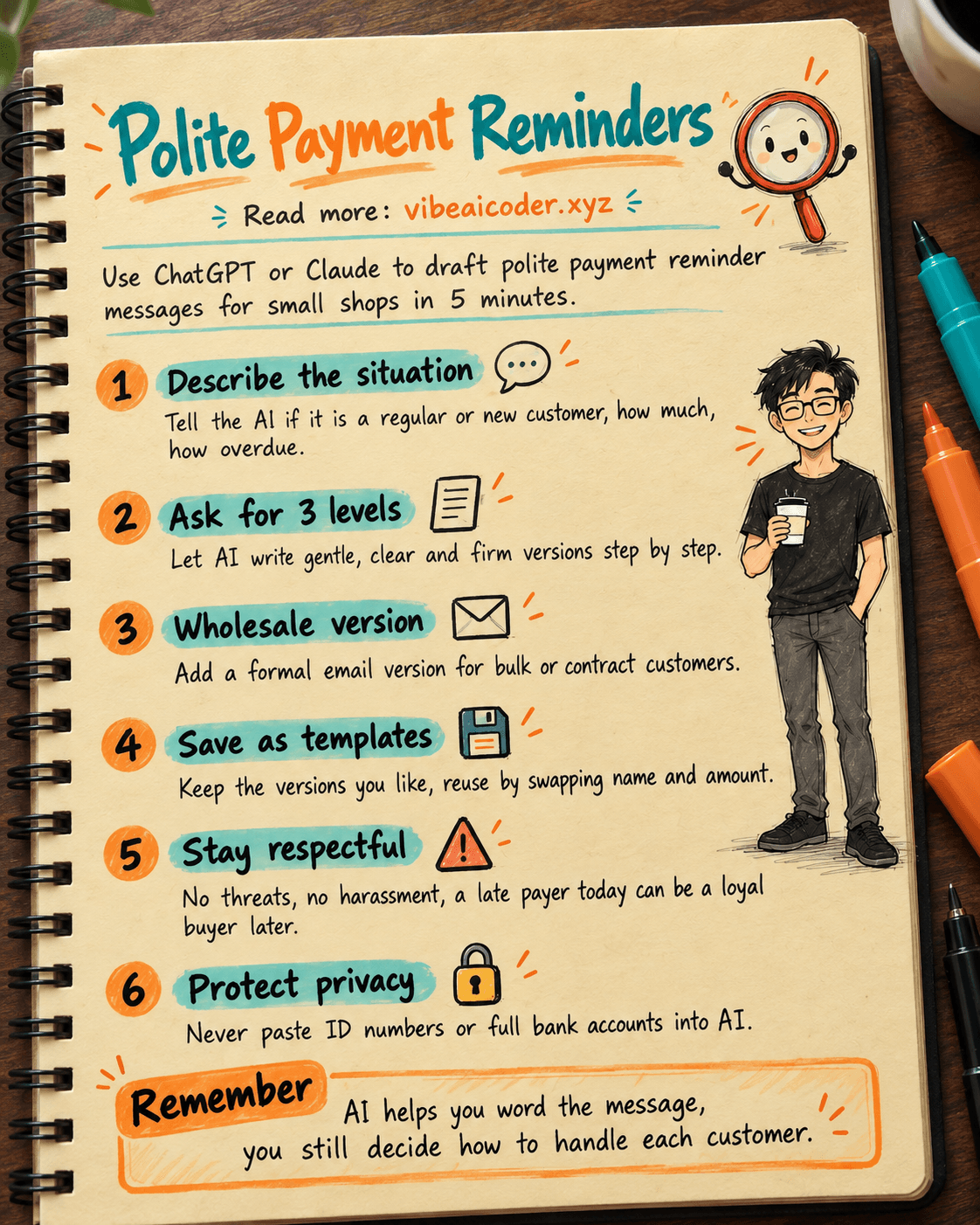
Use ChatGPT or Claude to Write Polite Payment Reminder Messages in 5 Minutes