Vibe Coding in 2026: Build Real Apps With Claude Code, No Programming Needed
Vibe Coding in 2026: Build Real Apps With Claude Code, No Programming Needed
Have an idea but don't know how to code? In 2026, that's no longer a barrier.
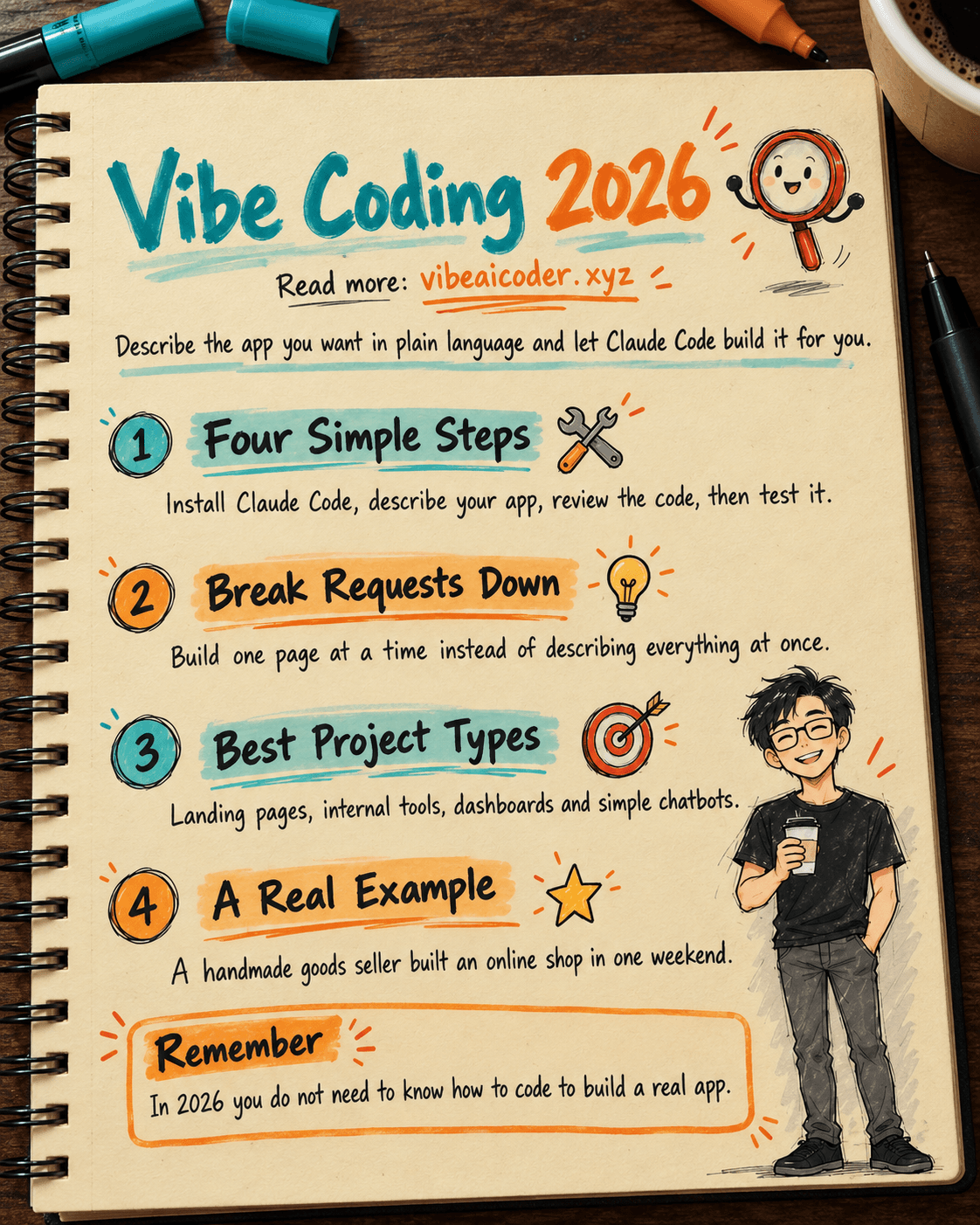
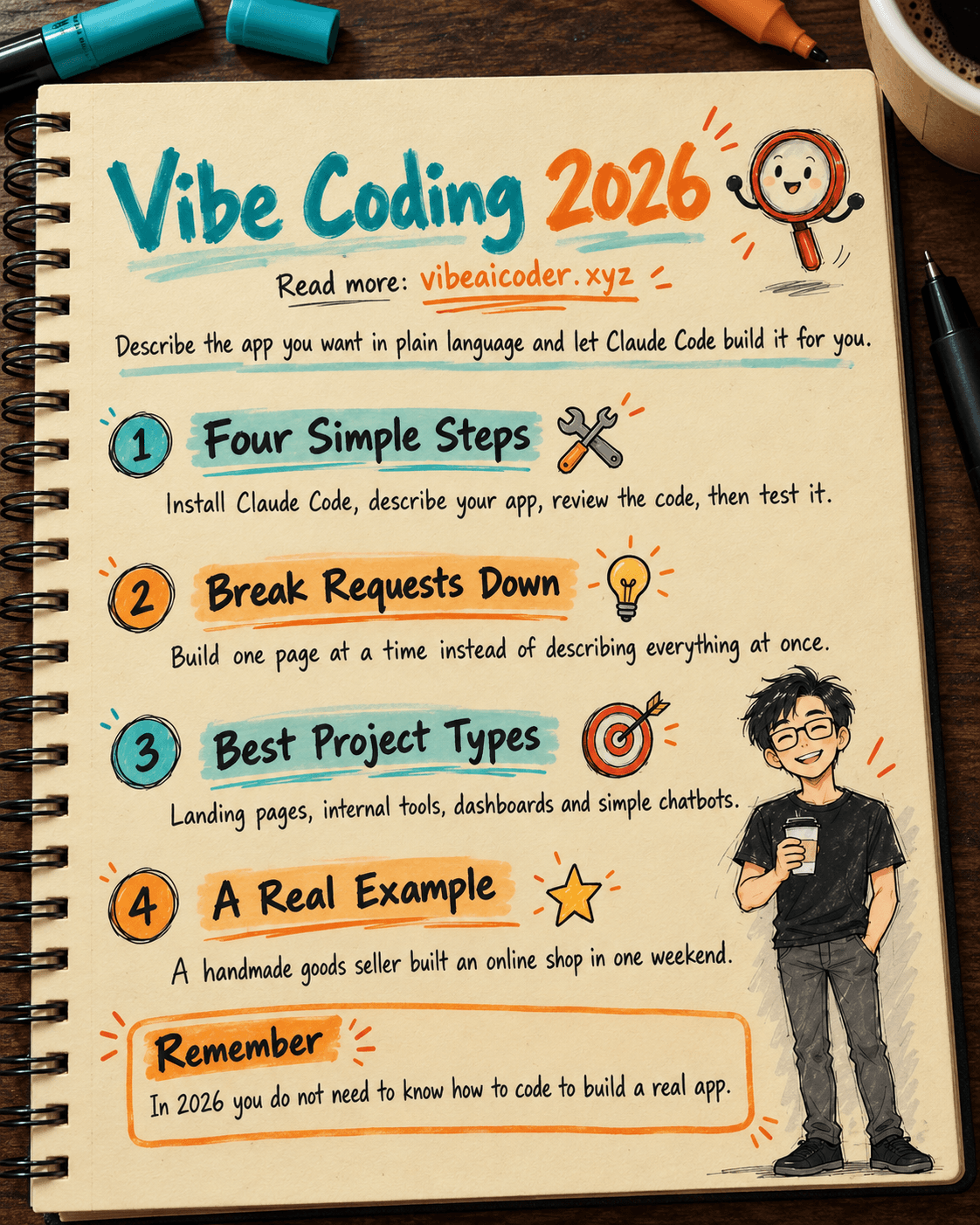
Vibe coding is changing how people build software. Instead of spending hundreds of hours learning to program, you just describe what you want in plain language, and AI handles the rest.
 Getting Started With Claude Code in 4 Steps
Step 1: Install Claude Code from claude.ai/code, or add the extension straight into VS Code.
Step 2: Describe the app you want to build in plain language. For example: "I want to build a personal expense tracker web app with nice charts." No technical jargon required.
Step 3: Claude generates all the code. You review it, approve it, or ask for changes right in the conversation.
Step 4: Try out the app, then say plainly what you don't like, and Claude will keep fixing it until it matches what you want.
 Four Tips for More Effective Vibe Coding
Break your request into smaller pieces instead of dumping everything at once. Build the home page first, then add login, then build out the dashboard.
Use the /goal command to let Claude keep working on its own until the goal is done, without you having to prompt every step.
Open Agent View to track multiple sessions running in parallel.
Most important: don't be afraid to make mistakes. Claude can undo and try again.
 Which Projects Vibe Coding Fits Best
Landing pages for products, internal tools for small teams, automation scripts, data dashboards, and simple chatbots embedded into a website.
 A Real Story: A Handmade Goods Shop Built in 2 Days
The owner of a handmade goods shop built her own online store using Claude Code over a single weekend, no freelancer hired, no programming experience needed, and at zero cost.
More articles
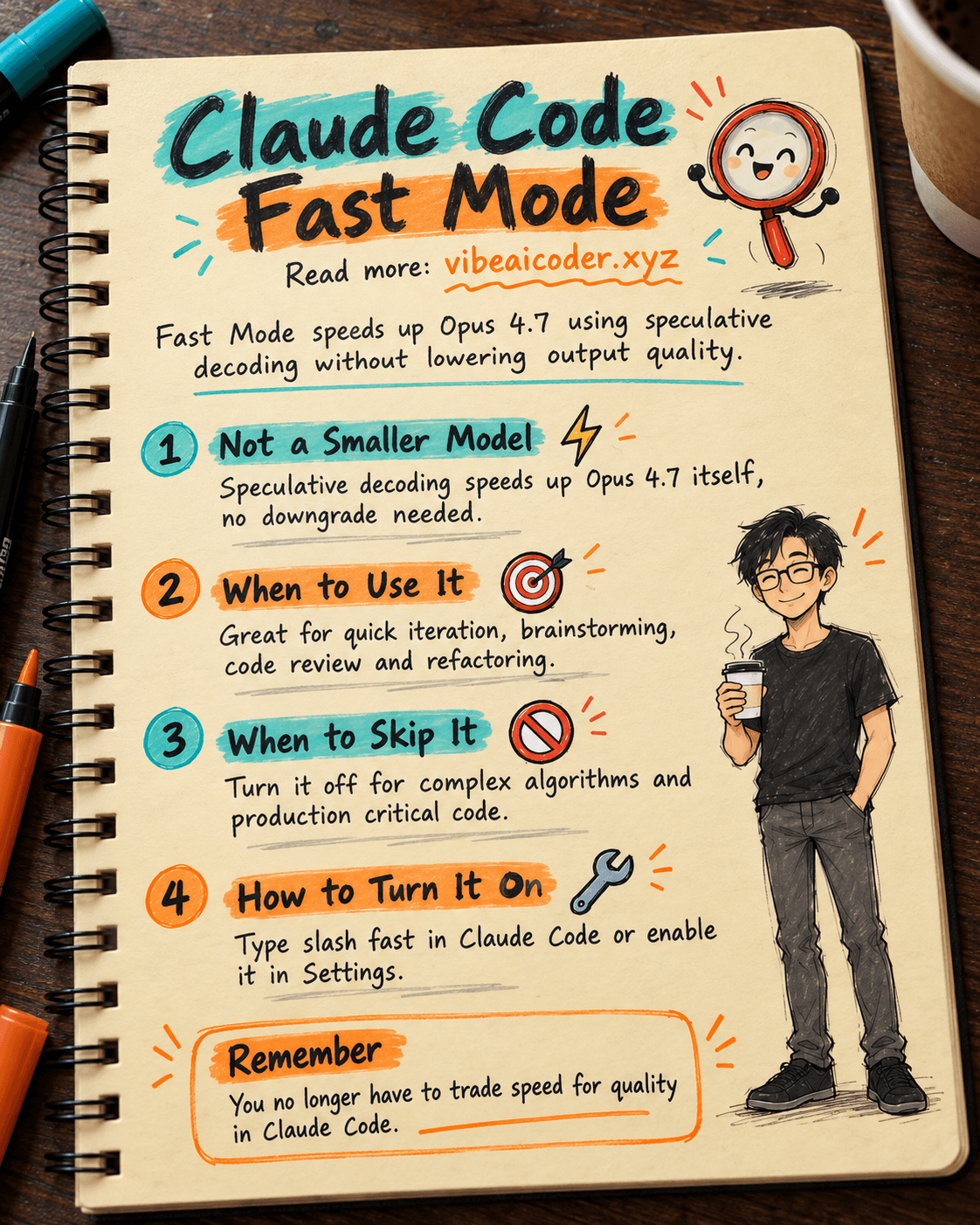
Claude Code Fast Mode: Opus 4.7 Speed Without Losing Quality
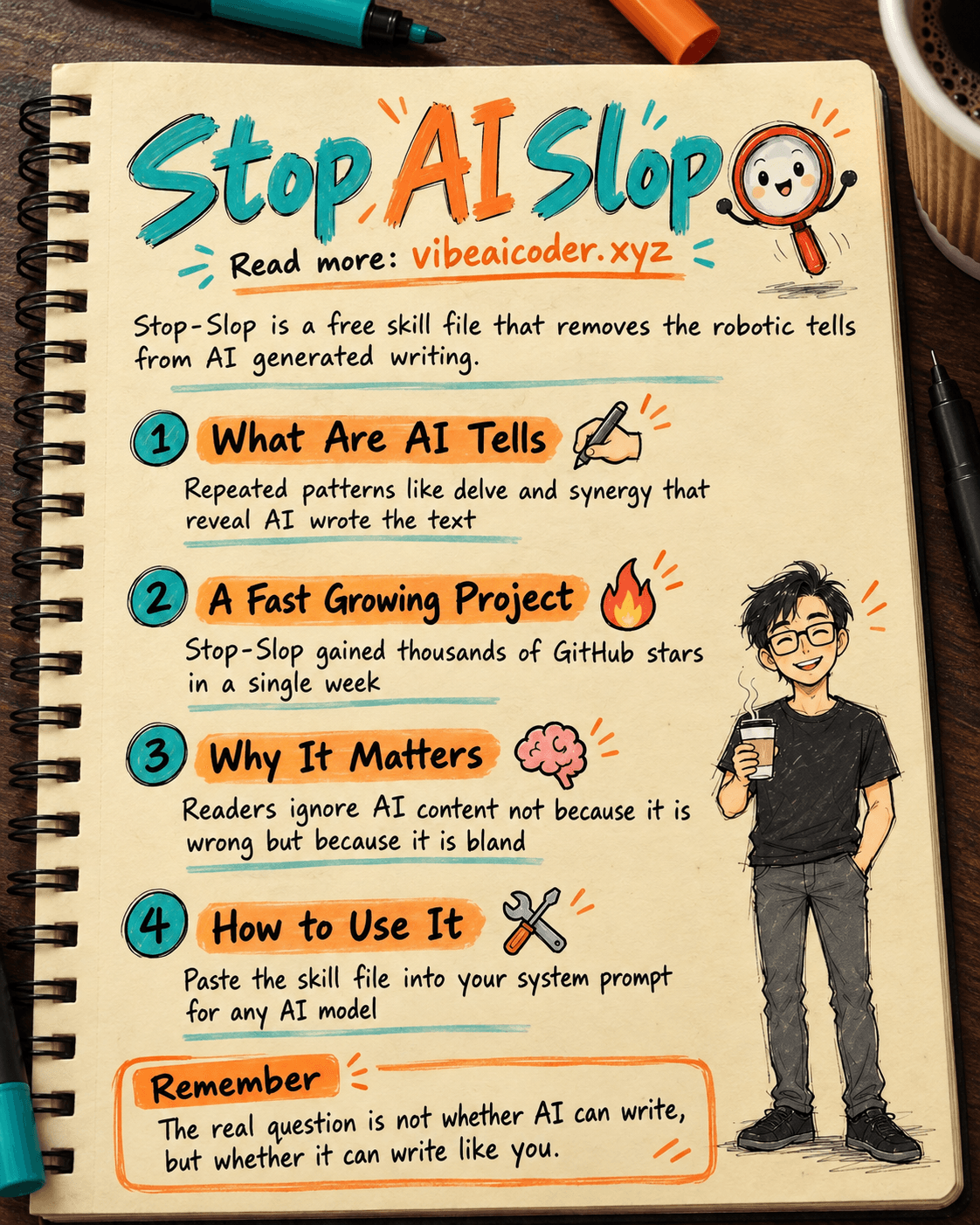
Stop-Slop: The Skill File That Stops AI Writing From Sounding Robotic
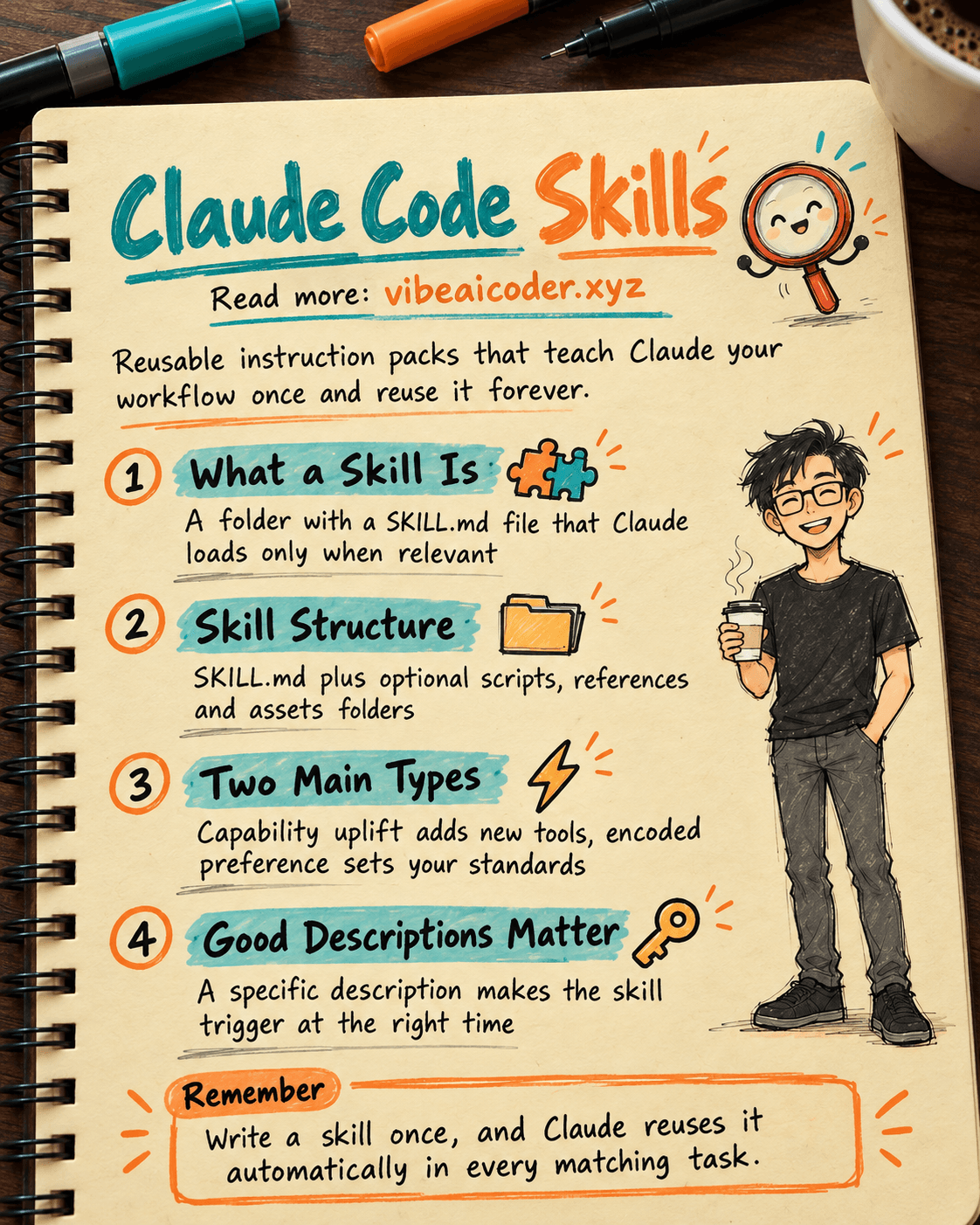
Claude Code Skills: Reusable Instruction Packs That Make AI Work Your Way
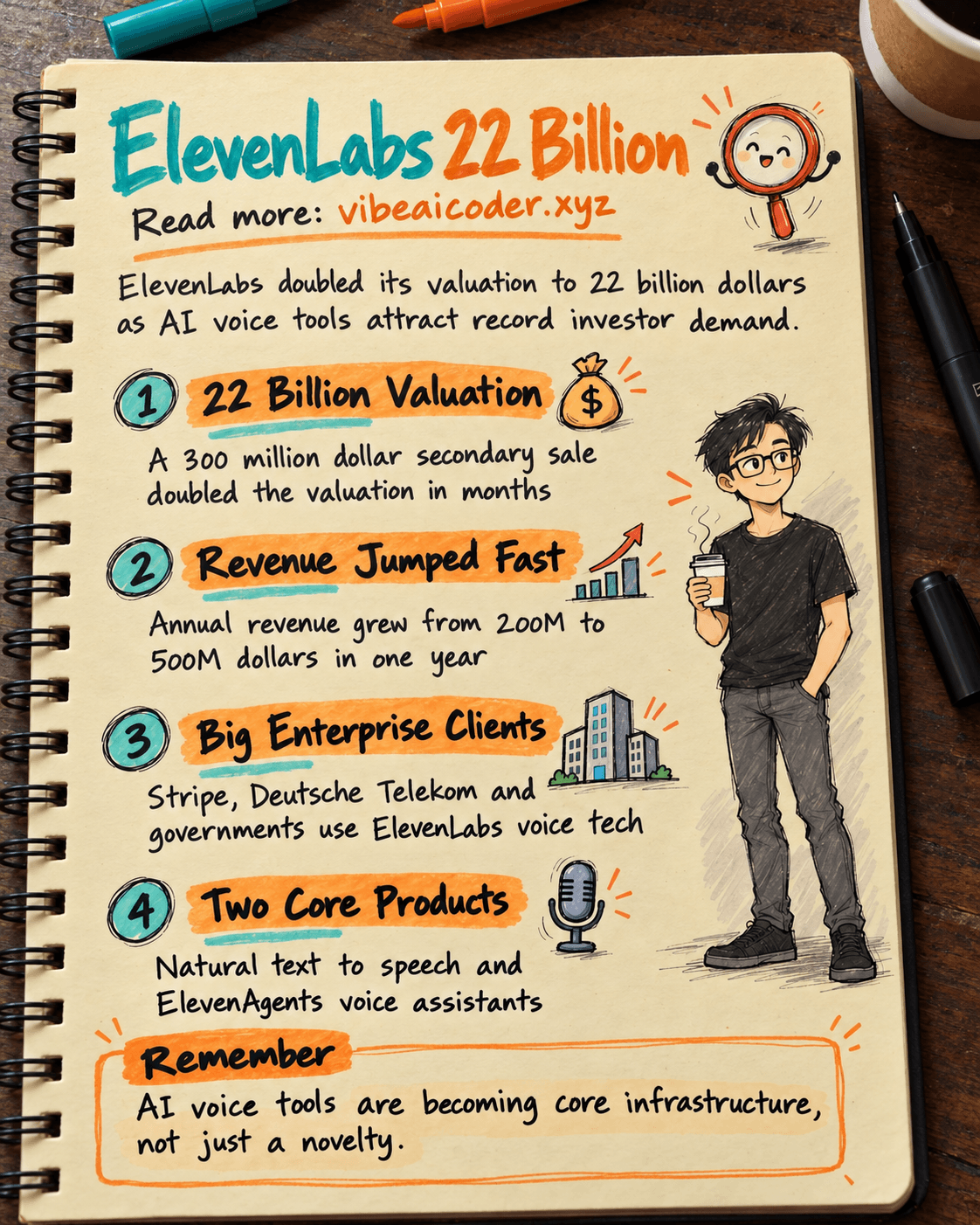
ElevenLabs Valuation Doubles to 22 Billion Dollars as AI Voice Tools Heat Up
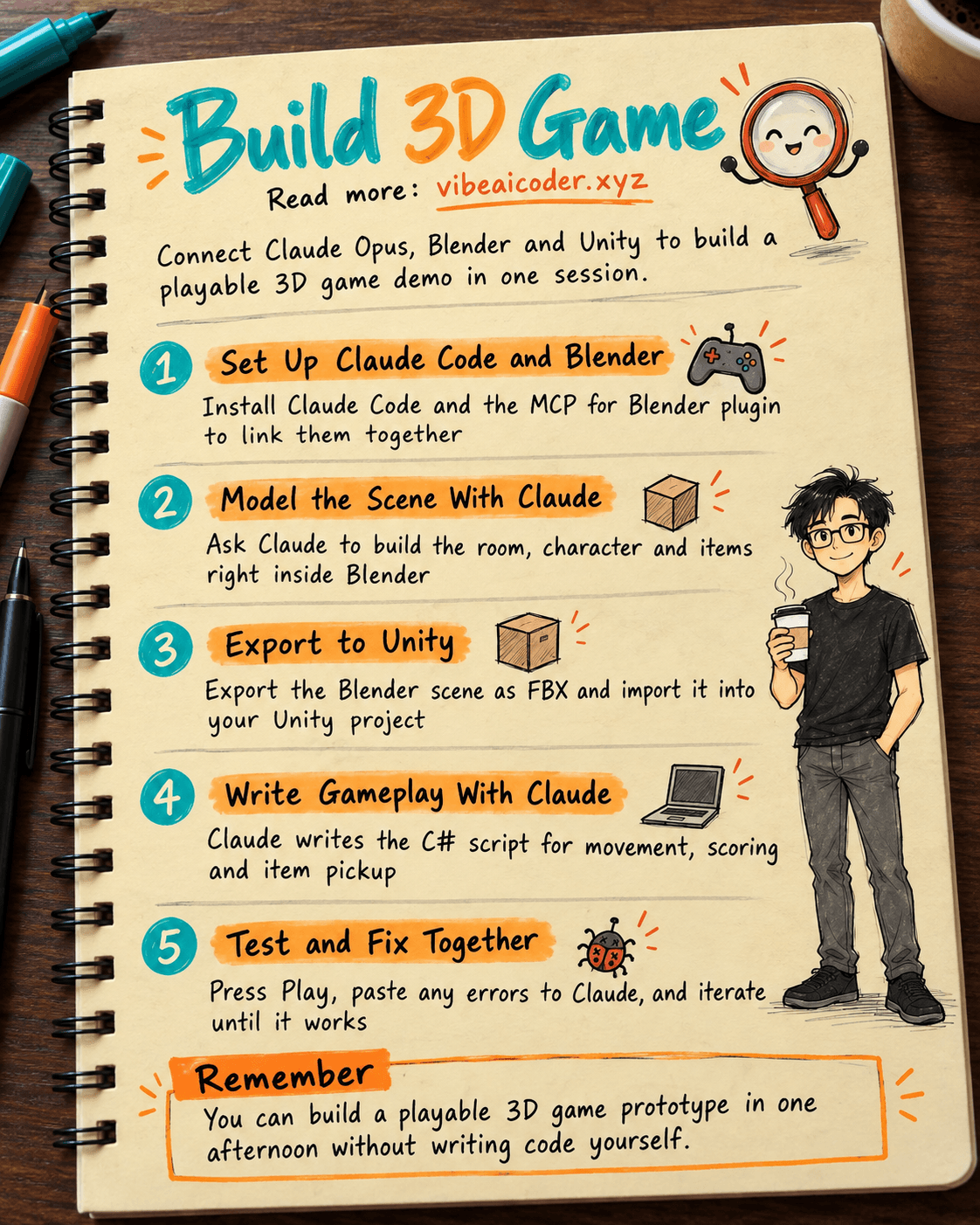
Build a 3D Game in One Session With Claude Opus, Blender and Unity
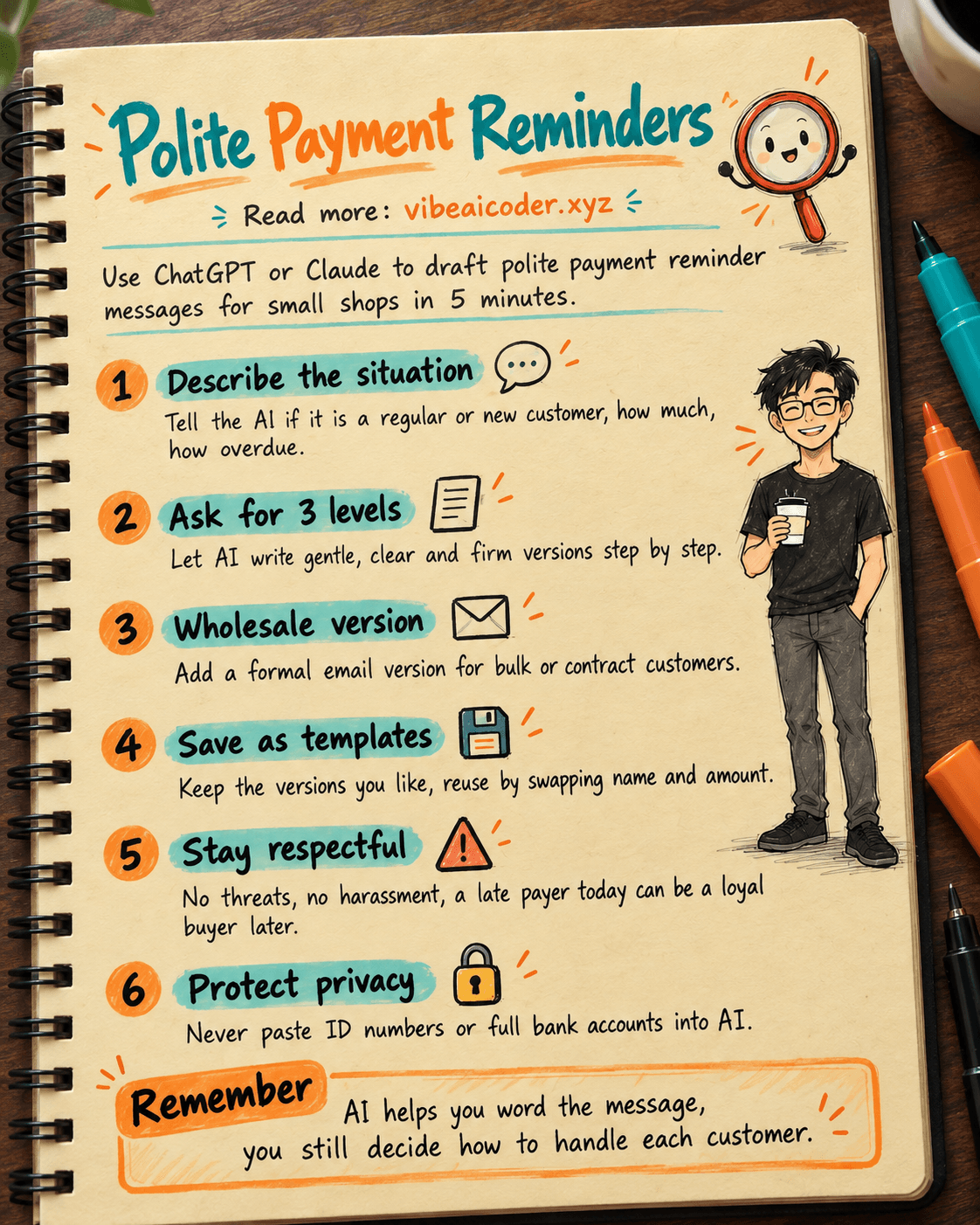
Use ChatGPT or Claude to Write Polite Payment Reminder Messages in 5 Minutes