Claude Code Fast Mode: Opus 4.7 Speed Without Losing Quality
Claude Code Fast Mode: Opus 4.7 Speed Without Losing Quality
Want Opus 4.7's intelligence but with the speed of a small model? Anthropic just made that possible with the newest Fast Mode in Claude Code.
 What Fast Mode Is and Why It's Different
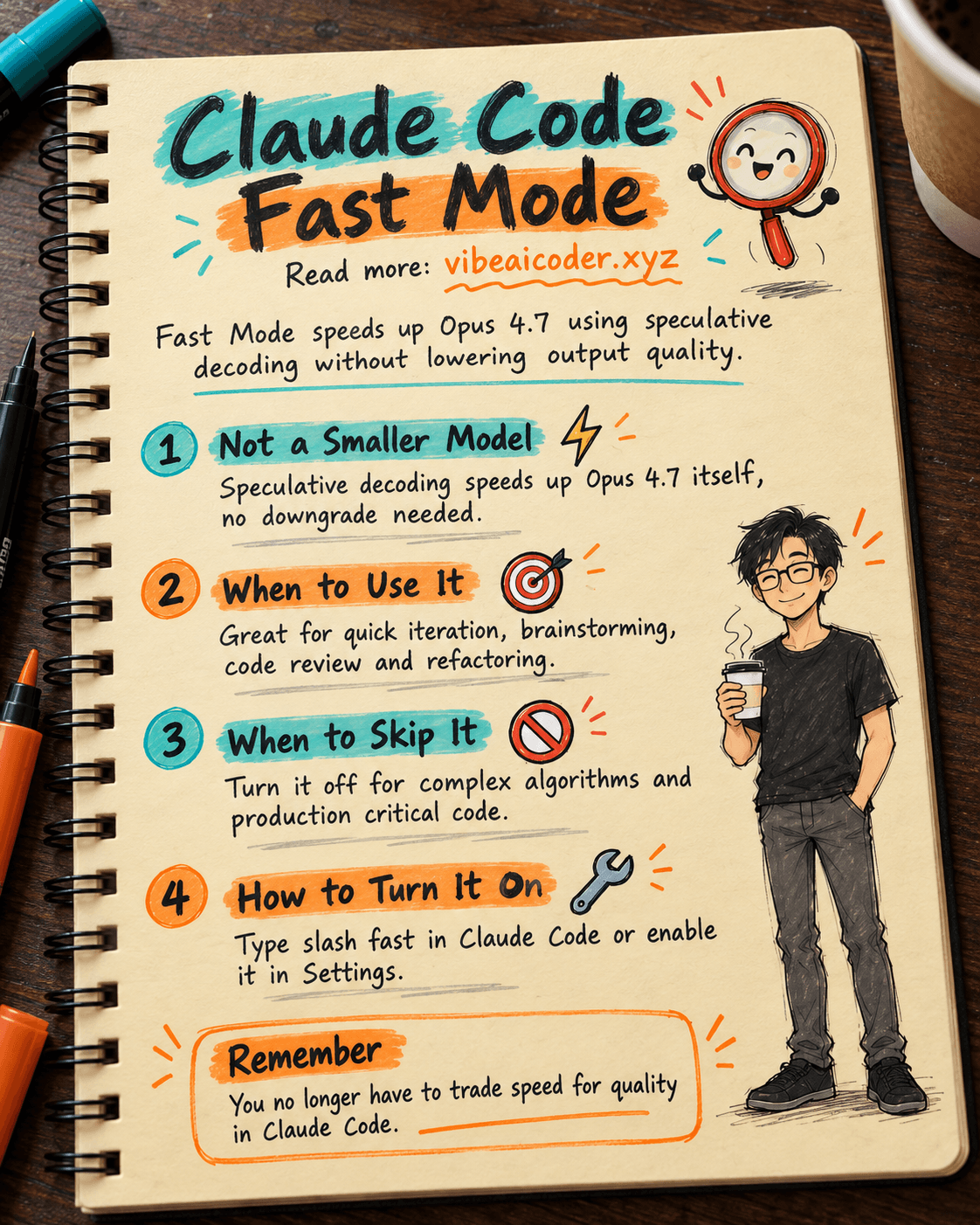
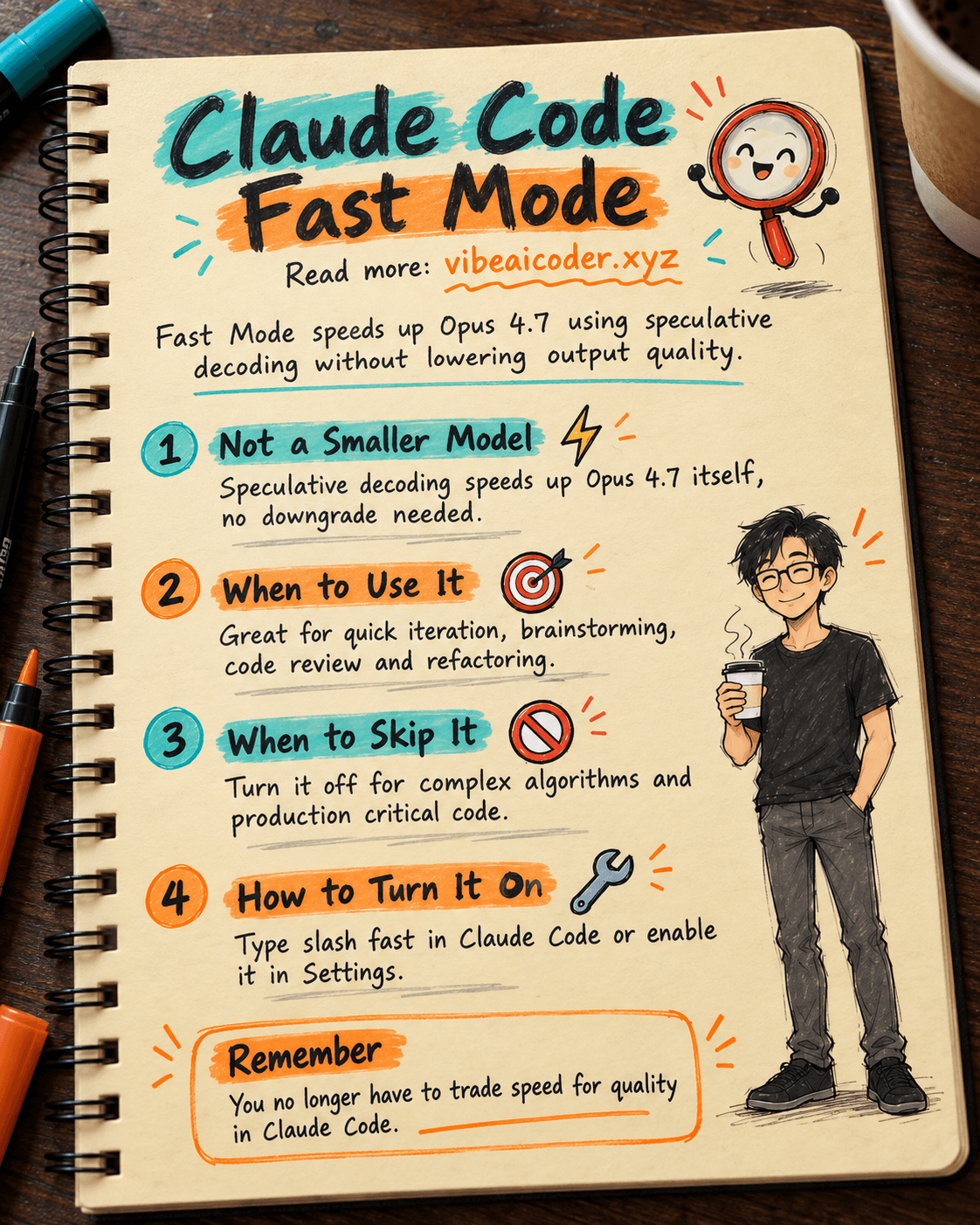
Fast Mode isn't about downgrading to a smaller model for extra speed. Instead, Anthropic uses speculative decoding and optimized inference to speed up token output while still running entirely on Claude Opus 4.7.
This is the first time a frontier model can run as fast as a mid-tier model without sacrificing quality. Fast Mode was introduced at Code with Claude 2026 as a research preview.
 When You Should Turn On Fast Mode
Turn on Fast Mode during quick iteration loops, brainstorming and code review sessions, repetitive tasks like refactoring and formatting, or when you want to test multiple approaches in a short amount of time.
 When You Shouldn't Use Fast Mode
For complex algorithmic problems, deep reasoning is what matters most. When writing production-critical code or doing system architecture analysis, let Opus 4.7 run at full power.
 How to Turn On Fast Mode
Type the /fast command directly in Claude Code, or go to Settings and toggle on Enable Fast Mode. Fast Mode works best when paired with the /goal command.
 What It Means for Vibe Coding
Before, you had to choose between speed (a small model) and quality (Opus). Now there's no trade-off. Fast Mode opens the door to a true flow state in coding.
More articles

Vibe Coding in 2026: Build Real Apps With Claude Code, No Programming Needed

Stop-Slop: The Skill File That Stops AI Writing From Sounding Robotic

Claude Code Skills: Reusable Instruction Packs That Make AI Work Your Way

ElevenLabs Valuation Doubles to 22 Billion Dollars as AI Voice Tools Heat Up

Build a 3D Game in One Session With Claude Opus, Blender and Unity

Use ChatGPT or Claude to Write Polite Payment Reminder Messages in 5 Minutes