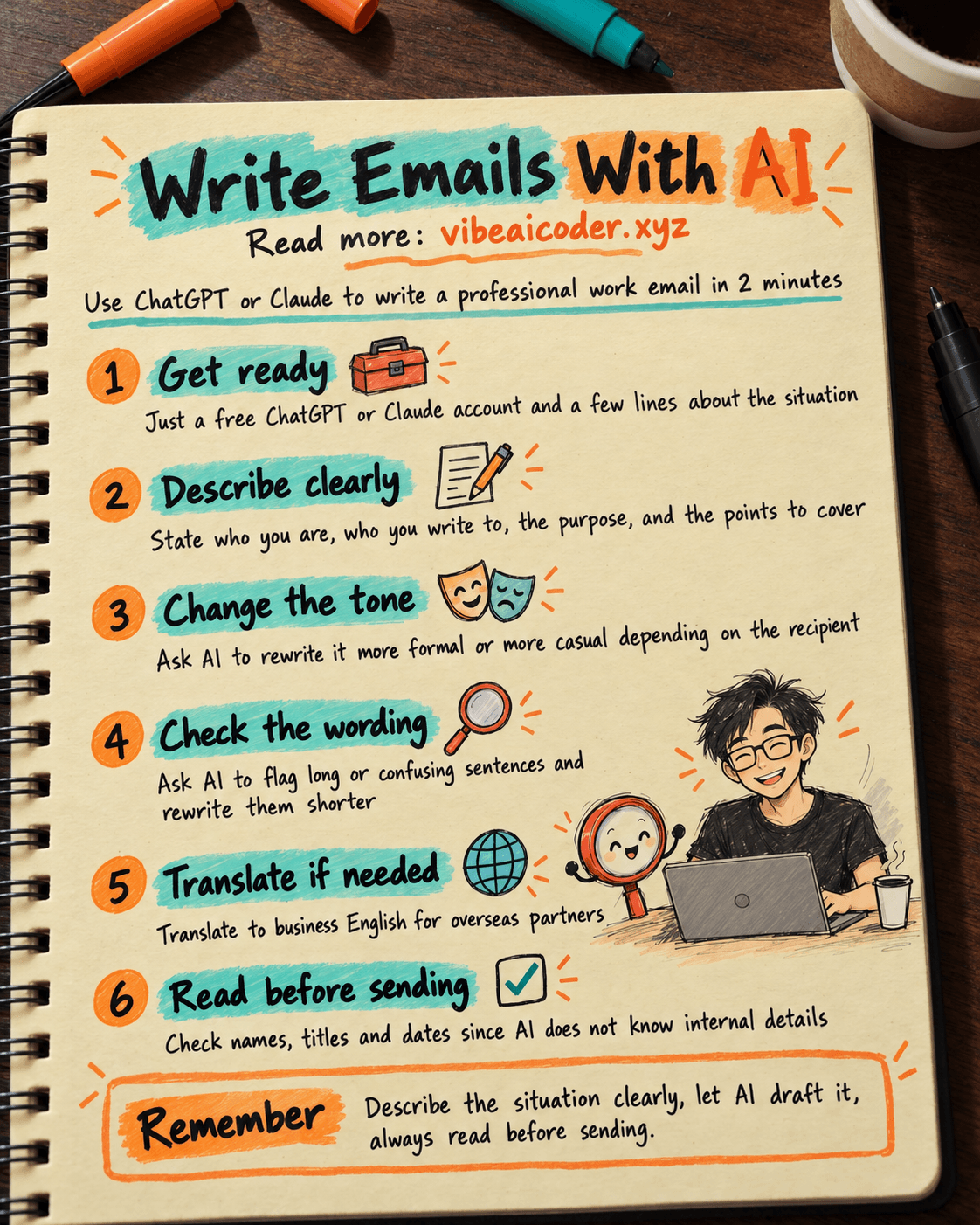
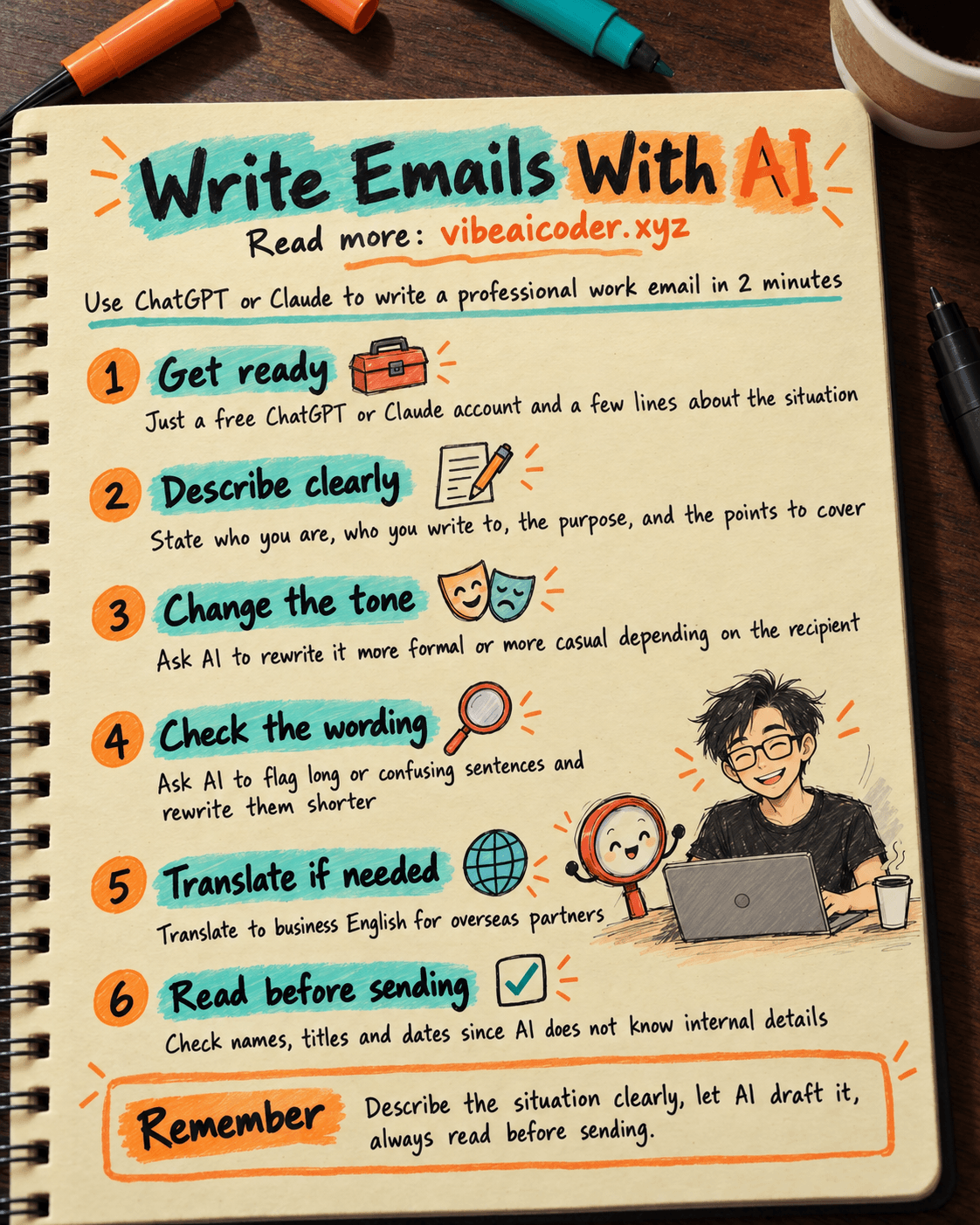
Write Professional Work Emails With AI in 2 Minutes
You will get a professional work email, in the right tone, with every point covered, ready to send in about 2 minutes, instead of wrestling with every sentence yourself. All you need to do is describe the situation to the AI, no writing talent required. You just need a free ChatGPT or Claude account and a few lines about what you want to say.
 What you need
- A ChatGPT or Claude account, the free tier is enough for writing emails.
- The situation: who you are, who you are writing to, the purpose, and whether you need to mention a deadline or attachment.
- If you are replying to an old email, copy that email first so you can paste it in for the AI to read.
If you are new to talking to AI in a way it actually understands, read what a prompt is and how to write one well first. The steps below follow the same idea.
 Step by step
Step 1: Describe the situation clearly
The more detail you give the AI, the closer the first draft lands, so you barely need to edit it. Paste this and fill in the blanks:
Write a work email in English, professional but friendly tone, no fluff.

Context: I am [job title, e.g. sales manager] at [company name], writing to [recipient, e.g. a partner, a client, my manager].

Purpose: [state clearly, e.g. asking to move a meeting to Thursday because of a conflict].

Points to include:
- [point 1]
- [point 2]
- [point 3]

Length: about 120 to 150 words. End with a thank you and leave the signature blank for me to fill in.
Step 2: Ask for one or two alternate tones
If the first draft is not quite right, do not start over, just ask for a change:
Rewrite the email above in 2 versions: a more formal one (for a big client or a longtime partner), and a shorter, more casual one (for a teammate).
Step 3: Ask the AI to flag anything confusing
Paste the whole draft back in and ask:
Read this email and point out any sentence that is too long or could be misread, then rewrite it to be shorter and clearer:

[paste the email here]
Step 4: Translate it if you are writing to an overseas partner
Translate this email into natural business English, keep the professional tone, do not translate word for word:

[paste the original email here]
Step 5: Read it yourself before you hit send
Check the recipient's name, title, dates and numbers. The AI does not know these internal details, you have to fill them in and confirm them yourself.
 Sample result
For "asking to move a meeting to Thursday," the AI usually produces something like this:
Hi [name],
This is [your name], [job title] at [company]. I am writing to ask if we could move our Tuesday meeting to Thursday this week, as something urgent has come up on our end.
Would 2pm Thursday work for you? If not, I am happy to adjust to whatever time suits you better. The agenda stays the same as discussed.
Sorry for the inconvenience, and thank you for understanding.
Best regards,
You just fill in the name, title and company, and send.
 Tips for better results
- Always state your relationship to the recipient (manager, client, teammate) so the AI picks the right level of formality.
- If replying to an email, paste the original in so the AI catches the context instead of asking you to repeat information it already has.
- Always give a word limit, AI drafts tend to run longer than necessary by default.
- Save a few reusable prompts, for example one for requesting leave, one for a progress update, one for a reminder, so next time you just swap a few details.
 Limits to know
- The AI does not know your company's internal policies or real numbers, so you have to fill those in and verify them yourself. Do not let the AI invent figures or commitments you have not confirmed. The post on what AI hallucination is explains why AI sometimes states things confidently and wrongly.
- Always read the full email before sending, especially important ones to clients or managers, the AI can miss context you never stated.
- Never paste sensitive information like contract numbers, customer data or passwords into any AI chat box.
 Frequently asked questions
Is ChatGPT or Claude better for writing emails? Both write solid work emails. To learn more about Claude, see what Claude AI is. The real difference comes from how clearly you describe the situation, not which tool you pick.
Is the free plan enough? Yes, writing emails only needs the AI's basic writing ability, not any advanced paid features.
Will the recipient tell it was written by AI? If you copy the draft exactly with no edits, it can sound a bit generic. Always read it over and add one or two personal details to make it feel natural.
Should I let the AI send the email automatically? Not with a regular chat tool, it only drafts the content, sending is still up to you after you check it.
Is it safe to write emails with AI? It is safe as long as you avoid pasting sensitive information. What you type may be stored to improve the service, so keep internal figures, contracts and real customer data out of your prompts.
More articles
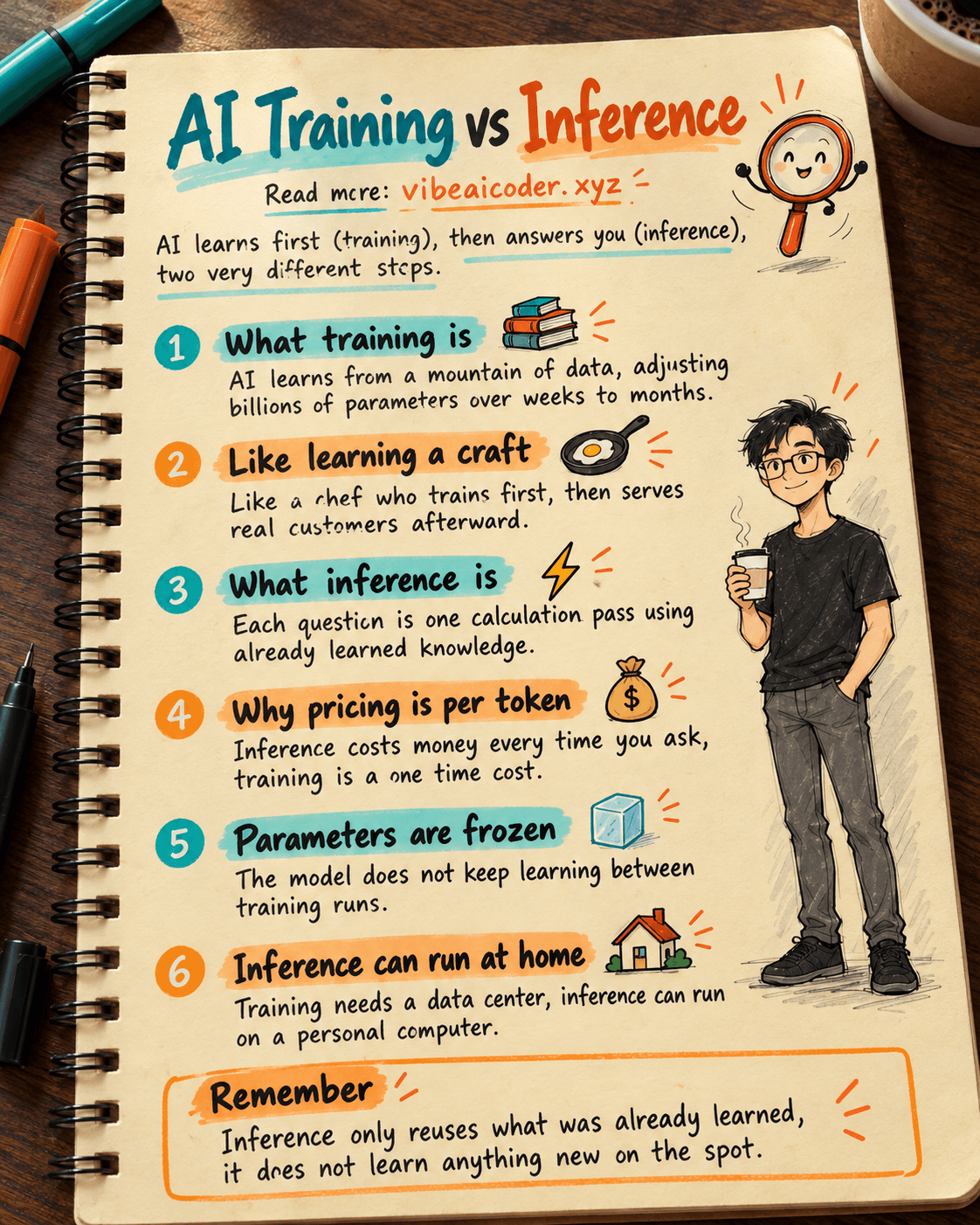
AI Training vs Inference: What Is the Difference?

Gemini 4 Argon Reads a 500-Page Chemistry Patent in One Afternoon

Claude Opus 5.5 Codes a Real Money Trading Game in One Day

What Is a Token in AI? Why ChatGPT and Claude Charge by Tokens

What Is Chain of Thought? Why Asking AI to Think Step by Step Works Better

Claude Sonnet 5.5 vs GPT-6.1 Sol: Which AI Model Is Worth Using?