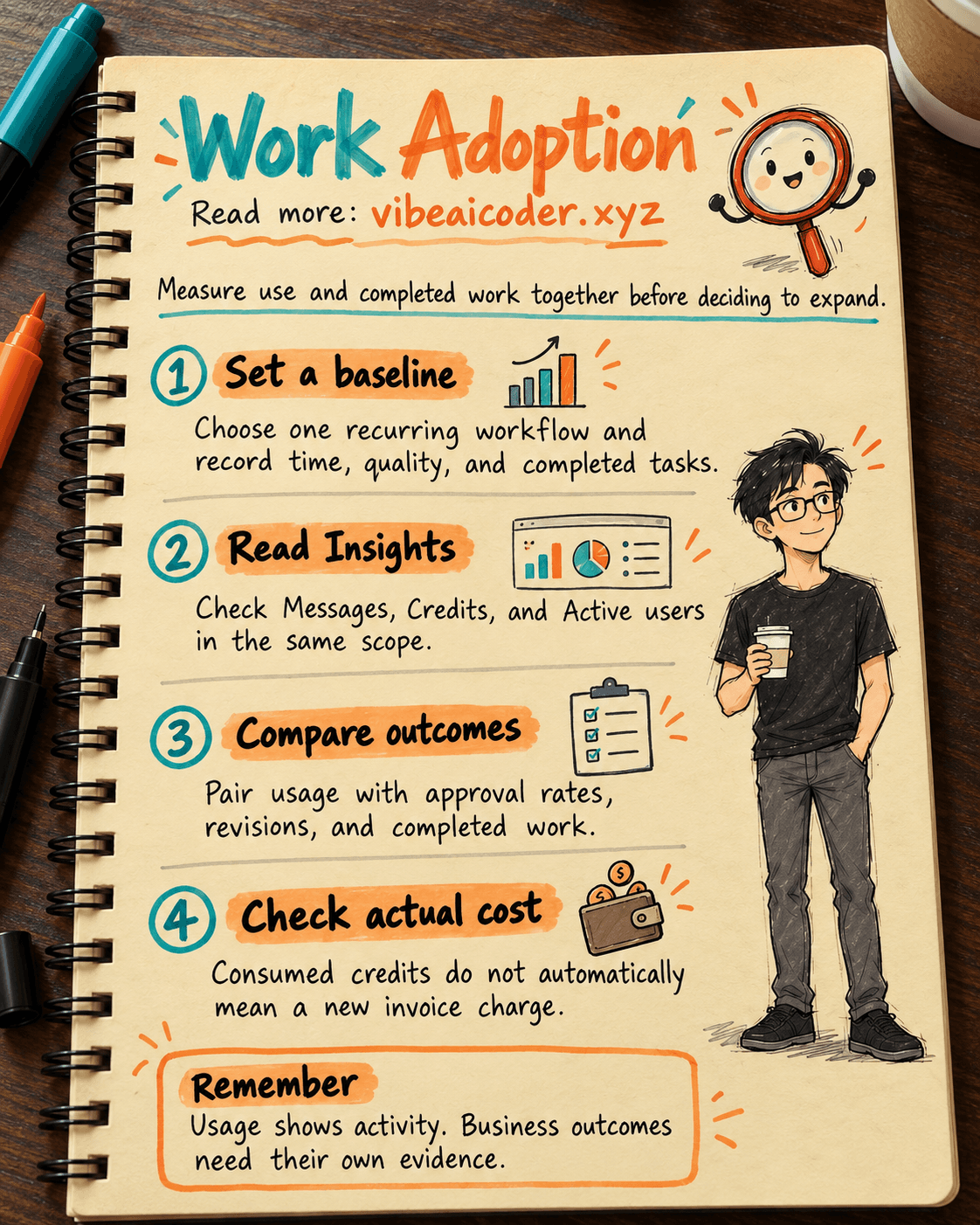
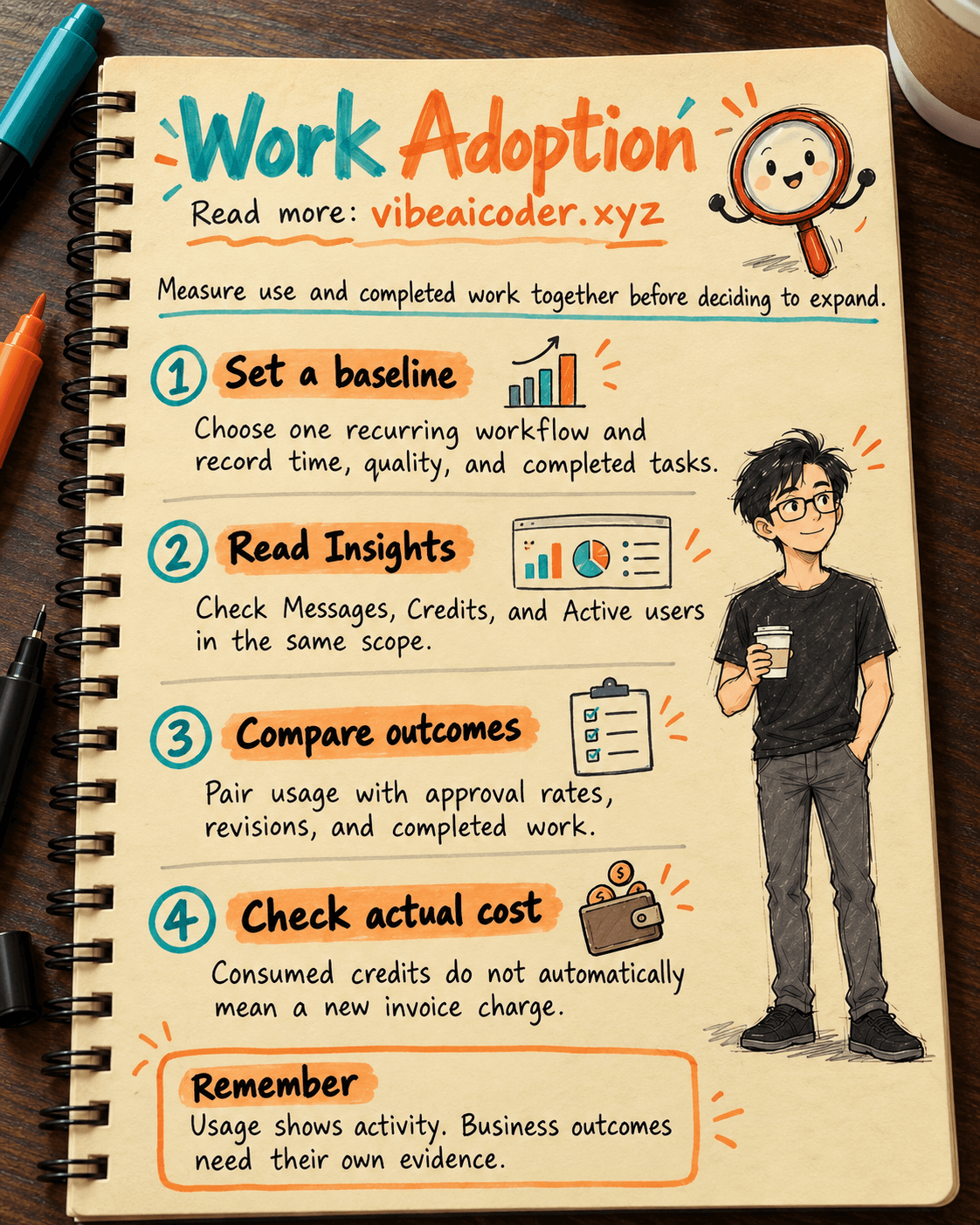
How to Measure ChatGPT Work Adoption and Business Outcomes
In about 45 minutes, you can build a review sheet showing who used ChatGPT Work, how much was consumed, and whether a specific job improved. You need permission to view workspace analytics, a workflow with measurable outputs, and an owner who can check quality. More activity alone does not show that the company is working more effectively.
 Before you begin
Open ChatGPT with your company workspace account. According to OpenAI's Workspace analytics guide, workspace reporting shows broad adoption, while Insights goes deeper into ChatGPT Work and Codex tasks. What you can see depends on your plan, permissions, and enabled features. If you lack access, ask an administrator or Analytics Viewer for a report they are allowed to share.
Prepare three things outside ChatGPT:
- A recurring workflow, such as preparing a customer brief before a meeting. Choose work with a clear finished deliverable.
- A baseline from before Work: number of briefs, processing time, revisions, and quality criteria. If it was never measured, record that there is no baseline.
- An approved tracking sheet with a task ID, date, team, time spent, review result, and approver. Do not copy customer secrets or unnecessary employee data into it.
If the team is still deciding who gets access, read how to pilot ChatGPT Enterprise with a small team. This guide starts after the team has begun using it and focuses on reading the evidence and making the next decision.
 Step by step
Step 1: Write the business question before opening a chart
A CEO may ask, "Is it worth buying more seats?" Make the question testable: "Can the team prepare a premeeting brief faster without leaving out key information?" The output is a brief accepted by the team lead, not a chat with AI.
Compare periods with similar working days, case types, and staffing. Note major campaigns or other changes. You can audit the workflow and find bottlenecks before assigning a number to time saved.
Step 2: Open the right reporting view
In the Admin Console, select the correct workspace and go to Analytics. Workspace analytics gives an adoption overview for supported features. If your workspace has Analytics > Insights, open it to explore Use cases and Tasks. OpenAI's Usage Insights guide says to confirm the workspace, date range, and filters before reading results. Classification history starts only when classification began. If your screen differs, check your access and available version instead of inventing a missing metric.
Record the workspace name, date range, filters, and export time. Use the same scope next time. Do not combine ChatGPT workspace analytics and Codex analytics into one number because they cover different product scopes.
Step 3: Read three signals together
Where Insights is available, inspect Messages, Credits, and Active users for each task category. Messages counts messages assigned to it. Active users counts people active in it. Credits measures consumption, and credit share shows its proportion of consumption in the selected view. None of these counts tells you how many tasks were completed.
Many messages from two people might reveal a useful practice or repeated attempts to fix an answer. High credit use might reflect complex work or settings that need review. Open the task details, talk with the people doing the work, and inspect the deliverables. Do not rank employees by message count.
If the dashboard labels data as sampled, keep that label in your report. Do not multiply a sample to guess total workspace activity. Note any unclassified activity. OpenAI also explains that plugin or skill invocations are not equivalent to messages or completed tasks.
Step 4: Pair usage with business outcomes
In the team's task sheet, calculate four numbers for the same workflow: median completion time, first pass approval rate, number of revisions, and completed deliverables. The median is the middle value when completion times are ordered; one unusually slow case affects it less than an average. With a small sample, show the case count and examine individual cases before drawing a broad conclusion.
Place those numbers beside adoption over the same period. A hypothetical example: "8 of 12 people were active; 24 briefs were completed; median time fell from 50 to 38 minutes; first pass approval stayed at 75%." These are illustrative numbers, not OpenAI data or a promised benefit. Faster work with worse quality is not necessarily progress.
ChatGPT can help draft a report structure from anonymized data that you are permitted to share. Replace the items in square brackets:
I am evaluating the [workflow name] process for [team name].
Before: [task count, time, approval rate, revisions, date range].
After: [matching measures and date range].
Approved workspace usage data: [active users, messages, credits, report scope].
Create a table with observations, formulas, missing data, and questions for the process owner.
Separate correlation from claims of causation. Do not calculate ROI without costs or output value.
If you are new to writing AI requests, see how to write prompts with clear goals, inputs, and limits. A manager must still check the calculations against source records and confirm quality with the actual reviewer.
Step 5: Check costs and make a focused decision
According to OpenAI's guide to ChatGPT Work usage and cost, Chat and Work may draw on shared credits, depending on the agreement. Using committed credits does not automatically create a new invoice charge. Administrators need to check the balance, billing period, overage terms, and relevant workspace reports. Multiplying a credit figure by a public price is not a reliable measure of your company's actual bill.
Put usage, outcomes, and any actual billing effect side by side. Choose one action for next month: expand a workflow with strong outputs, improve guidance where people repeatedly retry, or stop a trial whose outcomes cannot be measured. Name an owner and a review date.
 Example result
A one page summary for a department head could say:
Workflow: Prepare briefs before customer meetings. Scope: 12 employees, two comparable two week periods. Adoption: 8 people were active in the relevant task category in Insights; other measures retain the labels and scope shown in the report. Outputs: 24 briefs completed in the later period, with median time of 38 minutes versus 50 minutes before; first pass approval remained at 75%. Limitations: Customer complexity was not measured, and the effect of a new brief template was not separated. Decision: Continue with this team for two more weeks, add quality checks, and hold off on expansion.
These figures are hypothetical. Two observed periods do not prove that Work caused the 12 minute reduction. Examine other changes and continue the evaluation.
 Tips for better results
Look at tasks, not just broad categories. One Use cases category may contain several kinds of work. Open Tasks before saying what the team uses Work for. When credit use is high, ask about complexity, model choice, and settings before proposing changes.
Reuse one reporting template. Keep the definition of "completed" and the quality criteria consistent. Mark seasonal effects or staffing changes.
Ask the people doing the work. Easier research or coordination may not show up in message counts. Ask what became easier, which errors still need fixing, and which outputs the team would not trust Work to handle. Treat their answers as qualitative feedback, not measured savings.
 Limits to keep in mind
Analytics describes activity within supported scopes. It does not grant access, set policy, or replace audit records. For investigations or compliance evidence, review the separate Compliance API scope. A downloaded report is organizational data that needs access, storage, and retention controls.
Features, viewing permissions, data freshness, and exports can vary by workspace. Check the real account before promising a specific chart to the CEO. Usage counts do not directly measure quality, revenue, individual performance, or causation. Use them to identify questions, then have workflow owners and Finance validate results before further investment.
 FAQ
FAQ
What if I cannot see Analytics > Insights? Check the workspace, permissions, and enabled features. Ask an administrator what reporting is available. A missing screen does not mean nobody is using the product.
Can I divide messages by employees to measure productivity? No. A high count may reflect difficult work or repeated corrections. Measure outputs, time, and quality for a defined workflow.
Does high credit use mean our invoice will rise? Not necessarily. Check the agreement, remaining credits, and overage settings. Distinguish consumption from additional charges.
Should we publish a ranking of individual Work users? Avoid treating an adoption report as a standalone employee score. Use data within company policy and permissions, and understand work context before assessing anyone.
When should we expand? Once you have enough comparable cases, quality is stable, the owner confirms a benefit, and the cost is acceptable. If evidence is missing, extend the test and specify what to measure next.
#ChatGPTWork #ChatGPTEnterprise #AIManagement #WorkspaceAnalytics
More articles
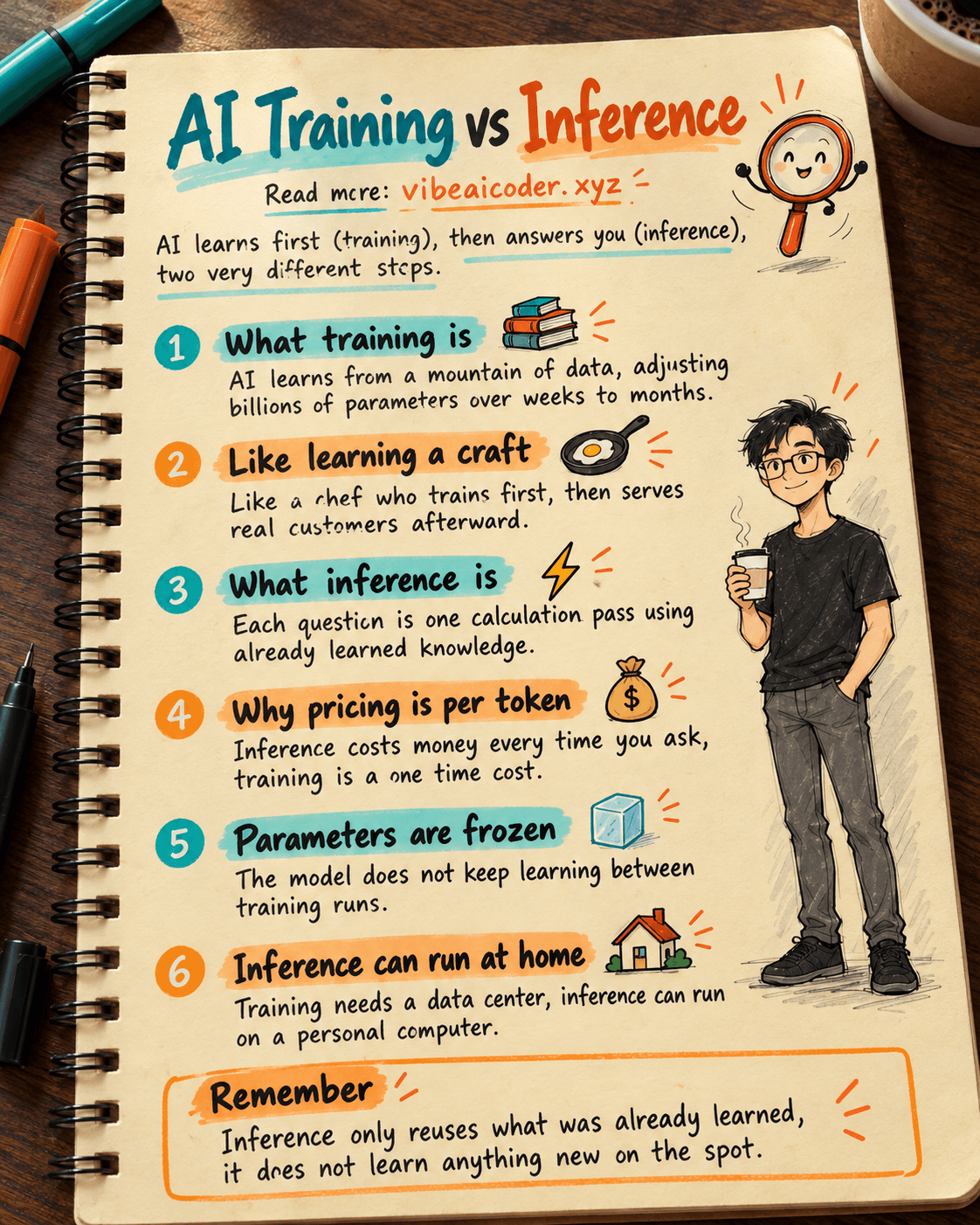
AI Training vs Inference: What Is the Difference?

Gemini 4 Argon Reads a 500-Page Chemistry Patent in One Afternoon

Claude Opus 5.5 Codes a Real Money Trading Game in One Day

What Is a Token in AI? Why ChatGPT and Claude Charge by Tokens

What Is Chain of Thought? Why Asking AI to Think Step by Step Works Better

Claude Sonnet 5.5 vs GPT-6.1 Sol: Which AI Model Is Worth Using?