Context Mode: the GitHub tool that stops AI coding agents from forgetting mid session
 Context Mode: the GitHub tool that stops AI coding agents from forgetting mid session
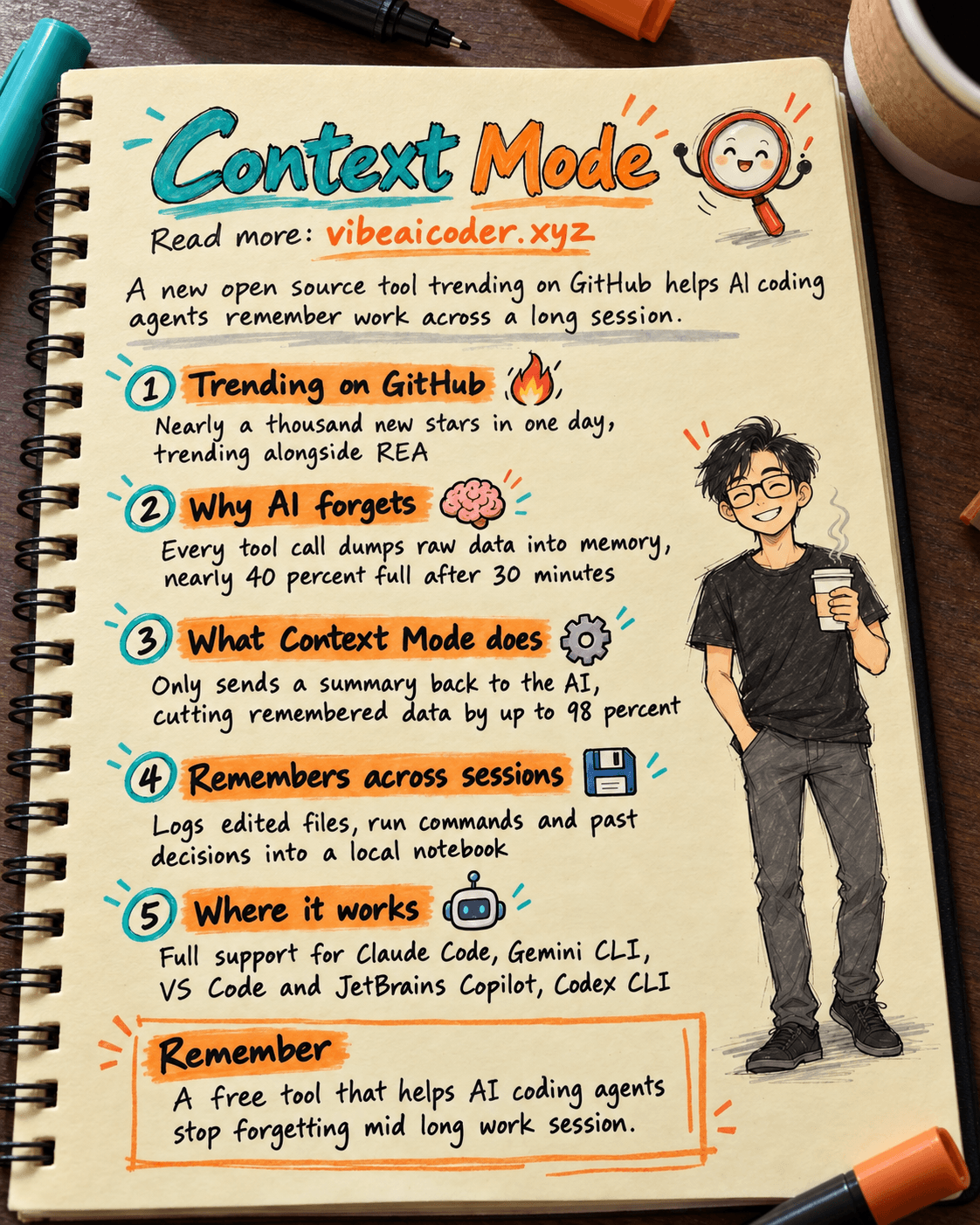
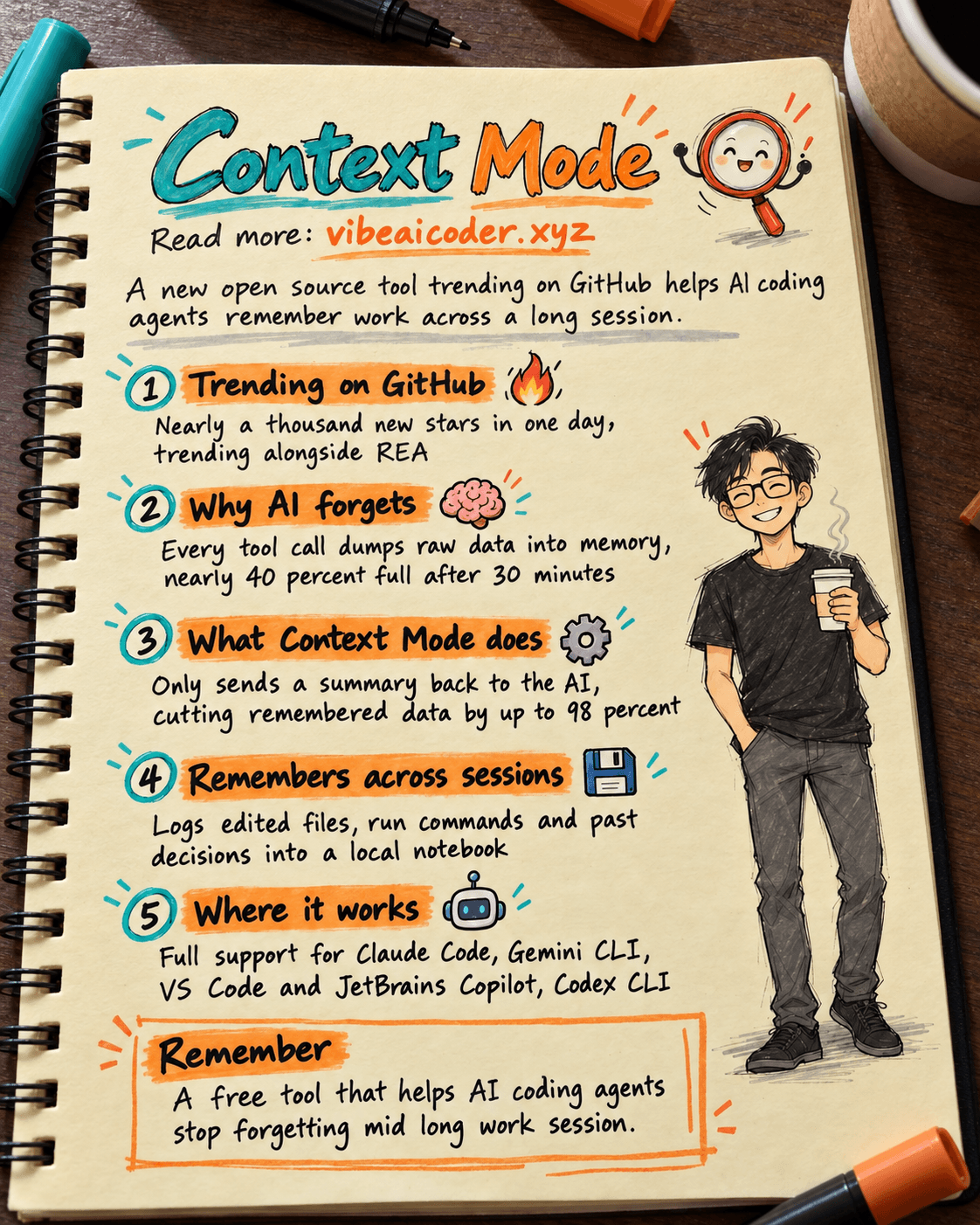
If you use Claude Code, Cursor, or Gemini CLI to code, you have probably hit this: after a while, the AI suddenly "forgets" which file it was editing or what task it was halfway through. Today an open source tool called Context Mode is climbing GitHub's trending page because it tackles exactly that problem, gaining nearly a thousand new stars in a single day.
 Why this tool is suddenly everywhere
Context Mode is a small add-on you install into the AI coding assistant you already use. The author calls it a "working memory optimizer" for AI agents, meaning it manages the space an AI uses to remember everything during a session (also called the context window, which we cover in what is context caching). It is trending alongside REA, the AI tool that reverse engineers software that we covered earlier, a clear sign the coding community cares a lot right now about making AI agents hold up over long sessions instead of losing the thread.
Why AI agents forget things
Every time an AI runs a tool, say taking a screenshot of a webpage or reading a list of GitHub issues, all that raw data gets dumped straight into its working memory. A single screenshot snapshot can be 56 KB of text, twenty GitHub issues can take up more than 59 KB. According to the tool's author, after about 30 minutes of work the AI has already used up nearly 40 percent of its allowed memory. Once that memory fills up, the system has to clear space to keep going, and that is exactly when the AI loses track of the file it was editing, the task it was mid way through, or your most recent request.
 How Context Mode fixes it
Instead of dumping raw data straight into the AI's memory, Context Mode runs each tool call inside an isolated "sandbox," and only a summarized result gets sent back to the AI. According to numbers the author published, this cuts the amount of text the AI needs to remember by up to 98 percent, with one example going from 315 KB of raw data down to just 5.4 KB of the parts that actually matter.
The tool also quietly logs everything you and the AI do (which files got edited, which commands ran, what decisions were made) into a small database stored locally on your machine. When the AI is forced to clear memory, it does not need to reload the entire history, it just searches for the relevant part, much like flipping a notebook straight to the right page instead of rereading it from the start. That way, when you come back to a session, the AI still remembers what it was doing. This follows a path we have seen before: we previously wrote about an open source tool that stops Claude Code from forgetting using a similar approach.
 Where you can use it
Context Mode supports quite a few popular AI coding assistants. Claude Code gets the fullest support, alongside Gemini CLI, Copilot in VS Code and JetBrains, and Codex CLI. A few others like Cursor and Zed only get partial support due to each platform's own technical limits.
For Claude Code, setup only takes three commands run inside Claude Code itself:
/plugin marketplace add mksglu/context-mode
/plugin install context-mode@context-mode
/context-mode:ctx-doctor
The last line checks that the tool is running correctly.
 Why this matters to you
You do not need to understand the technical internals to see the benefit: if your coding sessions run for hours, or you often have to pause and come back later, a tool that helps the AI remember more will save you a lot of time re-explaining everything from scratch. That is exactly why the coding community is rushing to try it: an AI agent forgetting mid task is a real, everyday pain for most people using AI agents, not a flashy gimmick feature. If you already use Claude Code daily, this is a free tool worth trying, with no extra cost beyond the AI tool you already have.
More articles
 Why Does Vietnamese Use More AI Tokens Than English?
AI Training vs Inference: What Is the Difference?

Gemini 4 Argon Reads a 500-Page Chemistry Patent in One Afternoon

Claude Opus 5.5 Codes a Real Money Trading Game in One Day

What Is a Token in AI? Why ChatGPT and Claude Charge by Tokens

What Is Chain of Thought? Why Asking AI to Think Step by Step Works Better