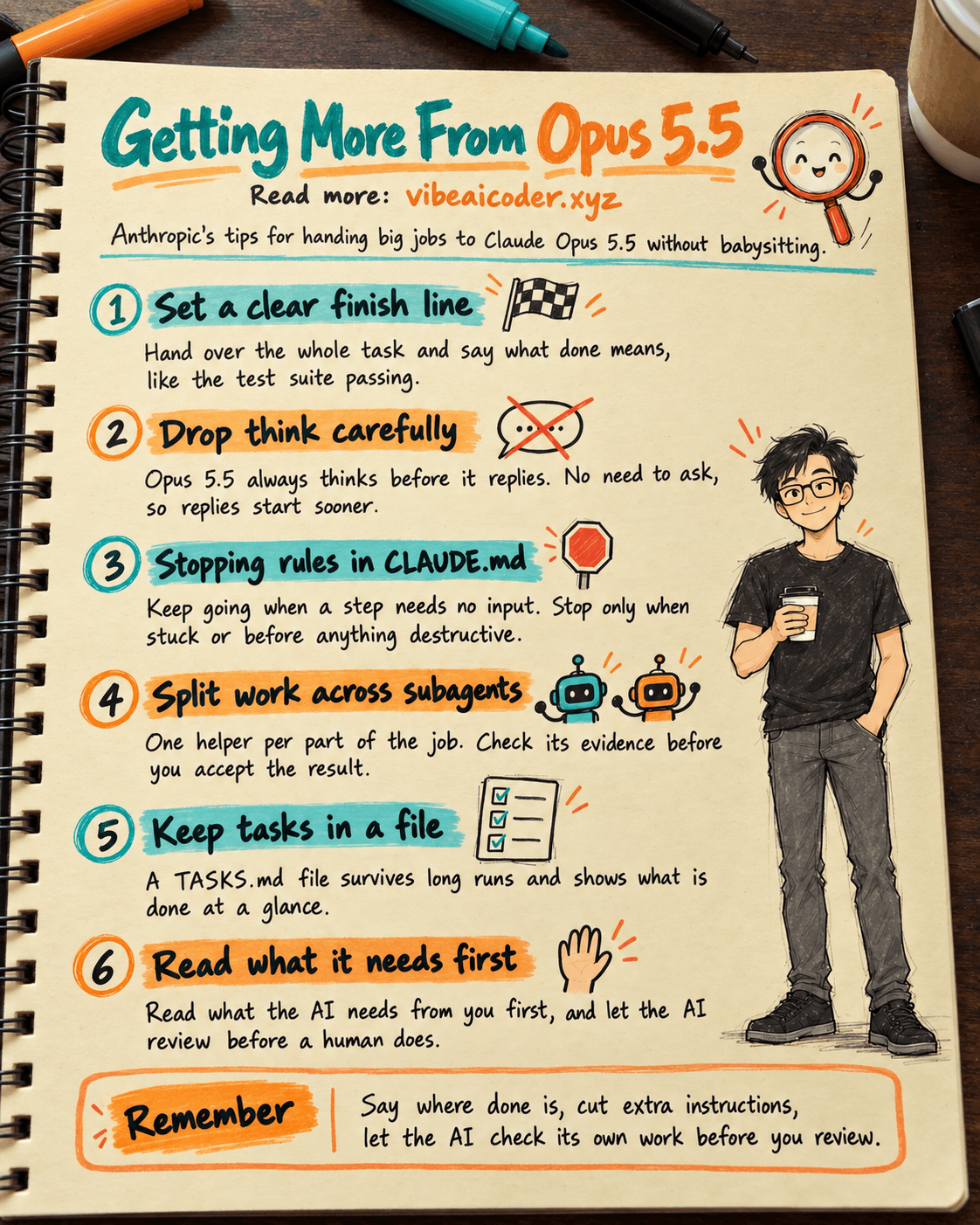
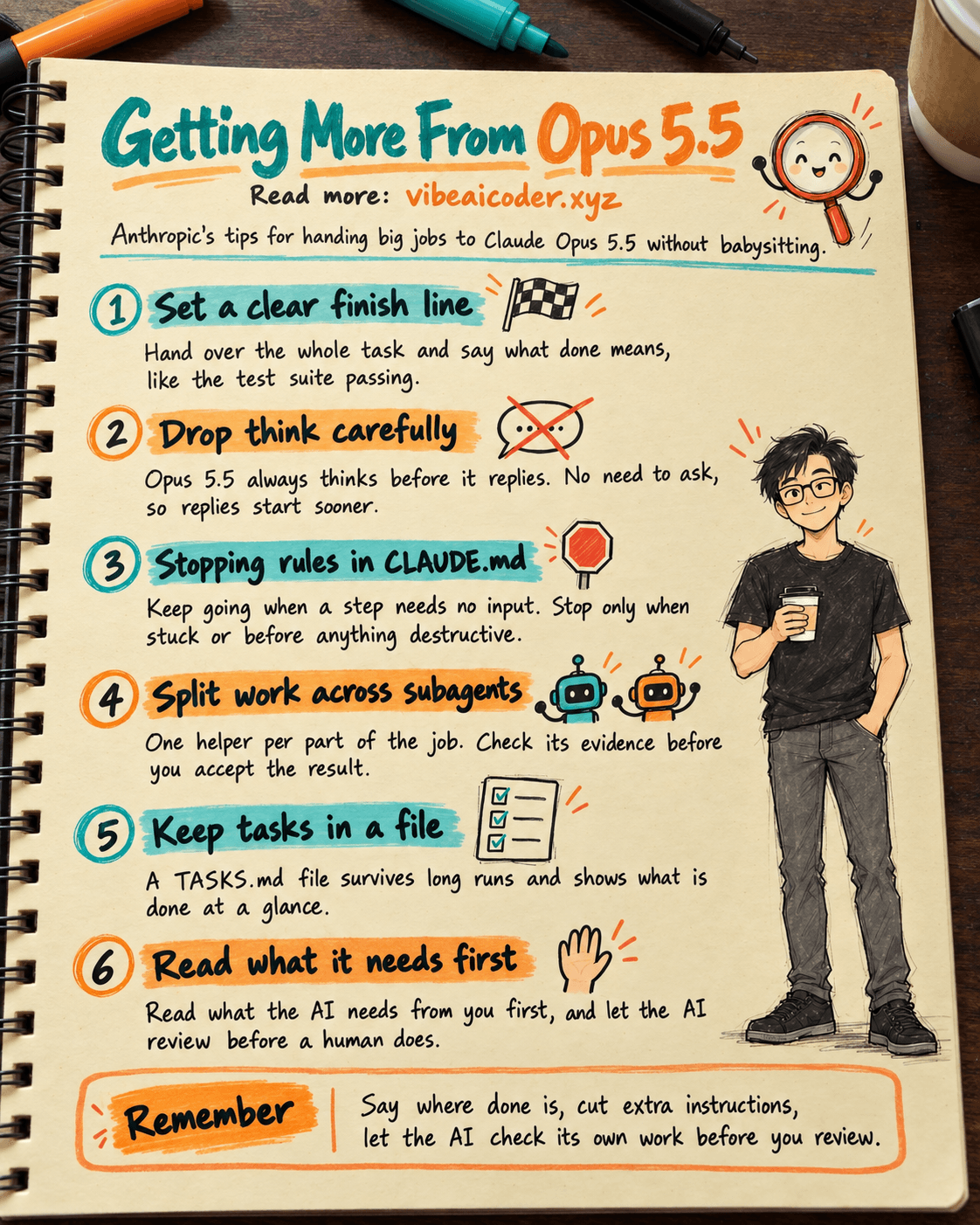
 Getting the most out of Claude Opus 5.5: 9 tips from Anthropic for big jobs without babysitting
You have Claude Opus 5.5, but you still hand out work the old way: you add "think very carefully", you babysit every step, and at the end you read a long summary without knowing where to look first. This post collects the tips Addy Osmani (Anthropic) shared on claude.dev in "Getting the most out of Opus 5.5" (September 22, 2026). In about 10 minutes you will have ready-made prompts to paste into Claude, Claude Code and your CLAUDE.md file.
If you are new to Claude, start with what Claude AI is (Vietnamese).
 What you need
- A Claude account with access to Opus 5.5 (in the Claude app at claude.ai), or Claude Code if you work with code. Not installed yet? See what Claude Code is.
- A real task you want to hand to the AI. The more specific, the better.
- For Claude Code: a CLAUDE.md file in your project folder (the instruction sheet Claude reads every time it starts work).
 Step by step
Step 1: Hand over the whole task, with a clear finish line
Opus 5.5 stays on track through multi-step work better than earlier versions. So don't chop the job into tiny pieces. Give the whole task and say exactly where the finish line is. The example in the original post: move all payment endpoints to a new client. Done means every endpoint uses the new client, the old client is deleted, and the test suite passes.
Please do this: [describe the task].
Done means: [condition 1], [condition 2] and [condition 3].
Step 2: Drop "think very carefully"
According to the post, Opus 5.5 always thinks before it replies, and decides how much. "Think carefully" or "think hard" no longer helps. Remove it and replies start sooner, with no loss in quality.
Step 3: Add follow-ups mid-run instead of restarting
Restarting a long run costs time and usage. If you need to add something, just send it while the AI is working, and it will fold the new point into the rest of the job.
Step 4: For design work, list what you do NOT want
Without direction, Opus 5.5 drifts back to familiar defaults. The post suggests naming the styles you don't want:
Don't use a cream or off-white background, italic accent words in headings,
numbered "01 / 02 / 03" section labels, monospace labels,
or pill-shaped buttons.
Step 5: Tell Claude Code when to keep going and when to stop
For long jobs in Claude Code, put stopping rules in CLAUDE.md. The example from the post:
When a step doesn't need my input, keep going.
Put status notes in the same message as your next action.
Stop and ask only when you can't continue without me,
or before anything destructive.
The post also says: keep permission prompts on for destructive commands. See CLAUDE.md, the instruction sheet that helps Claude remember for how to write this file.
Step 6: Split big work across subagents
Big jobs like auditing a whole system should be split across subagents (helper agents, each handling one part). Example prompt:
Give each service to its own subagent.
When a subagent reports back, check its evidence
before you accept it.
Learn more in subagents in Claude Code.
Step 7: Keep the task list in a file
A long run can outgrow the AI's working memory. A list in a file (for example TASKS.md) survives that, and you can see at a glance what is done and what is left.
Step 8: Check results in the right order
- Read the "needs from you" part first, then the summary.
- Have the AI review before a human does:
Review the diff on this branch against main.
List only problems you'd block the merge for.
For each one, give the file and line, why it's wrong, and how to show it fails.
- For research, ask the AI to flag what it couldn't confirm:
Mark anything you couldn't confirm, and say where you looked.
Step 9: Tips for the Claude apps
- Attach images instead of retyping them: Opus 5.5 reads charts and spatial layout more accurately than Opus 5.
- Ask for finished files, not outlines: for example "Make this a spreadsheet I can share: one row per vendor, with columns for cost, contract end date and owner."
- Mark answers as settled in long projects so the AI stops revisiting them:
Once you have answered something, treat that answer as done.
Focus on what I'm asking now, and don't go back over an earlier answer
unless I ask about it or point out a problem with it.
 Sample result
Say you ask Claude Code to clean up the email sending on a small website. Instead of "fix the email part, think hard", you write: "Move every email send to the new service. Done means: nothing calls the old service, the old config is deleted, and one test email is sent successfully." At the end of the run, Claude returns a "Needs from you" block first (for example: paste the new service's API key into the config file), then the list of changed files. You do one thing, then check.
 Tips for better results
- Use fast mode for back-and-forth work: text arrives sooner. It is a research preview, costs more per token and needs extra usage turned on.
- Don't ask the AI to reproduce its internal reasoning. The post says this can get messages flagged. Ask instead: "Explain why you chose this approach in three sentences."
- Use a checklist before every big task: did you define "done", did you drop "think hard", did you attach images instead of retyping?
 Limits to know
- Flagged messages: Opus 5.5 ships with strong biology and cybersecurity safeguards. When a message is flagged, Claude usually switches to an older model. You can switch back in the model picker (in Claude Code,
/model), turn off auto-switching under "Capabilities" in the apps or via/configin Claude Code, and report a wrong flag with/feedback. - The AI can still be wrong. "Mark what you couldn't confirm" tells you where to check. It does not replace reading the result yourself.
- Sensitive data: don't paste passwords, API keys or customer data into a chat unless your company allows it.
 FAQ
FAQ
Do I still need to write "think very carefully" for Opus 5.5? No. According to Anthropic, Opus 5.5 always thinks before replying and decides how much. Dropping it makes replies arrive sooner.
How do I write a good "done means"? List 2 or 3 things you can check yourself: something deleted, a test that passes, a file that exists. Avoid vague goals like "make it nice".
What is a subagent, and do non-coders need it? A subagent is a helper that Claude Code starts to work on one part of a job in parallel. If you only use the Claude app for writing or research, you don't need it yet.
Why keep the task list in a file? Because a long run can exceed what the AI remembers in one go. A file doesn't get lost, and you can see progress at a glance.
Where do these tips come from? From "Getting the most out of Opus 5.5" by Addy Osmani on claude.dev, where Anthropic's developers share tips and lessons.
More articles
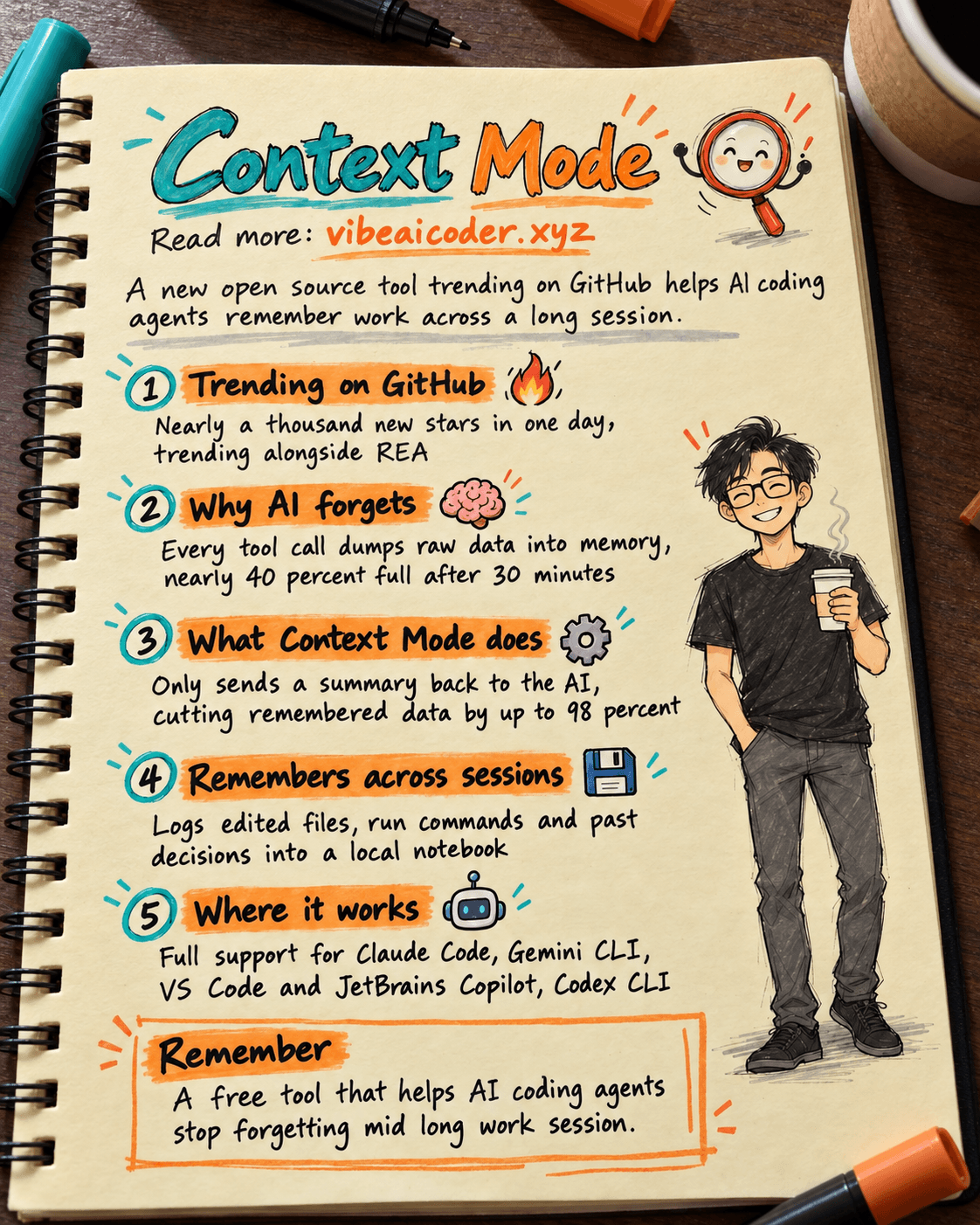
Context Mode: the GitHub tool that stops AI coding agents from forgetting mid session
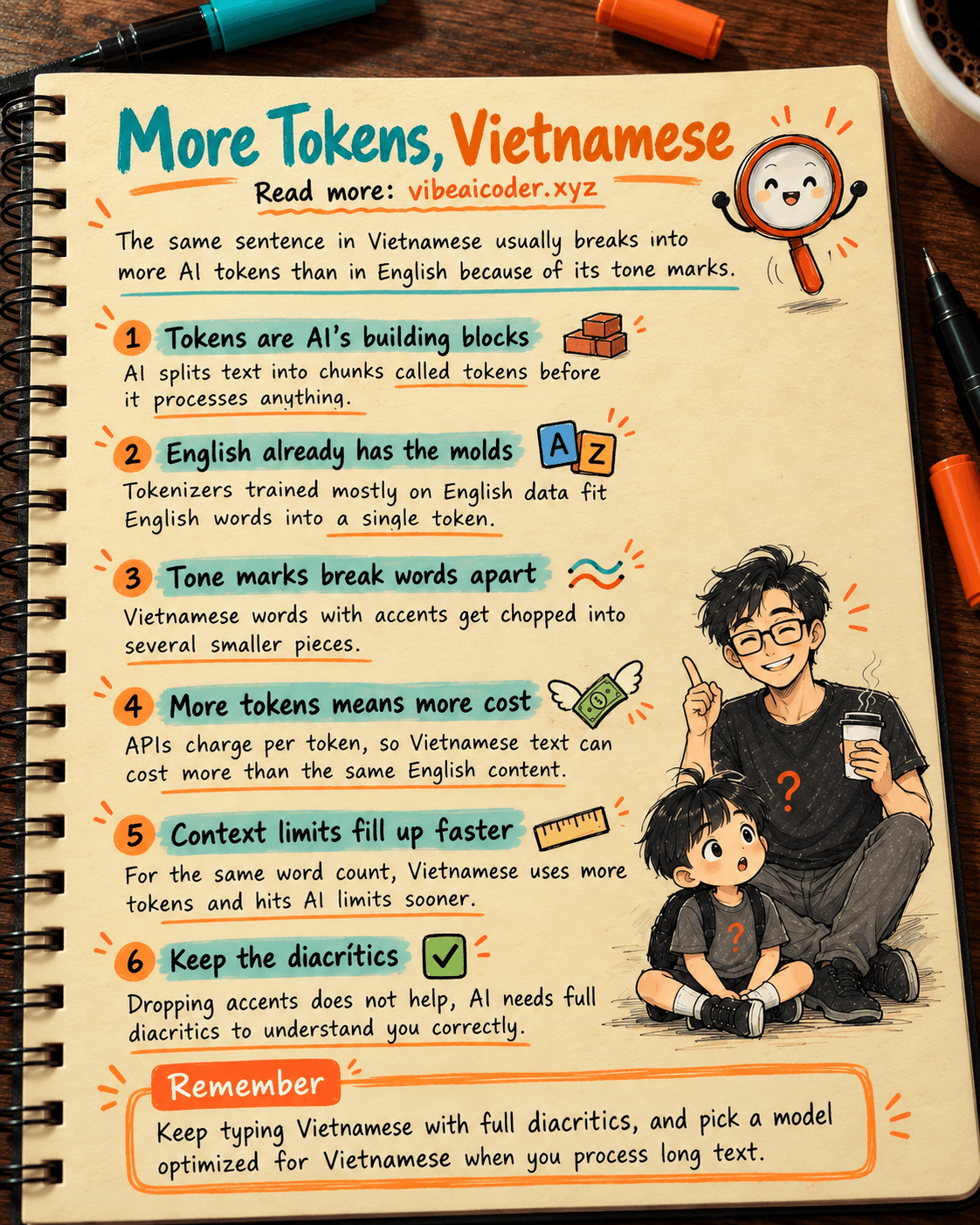
 Why Does Vietnamese Use More AI Tokens Than English?
AI Training vs Inference: What Is the Difference?

Gemini 4 Argon Reads a 500-Page Chemistry Patent in One Afternoon

Claude Opus 5.5 Codes a Real Money Trading Game in One Day

What Is a Token in AI? Why ChatGPT and Claude Charge by Tokens