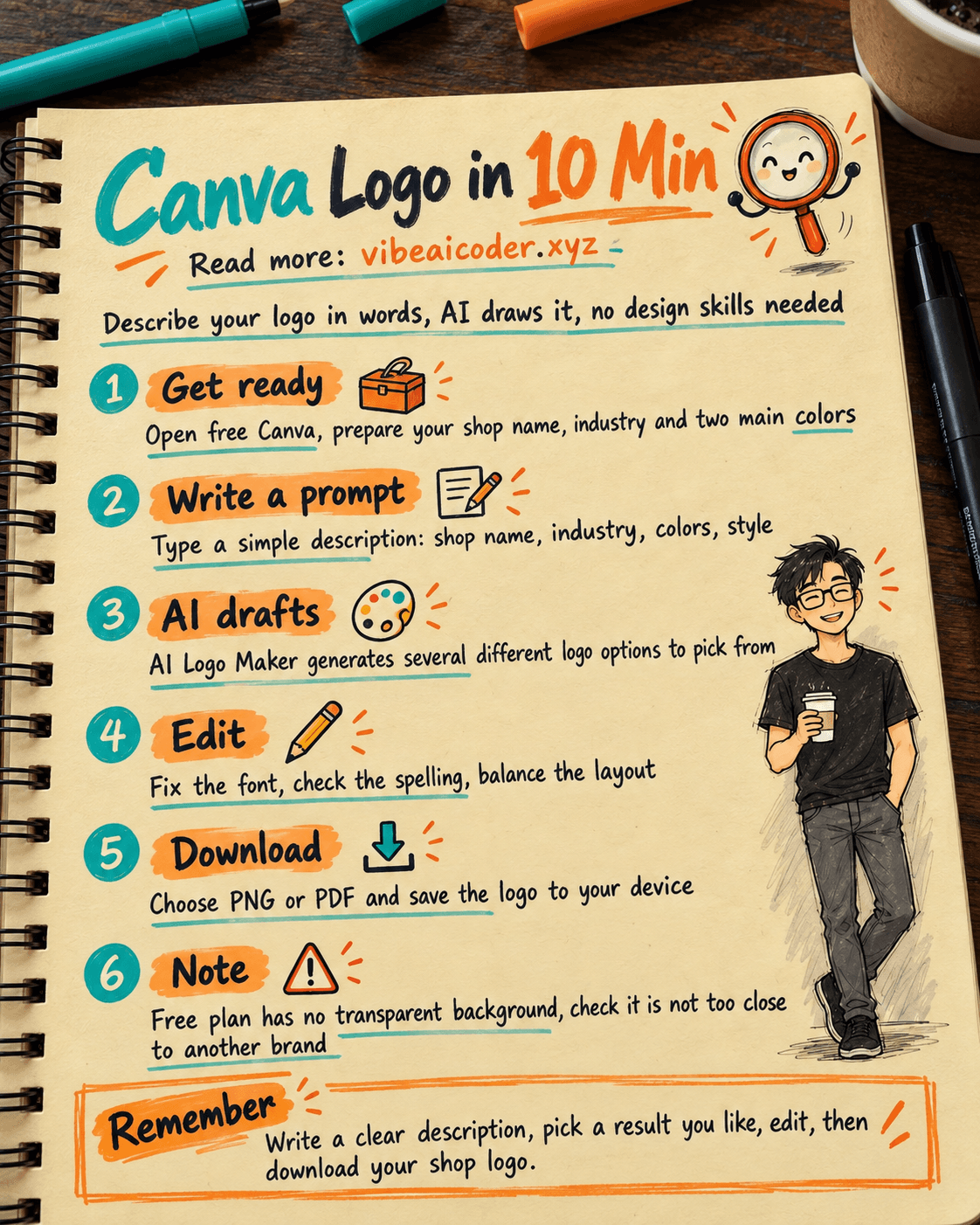
Create a Shop Logo with Canva in 10 Minutes
About to open a shop but cannot afford a designer yet? This post shows you how to use Canva, a free design tool with a built in AI logo generator, to make a clean logo for your shop in about 10 minutes. All you need is a phone or computer with internet, no design software experience required.
Get ready
- Tool: Canva (free, works in a browser or as a phone app). A free account is enough for this task, no need to upgrade to Canva Pro.
- Information to prepare first:
- Your shop name (spelled correctly, since the AI will place this text into the logo).
- Your industry (clothing, food, cosmetics, handmade goods, and so on).
- Two colors you want as your brand's main colors.
- A style in mind: minimal, cute, elegant, youthful, and so on.
- Time needed: about 10 minutes, not counting the first time you sign up.
Do it step by step
Step 1: Create an account and open the AI logo tool
Go to canva.com and sign up with email or Google, it is free. Once inside, type "AI Logo Maker" into the search bar at the top. Canva will show an app that generates logos with AI (it works similarly to how AI image generators work in general). Click it to open the tool right inside the editor.
Step 2: Write your logo description (the prompt)
This is the most important step. Canva's AI Logo Maker currently gives better, more accurate results when the description is written in simple English. You can fill in a template like this, just replace the text in square brackets with your shop's details:
Minimalist logo for a shop called "[your shop name]", in the [industry] industry, flat icon design, clean and modern, simple sans-serif text, main colors [color 1] and [color 2], white background
For example, if your shop is called "Moc Tra", sells tea and beverages, and you like a minimal style with green and brown, you would write:
Minimalist logo for a shop called "Moc Tra", in the tea and beverage industry, flat icon design, clean and modern, simple sans-serif text, main colors green and brown, white background
Paste the description into the AI Logo Maker input box and click Generate.
Step 3: Pick a result you like
The AI will return several different logo options at once. Scroll through them and pick the one whose layout and colors feel closest to what you wanted, then click it so Canva inserts it into your canvas for further editing.
Step 4: Edit it to fit your taste
The AI generated logo is usually already decent, but a few things are worth checking:
- Click the shop name text and double check the spelling, since AI image tools sometimes misspell text, especially accented letters in non English names.
- Change the font if it is hard to read, by clicking the text and picking a different font from the toolbar above.
- Adjust the size and position of the icon and text so everything looks balanced.
Step 5: Download your logo
Click "Share" in the top right corner, choose "Download", pick PNG (good for social media and small prints) or PDF (good for professional printing), then click "Download" again to save the file to your device.
What you get
With the example description above, you would get a simple circular or shield shaped icon of a stylized tea leaf, in green and brown tones, with the text "Moc Tra" below it in a clear, easy to read sans-serif font, sharp enough to still look good as a small Page profile picture or an e-commerce store icon.
Tips for better results
- Try two or three different descriptions (change the style or colors) and compare, since the AI gives a different result every time you generate.
- Keep the logo simple: at most two main colors and one font, so it still looks clear when shrunk down to a small social media icon or printed on small packaging.
- If you find it hard to phrase a description, the same principles for writing clear prompts for any AI tool apply here too: be specific about the subject, style, and colors you want.
- Once you have a logo, you can keep using Canva to make a matching cover photo and profile picture for your other sales channels.
Limits to know
- The free Canva plan cannot export a logo with a transparent background, or as a vector SVG file, those two formats require the paid Canva Pro plan.
- AI image tools sometimes produce a layout that looks close to an existing brand. Before using the logo to register a business or print it in bulk, do a quick reverse check on Google Images to make sure it does not resemble another brand too closely.
- An AI generated logo is a good way to have something usable right away when you are just starting out, and it is easy to change later. As the shop grows, it is worth having a professional designer refine it and considering a trademark registration.
FAQ
Is Canva completely free? Yes. Creating a logo with AI Logo Maker and downloading it as PNG, JPG, or a basic PDF is free, only advanced features like a transparent background or SVG export require Canva Pro.
Can I write the description in my own language? You can, but Canva's AI Logo Maker currently gives more accurate results with simple English descriptions, while your shop name itself can stay exactly as it is in your language.
Can an AI made logo be used to register a business? Yes, it can, but you should check that it does not closely resemble an already registered brand first, to avoid legal issues later.
What if I do not like any of the options? Just adjust your description (change the wording about style or colors) and generate again, there is no limit to how many times you can try on the free plan.
Do I need design skills to do this? No. Your job is only to describe the logo you want in words, the AI draws it, and you fine tune small details using Canva's familiar drag and drop editor.
More articles
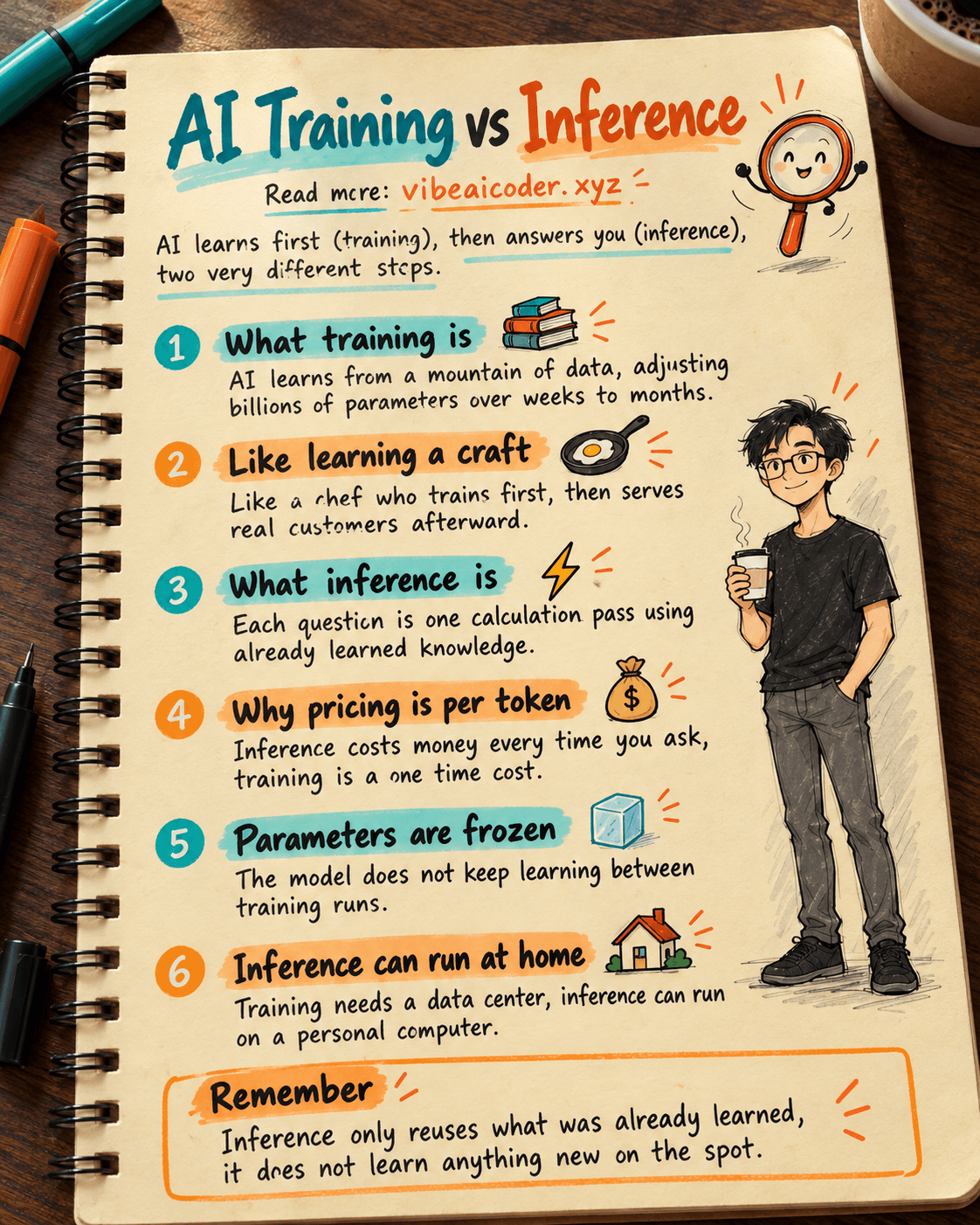
AI Training vs Inference: What Is the Difference?

Gemini 4 Argon Reads a 500-Page Chemistry Patent in One Afternoon

Claude Opus 5.5 Codes a Real Money Trading Game in One Day

What Is a Token in AI? Why ChatGPT and Claude Charge by Tokens

What Is Chain of Thought? Why Asking AI to Think Step by Step Works Better

Claude Sonnet 5.5 vs GPT-6.1 Sol: Which AI Model Is Worth Using?