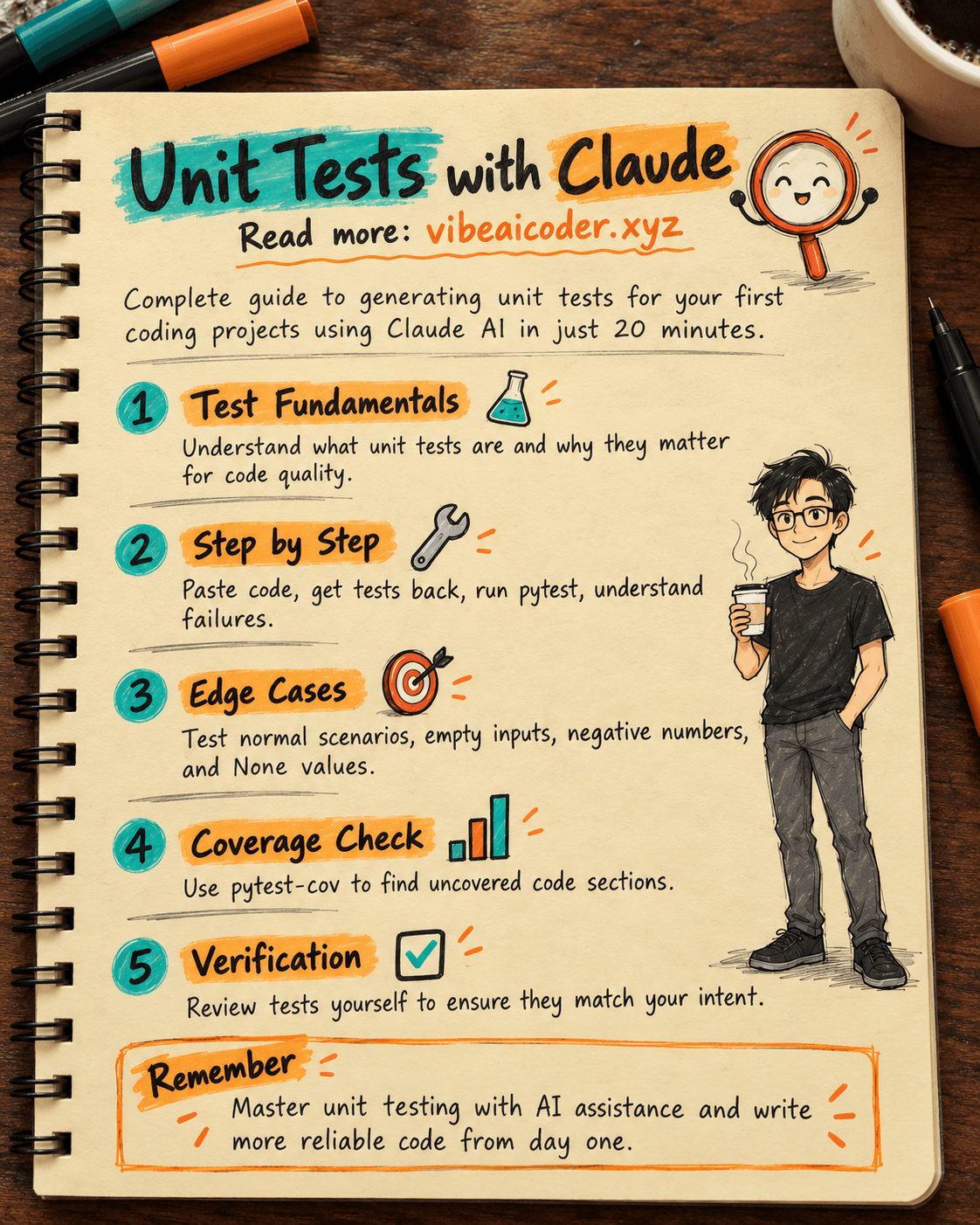
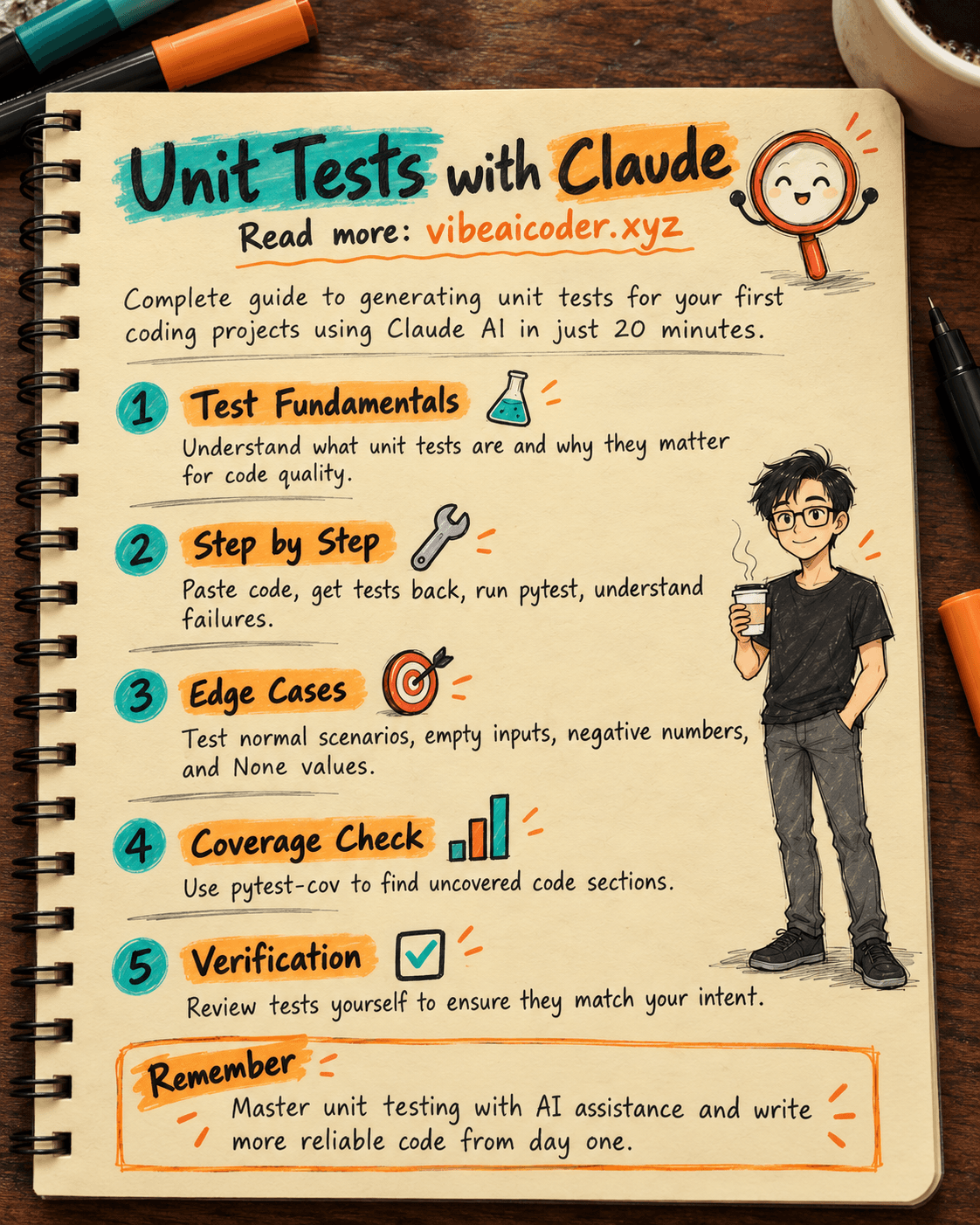
Write Unit Tests with Claude: Complete Guide for Your First Project in 20 Minutes
Write Unit Tests with Claude: Generate Complete Tests for Your First Project in 20 Minutes
You just finished writing a function or class for your first programming project and want to be sure it works correctly rather than just hoping. With Claude (free version), you can have a complete unit test suite for your code file in about 20 minutes, even if you've never written tests before. All you need is your code file, a Claude.ai account, and Python installed on your machine.
Unit tests are small pieces of code, each checking whether a specific part of your program works correctly. Instead of manually running your program and examining the results, you let the machine automatically run dozens of checks in just seconds, every time you modify your code.
Preparation
- A Claude.ai account (free, sign up with email at claude.ai). The free version of ChatGPT works similarly.
- Your Python code file, such as a function calculating shopping cart totals, a class managing a to-do list, or a homework assignment.
- Python installed on your machine with the pytest testing library. Open a terminal and type: pip install pytest
- About 20 minutes of uninterrupted time.
Step by Step
Step 1: Paste your entire code file and explain what you want to test. Open a new chat in Claude, paste your complete code file, and include this prompt:
Here is my Python file [filename].py from my project:
[paste all code here]
Write a unit test suite using pytest for this file. Requirements:
- Test both normal cases and edge cases (empty input, negative numbers, None values)
- Name each test function clearly, stating exactly what it checks
- Add a brief comment explaining why this test case matters
- Do not invent functions or variables that don't exist in the code I sent
This last line is critical: without it, AI sometimes writes tests for imaginary functions that sound reasonable but don't actually exist in your code.
Step 2: Save the test file and run it immediately. Copy the code Claude returns, save it as test_[filename].py in the same directory as your original file. Open a terminal in that directory and run:
pytest test_[filename].py -v
The -v flag shows you each test individually, with a checkmark for passing tests and red error lines for failing ones.
Step 3: When tests fail, ask AI to explain the root cause instead of guessing. Don't rush to fix code without understanding why tests fail. Paste the exact pytest error and ask Claude:
The test [test_name] fails with this error when I run pytest:
[paste the error message]
Is this failure because my code is wrong, or because the test doesn't match my original intent? Explain briefly, then suggest a fix.
Sometimes the error is in your code (exactly what tests are designed to catch), sometimes it's in the test (AI guessed wrong about how your function works). Asking first helps you truly understand the bug instead of just patching it.
Step 4: Ask AI to add tests for uncovered code sections. Install a coverage tool:
pip install pytest-cov
Run:
pytest --cov=[filename] test_[filename].py
The output shows what percentage of your code was tested. Paste this report to Claude and ask for additional tests covering the untested lines, such as a rarely-used if branch.
Step 5: Review the entire test suite yourself before finishing. Read through each test function one by one. Ask yourself: "Is this test checking what I actually intended, or just checking for the sake of it?" Update variable names and sample values to match your project's actual data. This step is essential because only you know how your program should truly behave.
Sample Results
For a simple Python function like:
def calculate_cart_total(prices): return sum(prices)
Claude typically returns a test suite like:
def test_cart_total_normal():
check normal case with multiple products
assert calculate_cart_total([10000, 20000, 5000]) == 35000
def test_empty_cart():
check empty cart doesn't fail
assert calculate_cart_total([]) == 0
def test_cart_with_negative_price():
handle data entry error with negative price
assert calculate_cart_total([10000, -5000]) == 5000
Running pytest -v, you'll see 3 PASSED lines in green if your function is correct, or FAILED lines with specific reasons if not.
Tips for Better Results
- Send one small file at a time instead of your entire large project. Smaller files mean fewer mistakes from AI.
- Before asking AI to write tests, ask it first to list the edge cases that need checking. You'll immediately see if AI missed anything important.
- Always keep the phrase "do not invent functions or variables that don't exist in my code" in your prompt. This is the most effective way to prevent AI from imagining non-existent APIs.
- For JavaScript projects instead of Python, the process is identical. Just change the requirements to the Jest library and run with npx jest.
Important Limitations to Understand
- AI-written tests might miss business rules specific to your project, things only you know about. Always review, don't trust blindly.
- Always run tests on your machine before trusting them. A test that "looks correct" but has never actually run has no value.
- Claude's free version limits messages per time window. For multi-file projects, you may need breaks between tests or consider paid options.
- For code affecting money, user data, or production systems, always have an experienced person review the tests before using them. AI cannot replace that responsibility.
Common Questions
Is it necessary to know test writing before learning to program? No. This approach lets you learn testing while building working code. Carefully reading AI's explanations is itself a learning method.
How is unit testing different from manually running my program to check for bugs? Manual testing checks only once, in one scenario. Unit tests store dozens of scenarios and run them automatically every time you change code, so you catch new bugs much faster.
Is free Claude enough for this? Yes, for one code file of dozens of lines at a time. Perfect for homework or starter projects. Larger projects with many files need to split work or consider paid tiers.
What if AI writes a wrong test? Always run pytest to verify. Never trust code just by reading it. If you doubt a test, ask Claude "what is this test checking?" and compare with your function's actual purpose.
Does this approach work for other languages besides Python? Yes. Change the requirements in your prompt to use your language's testing library (Jest for JavaScript, JUnit for Java), and the rest stays the same.
Writing tests with AI isn't just about having code that runs correctly. It's the most natural way to learn vibe coding: let AI handle the repetitive parts while you focus on understanding your program's logic. If you often encounter bugs, read more about using AI to debug code for beginners. If you want to automate test runs every time you edit a file, Claude Code works directly in your terminal for convenience. If your prompts aren't getting the results you want, learn about writing effective prompts for Claude and other AI models.
#AI #ClaudeAI #LearnProgramming #UnitTest #Python #Development
More articles
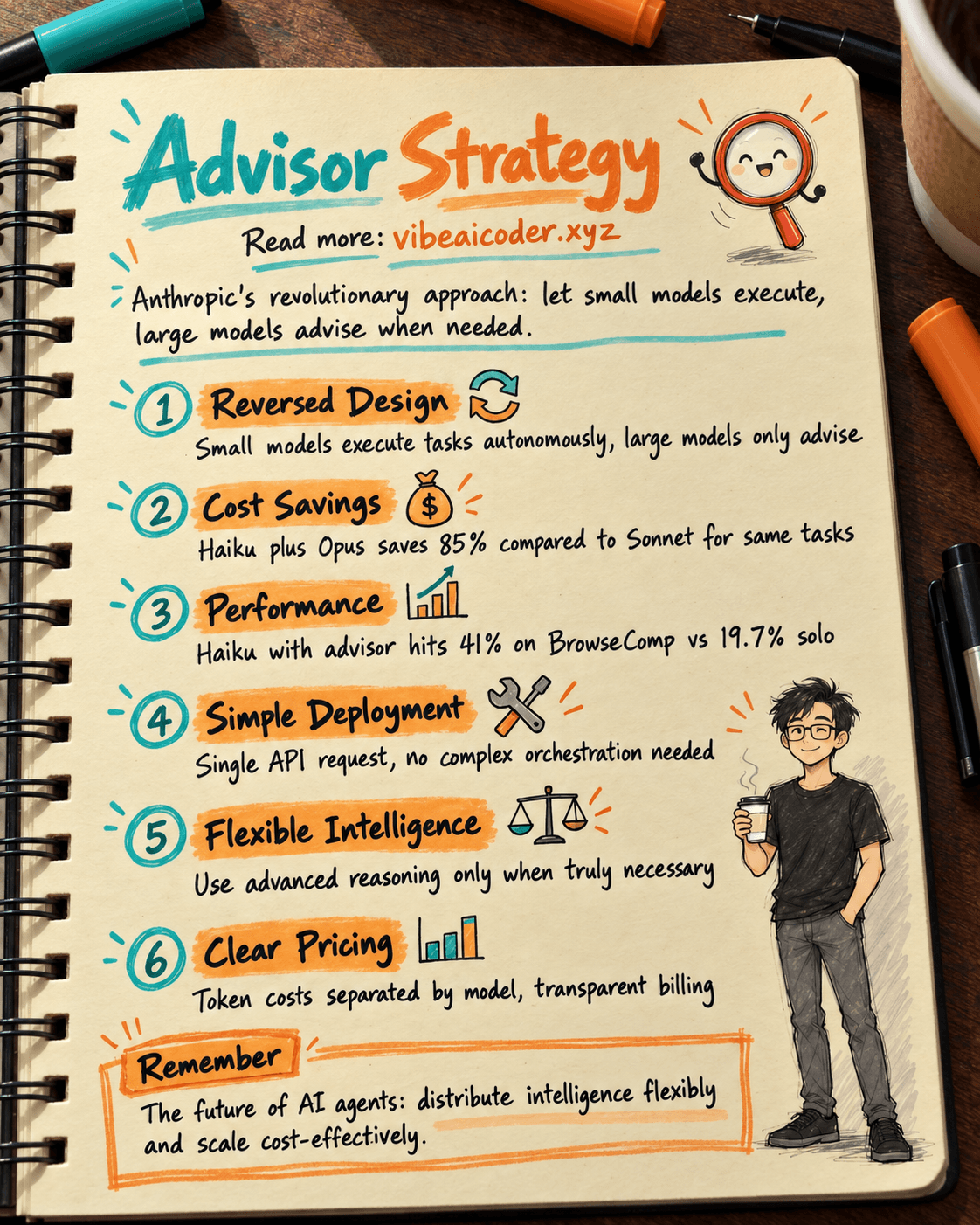
Advisor Strategy: How Anthropic Lets Small AI Models Run Autonomously
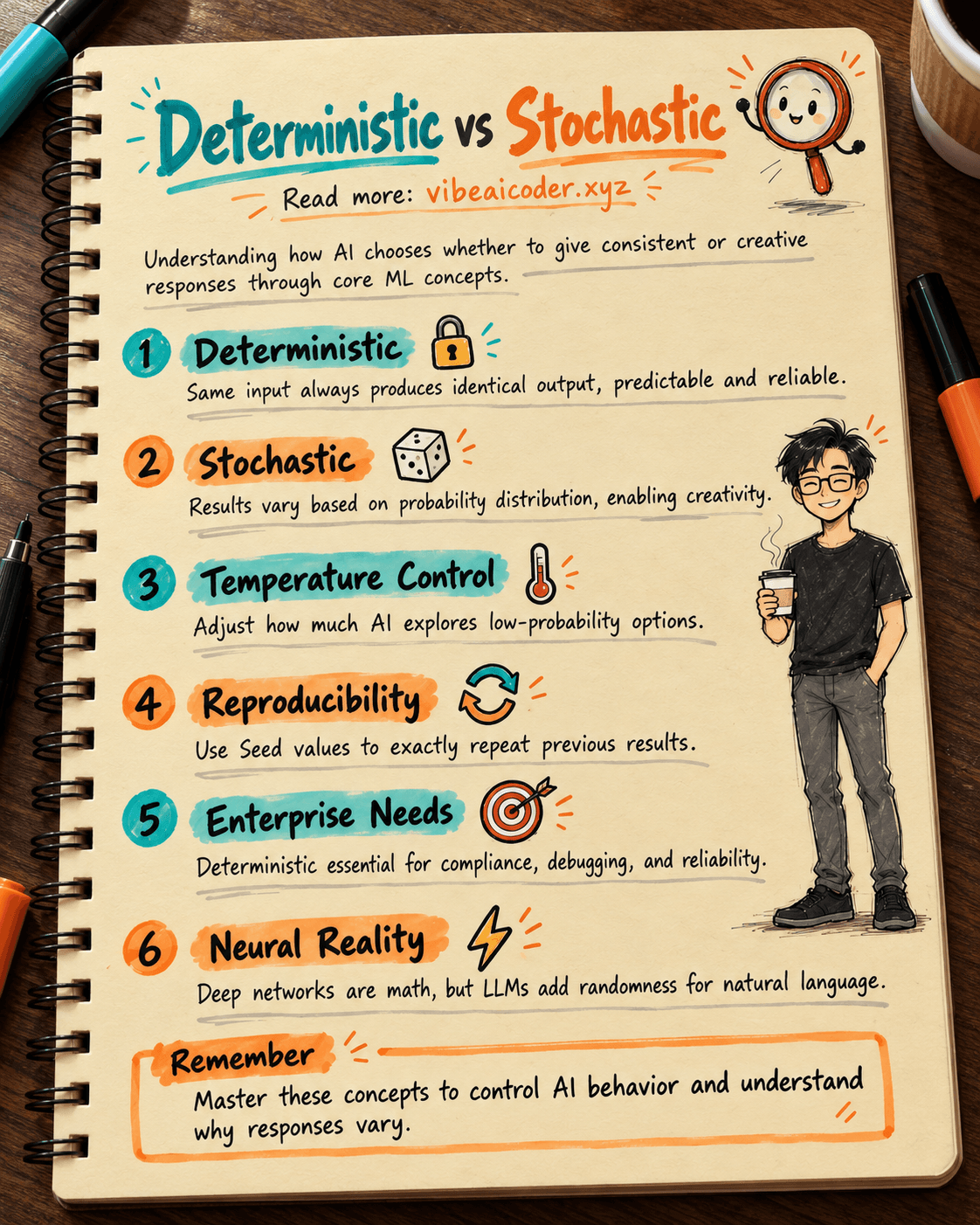
Deterministic vs Stochastic in AI: Two Concepts That Define How AI Answers You
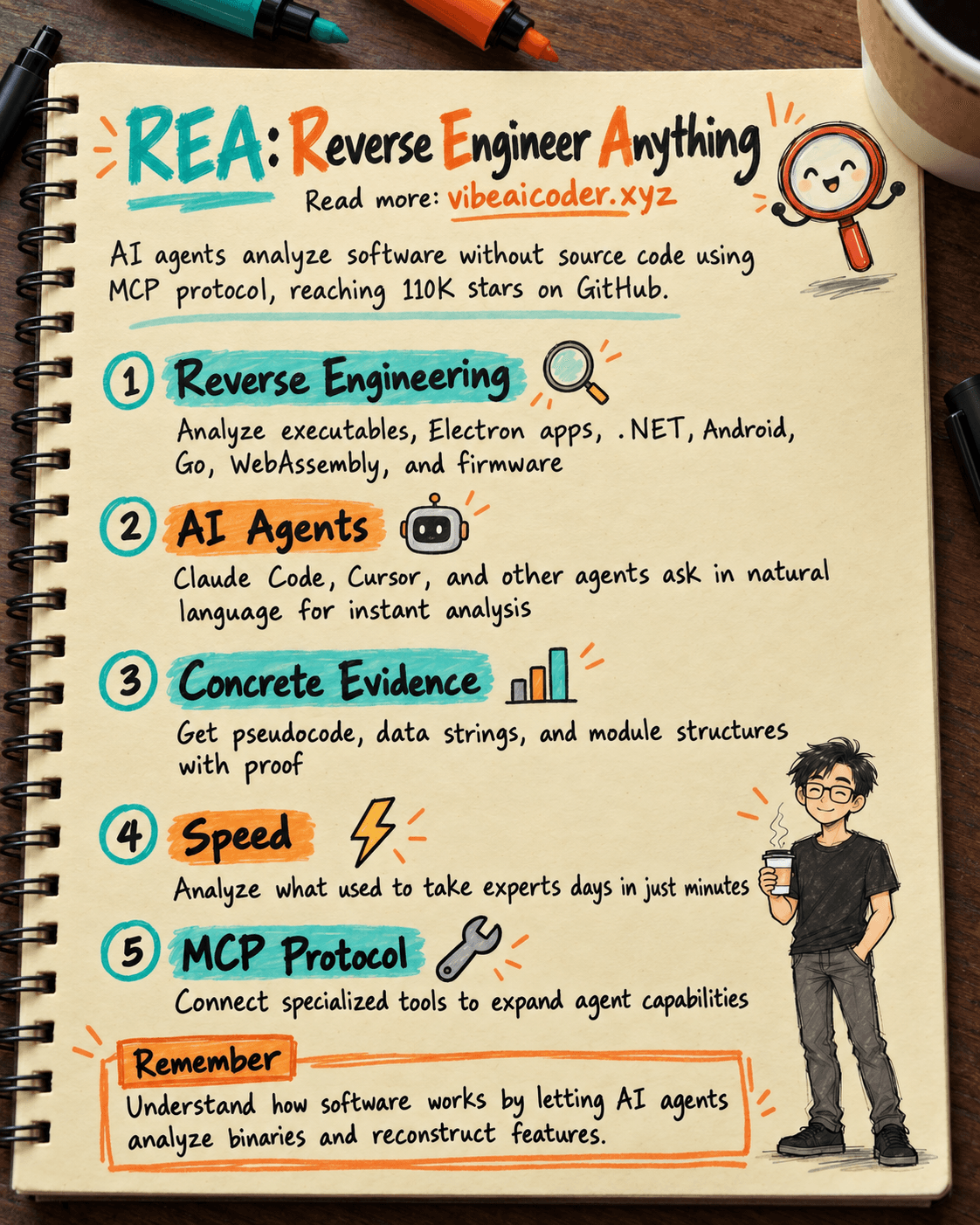
REA: AI Reverse Engineers Software Without Source Code, Hits 25K Stars
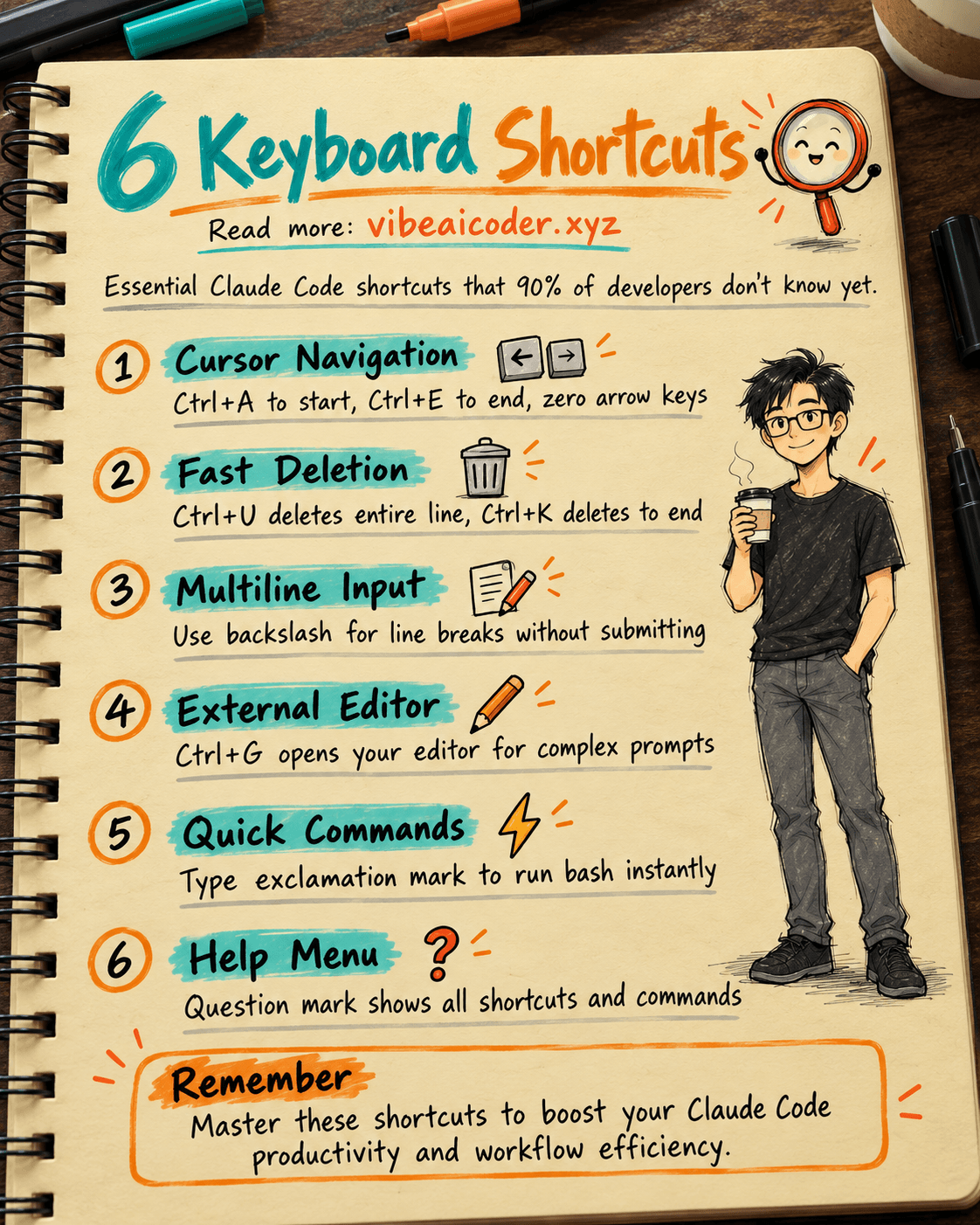
6 Claude Code Keyboard Shortcuts 90% of Developers Don't Know
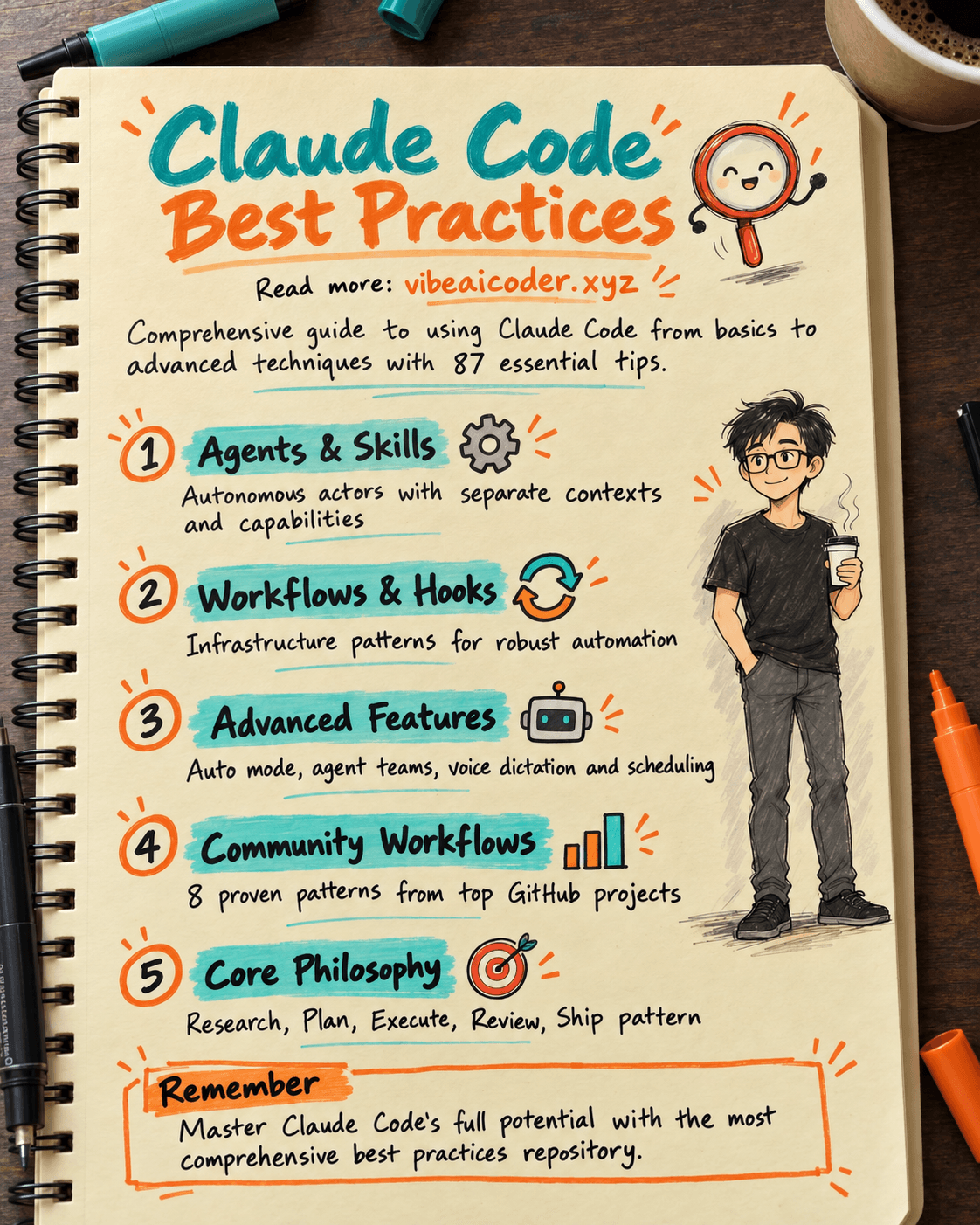
27K Stars: The Claude Code Best Practice Repository Every Developer Should Bookmark
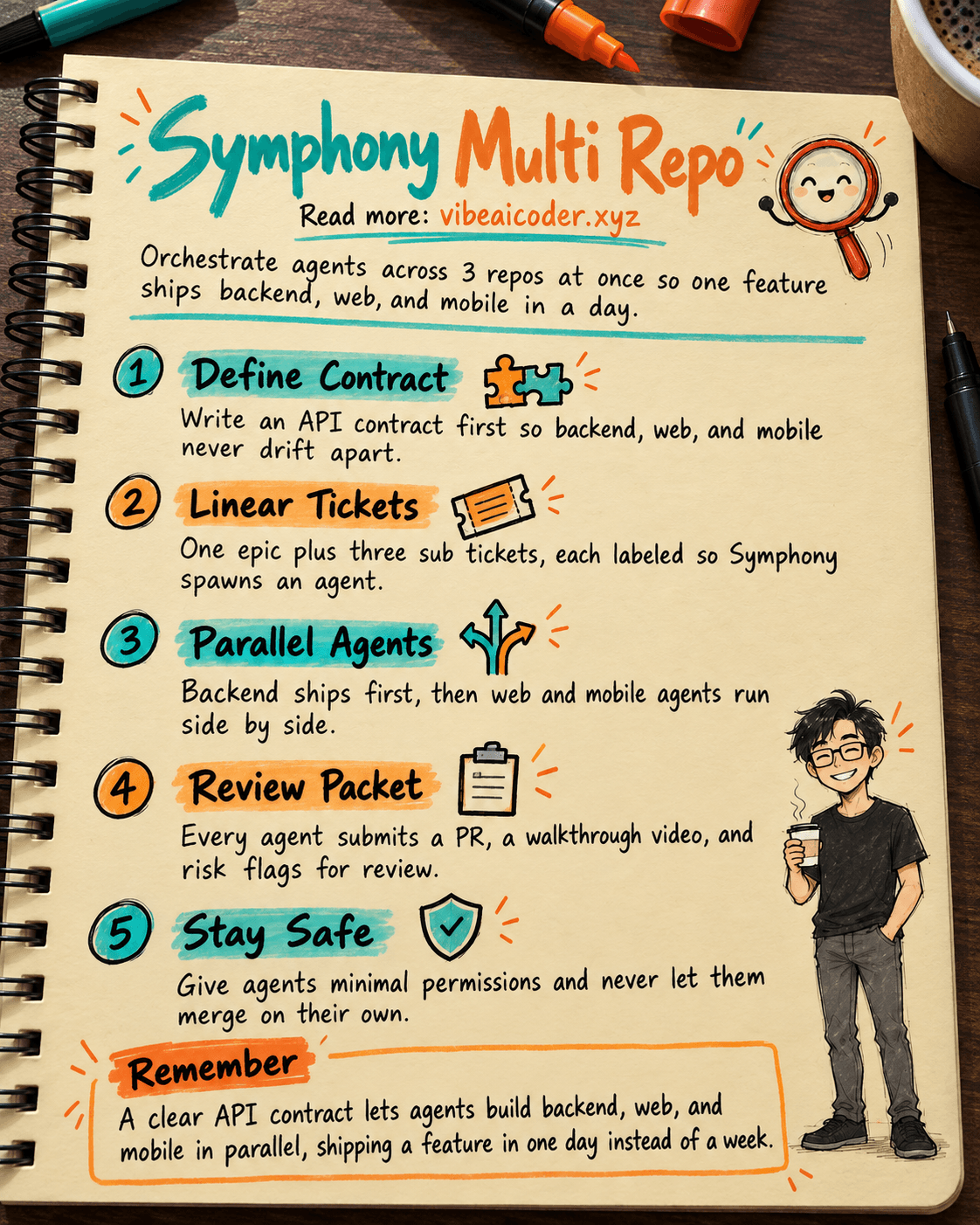
🎼 Orchestrate 3 Repos (API, Web, Mobile RN) With OpenAI Symphony to Ship a Feature in 1 Day