REA: AI Reverse Engineers Software Without Source Code, Hits 25K Stars
REA: AI Reverse Engineers Software Without Source Code, Hits 25K Stars Overnight
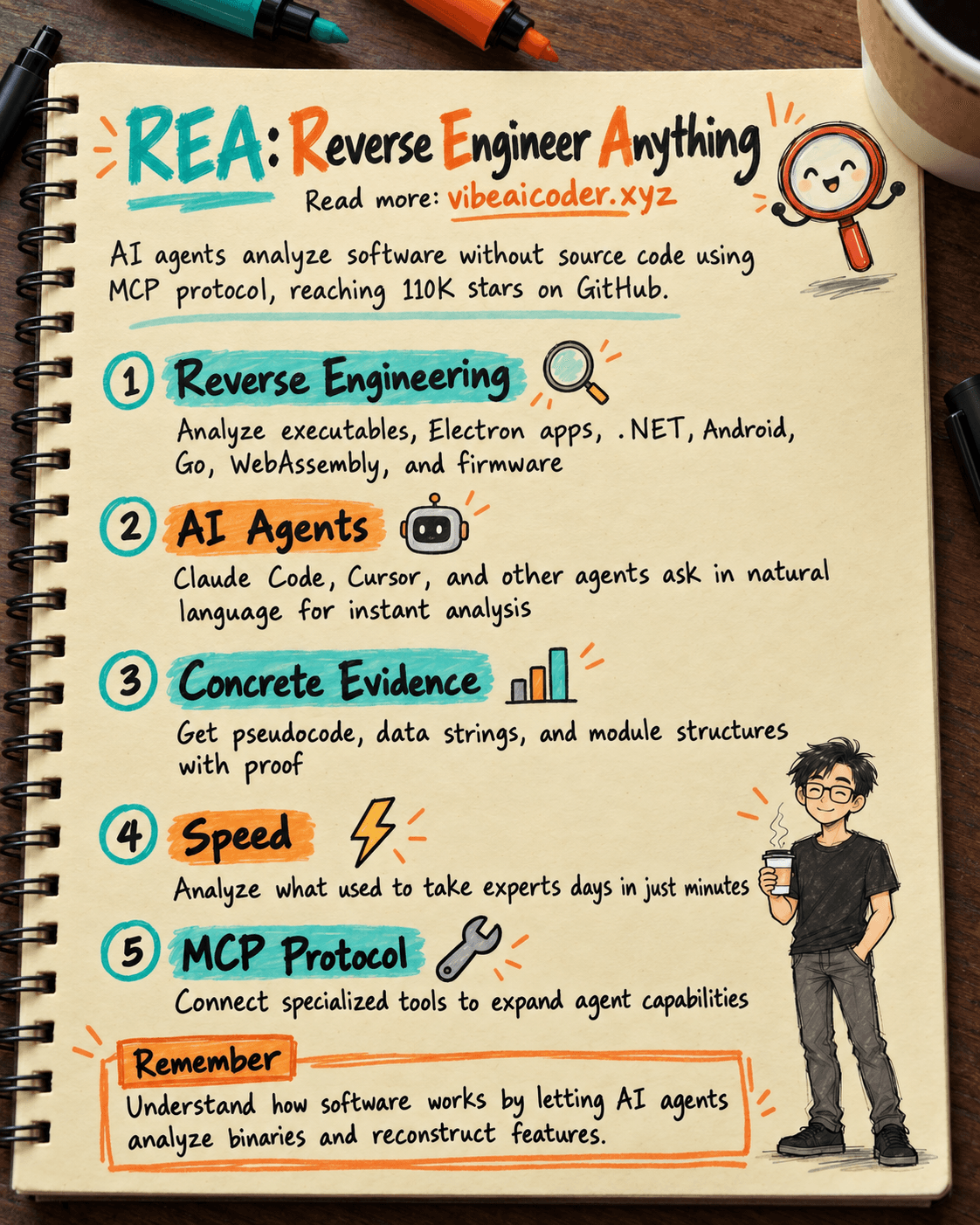
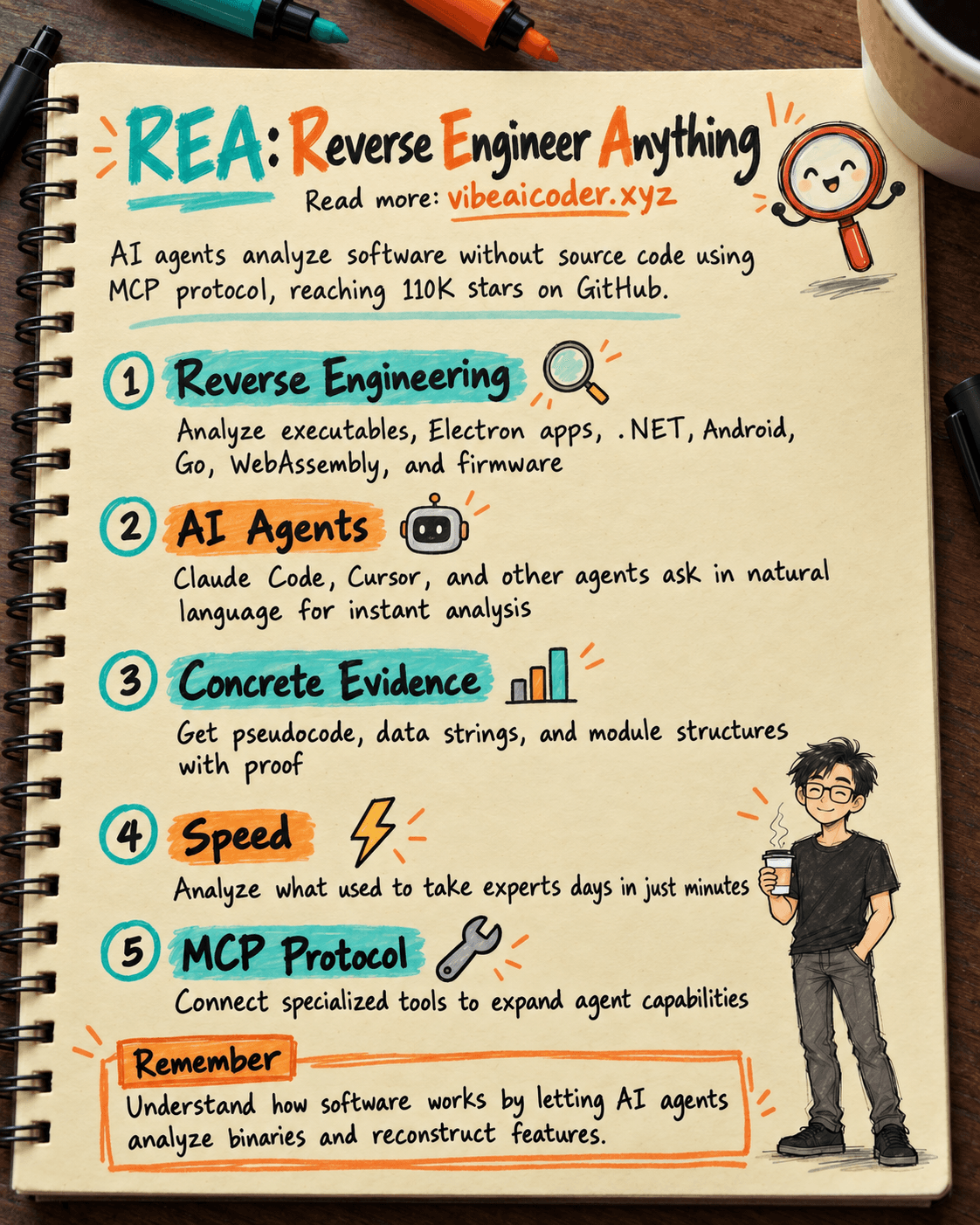
You see a great feature in an application and wish your product had it too, but you don't have the source code to see how they built it. Today, a tool called REA (Reverse Engineer Anything) is creating a storm on GitHub. In just one day it gained over 25,000 new stars, bringing the total to over 110,000. REA allows AI agents to open software and look inside without needing a single line of source code.
What is REA?
REA is a tool that uses MCP (Model Context Protocol), which is a protocol that helps AI agents like Claude Code, Cursor, or Gemini CLI connect to specialized software analysis tools. Instead of you having to manually reverse-engineer and read machine code or open each file to understand how an application works, you simply ask the agent and it will find the answer for you, complete with concrete evidence.
In simple terms: before this, reverse-engineering software (seeing how an application was programmed when you don't have the source code) was a job for security experts that took many days. REA turns that into a question you type to an AI agent, and the agent answers with evidence in minutes.
How it Works
According to the project's documentation, using it is quite straightforward:
- Install with a single command: npx rea-agents setup. This command registers REA with the agent you're using (Claude Code, Codex, Cursor, Gemini CLI, Grok Build).
- You ask directly in natural language. For example: "Show me how the search feature works in the Notes app, give me evidence, then build a similar feature for my project."
- The agent calls REA to analyze the target: it could be a native executable (needing tools like Hopper, Ghidra, or IDA), an Electron application (like many popular desktop apps), a .NET file, an Android APK, a Go file, WebAssembly, or even device firmware.
- REA returns pseudocode, data strings, and module structures for the agent to understand.
- The agent uses this to explain the mechanism or rewrite a similar version for you.
The great part is that for JavaScript and .NET code, REA does static analysis without needing extra tools. For native executables, REA can even install Hopper to assist.
Real Examples of What It Can Do
The development team provided three impressive examples to prove REA isn't just marketing:
- Game DX-Ball: REA accurately reconstructed the formula for stereo sound calculation (sound shifting left-right based on ball position), matching the entire original 63-byte machine code through 3,205 test runs.
- Notion: REA traced the clipboard copy-paste feature in Notion's Electron application, from the UI to the main process, and drew a map of the data format.
- Old DOS Game TH04: REA recovered the bullet calculation formula from an old PC-98 game, then compared it with the original C++ source code to verify accuracy.
Limitations and Important Considerations
REA runs analysis directly on your machine. Your files are not sent anywhere unless the agent you're using has a policy to send data externally. The development team also makes clear: users are responsible for getting permission and complying with laws before reverse-engineering anyone else's software. This isn't a tool to carelessly copy other people's products; it's for understanding how a mechanism works so you can build your own version.
One more point: analyzing native executables requires additional tools like Hopper, Ghidra, or IDA. Hopper and IDA are paid software. For JavaScript, Electron, and .NET, nothing extra needs to be installed.
Why This Matters
REA is another example of AI agents being given deep technical work, not just answering chat questions. This is also a true AI agent: you set a goal (understand this feature), the agent decides which tools to use, reads the results, and acts accordingly. If you're using Claude Code or Cursor, connecting an additional MCP tool like REA is similar to when you connect MCP for Claude Team: you expand the agent's capabilities by giving it access to specialized tools, while the AI model itself doesn't change.
The trend of assigning deep work to agents also appears in companies building entire teams of AI agents working together instead of just chatting with a single bot.
Common Questions
Is REA legal? The tool is legal, but whether using it to analyze someone else's software is legal depends on copyright law and terms of service in your location, as well as the terms of the software being analyzed. The REA development team requires users to take responsibility for this themselves.
Do I need to know programming to use REA? You need to know how to install Node.js and run a simple command line command. After that, you can ask the agent in normal Vietnamese or English without needing to read or understand machine code.
Is REA free? REA itself is free and open source (MIT license). However, to deeply analyze native executables, you may need paid software like Hopper or IDA.
How is REA different from asking ChatGPT or Claude directly about software? The key difference is that REA actually gives the agent permission to open files and read them, with specific evidence (machine code bytes, module structures), rather than just guessing based on the model's general knowledge.
Can I use REA with all types of applications? REA supports many formats (native executables, Electron, .NET, Android, Go, WebAssembly, firmware), but the level of detail depends on the file type and accompanying analysis tools.
More articles

Advisor Strategy: How Anthropic Lets Small AI Models Run Autonomously
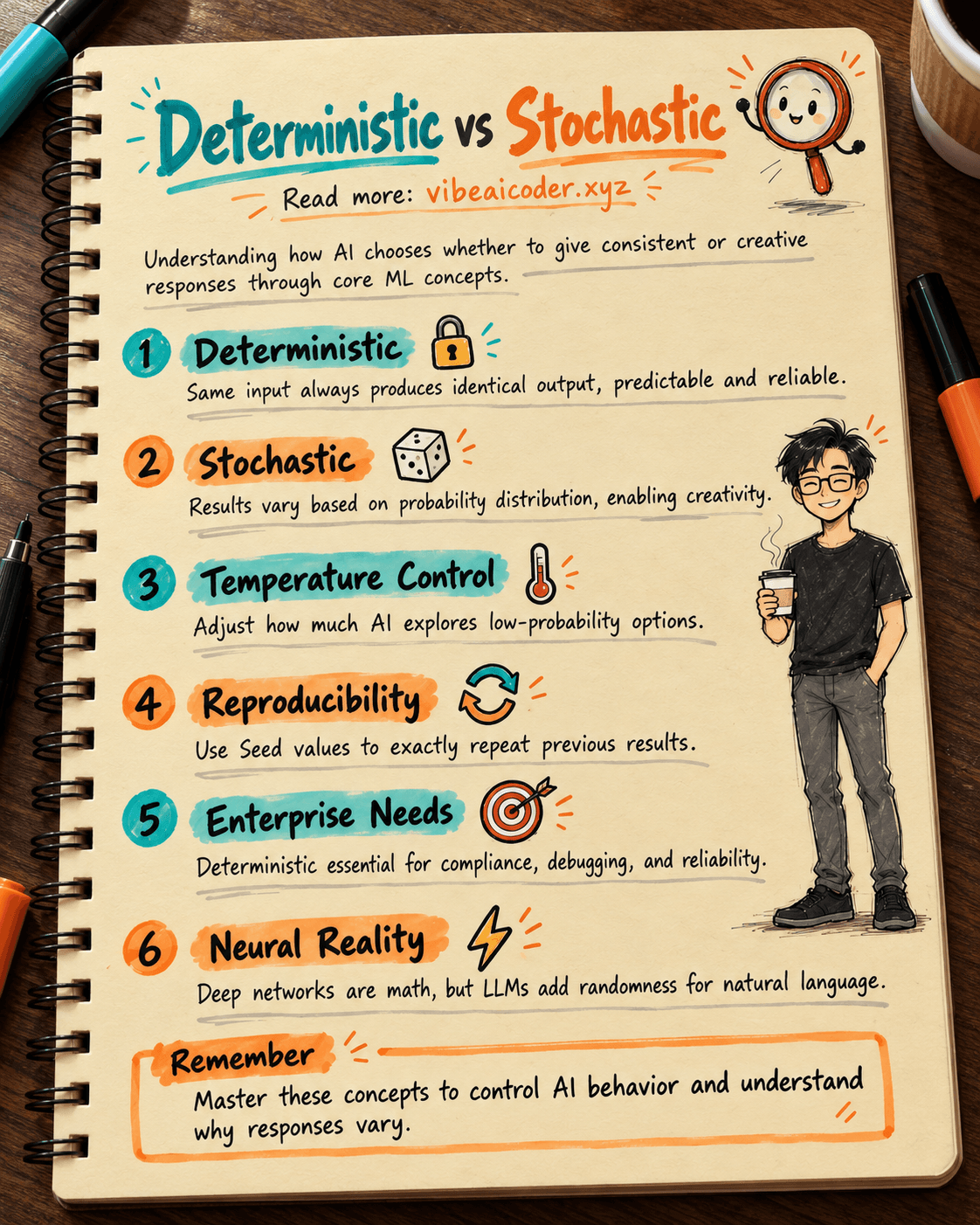
Deterministic vs Stochastic in AI: Two Concepts That Define How AI Answers You
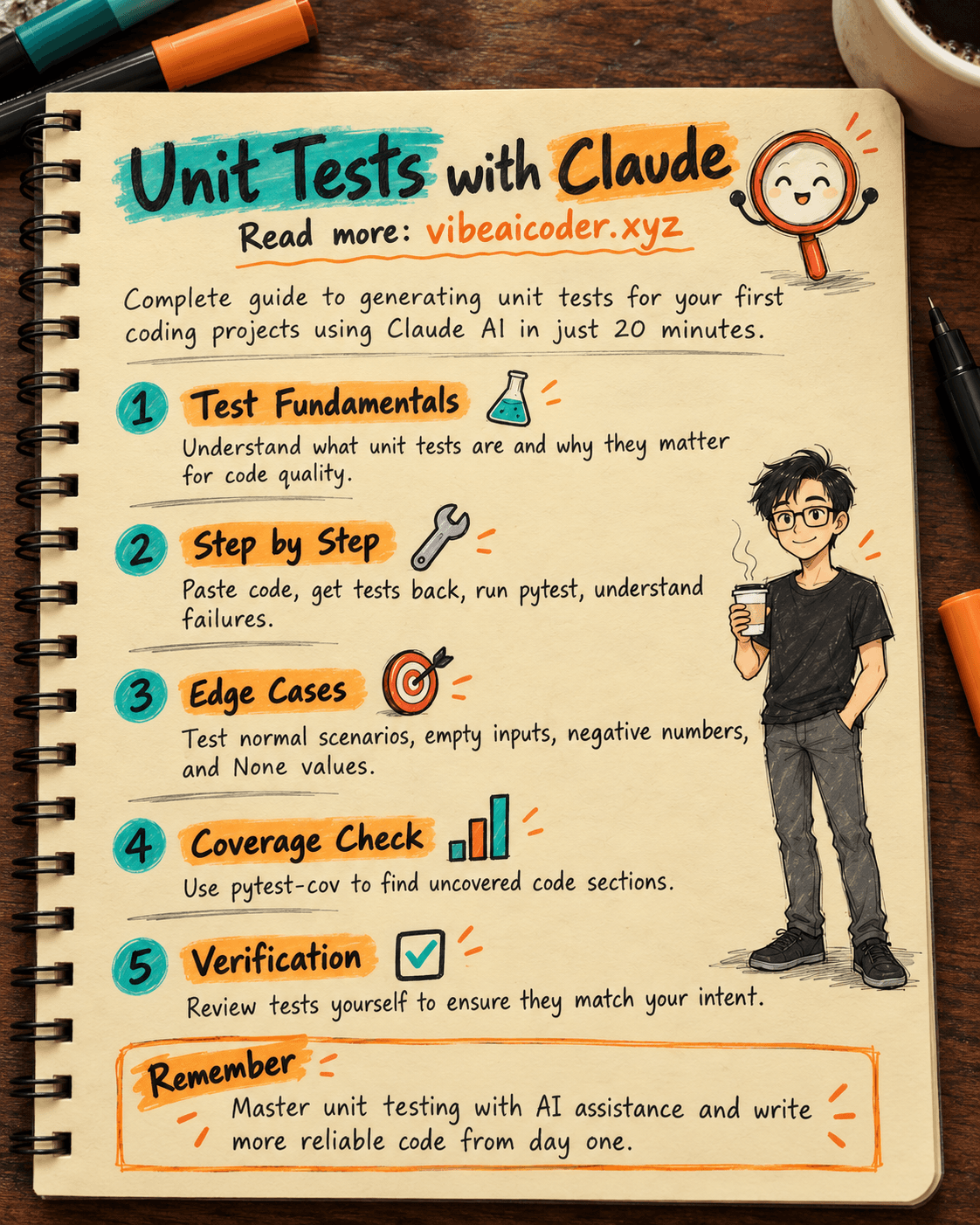
Write Unit Tests with Claude: Complete Guide for Your First Project in 20 Minutes
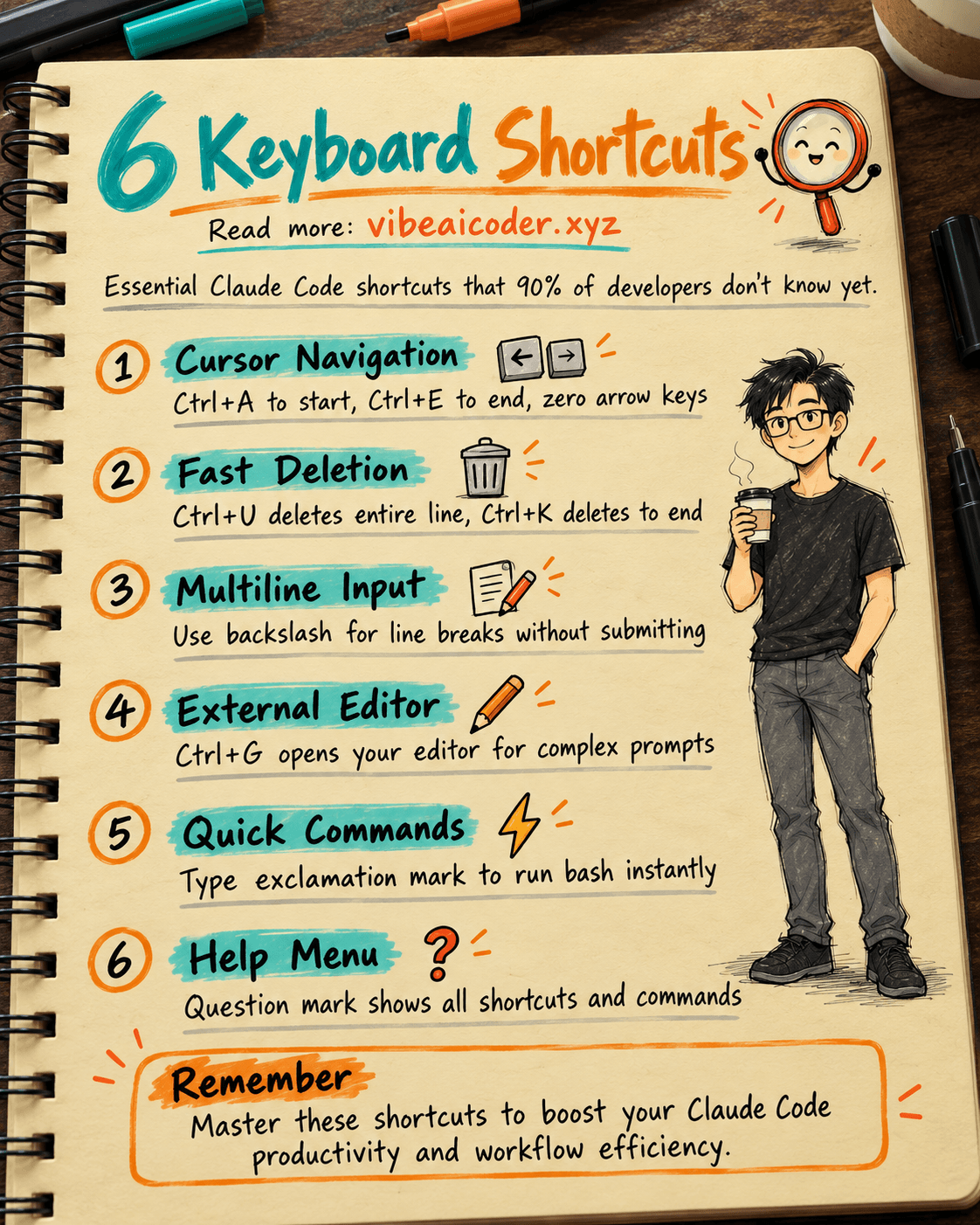
6 Claude Code Keyboard Shortcuts 90% of Developers Don't Know
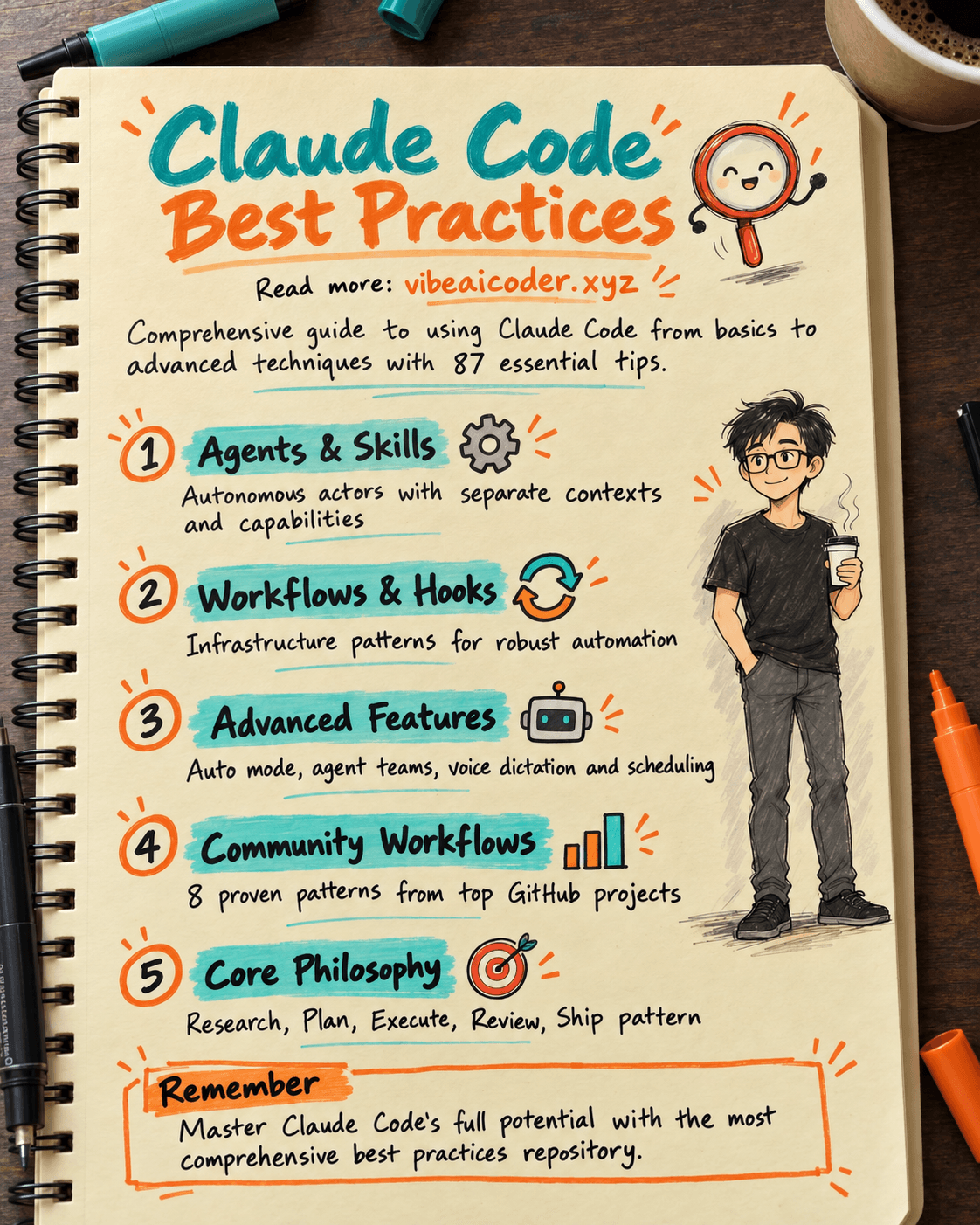
27K Stars: The Claude Code Best Practice Repository Every Developer Should Bookmark
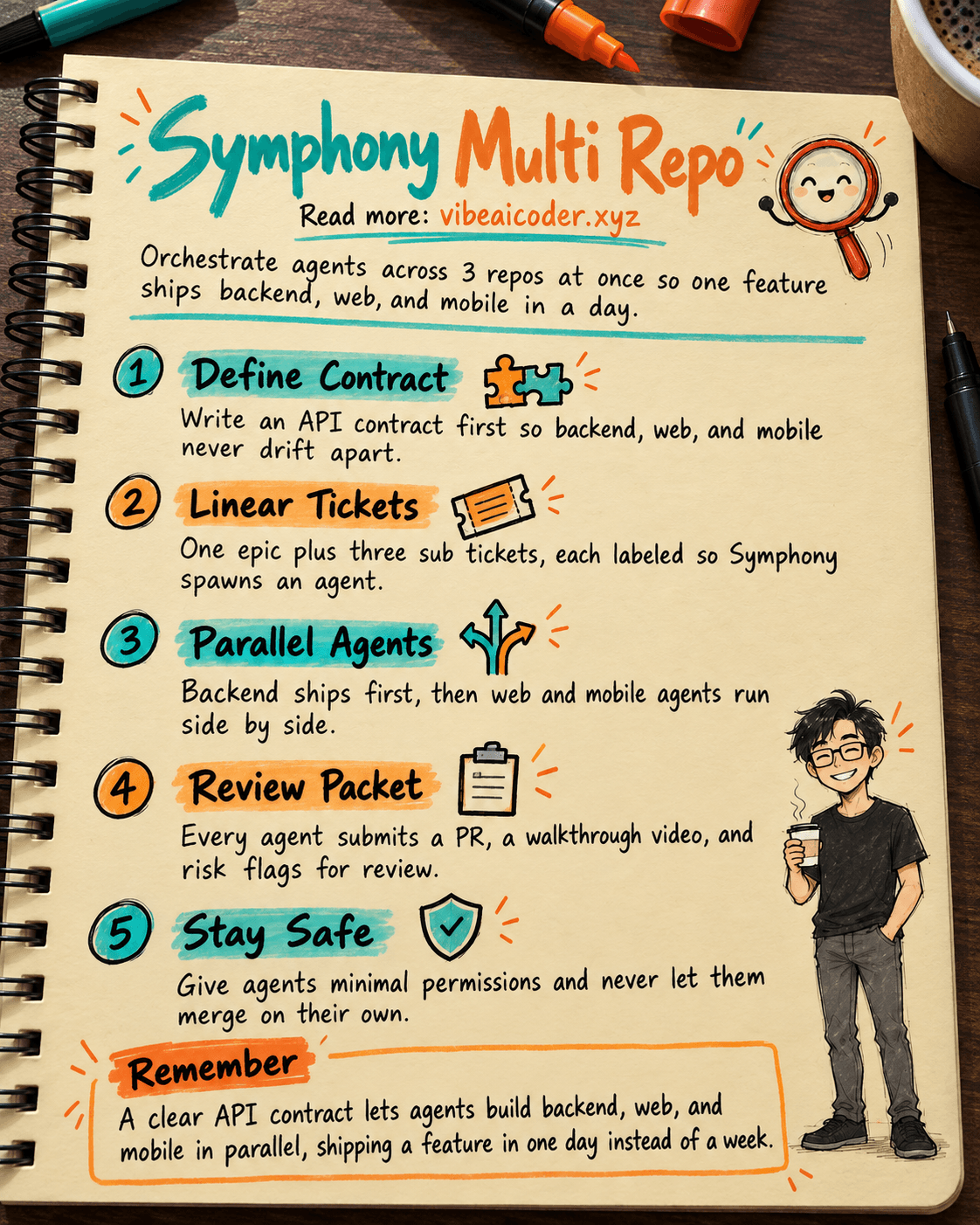
🎼 Orchestrate 3 Repos (API, Web, Mobile RN) With OpenAI Symphony to Ship a Feature in 1 Day