6 Claude Code Keyboard Shortcuts 90% of Developers Don't Know
6 Claude Code Keyboard Shortcuts 90% of Developers Don't Know
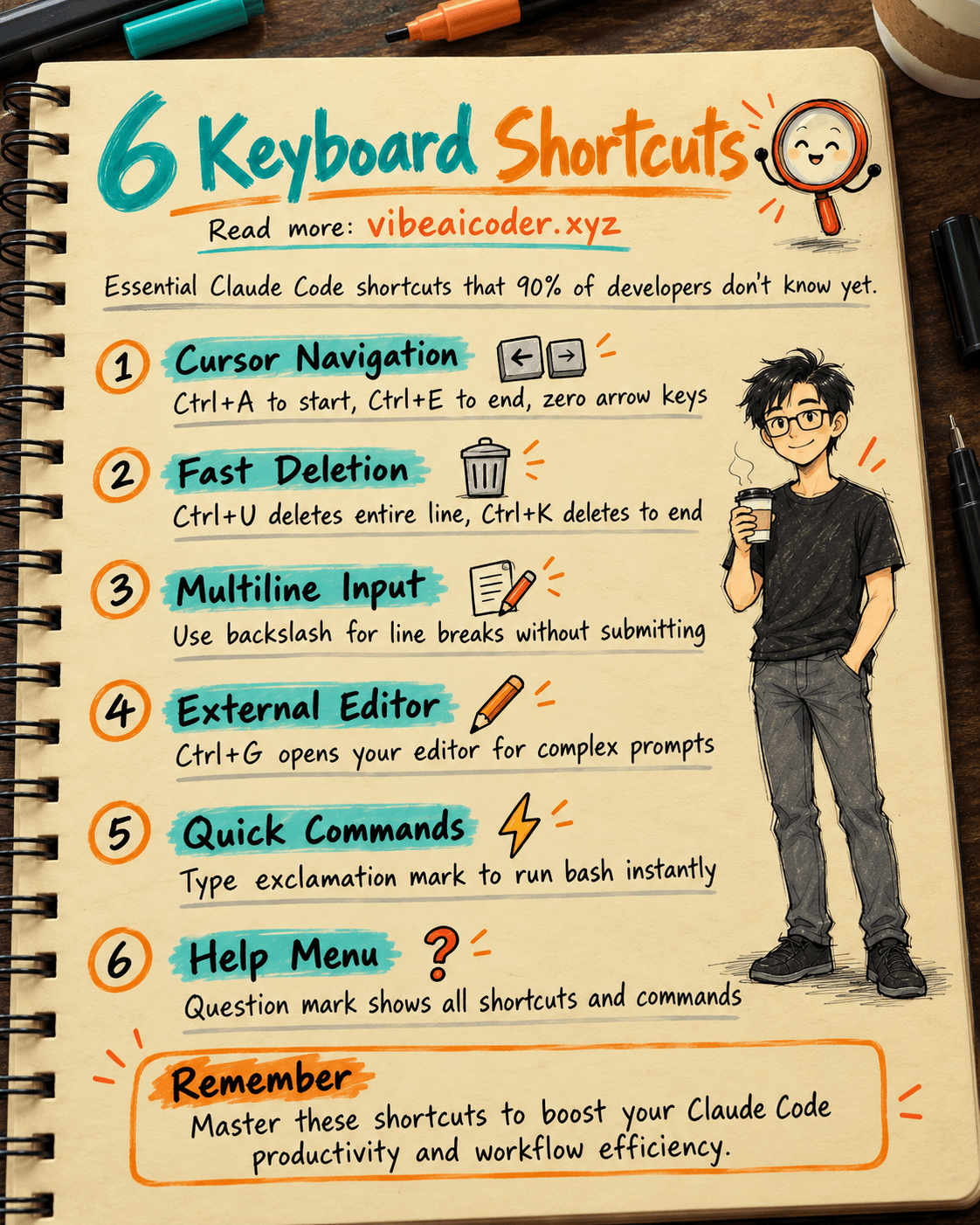
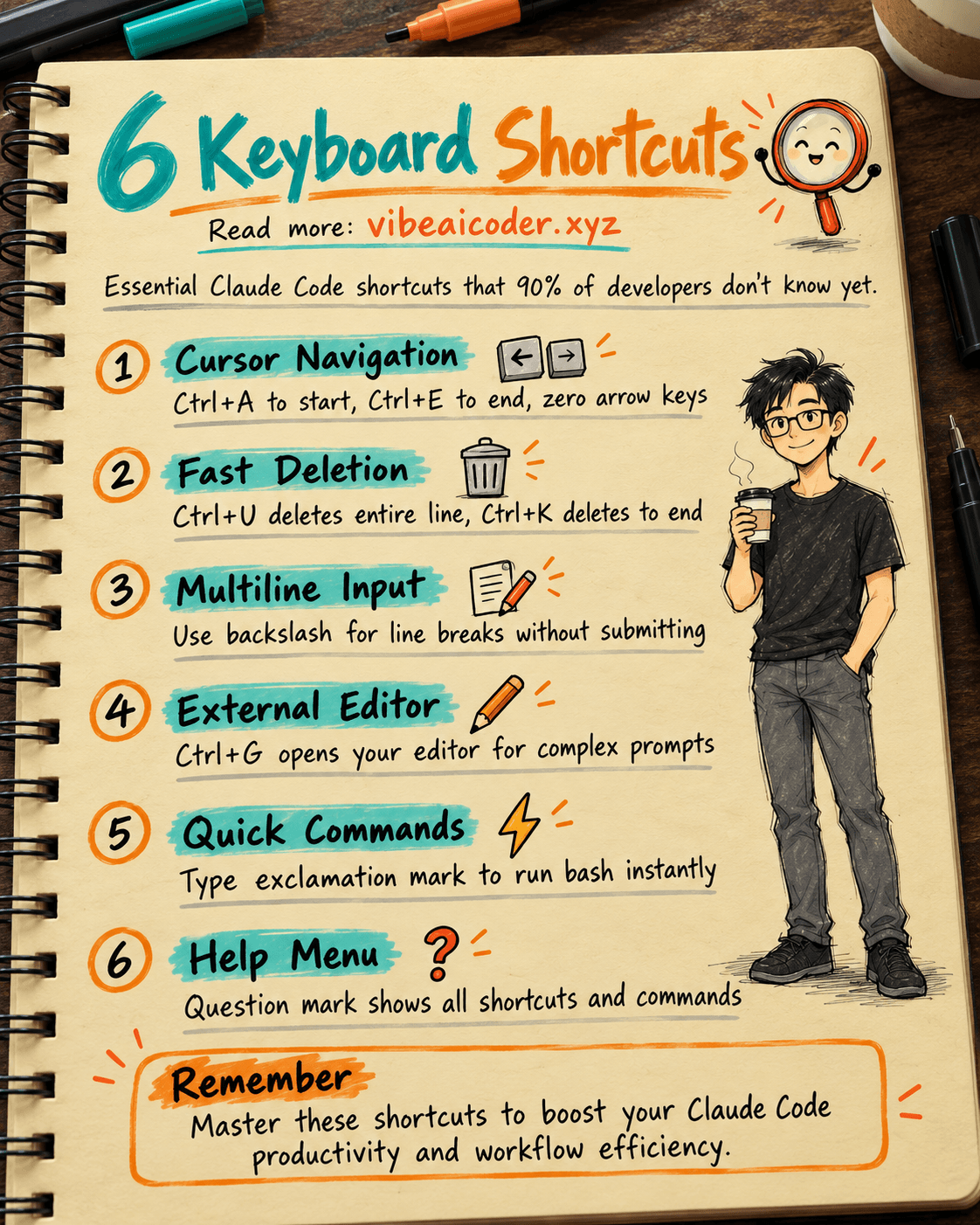
Are you still pressing Backspace character by character in Claude Code? There's a much faster way.
Arrow Keys: Navigate Without the Mouse
Instead of continuously pressing arrow keys, Ctrl+A instantly moves the cursor to the beginning of the line. Ctrl+E takes you to the end. These two shortcuts are the standard readline convention, meaning they work not only in Claude Code but also in most terminals on Linux and macOS. Learn them once and use them everywhere.
Delete Fast Without Holding Backspace
Have a long line you want to clear? Ctrl+U deletes the entire line in one keystroke. Want to delete only from the cursor position to the end of the line? Use Ctrl+K. These shortcuts save dozens of seconds each time you edit a long prompt, and over a day the time adds up significantly.
Multiline Input Without Submitting
This is a problem everyone faces when starting with Claude Code: you want to write a multiline prompt but pressing Enter sends it immediately. The simple solution is to type a backslash \ followed by Enter. The cursor moves to a new line without sending the prompt. This works in any terminal without needing to install anything.
Ctrl+G: The Most Underutilized Shortcut
Press Ctrl+G to open your system's $EDITOR, which could be vim, nano, or VSCode depending on your configuration. You can compose your prompt comfortably in your familiar editor, copy-paste freely, write multiple paragraphs, and format clearly. When you save and close the editor, Claude Code automatically receives the content and submits it. Extremely useful for complex, lengthy prompts that are inconvenient to type directly in the terminal.
Run Bash Instantly Without Opening a New Tab
No need to Alt+Tab to another terminal to run commands. Type an exclamation mark ! before your bash command and it runs directly in Claude Code. Examples: !git status, !ls -la, or !npm run build. The results appear immediately in the interface, convenient for quick checks without losing your current context.
Question Mark: View All Shortcuts
Type ? at any time to see the complete list of available shortcuts and commands. Claude Code is evolving rapidly, and this list is frequently updated with each new version.
#LearnOnTikTok #ClaudeCode #TerminalProductivity #DeveloperTools #AICoding
More articles

Advisor Strategy: How Anthropic Lets Small AI Models Run Autonomously

Deterministic vs Stochastic in AI: Two Concepts That Define How AI Answers You
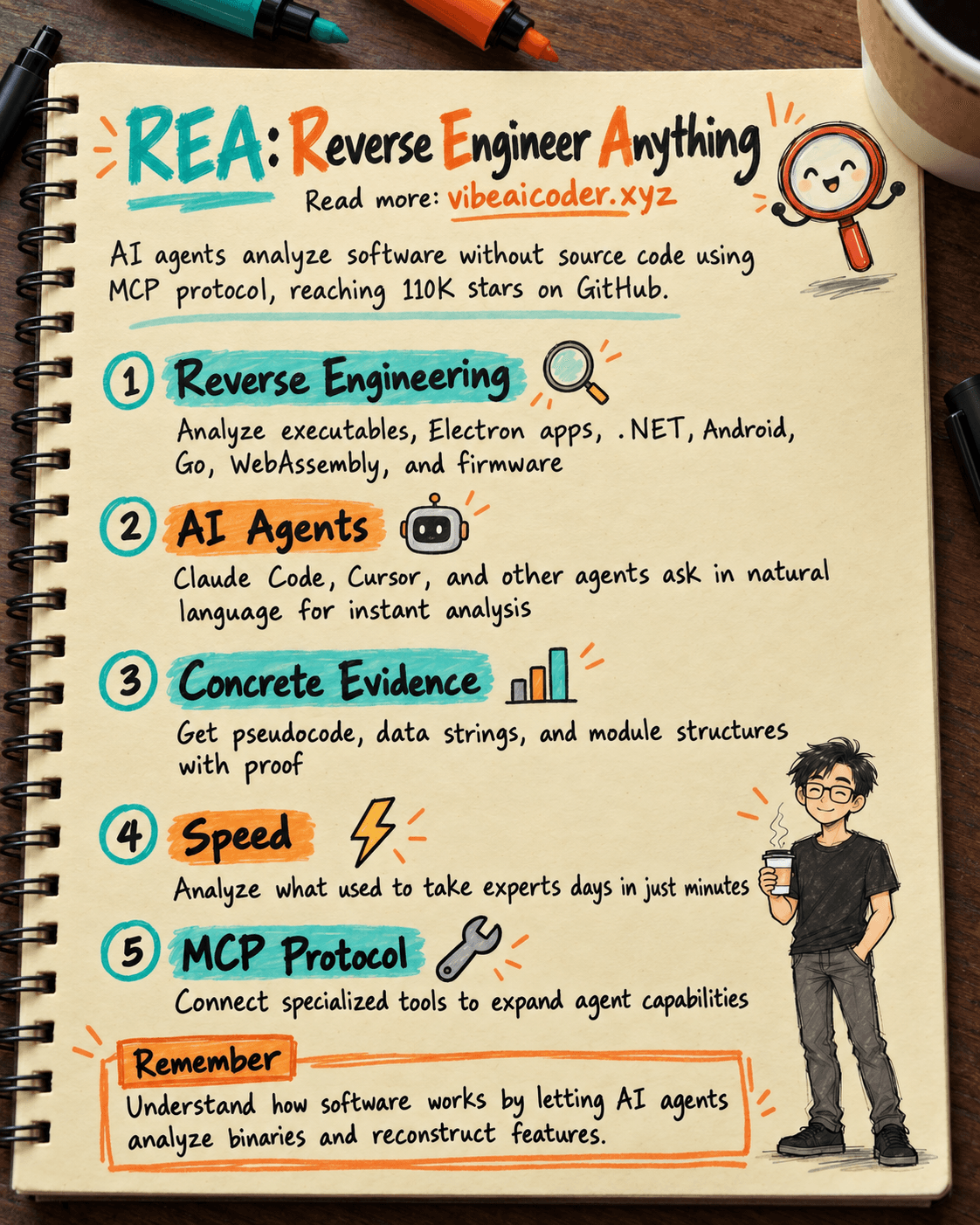
REA: AI Reverse Engineers Software Without Source Code, Hits 25K Stars

Write Unit Tests with Claude: Complete Guide for Your First Project in 20 Minutes

27K Stars: The Claude Code Best Practice Repository Every Developer Should Bookmark
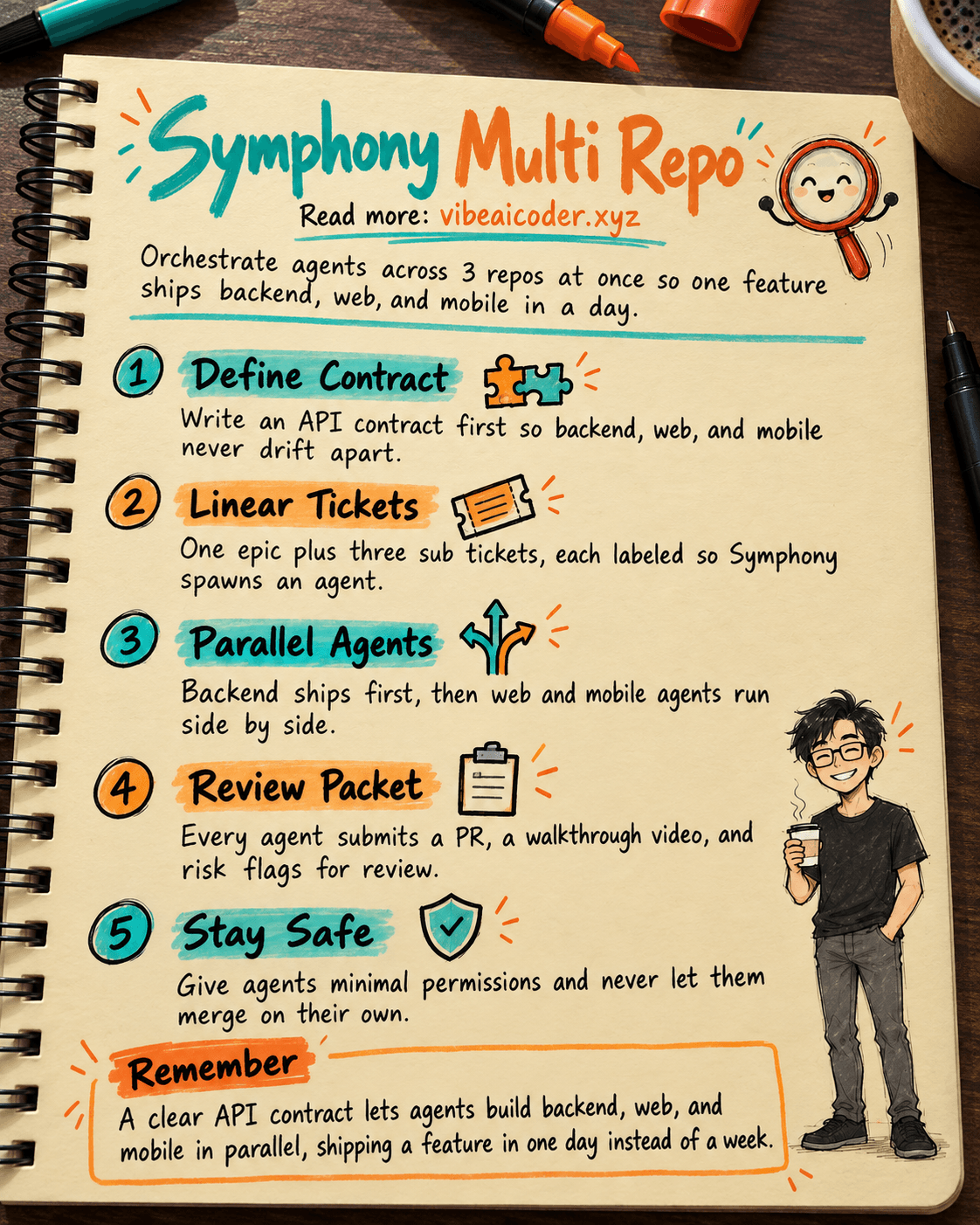
🎼 Orchestrate 3 Repos (API, Web, Mobile RN) With OpenAI Symphony to Ship a Feature in 1 Day