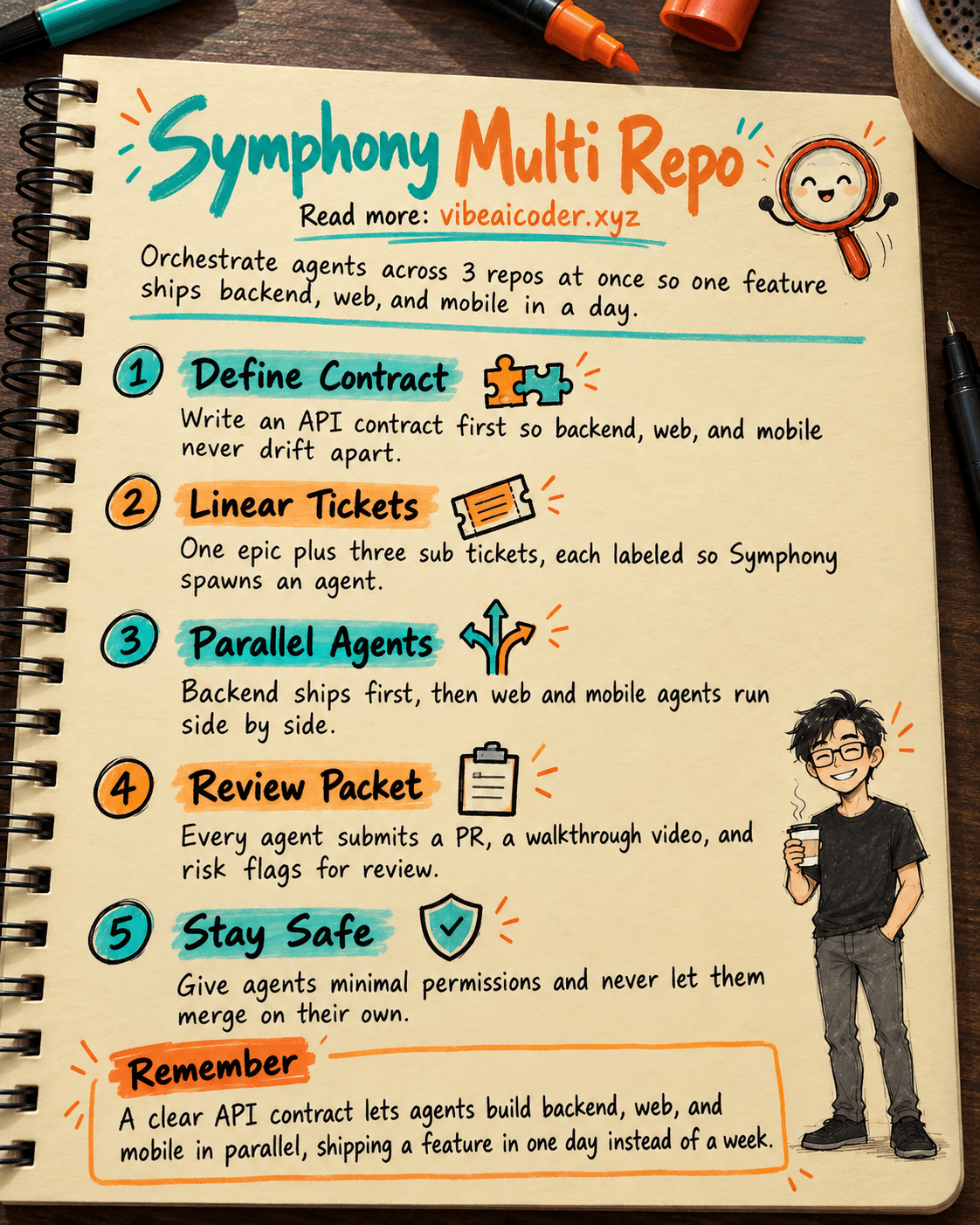
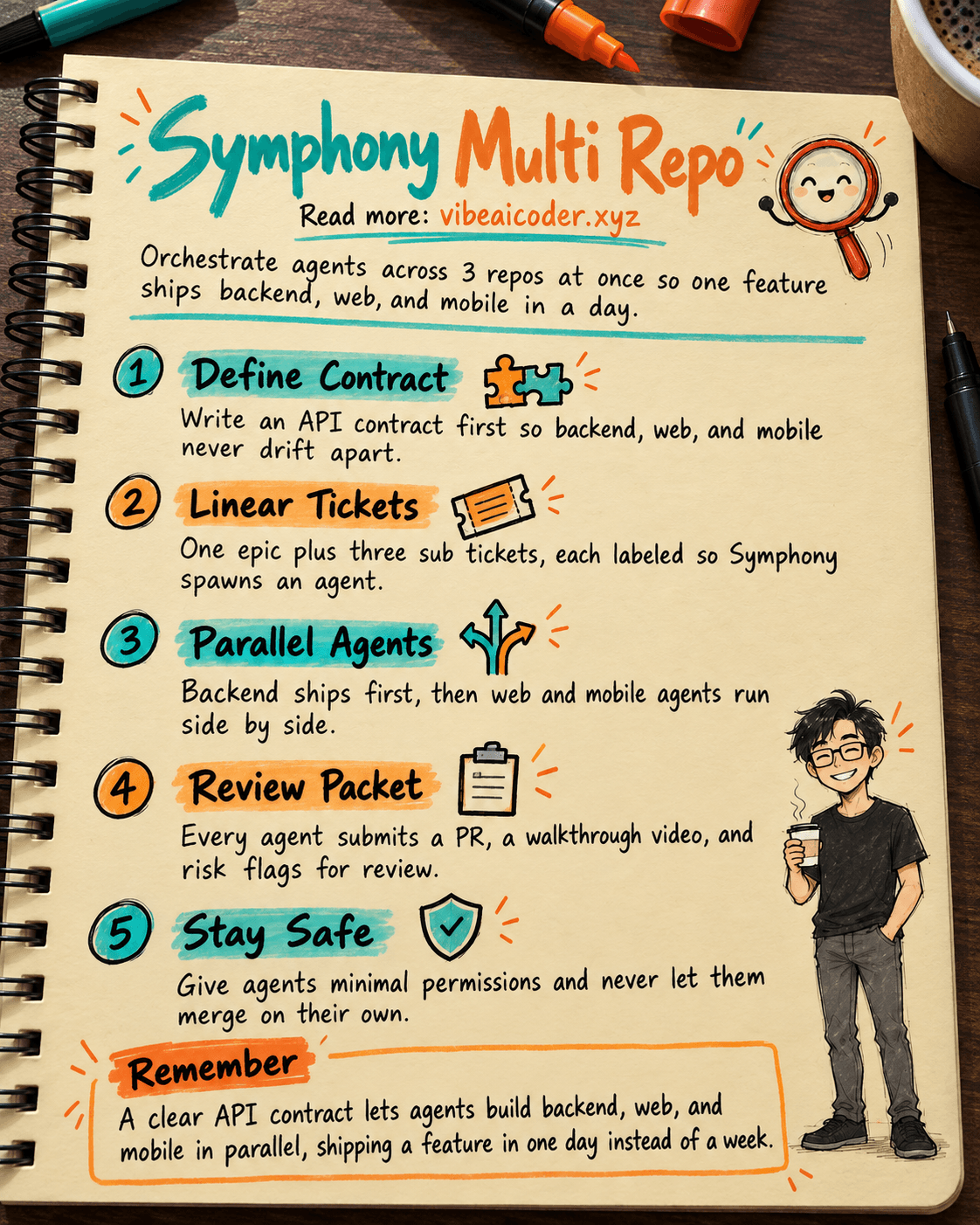
🎼 Orchestrate 3 Repos (API, Web, Mobile RN) With OpenAI Symphony to Ship a Feature in 1 Day
Ever had a single feature touch a backend API, a web app, and a mobile React Native app all at once, with one developer per repo, and everyone waiting on each other for a week? With OpenAI Symphony, you can parallelize all 3 repos and ship in a single day.
The Setup and an Example Feature
A small team has 3 repos: backend-api (NestJS), web-app (Next.js), and mobile-app (RN + Expo). They need to build an avatar upload feature:
- Backend:
POST /api/users/me/avatarreturns an S3 presigned URL, validates MIME type and a 5MB size limit - Web: a Settings page with drag and drop, crop preview, and optimistic UI
- Mobile:
expo-image-picker, a FormData PUT request, a progress bar, and retry on failure
The challenge: how do you build all 3 pieces in parallel without breaking the contract between them?
Setting Up WORKFLOW.md in All 3 Repos
Clone github.com/openai/symphony and read SPEC.md. In each repo, create a WORKFLOW.md file that defines:
- The tools the agent is allowed to use:
pnpm test,pnpm typecheck,eas build --profile preview - Branch naming:
symphony/AVATAR-1 - The test command, lint command, and deploy preview step
- A PR template with an API contract checklist
Commit this to main in each repo. The one day you spend setting it up saves you weeks later.
Creating an Epic Plus 3 Sub-Tickets in Linear
Install the Symphony Elixir reference implementation and connect your Linear API token plus a GitHub PAT for all 3 repos. Symphony polls the Linear board, and any ticket with the symphony label spawns an agent.
Create an epic called AVATAR: User profile photo upload with 3 sub-tickets:
[backend-api] AVATAR-1: a POST endpoint that returns an S3 presigned URL, with the response shaped as{uploadUrl, key, expiresAt}[web-app] AVATAR-2: the settings page upload UI (depends on AVATAR-1)[mobile-app] AVATAR-3: the RN avatar picker and upload flow (depends on AVATAR-1)
Paste the full API contract into each ticket's description. The clearer the spec, the more accurate the agent's work.
API Contract First, Then Parallel Execution
This is the critical step. Let AVATAR-1 run first (one backend agent). Once the backend merges its PR and pushes the OpenAPI spec to the @yourorg/api-types npm package, Symphony automatically unblocks AVATAR-2 and AVATAR-3.
After that, the web and mobile agents spawn at the same time, each in its own workspace. Both import types from @yourorg/api-types for end to end type safety. The web agent tests with msw, the mobile agent mocks fetch.
The biggest difference from the old way: instead of working one step at a time, you now have 3 agents running in parallel.
Review Packets and Merging
Each agent submits a full review packet:
- A PR link with CI status (test, lint, build)
- A walkthrough video that Symphony generates automatically
- Complexity analysis (cyclomatic complexity, lines changed)
- Risk flags (security concerns, breaking changes)
The lead reviews all 3 PRs at once and merges in order: backend, then web, then mobile. Never give an agent permission to merge automatically.
Security Tips and the Real ROI
The ROI is clear:
- Before Symphony: 3 developers x 2 days = 6 person days
- With Symphony: 1 developer overseeing x 1 day = about 1 person day
- That is over 80% in time saved and 3 to 5x the throughput
Tips for getting started:
- Start with a simple CRUD feature, do not try auth or payments right away
- When an agent gets stuck, the bug is usually a vague ticket spec, not the agent itself
- Track Codex API usage through a dashboard and set a rate limit
- Security: give the GitHub App the minimum permissions needed, and never hand it production credentials
- Optional: use GitHub Codespaces as an isolated sandbox for each agent
After 2 weeks, a team of 5 to 10 developers can ship a 3 repo feature with 3 to 5x the throughput, with developers focused on architecture and review instead of typing repetitive code.
FAQ
Do all 3 agents really run at the same time? Only after the backend contract (AVATAR-1) is merged and the shared types package is published; the web and mobile agents then spawn together, since both depend on that contract.
What happens if an agent's PR fails CI? The agent's review packet surfaces the failing CI status, and a human reviewer decides whether to send it back to the agent or fix it directly, since merging is never automatic.
Is this approach safe for a feature touching auth or payments? Not as a first try. Start with a simple CRUD feature to learn the workflow, since mistakes in auth or payment code are much costlier to catch after the fact.
How is your team setting up its AI dev workflow? Has anyone tried Symphony or built their own orchestrator? Share your stack in the comments.
More articles
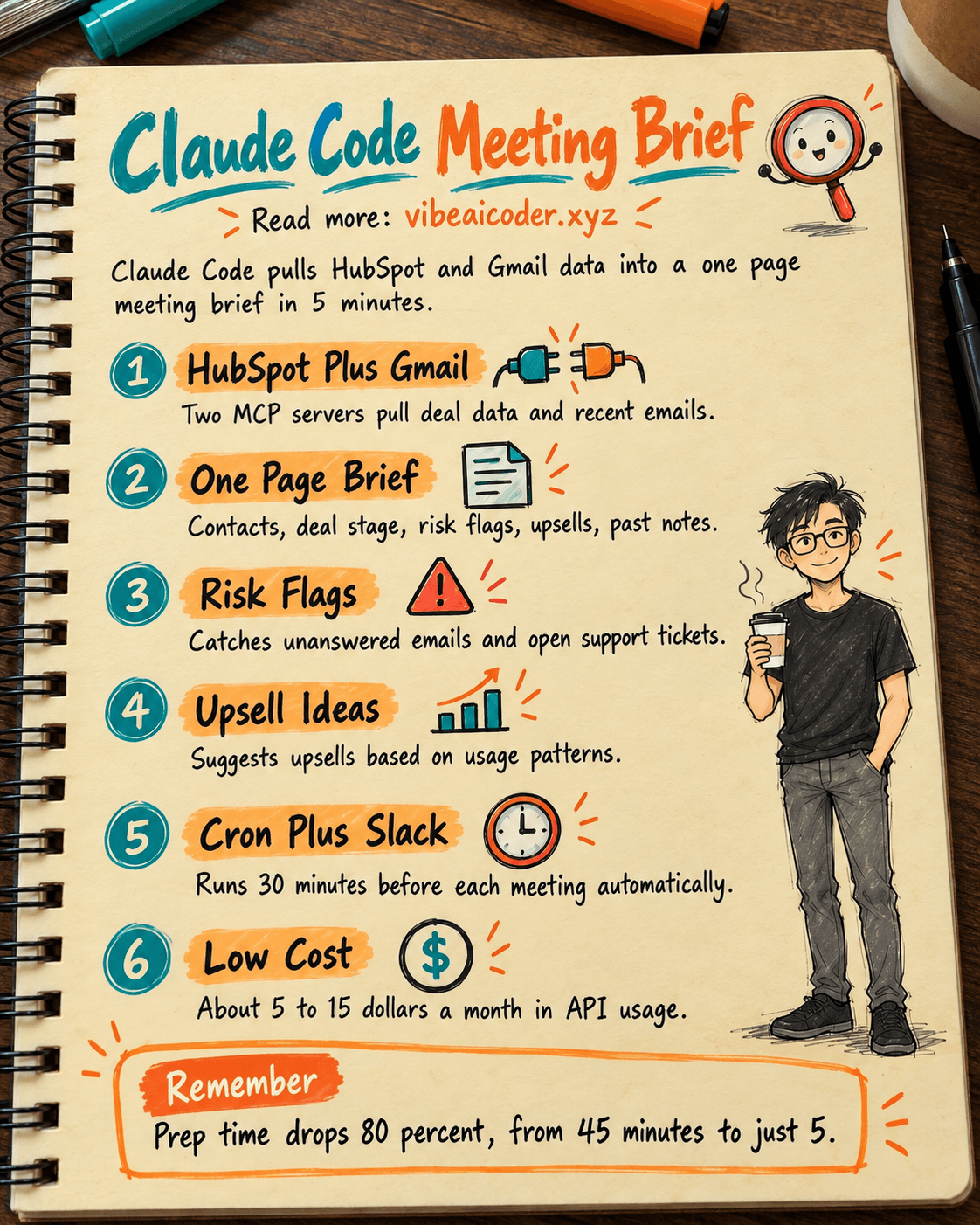
 How Account Managers Use Claude Code to Prep Meeting Briefs in 5 Minutes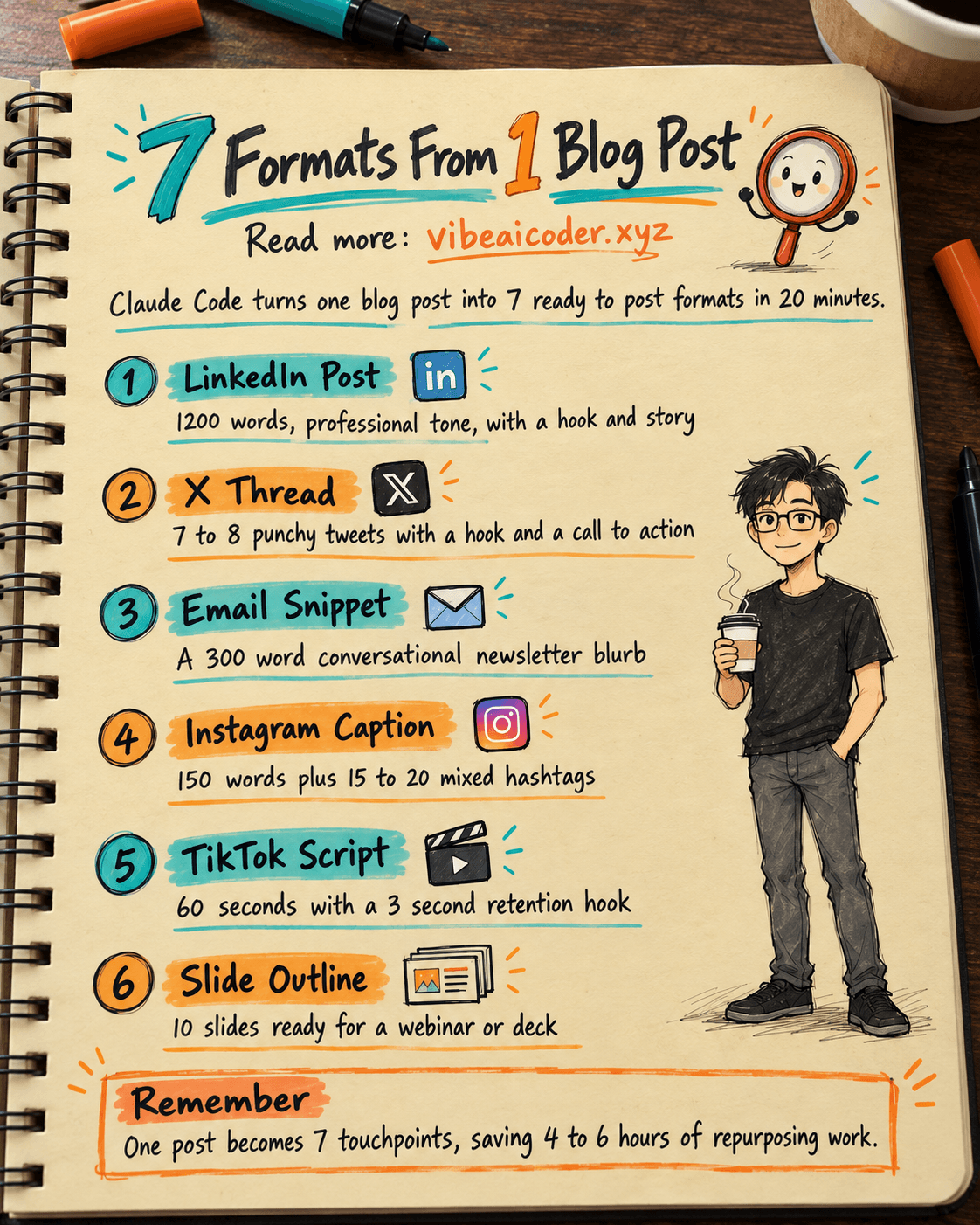
 Turn One Blog Post Into 7 Content Formats in 20 Minutes with Claude Code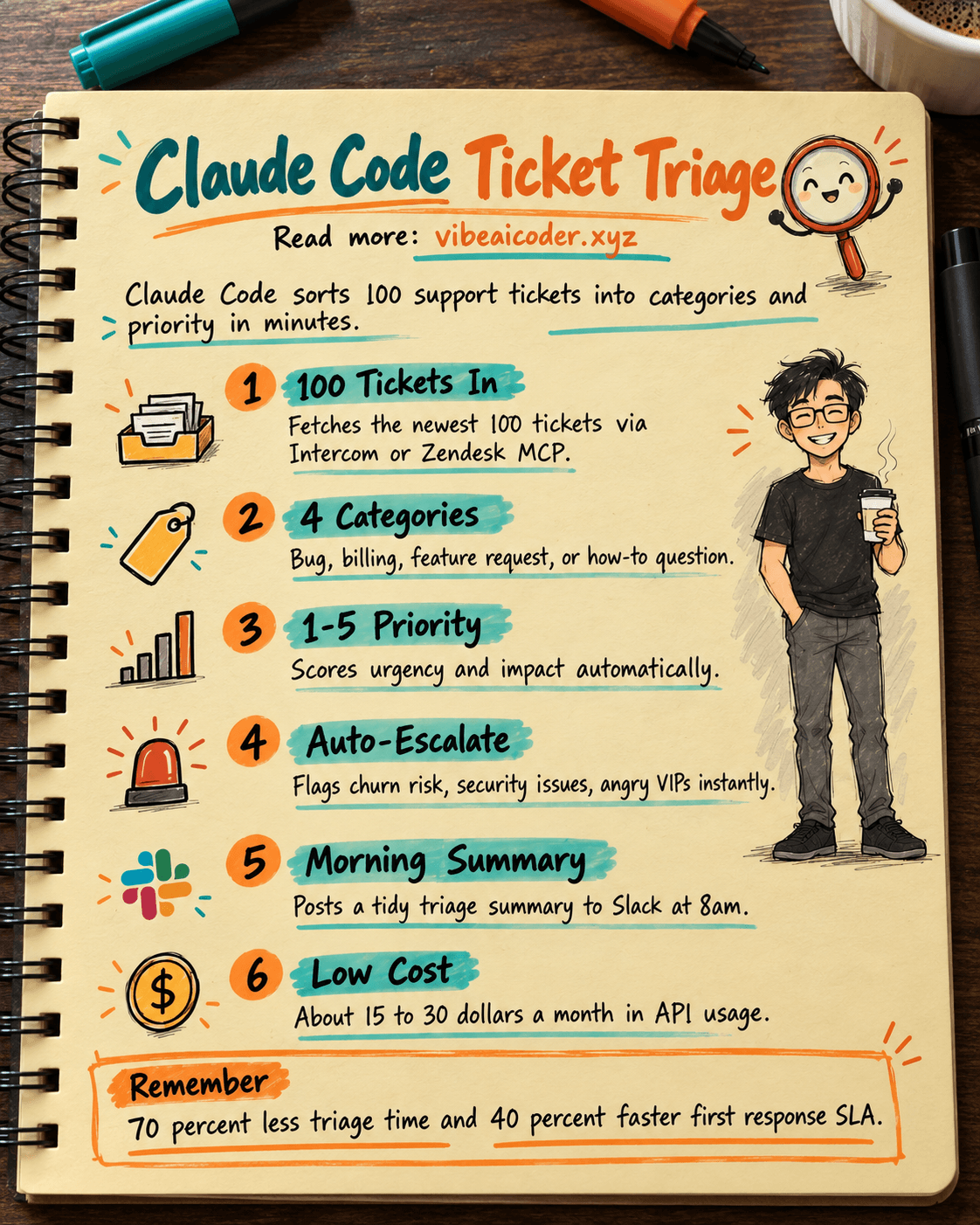
🎫 Claude Code Triages 100 Support Tickets in 5 Minutes, Saving Leads 2 Hours a Day
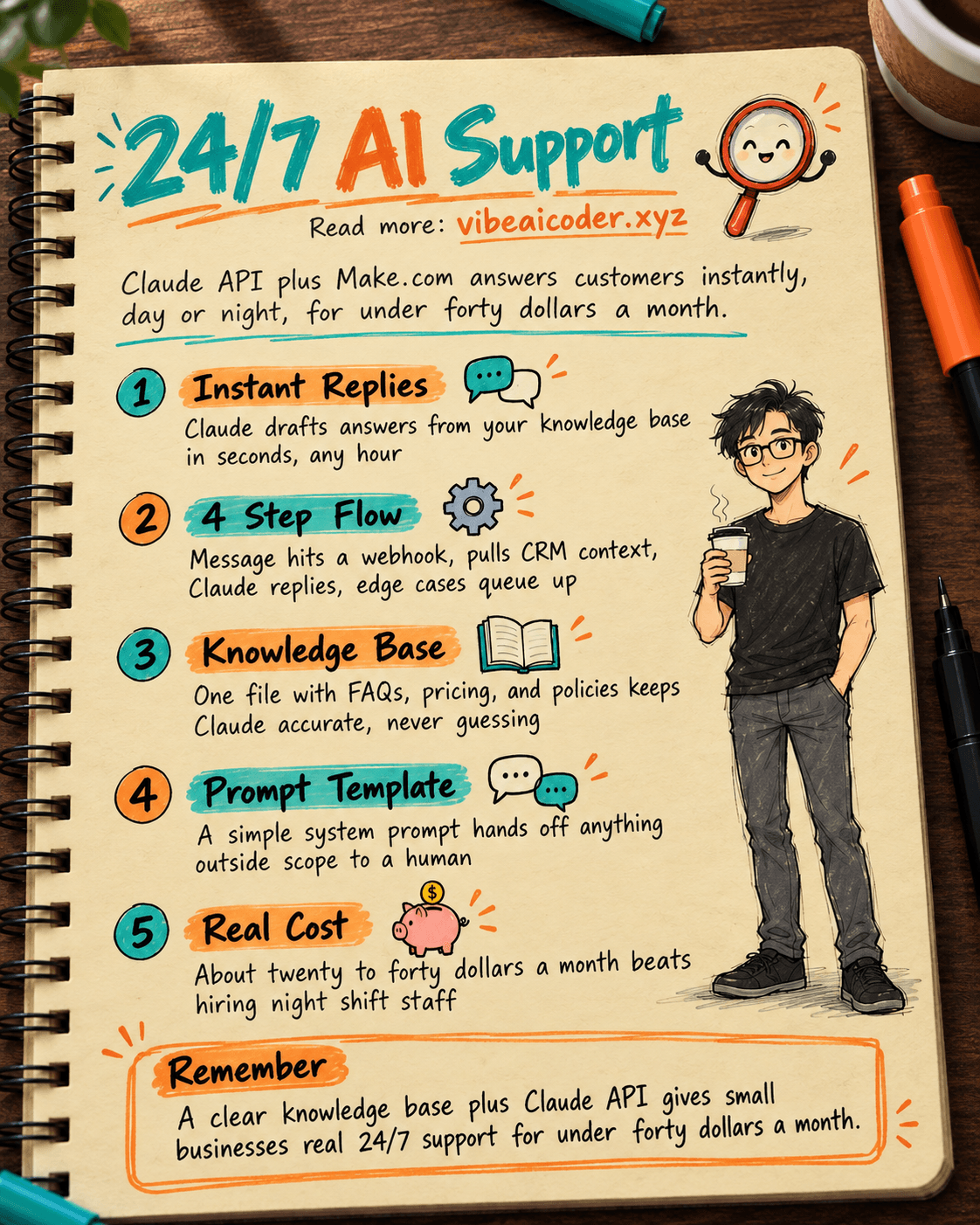
 How to Build 24/7 Automated Customer Support With Claude API, No Night Staff Needed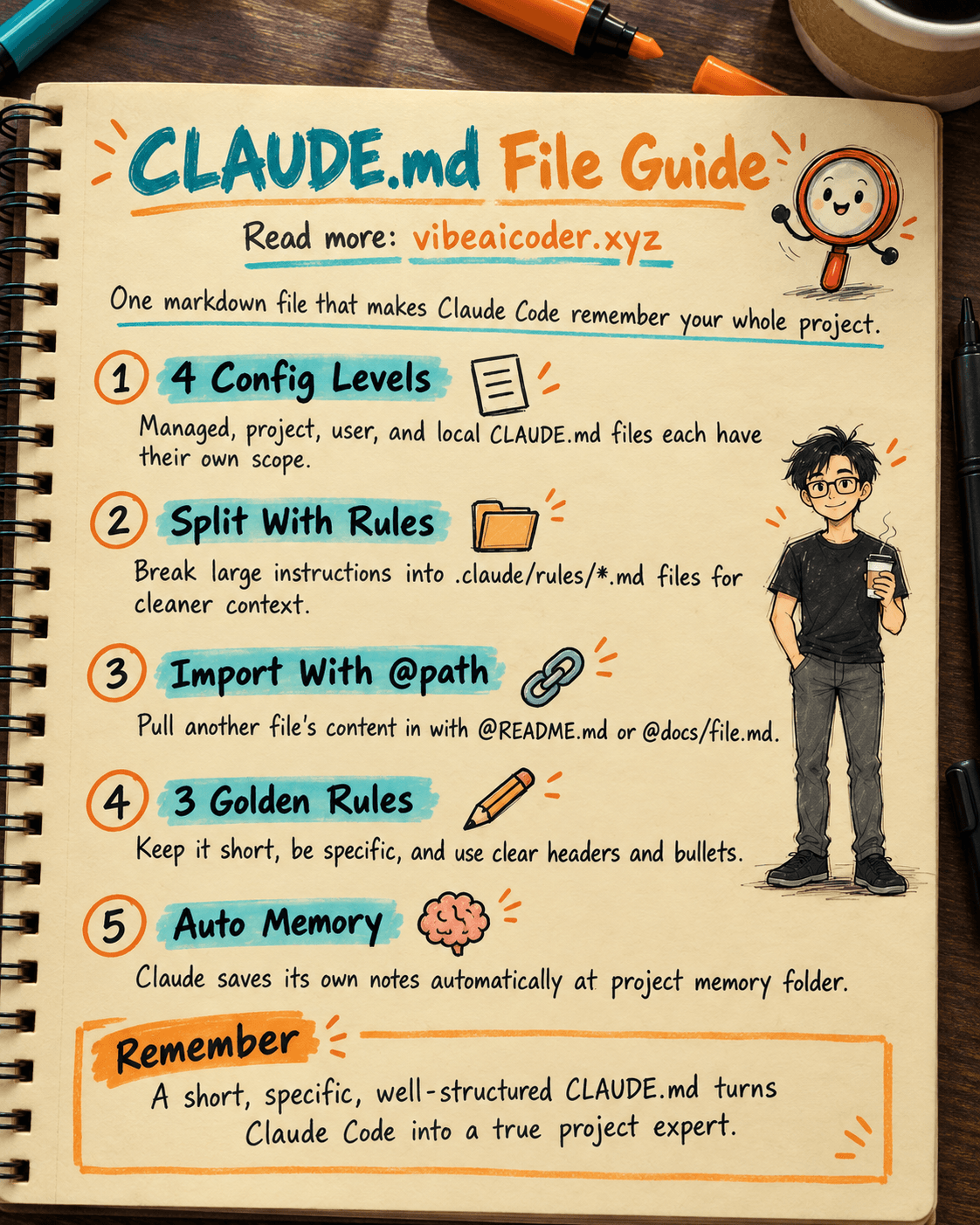
 What Is CLAUDE.md? The One File That Makes Claude Code Understand Your Project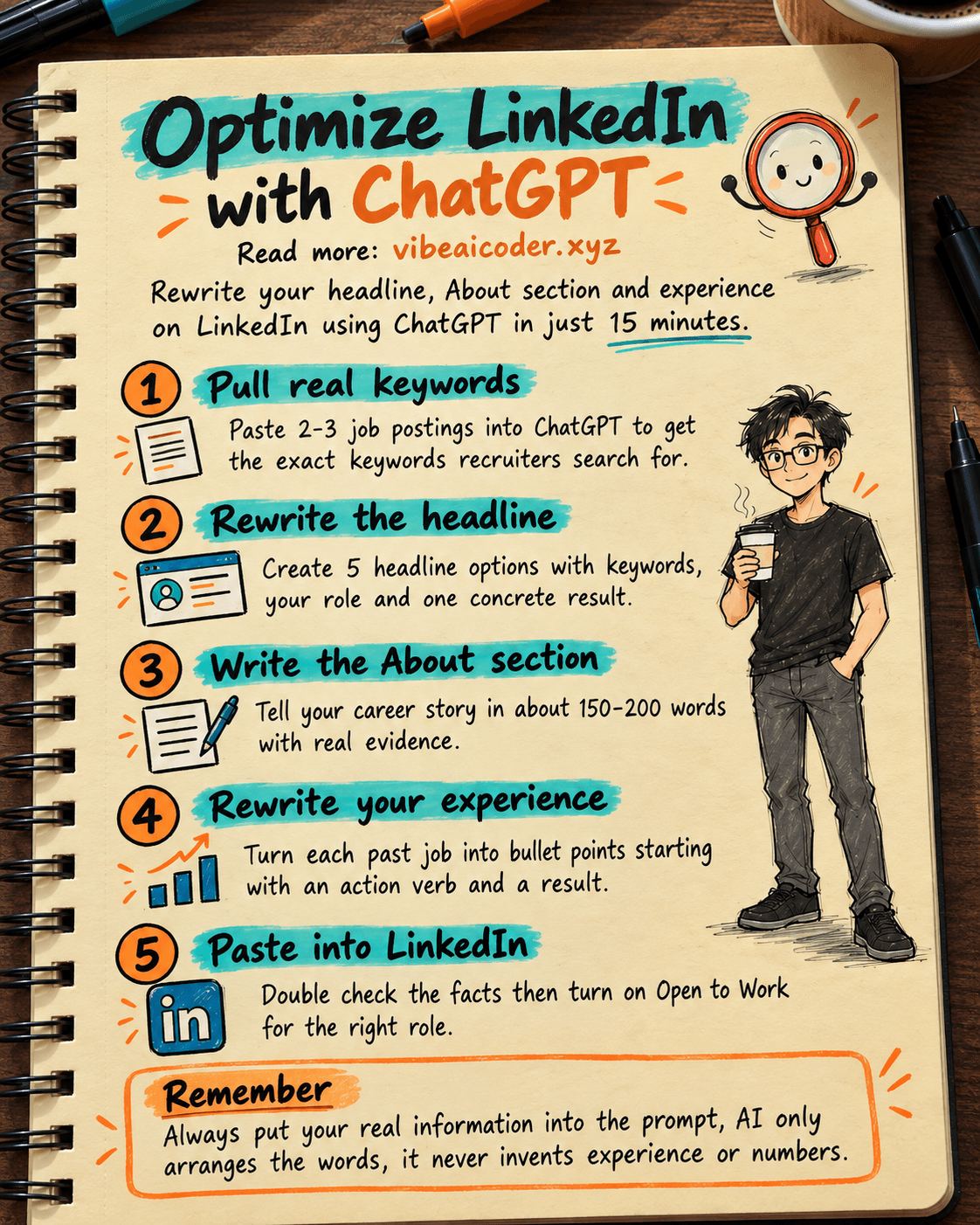
Optimize Your LinkedIn Profile With ChatGPT in 15 Minutes