Think Tool: Making Claude Pause and Reason Mid-Stream, 54% Boost
Think Tool: Making Claude Pause and Reason Mid-Stream, 54% Performance Boost
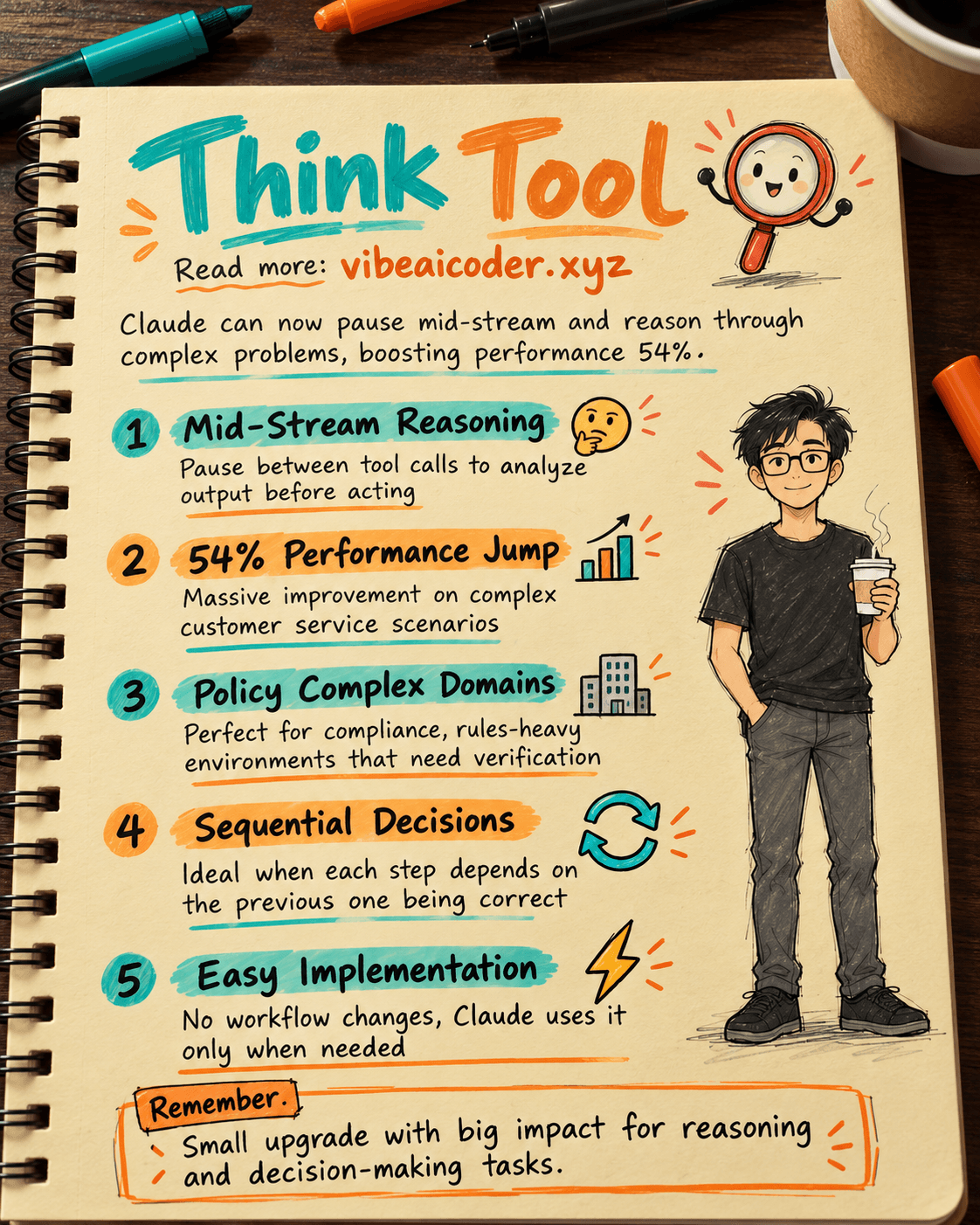
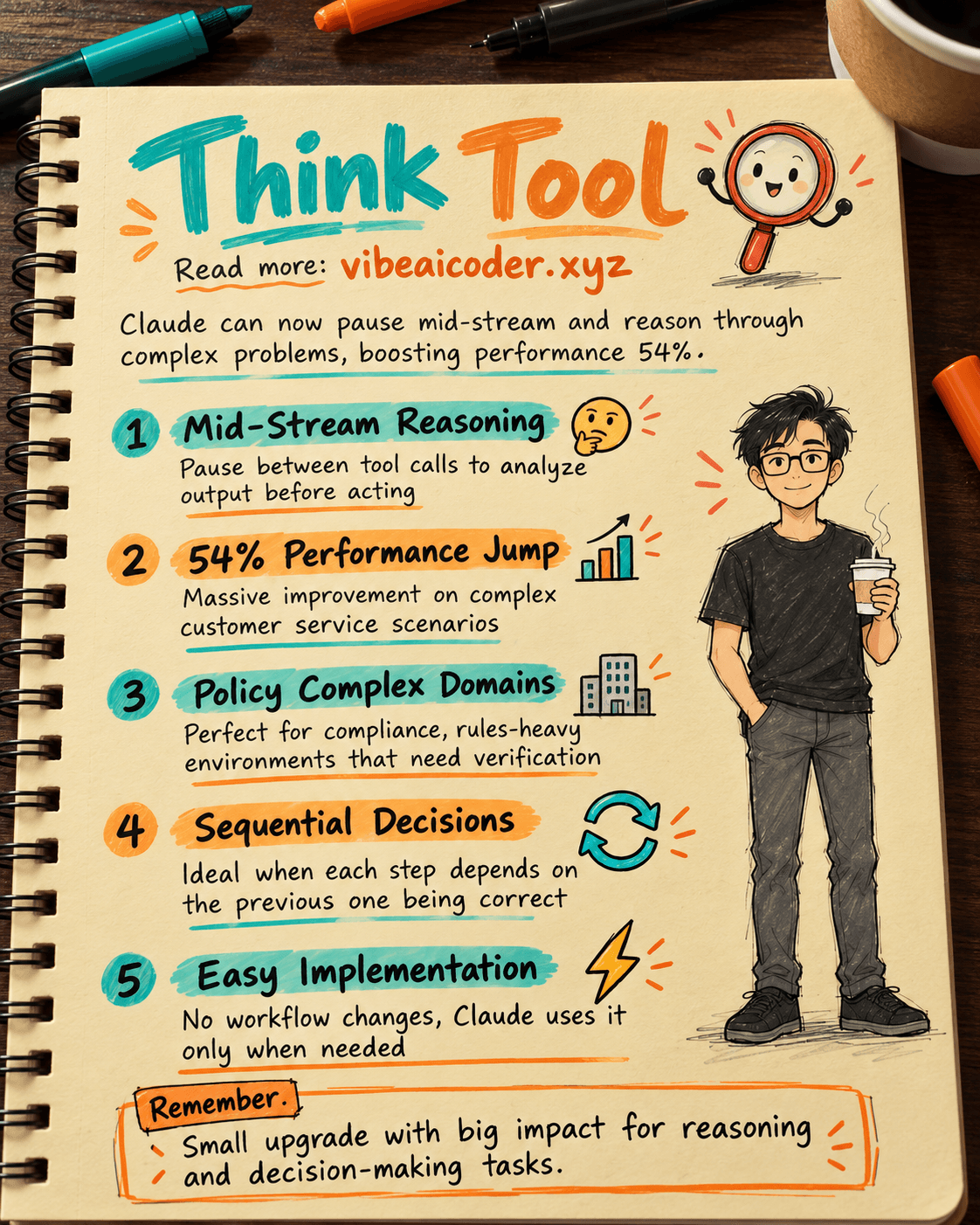
Have you ever seen AI answer too quickly without enough thought? Anthropic created the Think Tool, a simple feature that lets Claude stop mid-stream and think carefully before taking the next action. The result: 54% performance improvement on the hardest benchmarks.
What Is Think Tool?
Think Tool creates a dedicated space where Claude can do structured reasoning right in the middle of processing a task. The key difference: extended thinking happens before Claude starts answering, but Think Tool activates while Claude is already answering.
Specifically, after receiving a result from a tool call, Claude can invoke Think Tool to analyze that output before deciding what to do next. It's like you're working on a problem, you get new information, then you pause for 30 seconds to think about whether you have enough information and what to do next.
The Numbers Are Impressive
On τ-Bench (a customer service benchmark), the results are striking:
Airline domain: from 0.370 to 0.570, a jump of 54%. This is a hard domain with many complex policies. Think Tool combined with optimized prompts creates the biggest leap.
Retail domain: from 0.783 to 0.812. This domain is simpler, so the improvement is smaller, but still clear.
On SWE-bench (code benchmark), Think Tool contributes to state-of-the-art score 0.623, with average improvement of 1.6%.
One key insight: prompting matters a lot. Complex environments benefit hugely from giving Claude specific examples of how to think.
3 Cases Where You Should Use It
Case 1: Analyzing tool output. When Claude gets results from an API, database, or file search, it needs time to evaluate if the information is enough before taking the next step.
Case 2: Complex policy environments. Customer service, compliance, or any domain with many rules to follow. Think Tool helps Claude check each rule instead of missing one.
Case 3: Sequential decisions. When each step depends on the previous one, Think Tool prevents Claude from rushing to the next step before being sure the current step is right.
When You Don't Need It
Not every situation needs Think Tool. Skip it when tool calls are independent (non-sequential) or when the task is simple with few constraints. Adding Think Tool to these cases just wastes tokens without improving results.
How to Get Started
Step 1: test with your hardest scenario where Claude often breaks policy.
Step 2: write Think Tool plus specific examples for your domain, showing Claude how to verify rules and check if information is enough.
Step 3: watch usage patterns and fine-tune the prompt gradually.
Think Tool is nearly effortless to implement and doesn't change your current workflow. Claude only uses it when needed. A small upgrade with big impact.
More articles
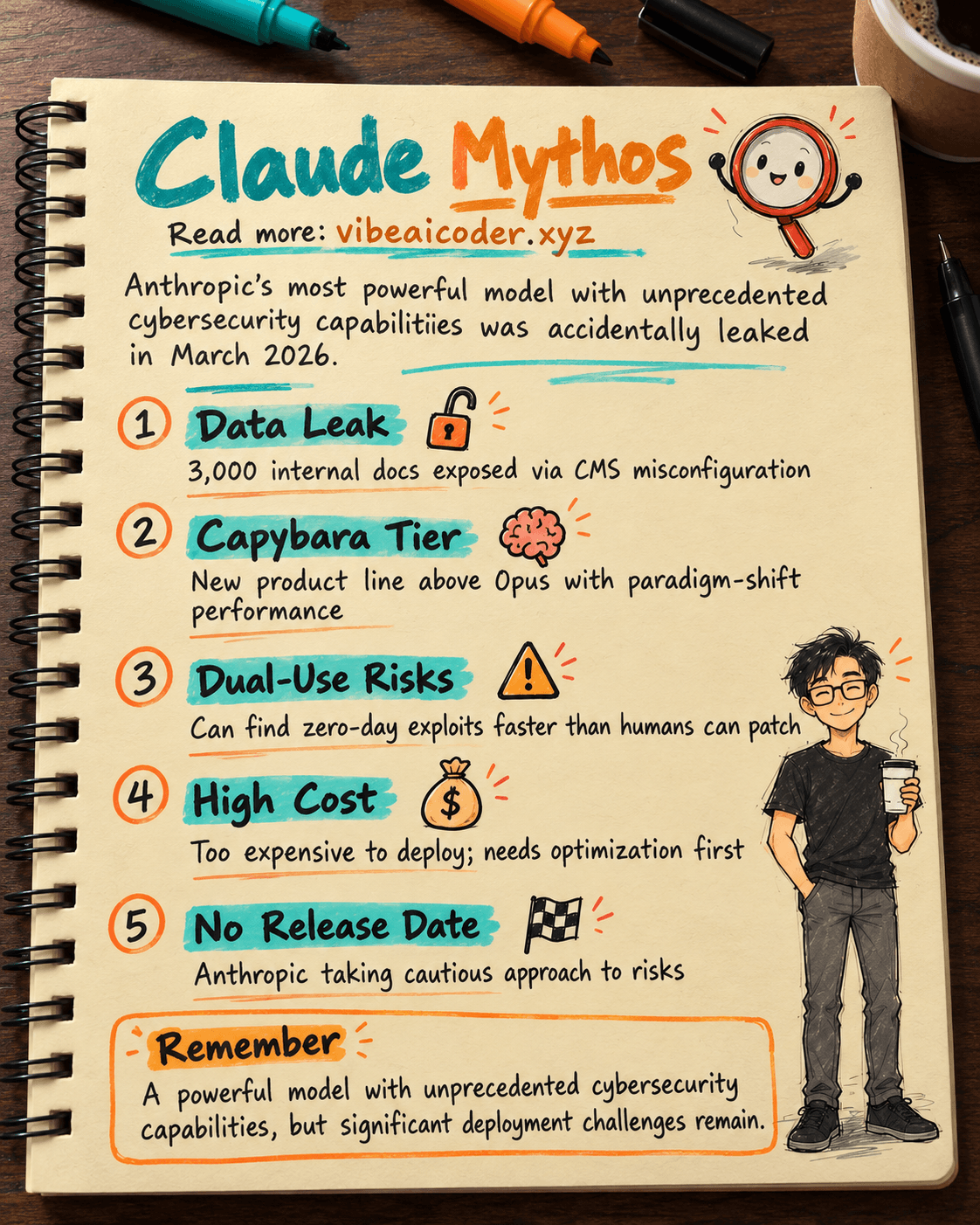
Claude Mythos Leaked: Anthropic's Most Powerful AI Model with Unprecedented Cybersecurity Risks
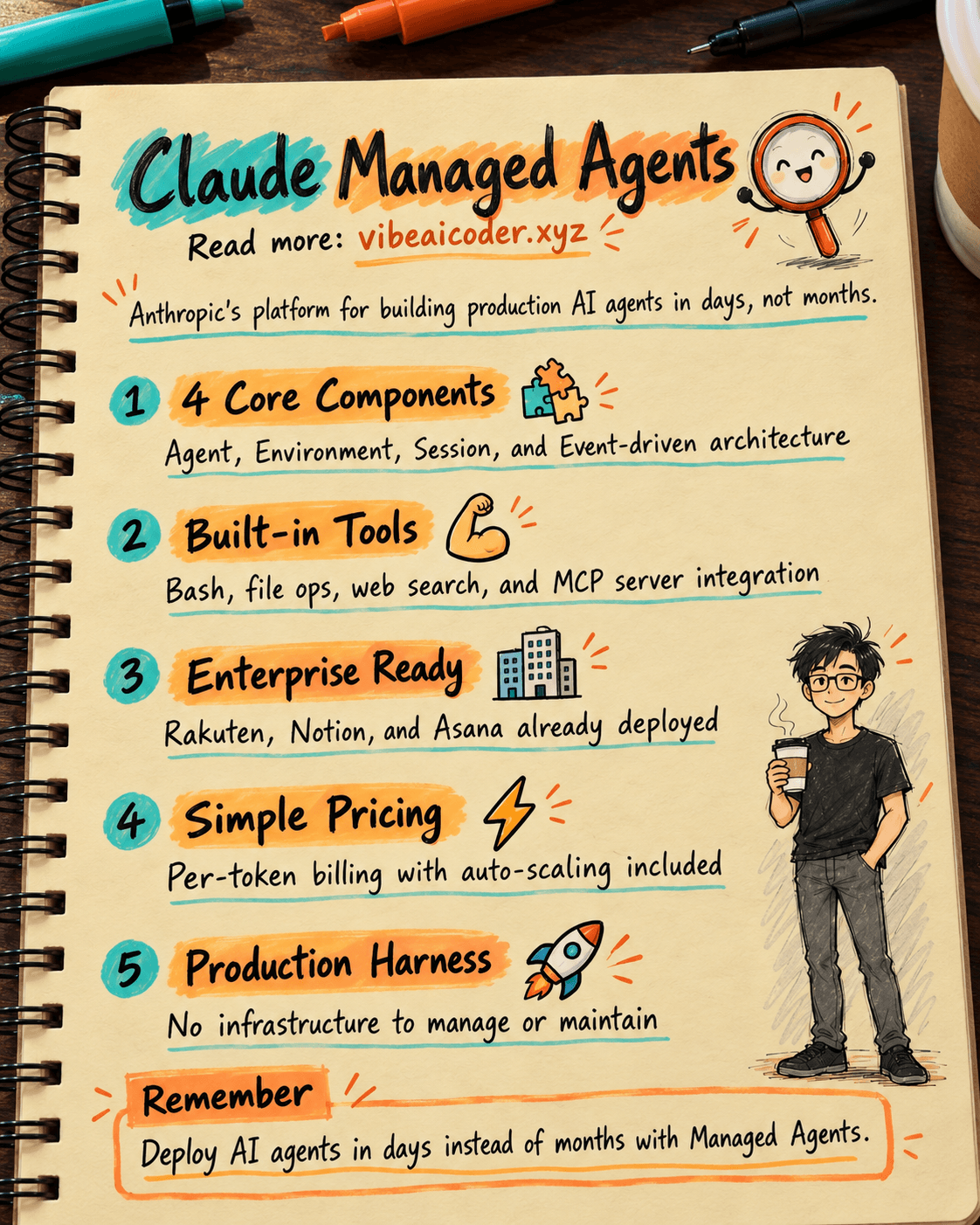
What Are Claude Managed Agents? Build AI Agents in Days
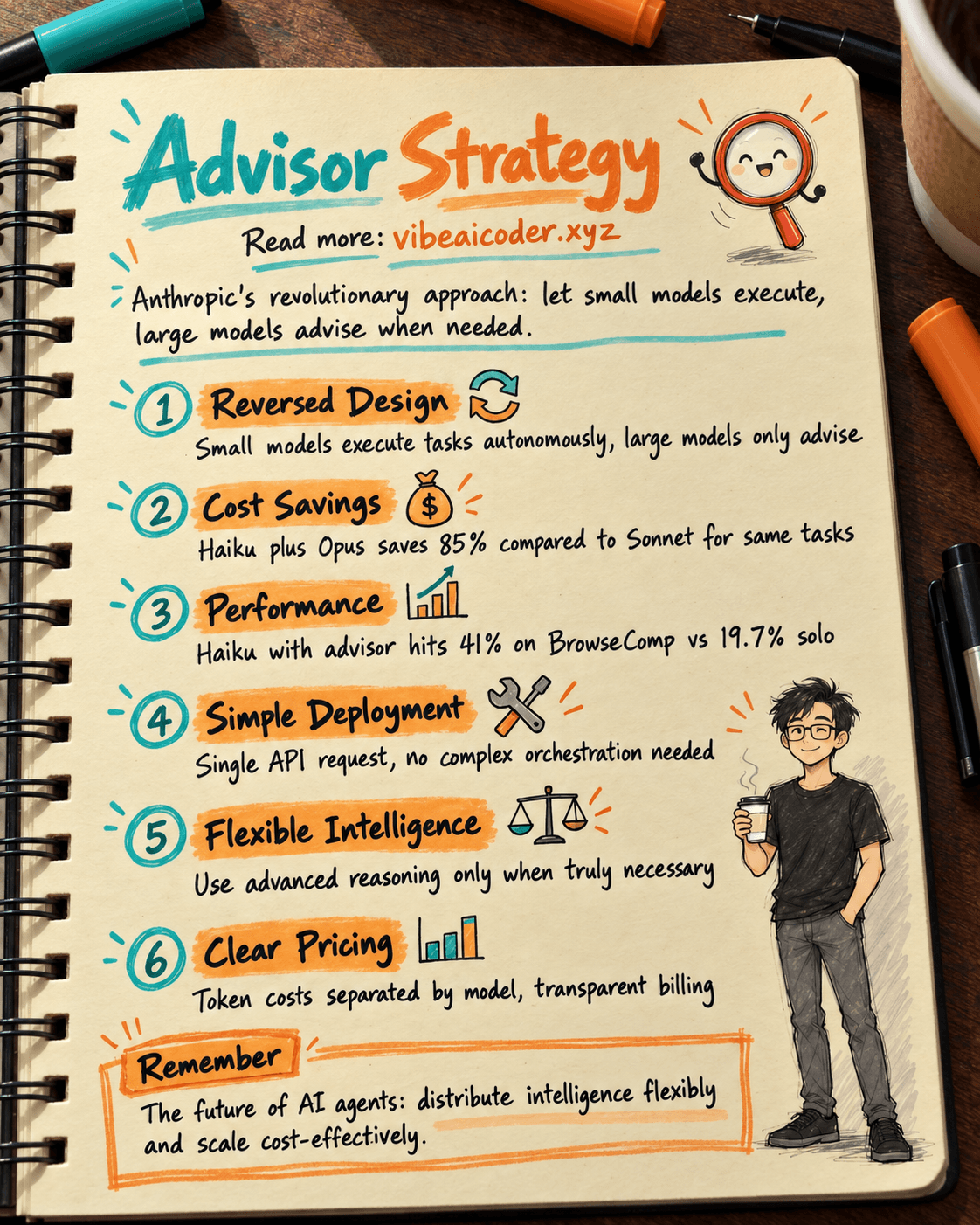
Advisor Strategy: How Anthropic Lets Small AI Models Run Autonomously
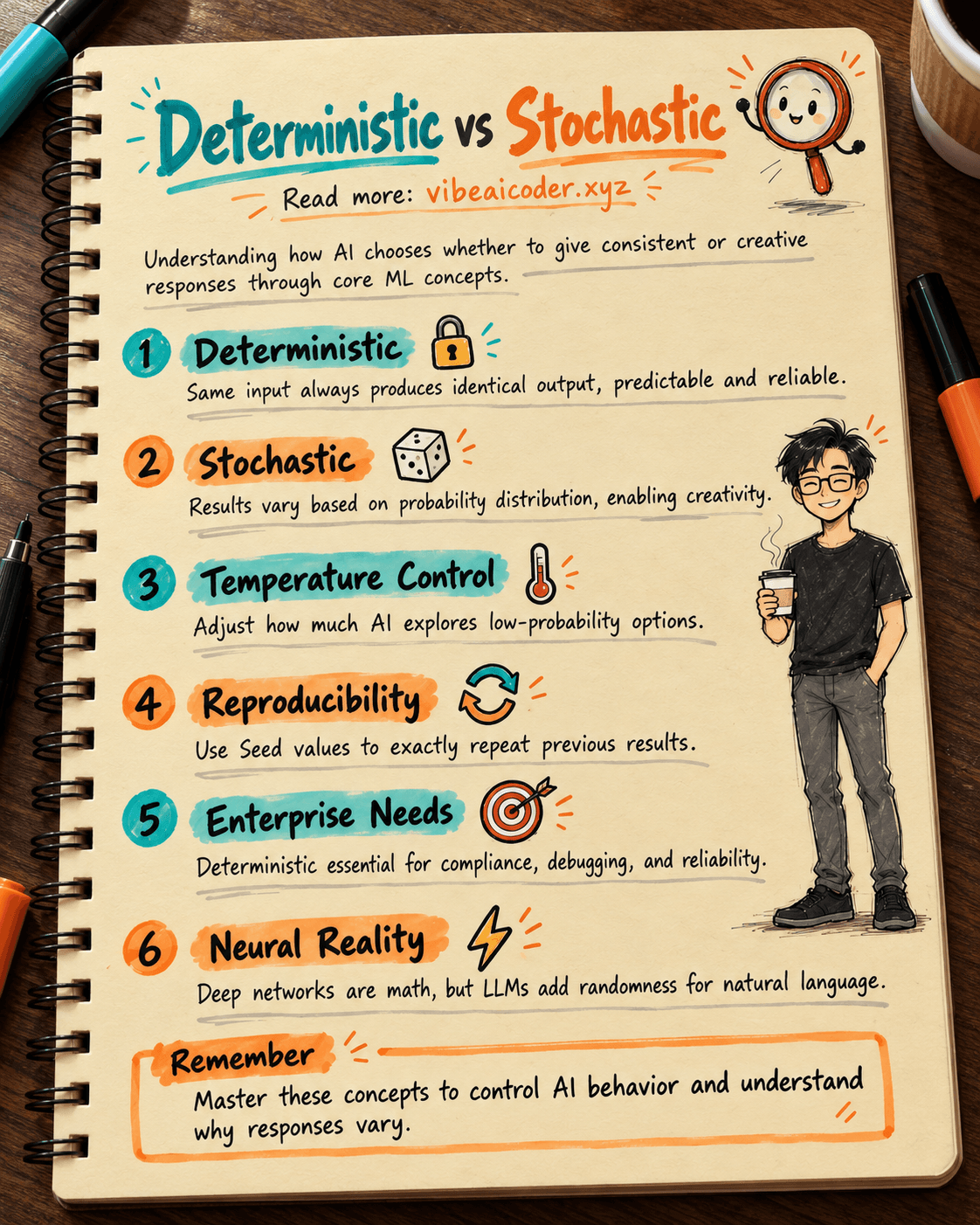
Deterministic vs Stochastic in AI: Two Concepts That Define How AI Answers You
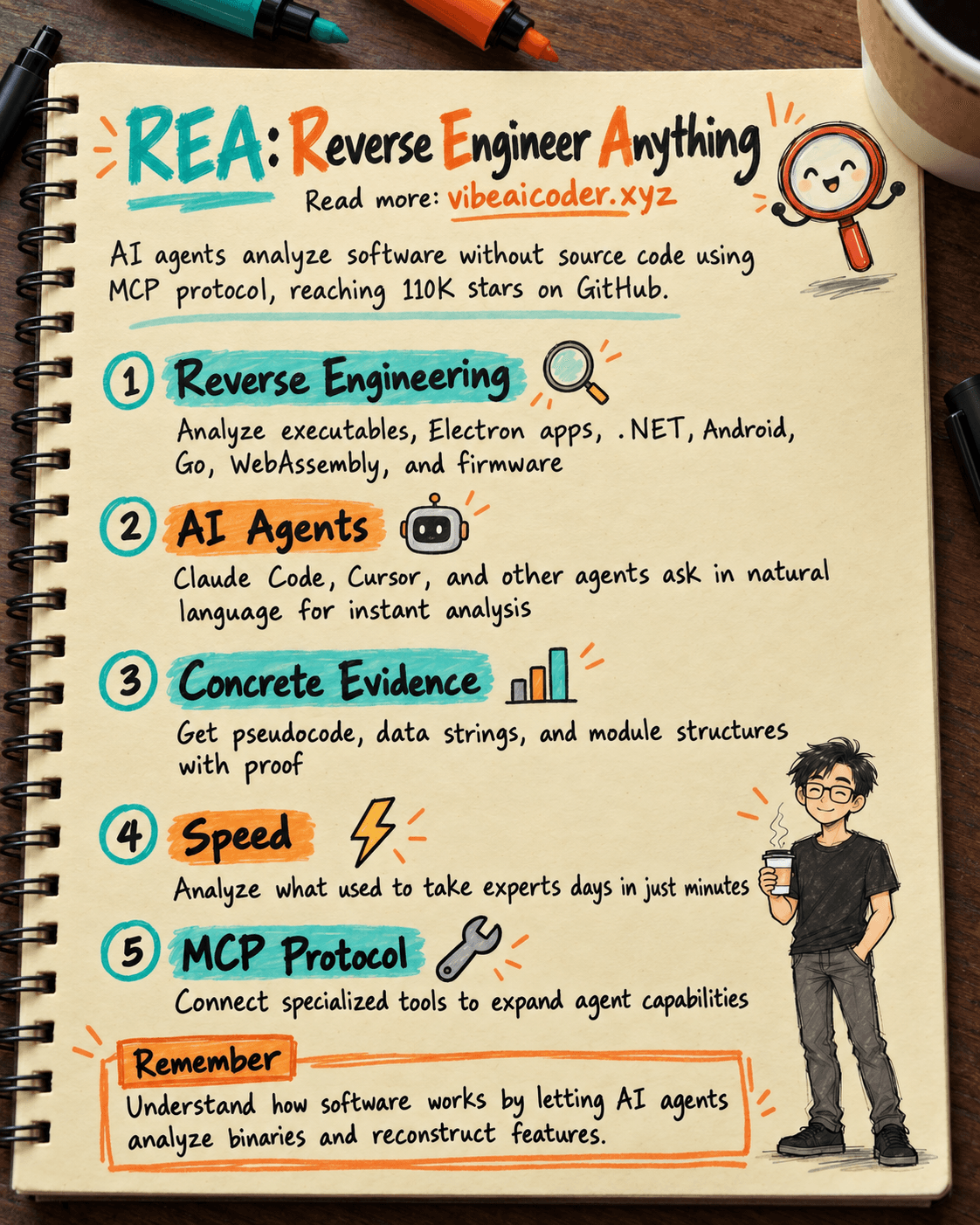
REA: AI Reverse Engineers Software Without Source Code, Hits 25K Stars
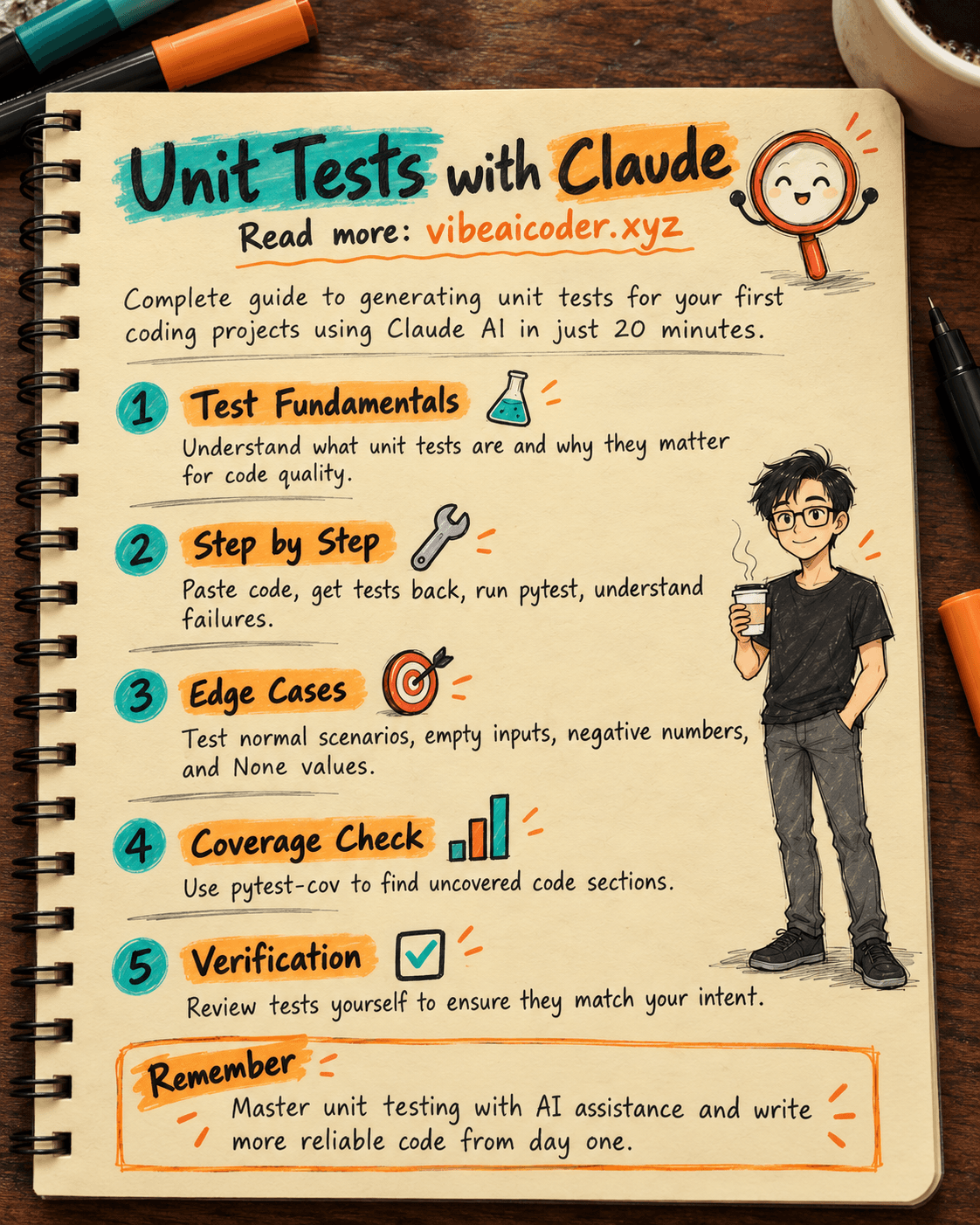
Write Unit Tests with Claude: Complete Guide for Your First Project in 20 Minutes