Optimize Your LinkedIn Profile With ChatGPT in 15 Minutes
 Optimize Your LinkedIn Profile With ChatGPT in 15 Minutes
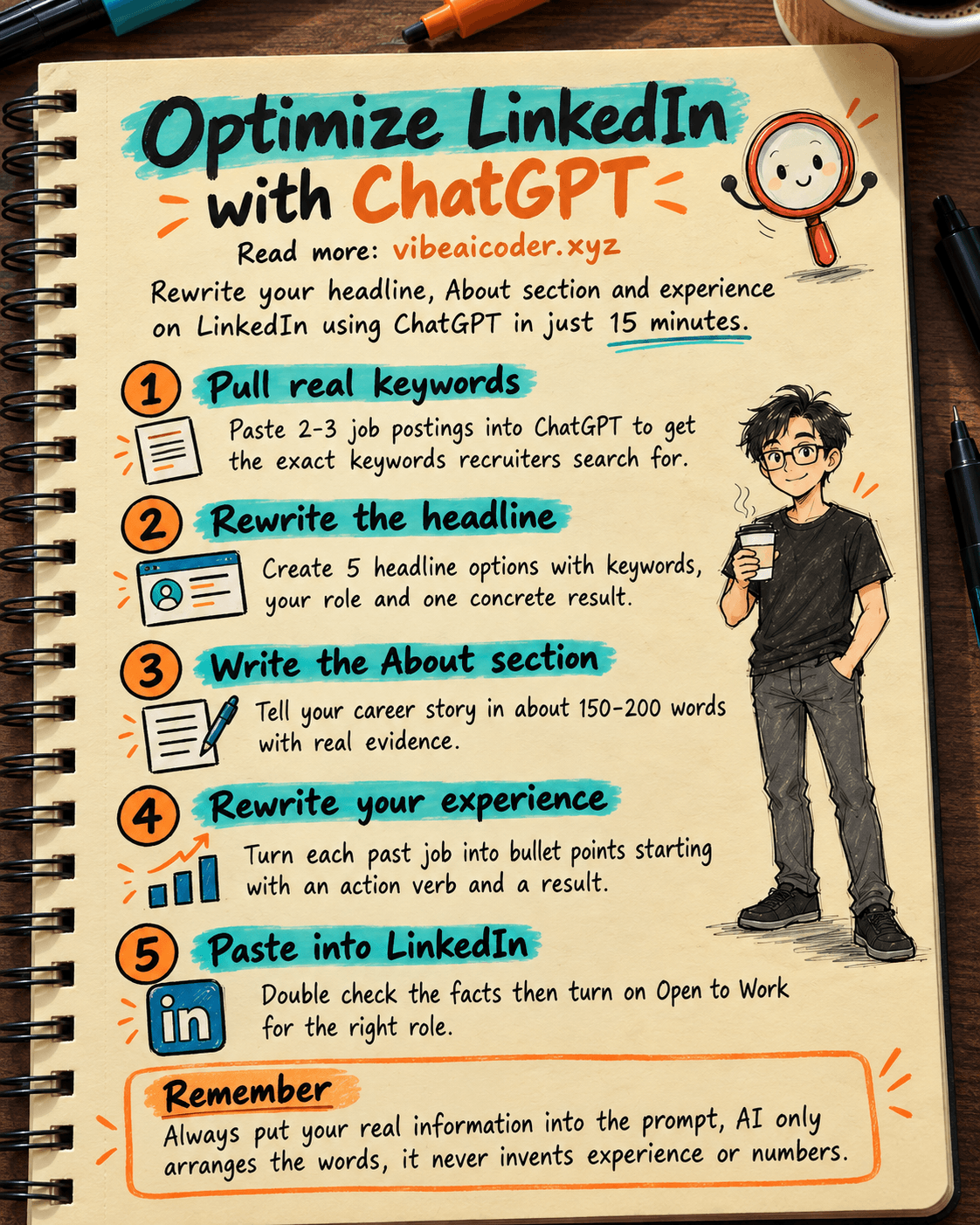
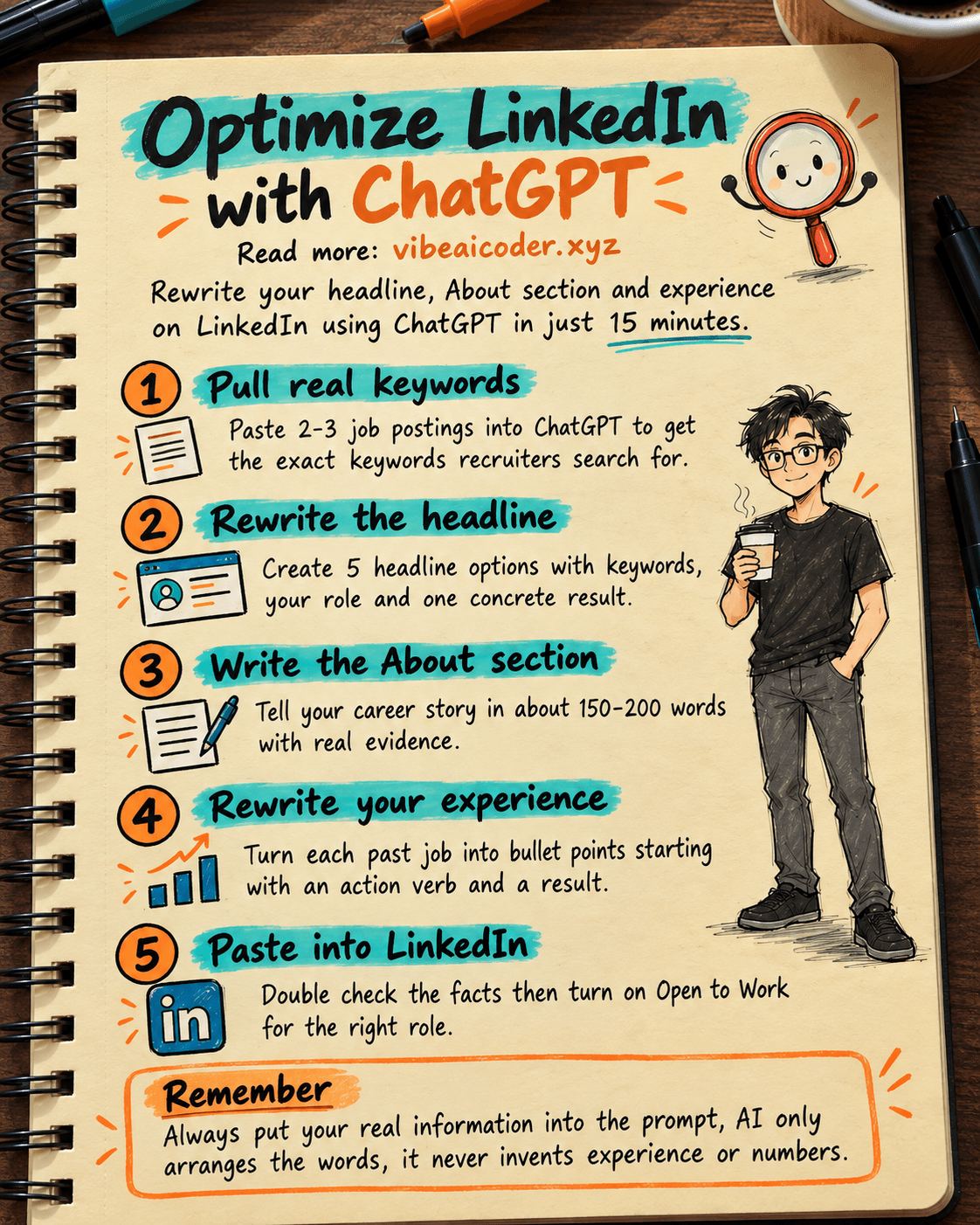
Maybe your LinkedIn profile has not changed in years, nobody messages you, and no recruiter ever reaches out. In 15 minutes you can use ChatGPT (the free version) to rewrite the three most important parts of your profile: the headline, the About section, and your work experience, so they match the exact keywords recruiters search for and show at a glance what you can actually do. All you need is a computer, a ChatGPT account, and your current resume.
 What you need
- A ChatGPT account (free, at chatgpt.com) or Claude (claude.ai). Either works, use whichever you already have.
- Your resume or a rough list of your work history: companies, job titles, dates, main responsibilities, and any numbers you can point to (sales growth, time saved, and so on).
- Two or three real job postings for the role you want, so you pull real keywords recruiters actually use.
- LinkedIn open in another tab so you can paste the new text in right away.
 Step by step
Step 1: Pull keywords from real job postings
Open two or three job postings for the exact role you want, copy the full job descriptions, and paste them into ChatGPT with this prompt:
Here are 2-3 job postings for the role of [job title, e.g. Marketing Specialist].
[paste the job descriptions here]

List the 15 words and phrases that repeat most often across these postings,
the ones a recruiter is most likely to search for on LinkedIn. Just list
them, no long explanation.
You now have a real keyword list, not a guess, and you will reuse it in every step below.
Step 2: Rewrite your headline
The headline is the line right under your name, the first thing a recruiter reads when they find you in search. Use this prompt:
I currently work as [current job title] at [company name], and my main
strengths are [2-3 key skills]. I want to apply for [target job title].
Important keywords: [paste the keyword list from step 1].

Write 5 options for a LinkedIn headline, each under 220 characters,
containing at least 2 of the keywords above, stating my role clearly and
one concrete result or number if I have one, confident but not boastful.
Pick the option that reads most naturally, not the one that crams in the most keywords.
Step 3: Rewrite your About section
The About section allows around 2,600 characters, and it is where you tell your career story. Use this prompt:
Here is information about me:
- Experience: [list companies, titles, years briefly]
- Strengths: [2-3 main skills or expertise]
- Key achievement: [1-2 concrete results or numbers, e.g. grew repeat
  customers by 30% in one year]
- Career goal: [role or industry you are aiming for]
- Keywords to include: [paste the keyword list from step 1]

Write a LinkedIn About section, about 150-200 words, first person, opening
with one sentence stating who I am and my strongest skill, a middle
section with 2-3 concrete results, and a closing sentence inviting the
reader to connect or message me. Avoid empty phrases like "passionate" or
"dynamic and enthusiastic" unless backed by evidence.
Read it back and rewrite anything that does not sound like you before posting it, recruiters can usually spot a paragraph an AI wrote word for word.
Step 4: Rewrite your work experience
For each past job in your Experience section, instead of just a title, list what you did and the results as bullet points. Use this prompt for each job:
Job: [title] at [company], from [month/year] to [month/year].
What I did: [free-form description, as detailed as possible, order
does not matter].

Rewrite this into 4-5 bullet points for the LinkedIn Experience section,
each starting with an action verb (built, led, launched, and so on),
stating what was done and the result or number if I provided one, without
inventing numbers I did not give you.
Repeat for every job on your resume, focusing extra effort on your two most recent roles since recruiters read those more closely than older entries.
Step 5: Paste into LinkedIn and double-check
Open LinkedIn, go into each section (Headline, About, Experience), paste the new text, and read it once to confirm every fact, company name, and date is correct. Then turn on "Open to Work" if you are job hunting, and select the exact roles you want so LinkedIn prioritizes your profile in recruiter search results.
 Sample result
A headline before: "Marketing Employee at ABC Company." After following the steps above: "Digital Marketing Specialist | Grew repeat customers by 30% in one year through email marketing and data analysis | Open to Marketing Manager roles." The new line states the role, includes a concrete result, and contains keywords recruiters actually search for, such as "digital marketing" and "data analysis."
 Tips for better results
- Always put your real numbers into the prompt, never let ChatGPT invent figures. A draft without numbers is still better than a draft with wrong ones.
- Redo step 1 whenever you change career direction or industry, since the keywords recruiters search for shift along with it.
- Read the draft out loud before posting it, and rewrite any line that sounds stiff or does not sound like you.
- You can use the same approach for your resume too, see our guide on using ChatGPT to write a resume and cover letter that matches the job posting to keep your resume and LinkedIn profile consistent.
 Limits to know
- ChatGPT does not know your company or your results, so every fact and number must come from you and be double-checked by you, AI only helps arrange the words.
- Do not reuse the exact same AI-written draft for several people, recruiters hiring for the same field often notice when profiles read identically.
- A better LinkedIn profile only gets you noticed and found more easily, the rest (interviews, real skills) is still up to you. Once you land an interview, see our guide on using ChatGPT or Claude to prepare for a job interview and practice tough questions.
- To understand why the way you phrase a prompt changes the quality of the AI's answer, read our foundation guide on what a prompt is and how to write one well for ChatGPT, Claude, and Gemini.
 FAQ
FAQ
I only have the free version of ChatGPT, will these prompts still work? Yes, every prompt in this guide works fine with the free version of ChatGPT or Claude, no paid features needed.
Should I ask the AI to write a completely new LinkedIn profile from scratch, without my resume? No. Your profile needs to be based on your real experience. Always put real information into the prompt and let the AI arrange the wording, never let it invent experience you have never had.
Once my profile is done, do I need to update it often? Review it every 3 to 6 months, or right after you change jobs, learn a new skill, or want to pivot your career, since the right keywords and focus shift over time.
Should I ask someone else to review it before posting? Yes, a colleague or someone in your field reading the draft will often catch lines that sound hollow or do not match your real style, things that are hard to notice about your own writing.
Can I use this approach for an English-language profile too? Yes, just write the prompts in English, or add "write this in English" at the end of each prompt, every other step stays the same.
More articles
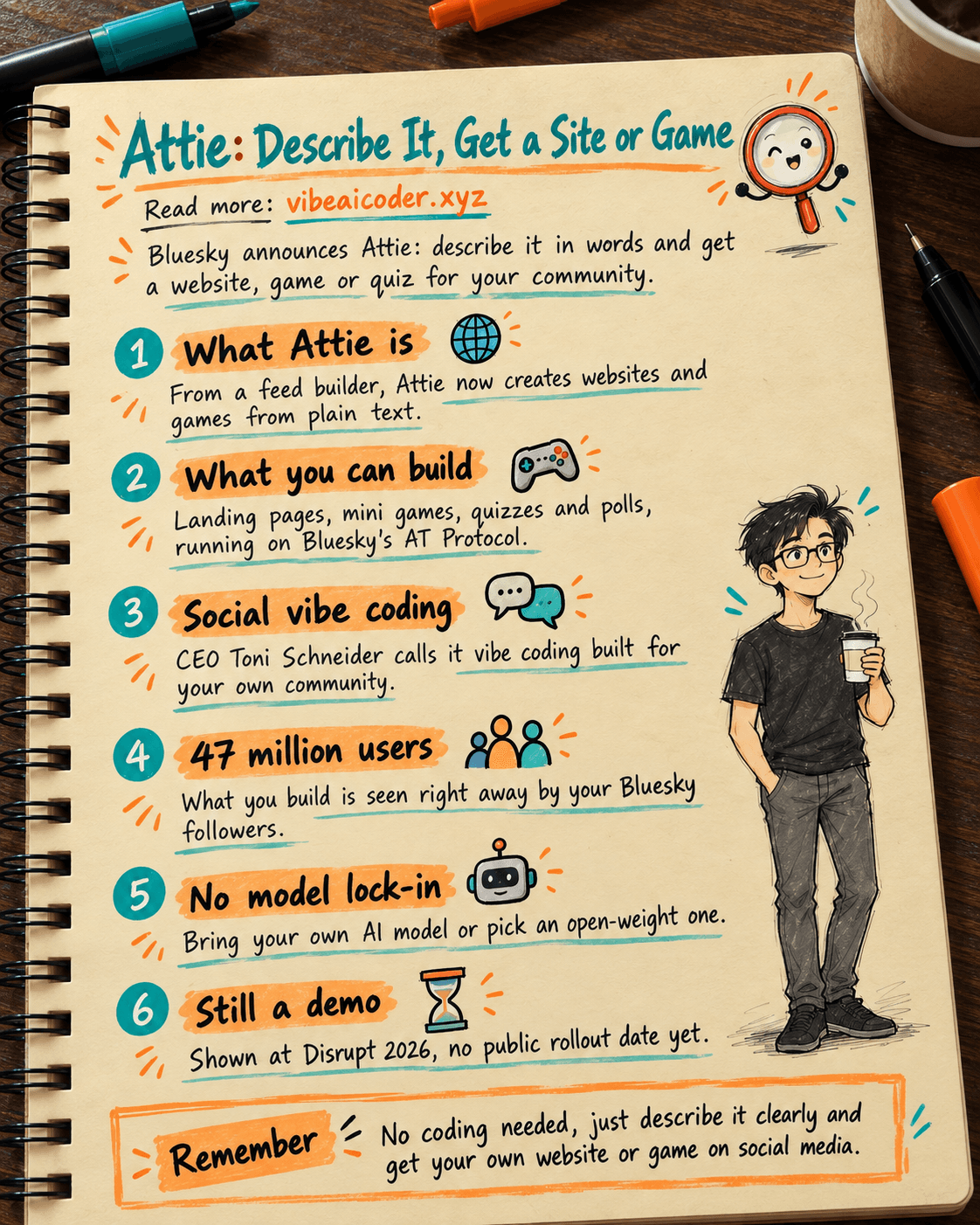
Bluesky Launches Attie: Describe It, Get a Website or Game Instantly
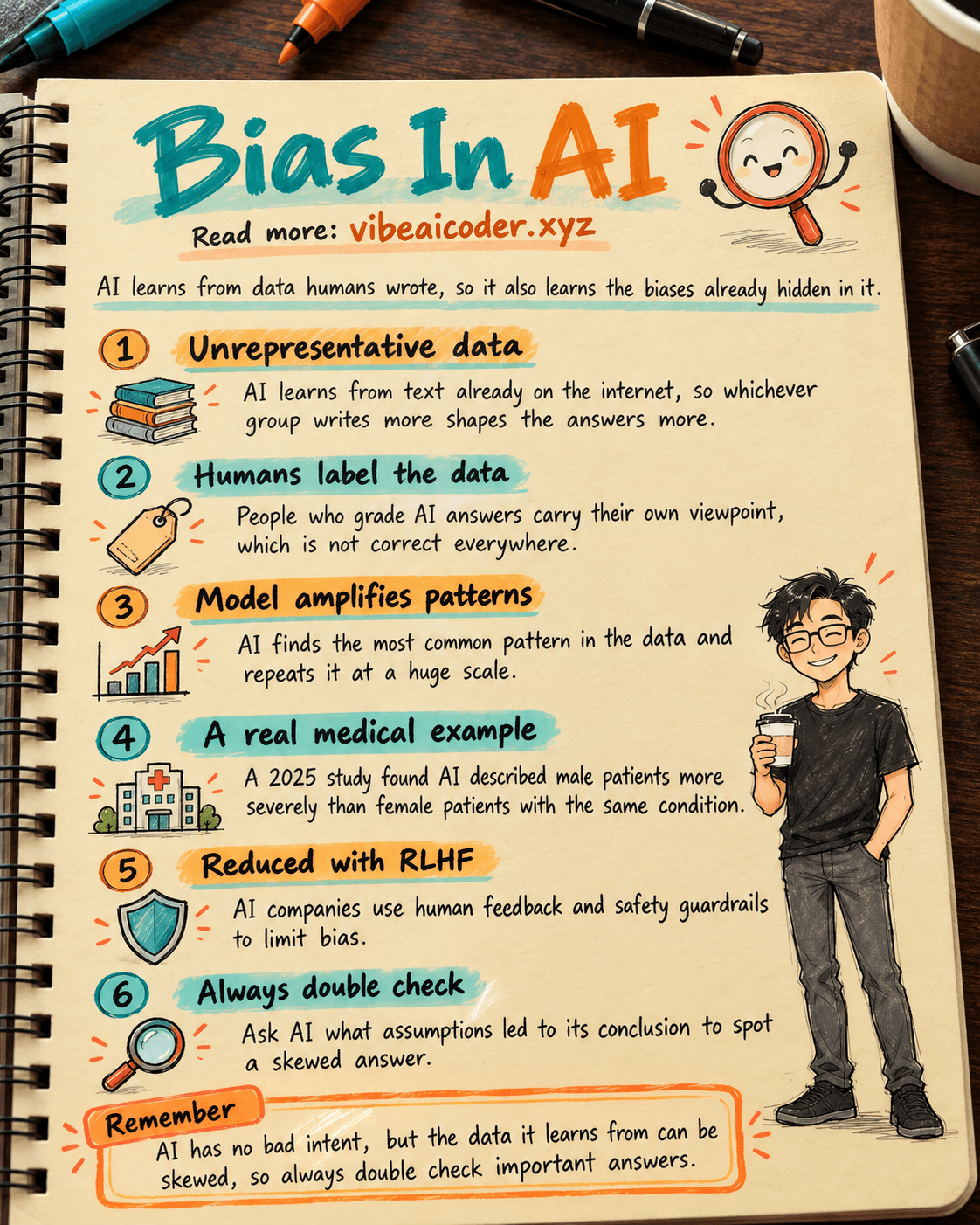
What Is Bias in AI? Why AI Can Give Unfair Answers
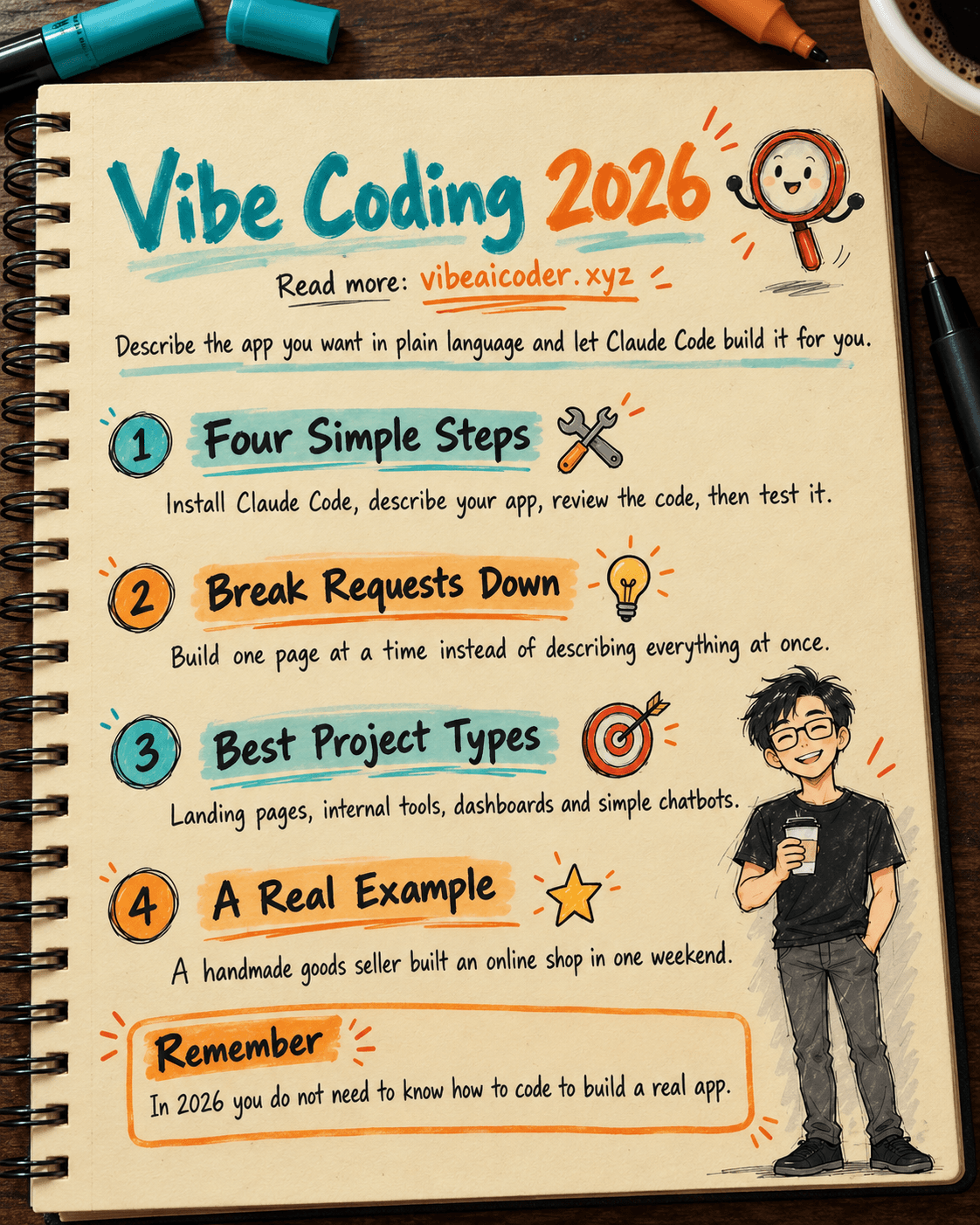
Vibe Coding in 2026: Build Real Apps With Claude Code, No Programming Needed
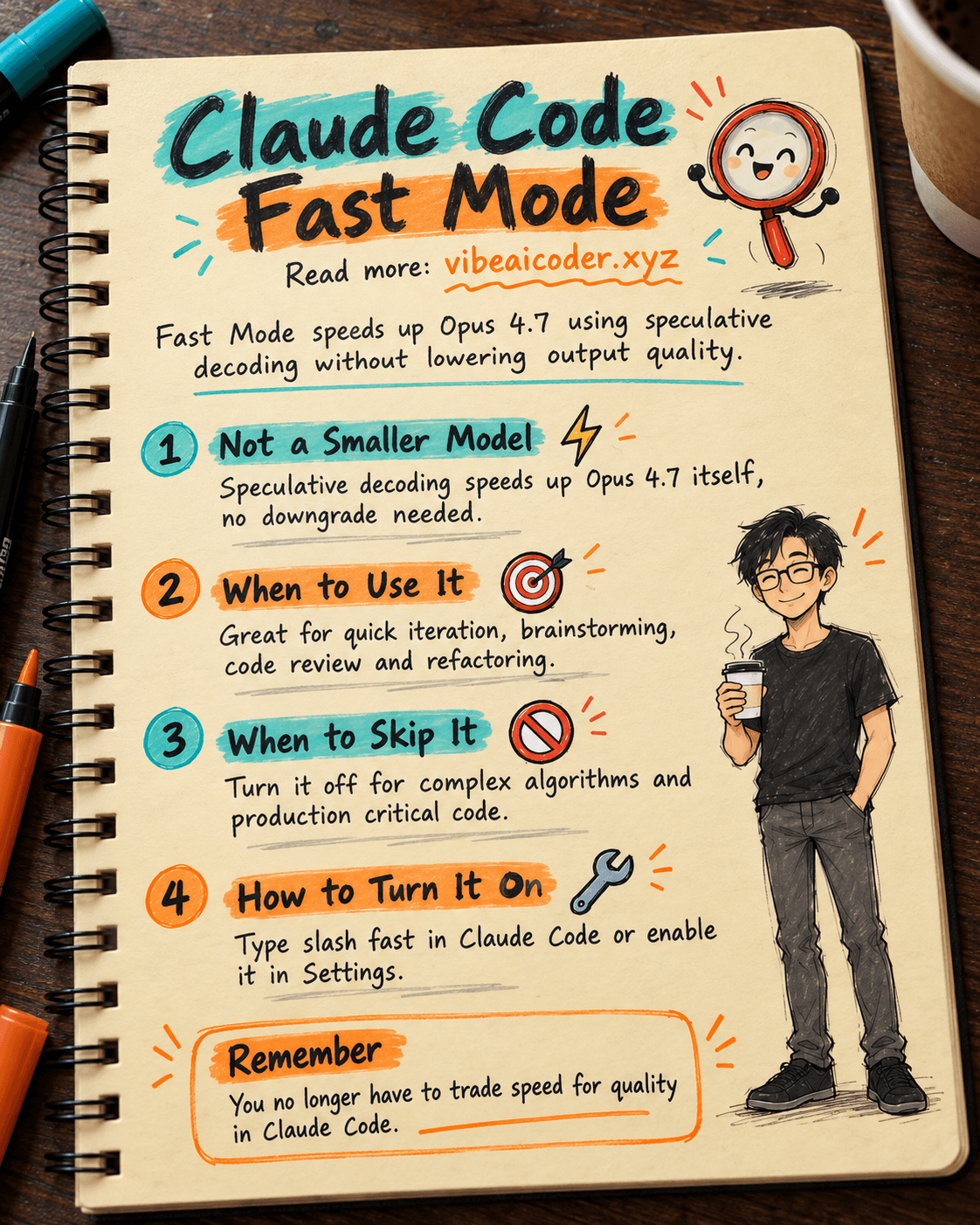
Claude Code Fast Mode: Opus 4.7 Speed Without Losing Quality
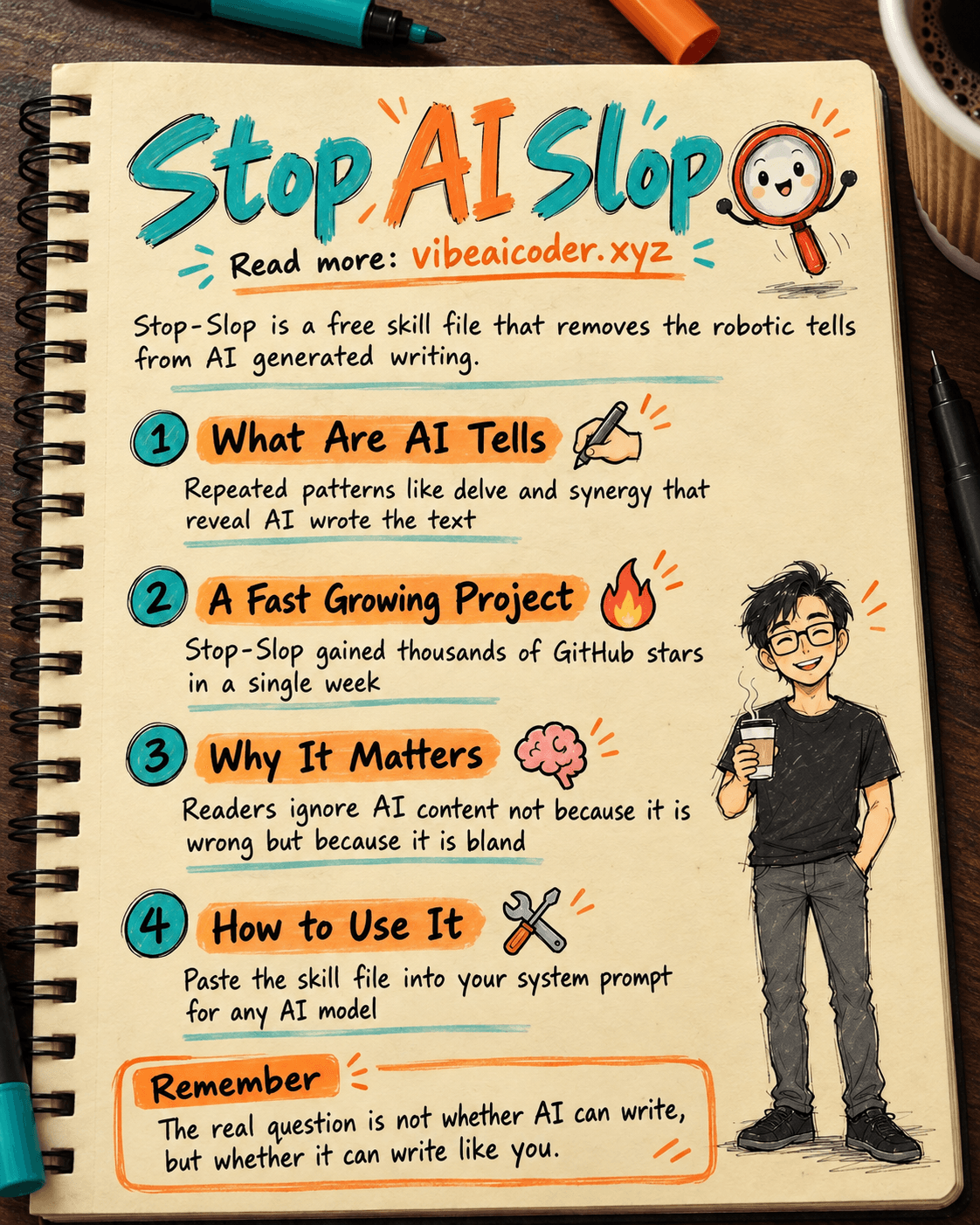
Stop-Slop: The Skill File That Stops AI Writing From Sounding Robotic
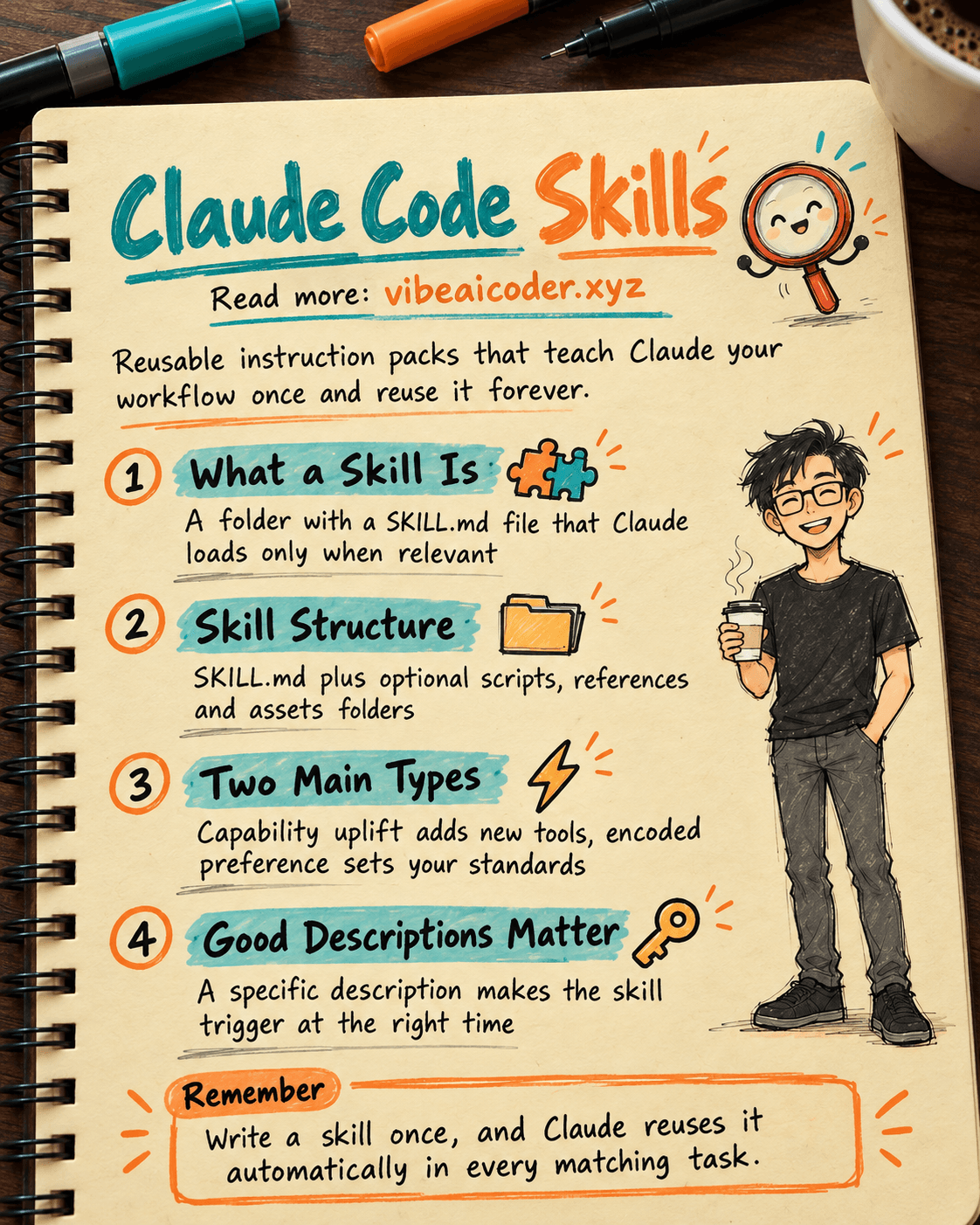
Claude Code Skills: Reusable Instruction Packs That Make AI Work Your Way