What Is the OpenAI Realtime API? A Guide to Voice Assistants
OpenAI's Realtime API lets an application listen to someone speaking and answer aloud during an ongoing conversation. The person can continue talking or interrupt a response without recording and uploading each turn as a separate file. This is a developer product for building an app, not a new button in ChatGPT.
If you want to build a language tutor, an in-app guide, or a customer support assistant, it helps to understand how the conversation works and what the assistant is allowed to do.
 A familiar example
Imagine calling a support agent and asking, “Where do I change my delivery address?” Halfway through the answer, you say, “Wait, I'm not signed in yet.” A useful agent stops, remembers the situation, and adjusts the next instruction. A voice app needs to keep context, detect turns, and handle interruptions to feel similarly natural.
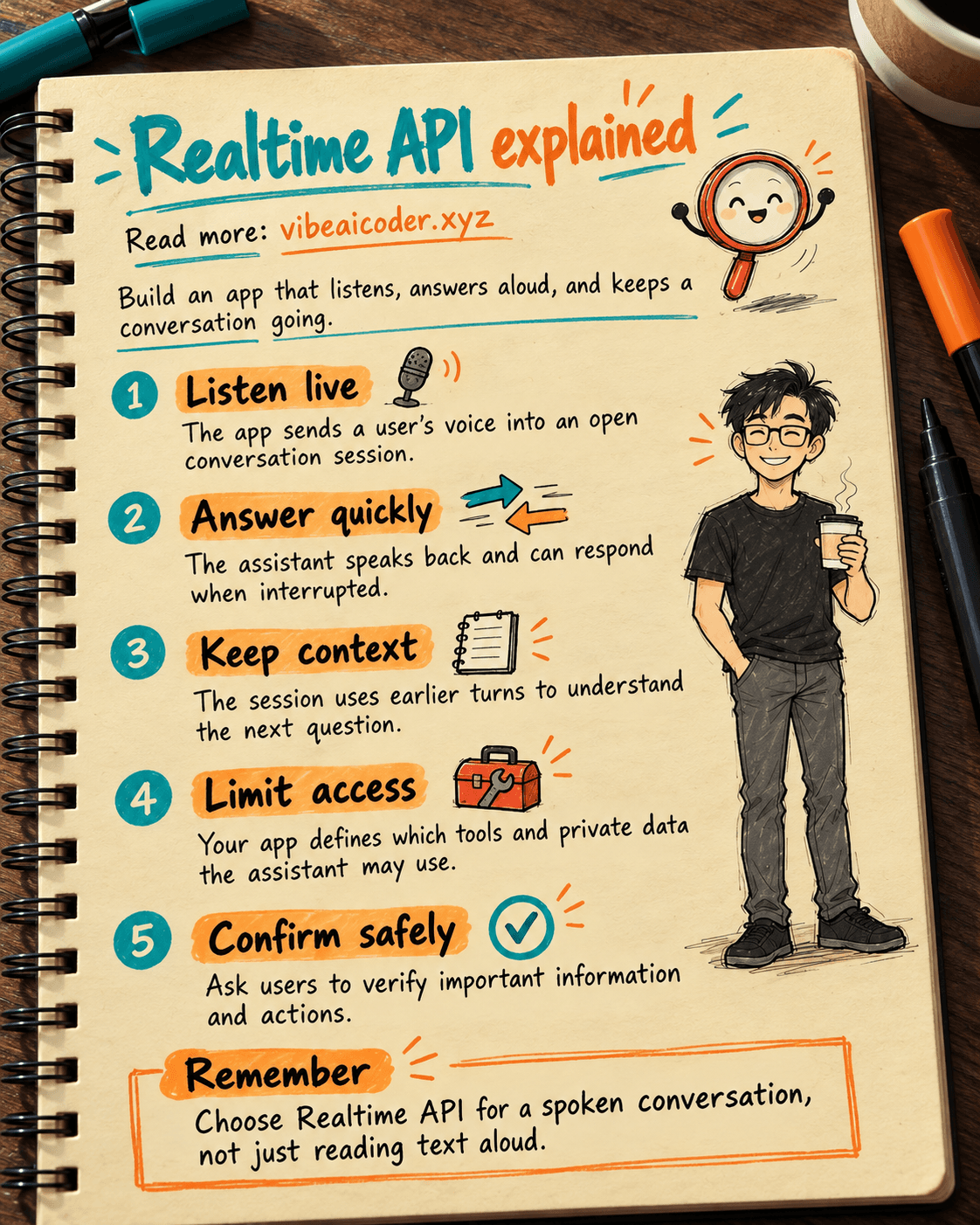
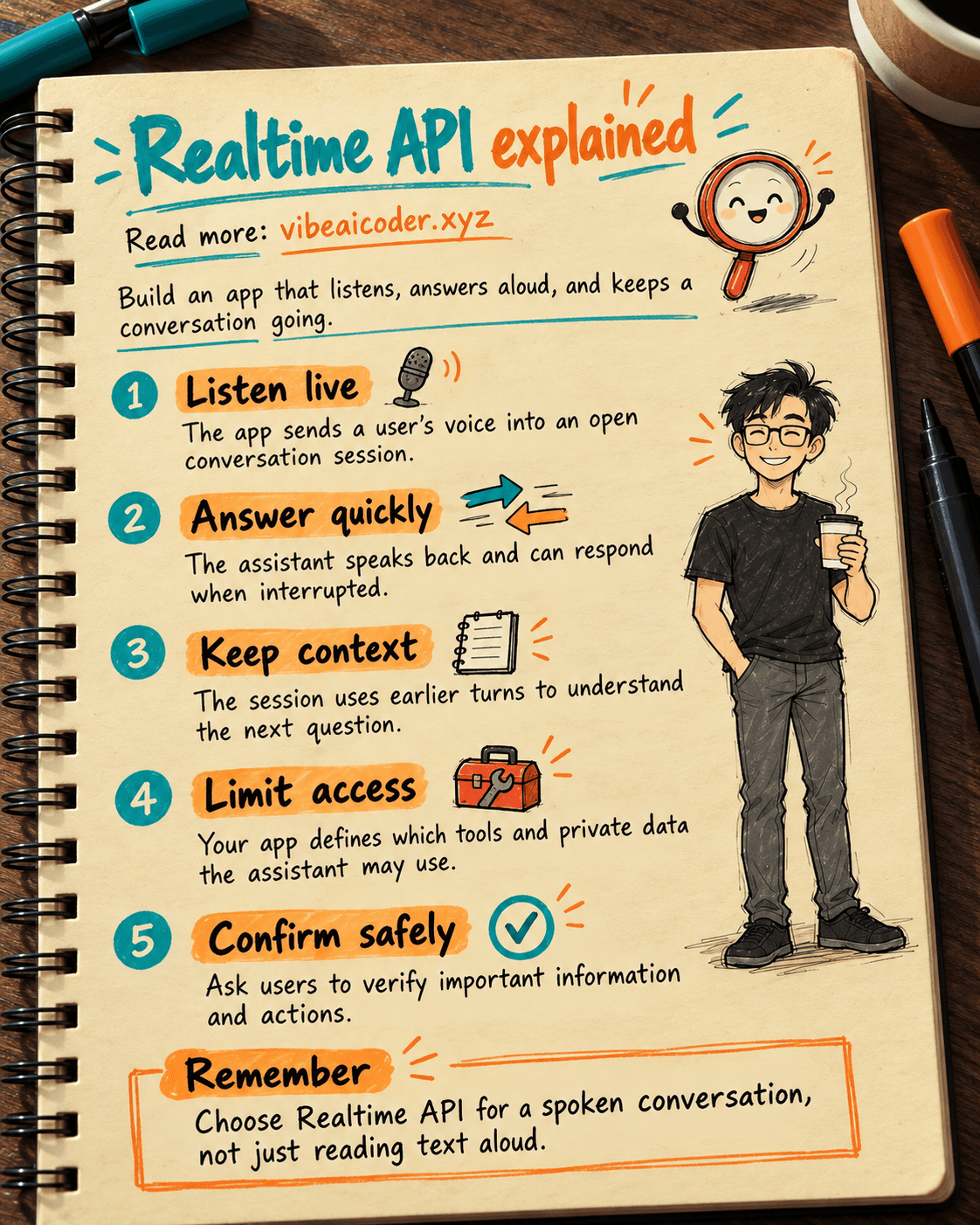
The Realtime API provides a continuous conversation session for that experience. Your app sends microphone audio, receives spoken output and events about what is happening, and may connect tools that you authorize. For example, a support assistant could look up an order and explain the status aloud.
The key idea is not simply that an AI can speak. Text-to-speech can read a paragraph too. The difference is listening, responding, keeping context, and using tools in one conversation. If agents are new to you, start with the difference between an AI agent and a chatbot.
 How does it work?
In OpenAI's Realtime API guide, a typical browser voice app follows these steps.
1. Your app opens a session. Your server creates temporary connection credentials. Keep your main secret API key on the server instead of placing it in JavaScript downloaded by a user.
2. The browser connects audio. OpenAI describes WebRTC for sending audio between a web app and the service. Server-side applications can also use WebSocket. The user grants microphone access before speaking.
3. The session keeps the conversation. It holds the turns and settings, such as the chosen voice and available tools. Events about the conversation let your app update its interface while someone is speaking or the assistant is answering.
4. The app decides when to respond. The Realtime conversation guide describes detecting when speech starts and stops. A push-to-talk button may be easier in a noisy place, even when automatic turn detection is available.
5. Your app manages actions. Looking up an order, appointment, or private document requires a tool and appropriate access. The Realtime tools guide distinguishes functions your application executes from tools on a remote MCP server. The assistant does not automatically gain access to your private data.
You do not need to memorize WebRTC and WebSocket to plan a product. Remember that the microphone and speaker carry the conversation, the session keeps context, and tools bring real information into the answer.
 What can you build?
Language practice. A learner plays the role of a traveler asking for directions. The assistant gives short answers and waits for the learner to try again. You can design it to give pronunciation or wording feedback after each turn rather than interrupting every pause.
Guidance inside an app. A person looks at the screen and asks what to do next. The assistant explains the next step. If it checks an account, limit access to that person's data. It should never guess that a task has been completed when the app cannot confirm it.
Customer support. The assistant asks for an order number, uses an authorized lookup tool, and explains the result. The app can hand the conversation to a person when a request is out of scope. Actions such as refunds or address changes need a clear confirmation step before execution.
For any of these, write down the goal, the data the assistant may read, the actions it may take, and when it must hand off to a person. Our guide to writing clear prompts can help you express those requirements.
 When is another audio API enough?
If you only need text from an existing recording, consider a file transcription API. If you only need to read prepared text aloud, text-to-speech may be enough. Neither task necessarily needs an ongoing conversation session.
The Realtime API makes more sense when a person needs to talk back and forth, interrupt, and hear a prompt response. If you already have a complex text agent, compare adding a voice interface to that agent. OpenAI's audio and voice guide describes the available workflows.
Try a real scenario instead of choosing a product because “realtime” sounds appealing. What happens when the network is weak, a user interrupts mid-sentence, or the assistant mishears an order number? A small test with real users can reveal whether voice is better than a form or a button.
 Common misconceptions
“The Realtime API is ChatGPT Voice.” ChatGPT Voice is a feature for ChatGPT users. The Realtime API is for developers building a voice experience in their own product. Speaking aloud is the visible similarity, but setup and operational responsibilities are different.
“The API can use all my apps automatically.” You must connect tools, authenticate users, and limit permissions. A tool that checks an order's status need not also have refund permission.
“A fast answer is a correct answer.” Names, numbers, and intent can still be misheard. Show important information on screen or ask the user to confirm it. Speed does not replace safe product design.
“I have to build every piece of audio processing myself.” Not necessarily. OpenAI describes starting with the Agents SDK for a browser application. You still need to configure the server, microphone permission, authentication, and tools.
 Frequently asked questions
Is the Realtime API free? It is a developer API separate from ordinary ChatGPT use. Pricing and limits can change, so check OpenAI's current pricing and your account's limits before budgeting.
Can I use it without programming? You can design conversations and evaluate prototypes without writing the connection code. A production app still needs technical work to connect the microphone, server, and tools.
Does it handle interruptions? The API supports a conversation flow and events related to interruptions. The final experience also depends on how your app stops old audio and handles the new turn.
Should I put my main API key on a web page? No. OpenAI's browser flow uses temporary credentials created by your server.
What should I test before launch? Try background noise, weak connections, interruptions, proper names, amounts of money, missing data, and requests beyond the assistant's permissions. Record when it should ask again or hand off to a person.
The Realtime API is useful when spoken back-and-forth interaction is central to the product. Start with one small task, clear permissions, and observable checks before expanding.
More articles

Gemini 4 Argon Reads a 500-Page Chemistry Patent in One Afternoon

Claude Opus 5.5 Codes a Real Money Trading Game in One Day

What Is a Token in AI? Why ChatGPT and Claude Charge by Tokens

What Is Chain of Thought? Why Asking AI to Think Step by Step Works Better

Claude Sonnet 5.5 vs GPT-6.1 Sol: Which AI Model Is Worth Using?

 Claude Opus 5.5 Launches: 30% Faster, 40% Cheaper, Blocks AI Brain Copying