What Is Vibe Coding? How to Build Software With AI When You Can't Code (2026)
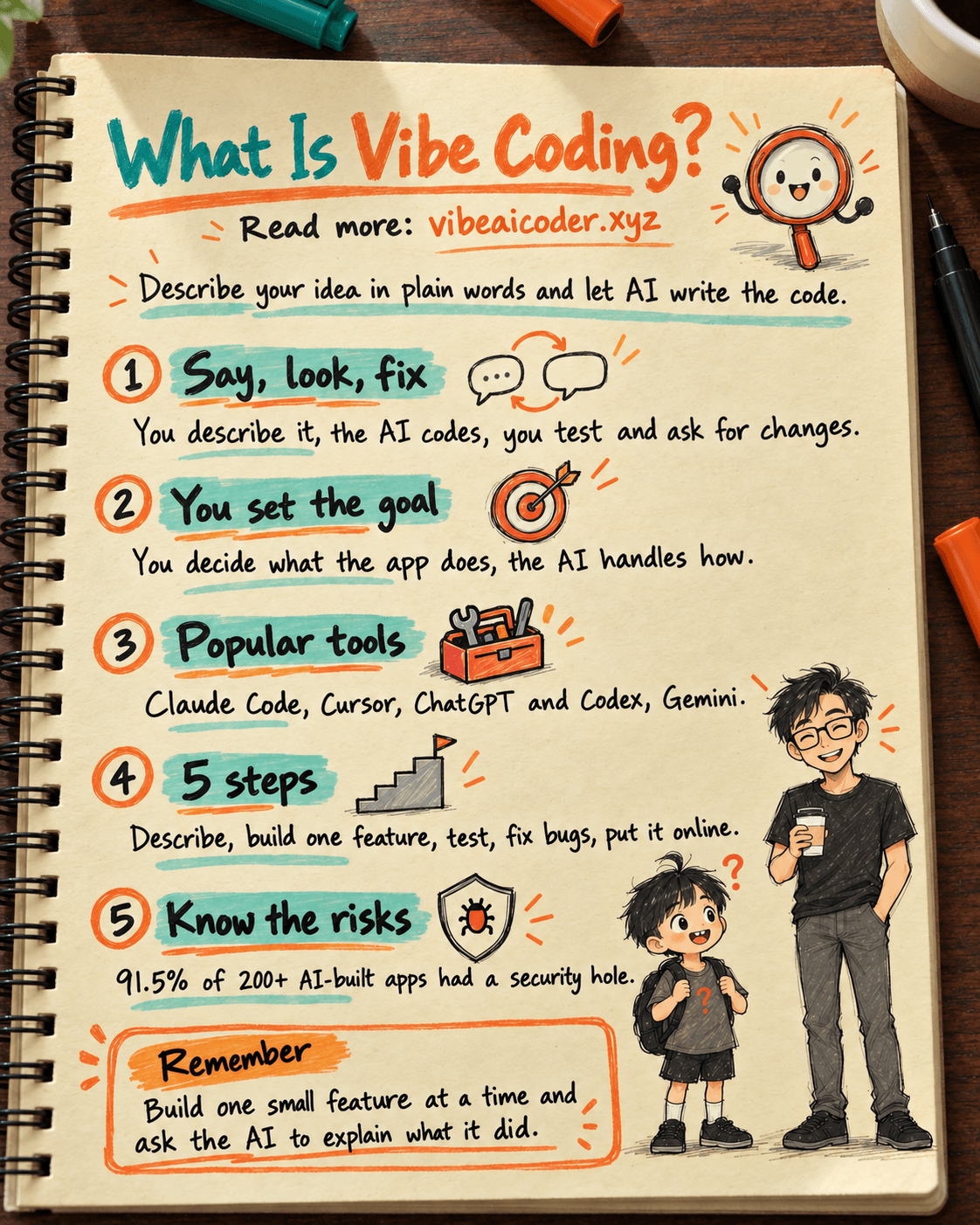
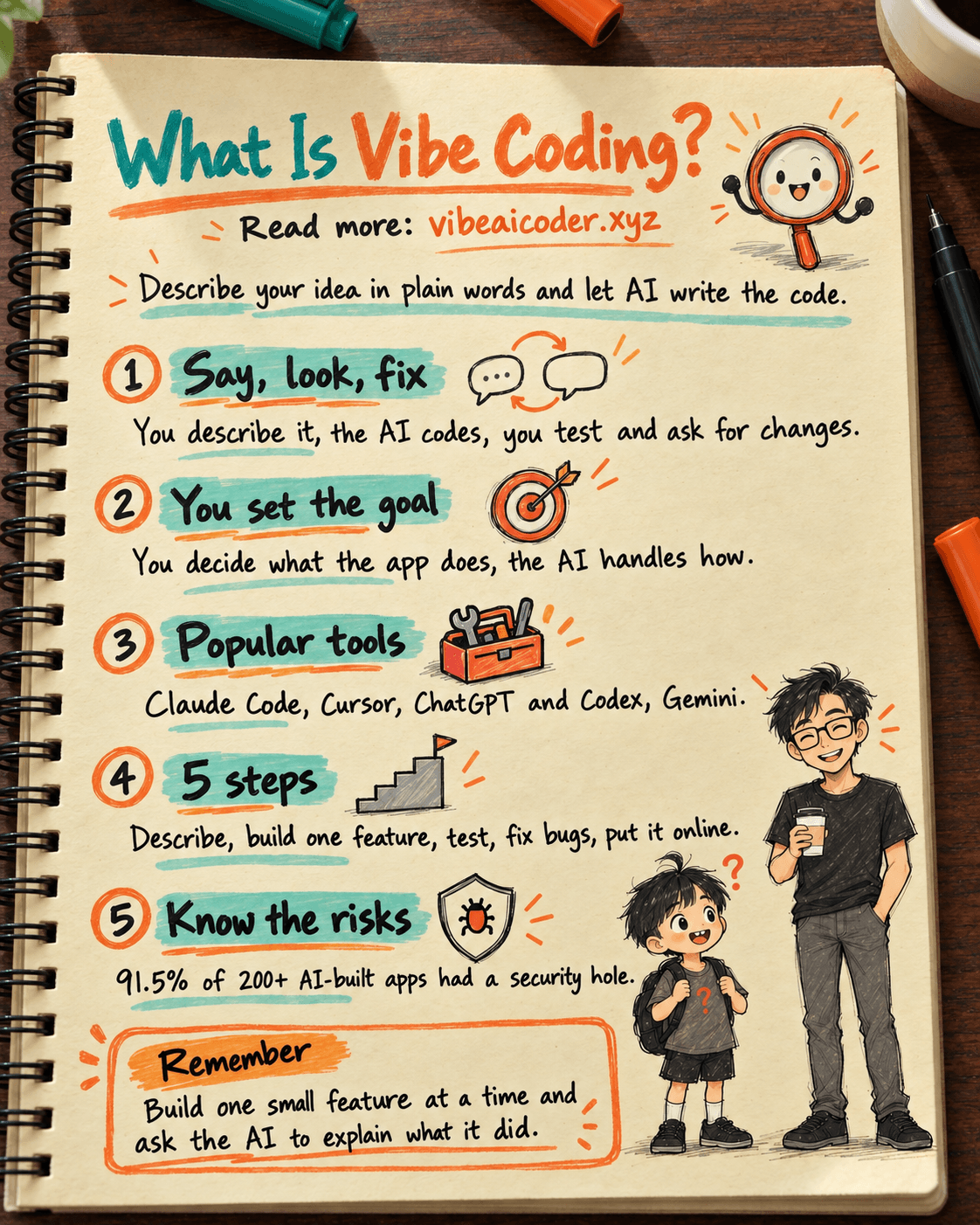
Vibe coding is a way of building software where you describe your idea in plain words and the AI writes the code for you. You play the role of the person who sets the brief, checks the result and gives feedback, while the AI types out every line. According to many sources, the term was popularized by Andrej Karpathy (a well-known AI researcher) in early 2025, and it has since become the common name for this "code by feel" style of working with AI.
If you have an app idea but can't code, this post is for you: what vibe coding is, the tools, a 5-step process and the risks you need to know.
 What is vibe coding
Imagine you hire a very skilled builder. You don't lay the bricks yourself, you just say clearly: "I want a room with a big east-facing window and cream walls." The builder works, you take a look, then you say: "Make the window a bit bigger."
Vibe coding works the same way. You tell the AI:
- "Build me a website that sells handmade goods, with a shopping cart."
- "Add a Sign in with Google button."
- "This button doesn't work, please fix it."
The AI writes the code, you try it out, and wherever something is off you describe it again. This say, look, fix loop repeats until the app works the way you want.
The core idea: you focus on what (what the app should do, and for whom), and the AI handles how (how to write the code). The word "vibe" means you work from your sense of the idea, not from the syntax of a programming language.
 How vibe coding differs from traditional programming
Traditional programming asks you to learn a language (like Python or JavaScript), write every line yourself and hunt down your own bugs. Beginners often need months before they can build a decent small app.
With vibe coding, everything flips:
- Working language: Traditional programming uses code. Vibe coding uses everyday speech.
- Who writes the code: Before, you did. Now the AI does, and you mostly read the results and give feedback.
- Time to a first version: Before, weeks. Now, hours or a few days.
- Most important skill: Before, knowing the syntax. Now, describing clearly and knowing how to check the result.
- Main risk: Before, going slowly. Now, an app that works while you have no idea what's inside.
Vibe coding is like a pocket calculator: it helps you work faster, but you still need to know what you are calculating.
This trend is growing fast. According to the post the vibe coding market in 2026 and its code quality crisis, the market has reached about $4.7 billion, and 63% of users are not professional developers. In other words, most people vibe coding are people like you.
🙋 Who should try vibe coding
You should give it a try if you are one of these:
- Shop owners and small business people: you need a sales page, a booking form or an order tracker and don't want to hire someone.
- Office workers: you want to automate repetitive tasks like merging Excel files, sending bulk email or building reports.
- PMs and product people: you want to put together a quick prototype to convince your boss or a client before handing it to the engineering team.
- Students and beginners: you want to learn programming by "doing first, understanding later".
- Developers: you want to hand off the repetitive parts so you can focus on the hard ones.
A real example: in the post build a real app without knowing how to code, using Claude Code, a handmade shop owner built an online store in 2 days without paying a developer.
Vibe coding fits small and medium apps best: landing pages, internal tools, personal apps, product prototypes. For big systems like banking or apps with millions of users, you still need a professional engineering team behind it.
 Popular tools
There are many tools, but a beginner only needs to know a few names:
- Claude Code: Anthropic's coding assistant, which runs in the terminal (a window where you type text commands). It is good at understanding whole large projects and doing many steps in a row. Great for handing over an entire feature and letting the AI work on it.
- Cursor: a code editor (like Word, but for code) with AI built in. You see the code, select the part you want changed and ask the AI. Good if you like to watch while you work.
- ChatGPT and Codex (from OpenAI): ChatGPT is general purpose, easy to start with, and you can ask it anything. Codex is OpenAI's dedicated coding tool.
- Gemini (from Google): tightly tied to Google's ecosystem, such as Gmail, Drive and Docs. A good fit if you work mostly in Google.
No single tool is best for everyone. Many people combine them: one AI to plan, another tool to write the code. You can see how to pair them in the post combining Claude and Cursor for vibe coding when you can't code, or compare the pros and cons of each AI in ChatGPT, Gemini or Claude: which one for vibe coding.
If you want to take an app all the way from idea to real users, the post the vibe coding stack that lets one person build a complete app lists a full toolset for each stage: planning, scaffolding, writing logic, storing data and going live.
 A 5-step process for your first app
Here is a simple process you can use today.
Step 1: Describe what you want clearly. Before you open the AI, write it down: what the app is for, who uses it, how many screens it has and what goes on each one. For example: "A daily expense tracker. It has a box to enter an amount, a picker for the category (food, transport, shopping), and a page that shows total spending per month." The more specific the description, the more accurately the AI builds it.
Step 2: Build one small feature at a time. Don't tell the AI "build the whole app" in one go. Break it down: first the amount box, then the stats page. One thing at a time means fewer AI mistakes and easier checking for you. This feature-by-feature approach is very similar to FDD, a method software teams often use. You can read more in what FDD is and how it differs from Scrum.
Step 3: Try it out. After each feature, open the app and click around like a real user. Enter a negative number, leave a field empty, click repeatedly, and see what happens. Don't believe the AI when it says "done" until you have seen it work yourself.
Step 4: Fix bugs with the AI. Running into errors is normal. Copy the exact error message (the red text or warning) and send it to the AI, along with what you did right before the error appeared. For example: "When I click Save, I get this error: ...". The AI usually finds the cause faster than you'd expect.
Step 5: Put it online. Once the app runs well on your computer, ask the AI to walk you through putting it online (called deploying) so others can open it with a link. Several services make this fairly simple, and the AI will guide you step by step.
If you use Claude Code, the post 7 Claude Code commands that double your vibe coding speed covers commands that fit this process well, such as having the AI plan before it starts, or asking it to review its own work for bugs.
 Risks you need to know
Vibe coding feels great, but there are three risks you should know upfront.
1. Security. Code that runs is not the same as code that is safe. According to the post 91% of vibe coded apps have security holes, an analysis of more than 200 AI-built apps found that 91.5% had at least one vulnerability. Common mistakes include leaving passwords or access keys (API keys, like the key to your house) right in the code, or letting strangers see other people's data. If your app stores customer information, be extra careful.
2. Code quality. AI can produce patched-together code: it works today but is very hard to change tomorrow. As the app grows, every new feature breaks something else. This is why many people call the current period a code quality crisis.
3. Not understanding what you've built. This is the biggest risk. If you just click "accept" on everything the AI suggests, when the app breaks badly you won't know where to start. You don't need to understand every line of code, but you should understand what parts the app has and where the data goes.
Reducing these risks is simple: after each part, ask the AI to explain what it did in plain language, and ask it to do a security review before you put the app online.
 Tips for effective vibe coding
- Talk like you're briefing a new hire: enough context, a clear goal, an example. "Make it look nicer" is vague. "Make the button blue, round the corners and make the text bigger" is something the AI gets right away.
- One thing at a time: the tighter the request, the better the result.
- Save a working version: before adding a new feature, save a copy (using Git, a tool that keeps a history of code changes, which the AI can set up for you). If something breaks, you can go back.
- Make the AI plan first: say "Don't write code yet, list the steps you plan to take." Read the plan, and only let it start once it looks right.
- Start a new conversation when the AI gets muddled: very long conversations can make the AI forget the original request.
 Frequently asked questions
Do I need to know how to code to vibe code? Not necessarily. You can build small apps just by describing them in words. Still, knowing a few basics (an app has a user interface, a processing part and a data storage part) will take you much further.
Is vibe coding free? Many tools have a free plan to try, but free plans usually limit how much you can use them. Once you get serious, you will usually pay monthly for the AI tool and for a service to host your app.
Which tool should I start with? For the simplest start, use a chat AI you already know to ask questions and learn. Once you're comfortable, move to a dedicated tool like Claude Code or Cursor to build real apps.
Are vibe coded apps safe? Not automatically. You need to have the AI do a security review, keep passwords and access keys out of the code, and take extra care when the app stores user information.
Will vibe coding replace developers? Not really. It lets people who can't code build small apps on their own, and it helps developers work faster. For large, complex systems that need strong security, you still need experts.
Pick a small idea, follow the 5 steps above, and you could have your first app this week.
More articles
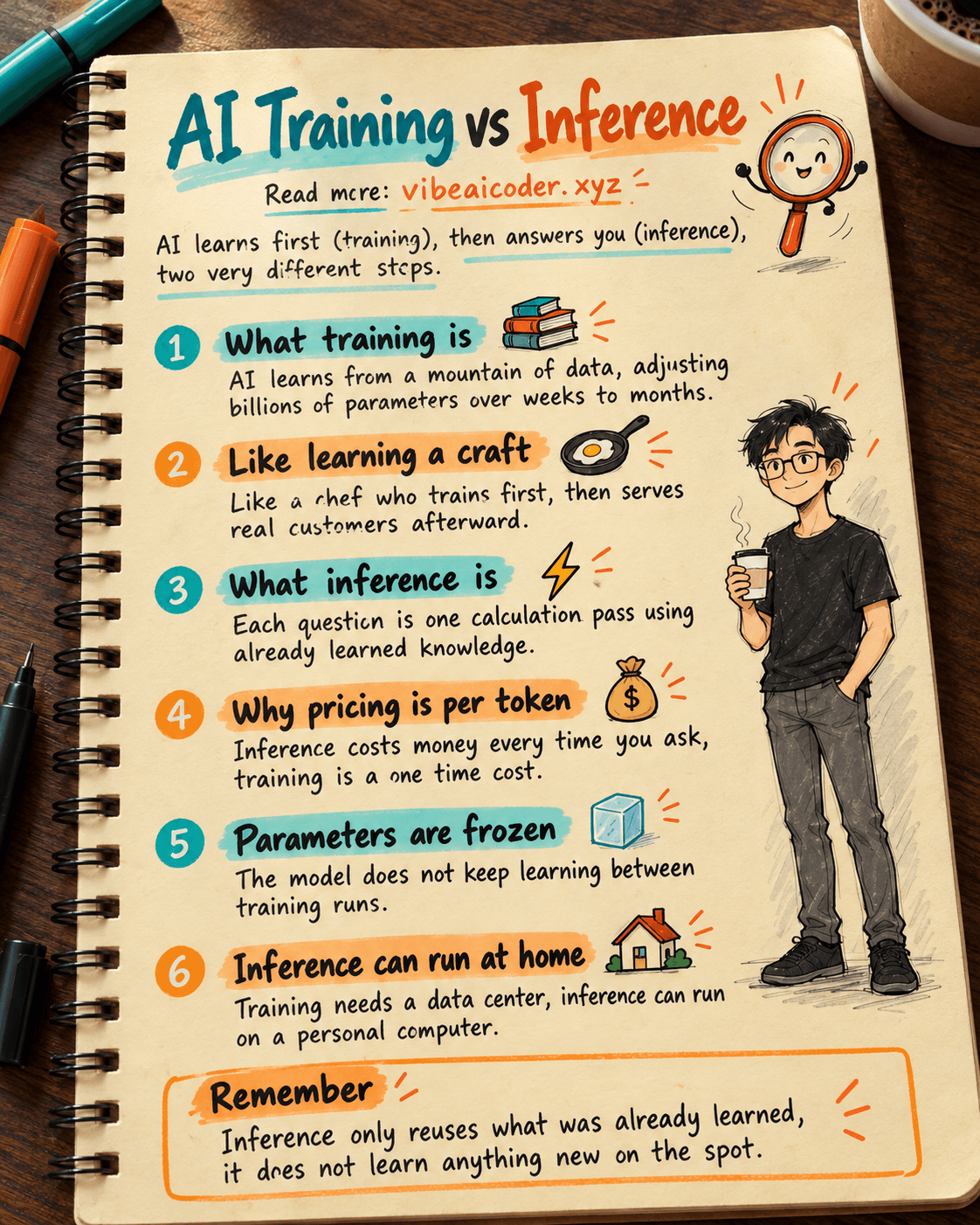
AI Training vs Inference: What Is the Difference?

Gemini 4 Argon Reads a 500-Page Chemistry Patent in One Afternoon

Claude Opus 5.5 Codes a Real Money Trading Game in One Day

What Is a Token in AI? Why ChatGPT and Claude Charge by Tokens

What Is Chain of Thought? Why Asking AI to Think Step by Step Works Better

Claude Sonnet 5.5 vs GPT-6.1 Sol: Which AI Model Is Worth Using?