OpenAI Refreshes Codex CLI: Voice Commands and Multi-Task Tracking
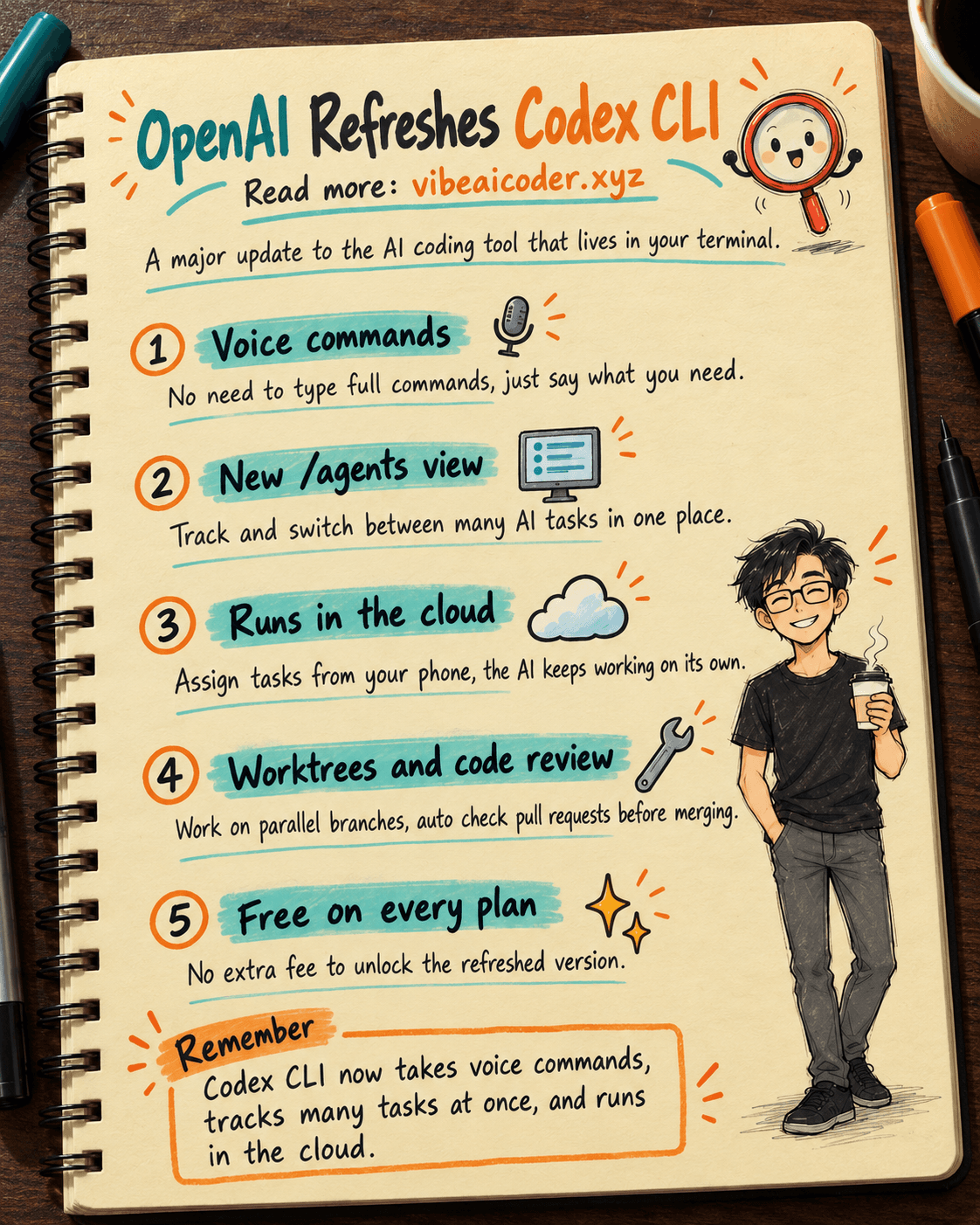
On September 29, at DevDay 2026, OpenAI announced a near complete refresh of Codex CLI, the command line tool that lets you ask AI to write and fix code right inside your terminal. It is not just a new look. This update adds voice commands and a dedicated screen for tracking several AI tasks at once. If you use Claude Code, ChatGPT, or any vibe coding tool to build products, this release is worth a look. It shows how the big AI labs are racing to make coding tools easier for people who are not technical.
Voice commands now steer the AI
Before this update, every request to Codex had to be typed out in full. The new version lets you speak directly, for example saying "fix the bug on the login page" or "add a new contact page," and Codex listens and turns it into a task. This is the feature beginners will notice first, since typing out a long terminal command used to be the biggest barrier for anyone unfamiliar with the command line.
One screen, many tasks: the new /agents view
The most talked about feature is a new screen called /agents. Instead of opening separate terminal windows to watch each task the AI is working on, you now get one place to assign work, check progress, and switch between tasks, even when they are running on different devices. The whole interface was redesigned too: a full screen mode, better readability during long sessions, and smoother scrolling through old history instead of being capped by the terminal's default scrollback.
No need to stay near your computer: Codex now runs in the cloud
Another big change is that Codex can now run in a cloud environment, not just on your own machine. That means you can hand off a task from your phone or another computer, and the AI keeps working in an environment that is already set up, with no need to sit next to the exact machine at home. This follows the same direction as Codex Cloud, which earlier could fix website bugs and open pull requests on your behalf, now extended to more kinds of tasks and reusable across sessions.
Smaller changes that still make a difference
Beyond the headline features, OpenAI also polished smaller details: saving and resuming old sessions works more smoothly, there is better support for working on parallel code branches (known as worktrees, similar in spirit to how Codex CLI once fixed one detail in an unfamiliar repo and verified it), and a code review tool that automatically looks for likely bugs in pull requests before you merge. These sound minor, but they are what daily users notice the most.
What this means for you
You do not need to switch tools just because Codex CLI has a new version. But if you build products with vibe coding and find typing terminal commands a hassle, this is a sign that AI coding tools are only getting friendlier, even for people who cannot code. If you are already comfortable with Claude Code, trying Codex CLI alongside it is a good way to pick the right tool for each job, rather than sticking to one name out of habit.
The refreshed Codex CLI is already available on every OpenAI plan, with no extra fee required to unlock it.
More articles

Gemini 4 Argon Reads a 500-Page Chemistry Patent in One Afternoon

Claude Opus 5.5 Codes a Real Money Trading Game in One Day

What Is a Token in AI? Why ChatGPT and Claude Charge by Tokens

What Is Chain of Thought? Why Asking AI to Think Step by Step Works Better

Claude Sonnet 5.5 vs GPT-6.1 Sol: Which AI Model Is Worth Using?

 Claude Opus 5.5 Launches: 30% Faster, 40% Cheaper, Blocks AI Brain Copying