 Claude Code Can Now Build, Test, and Fix Apps on Its Own
AI has just crossed the line from "writing code" to "acting like a software engineer."
 What Computer Use in Claude Code actually is
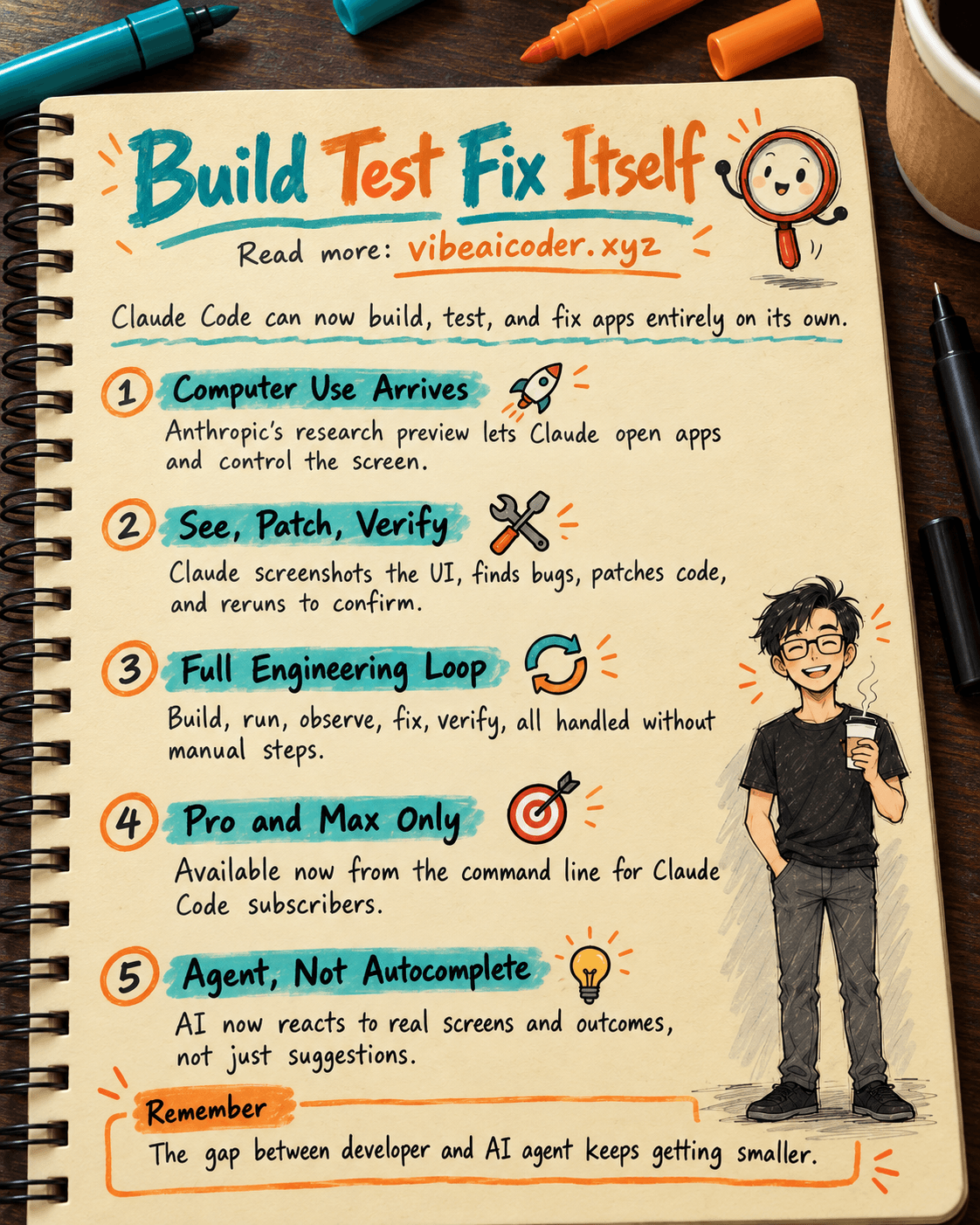
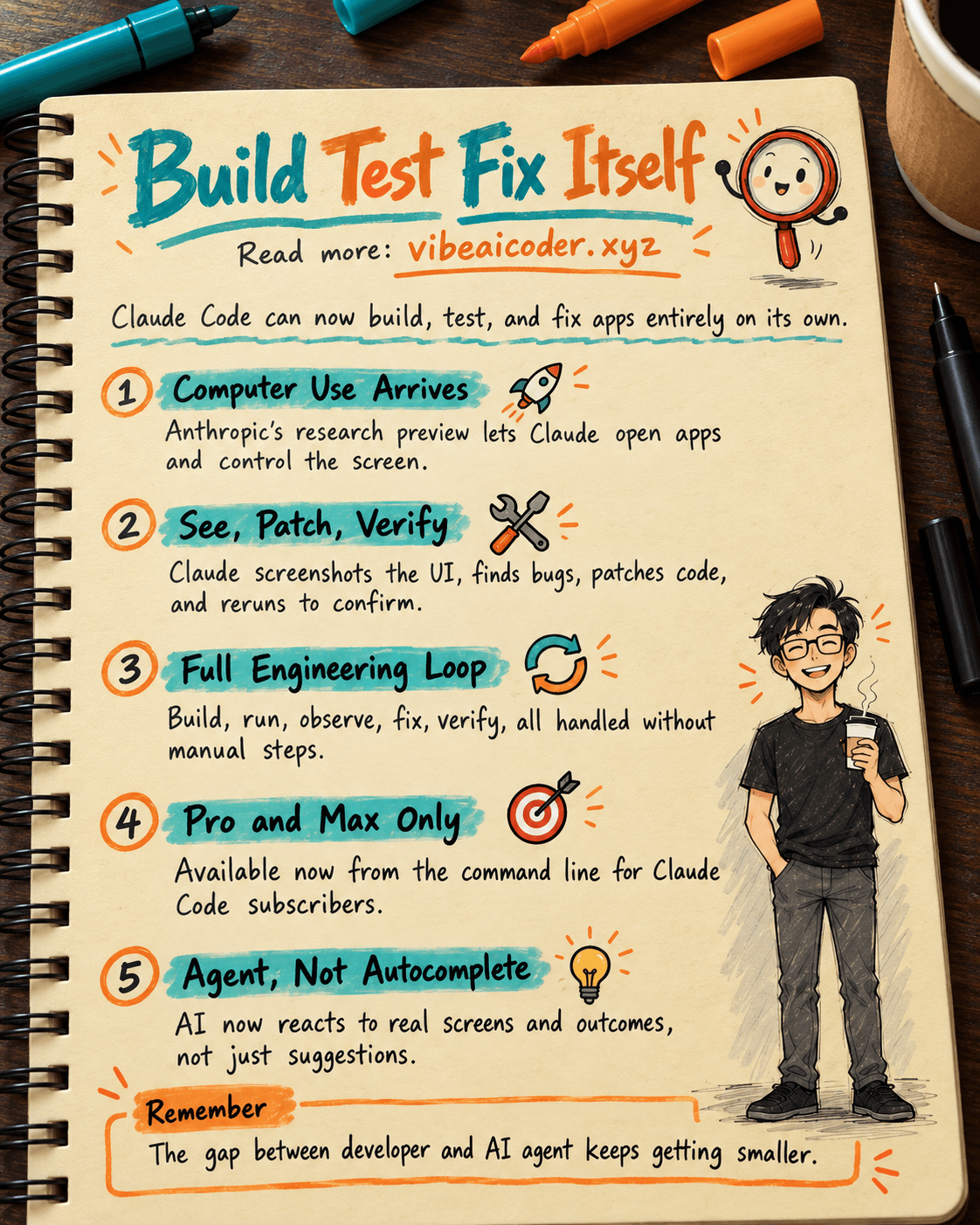
In March 2026, Anthropic rolled out Computer Use in Claude Code, now available as a research preview for Pro and Max subscribers. This is not autocomplete or an ordinary chat feature. Claude can now open an application, navigate its interface, compile code, run tests, spot bugs, and deploy fixes on its own, all directly from your command line.
 How it works in practice
Imagine asking Claude to build a SwiftUI app. Instead of just generating code and stopping there, Claude launches the app, takes a screenshot to check the interface, identifies rendering errors on its own, patches the code, then runs it again to confirm the result. The whole process happens without you stepping in at each stage.
 A complete software engineering loop
Until now, AI assistance covered only part of the workflow: suggesting code, explaining errors, writing tests. With Computer Use, Claude can now run the entire loop: build, run, observe, fix, verify. This marks a shift from "a tool that helps developers" to "an agent that carries out software work on its own."
 Who can use it, and how
Right now this feature is only open to Pro and Max users on Claude Code. You turn it on directly from the command line, hand Claude a task in plain language, and let it take over from there. No complex setup, no separate scripts required.
 Why this is a meaningful turning point
Programming is not just about writing code. The most time consuming parts are usually debugging, testing, and checking results, and that is exactly what Computer Use handles. When AI can see the screen, navigate an app, and react to real outcomes, the line between "developer" and "AI agent" starts to blur in a substantive way.
More articles
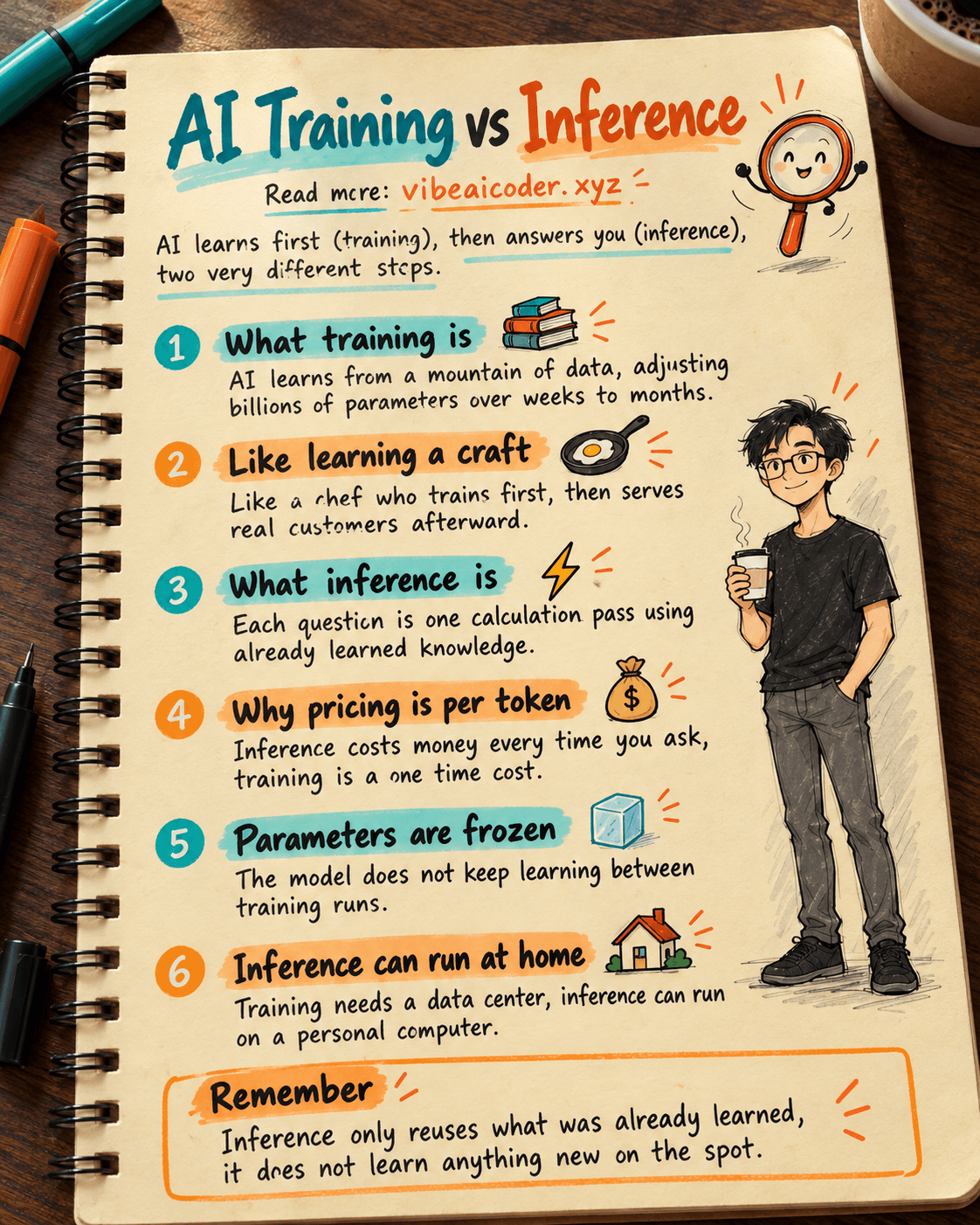
AI Training vs Inference: What Is the Difference?

Gemini 4 Argon Reads a 500-Page Chemistry Patent in One Afternoon

Claude Opus 5.5 Codes a Real Money Trading Game in One Day

What Is a Token in AI? Why ChatGPT and Claude Charge by Tokens

What Is Chain of Thought? Why Asking AI to Think Step by Step Works Better

Claude Sonnet 5.5 vs GPT-6.1 Sol: Which AI Model Is Worth Using?