Git Worktrees and .worktreeinclude in Claude Code: Run Parallel Sessions to Fix Bugs
Working on a hard bug and not sure which fix is the right one? Open three Git worktrees, run a parallel Claude Code session in each one, and let them race to the best answer.
🌳 What Are Git Worktrees
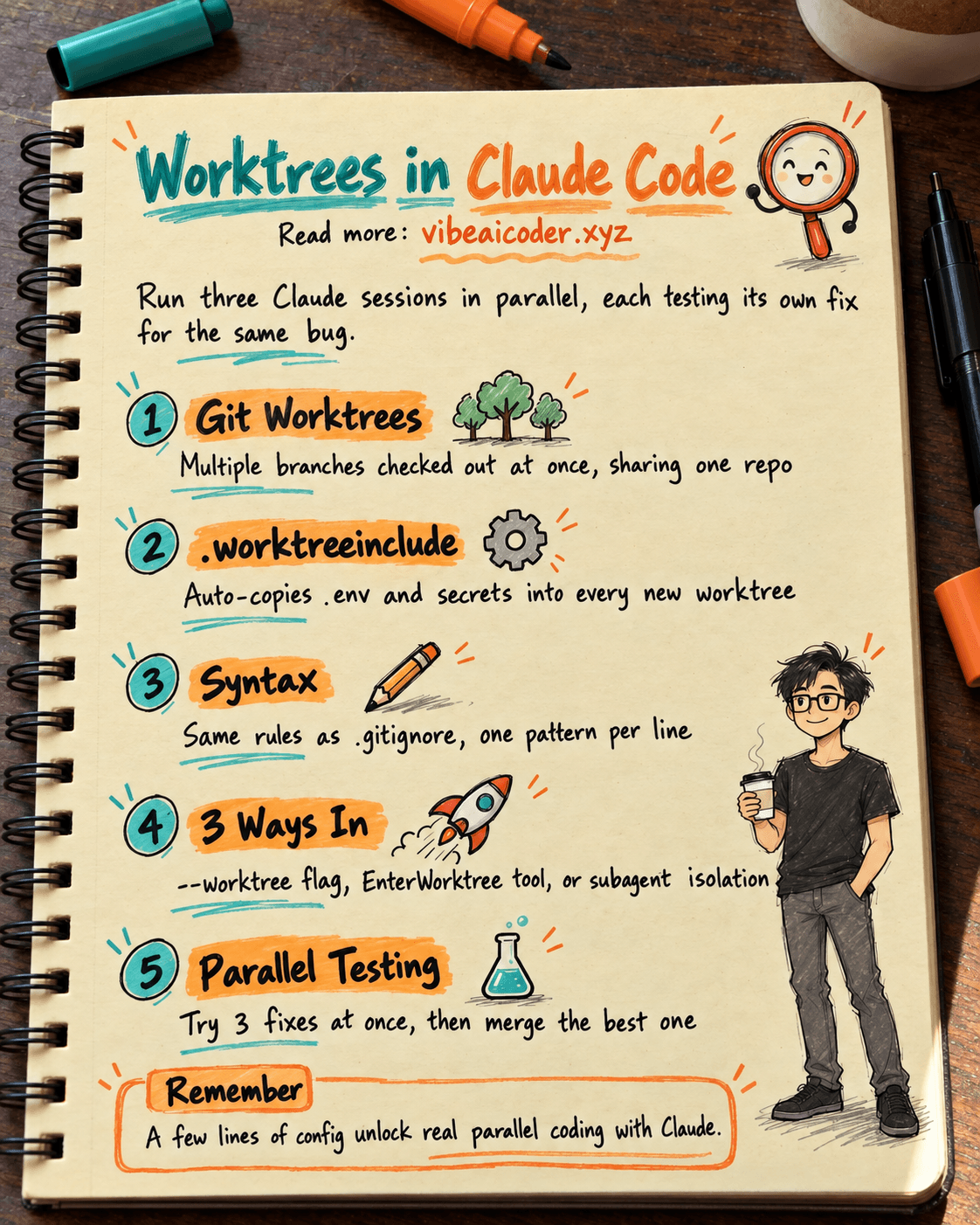
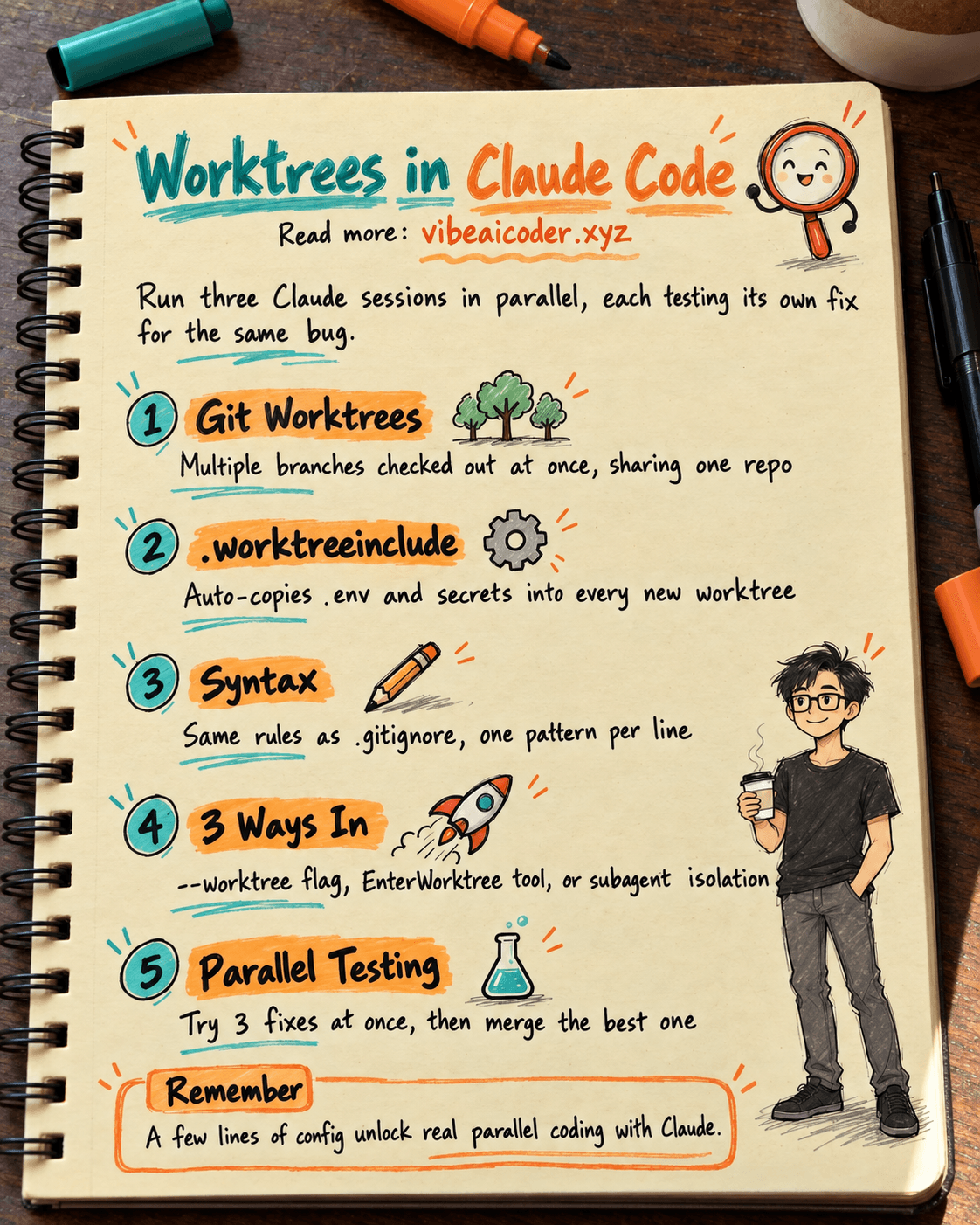
Git worktrees let you have multiple branches checked out at once, each in its own folder, all sharing a single repo. Every worktree is an independent working copy, so you never need to clone the project again just to work on a different branch.
Claude Code takes advantage of this to run several Claude sessions in parallel on the same codebase without them fighting over files or branches.
 The Problem .worktreeinclude Solves
When you create a new worktree, git skips gitignored files such as .env, API keys, and local config. A Claude Code session in that new worktree ends up missing those files, so it cannot run tests or call any API.
.worktreeinclude is a config file that lives inside the .claude/ directory. It lists the gitignored files that should be copied automatically into every new worktree so everything works right away.
 .worktreeinclude Syntax
The syntax is identical to .gitignore, one pattern per line:
.env
.env.local
config/secrets.json
*.key
.vscode/settings.json
Claude Code reads this file every time you create a worktree and copies any matching files from the original repo into the new one.
 Three Ways To Use Worktrees In Claude Code
There are 3 ways to get into a worktree:
- The --worktree flag when running the claude CLI, which creates a new worktree for the current session.
- The EnterWorktree tool, where Claude creates and switches into a worktree on its own while working.
- Subagent isolation: worktree, where each subagent runs in its own fully isolated worktree.
 A Real Workflow: Testing 3 Bug Fixes In Parallel
Say you have a tricky bug and you are not sure which approach will work best. Open 3 worktrees at once, and in each one run a separate Claude session trying a different solution.
.env gets copied into all three worktrees automatically thanks to .worktreeinclude, so each session can run tests, query the database, and call APIs just like normal. Once all three finish, you compare the results and merge whichever fix turned out best back into main.
 The Main Benefits
- 3x to 5x faster: try several solutions at the same time instead of one after another.
- Isolated risk: a broken worktree never affects the other branches.
- A clean main branch: every experiment stays inside its own worktree, so main never gets messy.
- Independent subagents: multiple agents can code at the same time without touching each other's files.
This is a powerful feature for anyone working on a complex codebase or who needs to A/B test several solutions at once. Just a few lines of config in .worktreeinclude are enough to unlock a whole new level of parallel workflow in Claude Code.
More articles

Gemini 4 Argon Reads a 500-Page Chemistry Patent in One Afternoon

Claude Opus 5.5 Codes a Real Money Trading Game in One Day

What Is a Token in AI? Why ChatGPT and Claude Charge by Tokens

What Is Chain of Thought? Why Asking AI to Think Step by Step Works Better

Claude Sonnet 5.5 vs GPT-6.1 Sol: Which AI Model Is Worth Using?

 Claude Opus 5.5 Launches: 30% Faster, 40% Cheaper, Blocks AI Brain Copying