Why AI Coded Apps Look the Same (And a Free Tool That Fixes It)
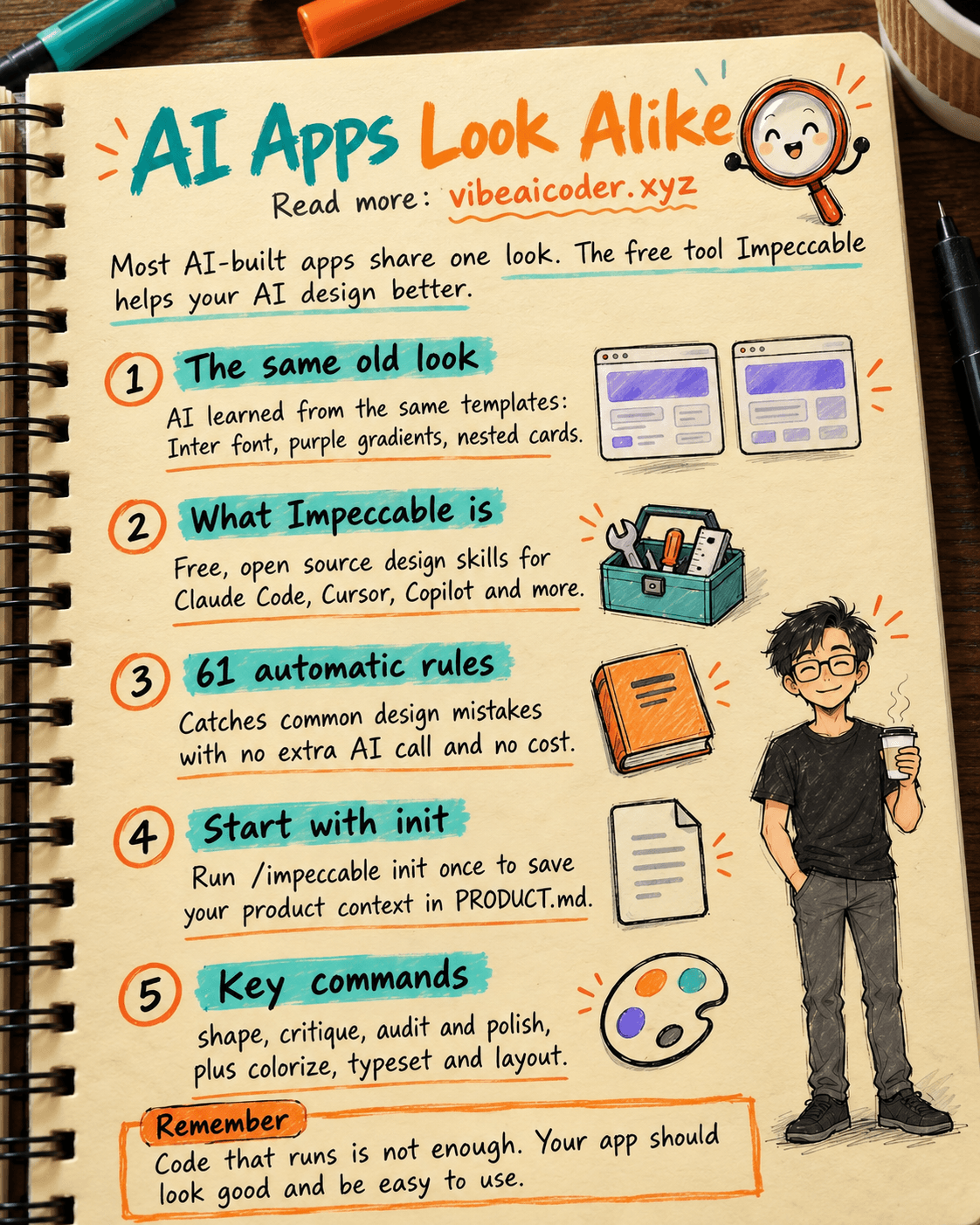
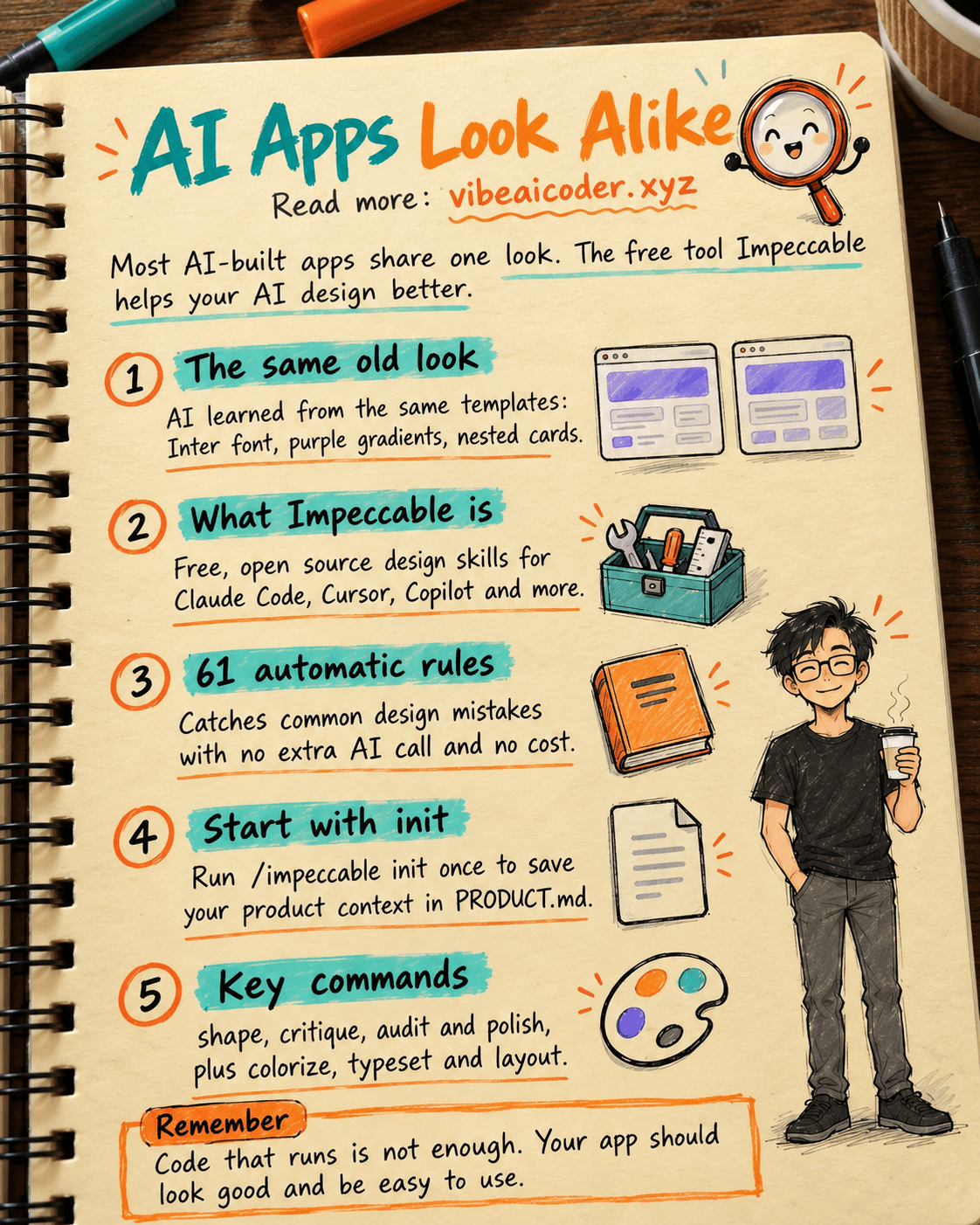
You open a website built by AI. Then you open another one, also built by AI. Looks familiar, right? Same font, same purple gradient, the same cards nested inside cards. You are not imagining it. Most AI models were trained on the same pile of SaaS interface templates, so they keep drawing the same handful of looks. A new tool called Impeccable just hit the top of GitHub's trending list this week with more than 73,000 stars, promising to fix exactly that.
What Impeccable is
Impeccable is a free, open source set of "design skills" you plug into whatever AI coding tool you already use, like Claude Code, Cursor, GitHub Copilot, Gemini CLI and over a dozen others. It does not draw the interface for you. Instead it acts like a design mentor standing behind the AI, nudging it away from the design mistakes it tends to repeat.
The habits AI keeps falling into
According to the project's documentation, these are the recurring tells Impeccable is trained to catch:
- Using Inter for everything, or a dull default font like Arial
- Purple-to-blue gradients showing up everywhere
- Flat black or untinted gray, gray text placed on colored backgrounds that is hard to read
- Cards nested inside cards, rounded icon tiles sitting right above headings
- Bouncy, elastic motion that feels dated
- Side-tab borders, dark glows, touch targets that are too small, cramped spacing between elements
Sound familiar? It is basically the shared signature of a huge number of vibe coded apps today, meaning apps built by chatting with AI instead of writing code by hand.
How it actually works
Impeccable runs a layer of 61 deterministic rules, fully automatic, with no extra AI call and no extra cost. Before you start, you run /impeccable init once so the tool can record your product's context: who the audience is, what the product is for, what tone it should have. That gets saved into a file called PRODUCT.md. From then on, every design command draws on your product's real context instead of guessing from a generic template.
A few notable commands:
/impeccable shape: plan the interface before you start coding/impeccable critique: have the AI grade the interface it just built, flagging what feels cluttered or confusing/impeccable audit: technical checks like accessibility (can people with visual or hearing impairments actually use it), load speed, and how it looks on mobile/impeccable polish: a final pass before shipping to real users/impeccable colorize,/impeccable typeset,/impeccable layout: tune color, fonts, and spacing
Can non-coders actually use it
Yes. Run one install command (npx impeccable install) from your project folder, pick the AI coding tool you use, then type /impeccable init to get started. It is entirely free and open source under the Apache 2.0 license, no hidden fees and no paid tier. If you are building a site with AI without knowing how to code, this is the cheapest way to make sure your product does not end up looking like a copy of thousands of other AI-built apps already out there.
Why this matters
Vibe coding is letting millions of people who cannot program build their own apps anyway. But the more people lean on AI to code, the bigger the risk that every product ends up looking identical, dragging down the overall quality of the experience, something a recent report on the vibe coding market already warned about. Tools like Impeccable, or built-in design guidance inside Claude Code, are the missing piece that helps AI write code that not only runs, but also looks genuinely good and is easy to use.
More articles

Gemini 4 Argon Reads a 500-Page Chemistry Patent in One Afternoon

Claude Opus 5.5 Codes a Real Money Trading Game in One Day

What Is a Token in AI? Why ChatGPT and Claude Charge by Tokens

What Is Chain of Thought? Why Asking AI to Think Step by Step Works Better

Claude Sonnet 5.5 vs GPT-6.1 Sol: Which AI Model Is Worth Using?

 Claude Opus 5.5 Launches: 30% Faster, 40% Cheaper, Blocks AI Brain Copying