Use ChatGPT to Schedule Instagram Posts for a Fashion Shop by Season
 Use ChatGPT to Build a Seasonal Instagram Posting Schedule for Your Fashion Shop in 20 Minutes
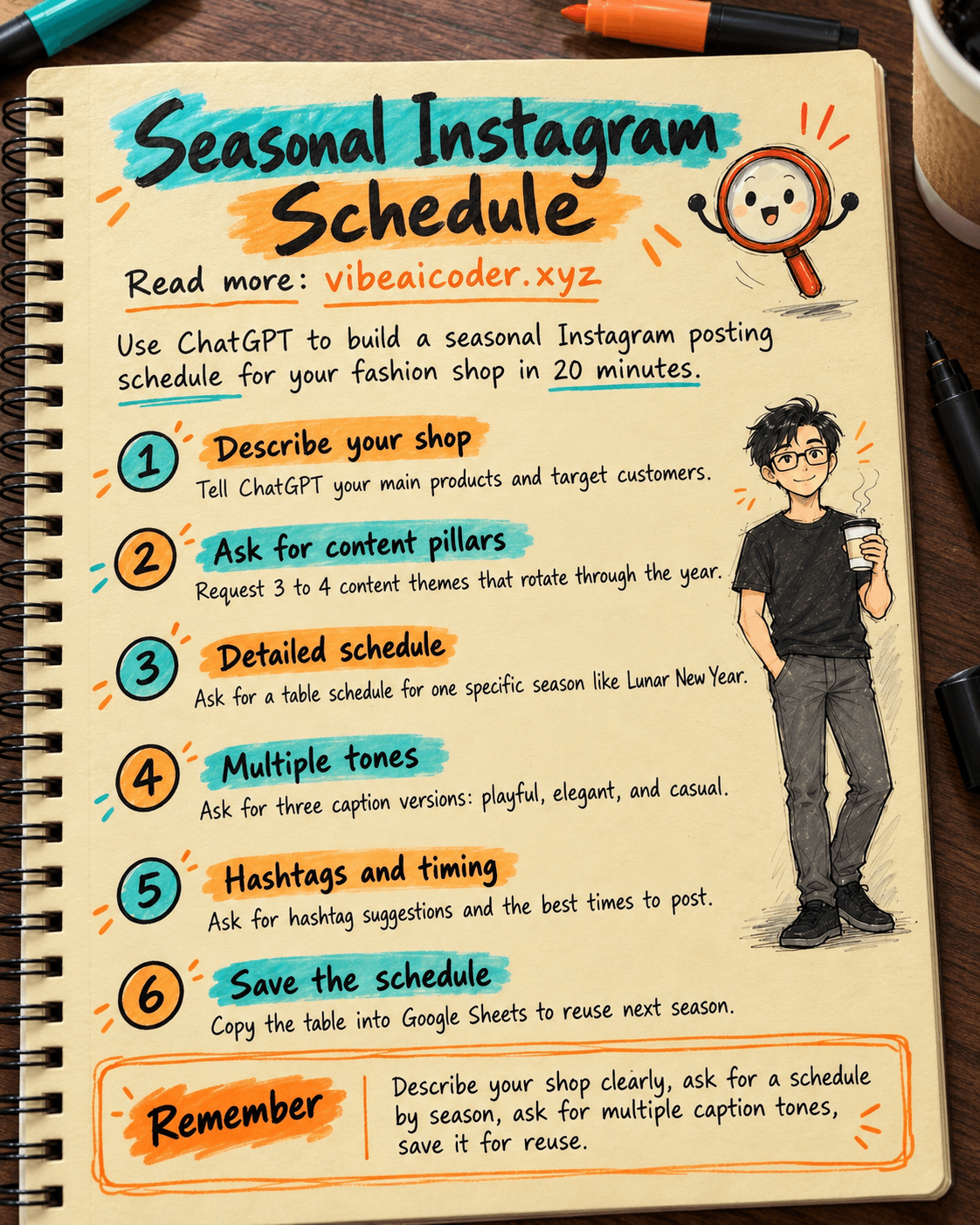
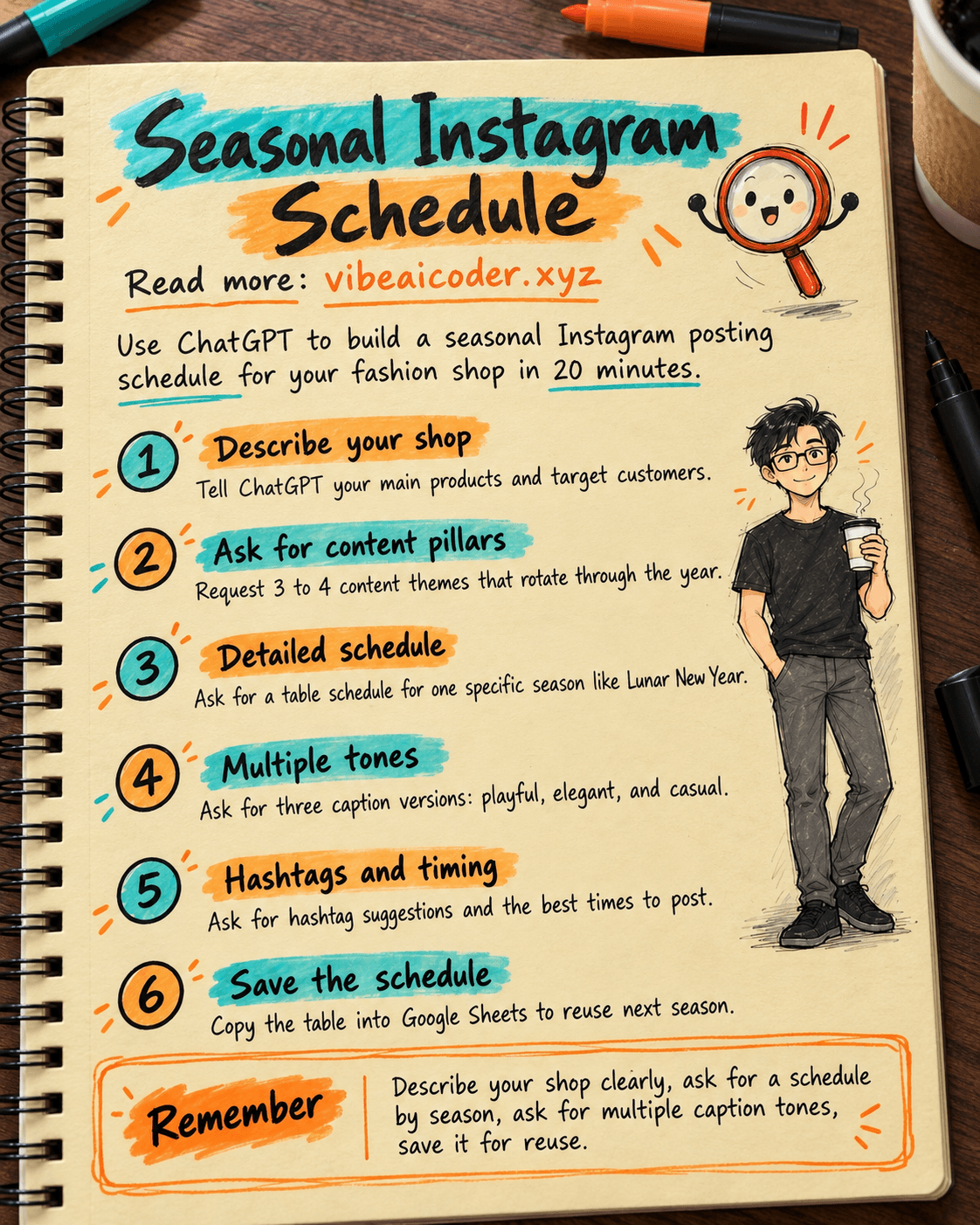
If you sell clothes, shoes, or accessories online, you have probably stared at Instagram wondering what to post today. This guide shows you how to use ChatGPT to build a seasonal posting schedule (Lunar New Year, summer, back to school, Christmas) in about 20 minutes. All you need to do is answer a few questions about your shop and paste the sample prompts below.
 What you need
- A ChatGPT account (the free plan works fine): chatgpt.com
- A short note about your shop: shop name, main products (for example women's dresses, unisex t-shirts), target customers, one or two big sales events you already know are coming
- 20 to 30 uninterrupted minutes
 Step by step
Step 1: Describe your shop to ChatGPT
Paste the following prompt, replacing the bracketed parts with your own shop details:
I run an online fashion shop called [shop name], selling mainly [product type, e.g. women's dresses and office wear].
My customers are mostly [customer description, e.g. women 22-35, office workers].
I want to plan Instagram content around 4 seasons of the year: Lunar New Year, summer, back to school (August-September), year end (Christmas and New Year).
List 3 to 4 "content pillars" that fit my customers well, with a short explanation of why each one works for them.
Step 2: Ask for a detailed schedule for one specific season
Pick the season closest to now, then paste:
Based on the content pillars above, build an Instagram posting schedule for [season name, e.g. Lunar New Year] covering the 2 weeks before the holiday.
For each post include: posting date, content type (product photo, short video, behind the scenes photo, promo post...), a short caption (2-3 sentences) and one call to action (e.g. message to order, tap the link in bio).
Present it as a table by date.
Step 3: Ask for caption variations so the voice does not get repetitive
For the post on [pick one date from the schedule above], rewrite the caption in 3 different tones: one playful and funny, one elegant and refined, one casual like chatting with a close friend.
Keep the same product content, only change the tone.
Step 4: Ask for hashtag and timing suggestions
Suggest 10 to 15 Vietnamese and English hashtags that fit the fashion industry and the [season name] season, grouped into popular hashtags (large audience) and niche hashtags (less competition).
Also suggest 2 times of day when Vietnamese users are usually most active on Instagram, so I can consider when to post.
Step 5: Save it as a reusable schedule
Copy the schedule table from Step 2 into Google Sheets or a note, and mark off each post once it goes live. Repeat Steps 2 to 4 for the next season when it gets close.
 Sample result
A section of the Lunar New Year schedule might look like this:
| Date | Content type | Short caption | Action |
|---|---|---|---|
| Jan 20 | Product photo | New modernized ao dai for Tet outings, 3 new colors | Message us to reserve your size |
| Jan 23 | Short video | Mix and match for Tet visits in under 1 minute | Tap the link in bio for the full look |
| Jan 26 | Promo | 20% off for orders placed before Tet eve | Order now |
 Tips for better results
- Tell ChatGPT your 3 to 5 best selling products so it suggests content close to your real inventory instead of generic ideas.
- If you have real photos or videos, ask ChatGPT "does this caption fit this photo [describe the photo], adjust it to match" so the content does not feel disconnected from the visuals.
- Keep the captions that got good engagement and paste them back into a later chat so ChatGPT follows the voice that is already working.
 Limits to know
- ChatGPT does not know this year's holiday dates or fashion trends unless you tell it, always write the exact dates and events.
- Never paste real customer information (phone numbers, addresses) into a prompt, only describe your customer group in general terms.
- The schedule is just a starting draft, a real person still needs to review captions before posting to avoid mistakes about prices or promotions.
 FAQ
FAQ
Do I need to learn prompt writing first? No, just copy the sample prompts above and replace the bracketed parts. If you want to go deeper into writing effective prompts, read What is a prompt and how to write one well.
Is the free ChatGPT plan enough? Yes, it is enough for scheduling and writing captions. If your shop posts many photos daily and needs ChatGPT to remember product details long term, consider the paid plan for unlimited conversations.
Can I use this for a Facebook Page too? Yes, the steps are nearly identical. For a longer term content plan for a Facebook Page, see Use AI to plan 30 days of Facebook Page content.
How do I keep captions from sounding like AI wrote them? Always read them again and tweak a few words to match how you actually talk to customers, and try asking for 3 different tones like in Step 3, then pick the most natural one.
What about illustration images for the posts? You can generate free images with AI, see Use Gemini to create illustration images for social posts. For product descriptions to go with them, check Use AI to write product descriptions for your online shop.
More articles

Gemini 4 Argon Reads a 500-Page Chemistry Patent in One Afternoon

Claude Opus 5.5 Codes a Real Money Trading Game in One Day

What Is a Token in AI? Why ChatGPT and Claude Charge by Tokens

What Is Chain of Thought? Why Asking AI to Think Step by Step Works Better

Claude Sonnet 5.5 vs GPT-6.1 Sol: Which AI Model Is Worth Using?

 Claude Opus 5.5 Launches: 30% Faster, 40% Cheaper, Blocks AI Brain Copying