 What Is CLAUDE.md? The One File That Makes Claude Code Understand Your Project
You use Claude Code every day, but every new session it seems to forget everything? There is one single file that fixes this, and most developers are not using its full power yet.
What Is CLAUDE.md?
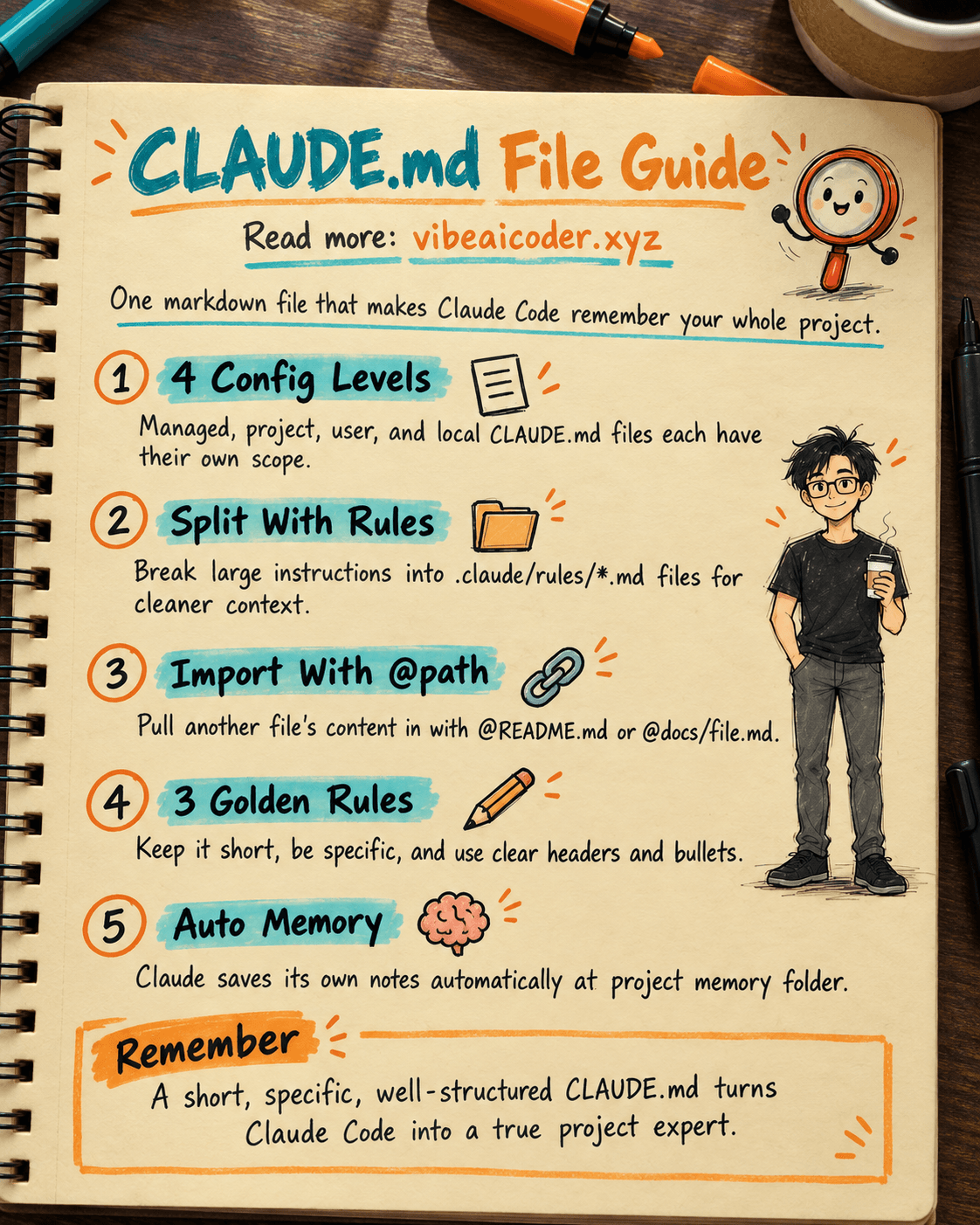
CLAUDE.md is the markdown file that Claude Code reads at the very start of every session. You write instructions in it, and Claude remembers and follows them for the whole session. No repeating yourself, no pasting the same context over and over. It is the "long term memory" that you fully control.
4 Levels of Configuration
Claude Code supports 4 places to put a CLAUDE.md file, each with a different scope:
Managed policy files live in a system folder controlled by IT or DevOps for the whole organization. Every developer at the company must follow them, and nobody can turn them off.
Project level sits at the root of the project (./CLAUDE.md). This is the file you share with your team through git, holding coding standards, architecture decisions, and build commands. Run the /init command and Claude will scan your codebase and generate this file for you automatically.
User level lives at ~/.claude/CLAUDE.md and holds personal preferences that apply to every project on your machine.
Local level is the ./CLAUDE.local.md file, for personal settings tied to one specific project. Remember to add it to .gitignore so it never gets committed to the repo.
Rules: Split Things Up to Stay Organized
On a large project, a single CLAUDE.md file gets too long fast. The fix is the .claude/rules/ folder. Each .md file inside handles one topic on its own, for example testing.md, api-design.md, or security.md.
The best part is path specific rules. You add a paths entry to the frontmatter at the top of the file, and that rule only loads when Claude is working on a file matching the pattern. For example, a rule scoped to "src/api/**/*.ts" only kicks in when Claude is editing API code. It saves context and makes Claude more accurate.
Importing Files With the @path Syntax
CLAUDE.md supports the @path/to/file syntax to pull in content from another file. You can write @README.md or @docs/git-workflow.md right inside CLAUDE.md, and Claude will automatically load them into context. Nested imports go up to 5 levels deep. If your repo already has an AGENTS.md for another tool, you can just create a CLAUDE.md with a single line, @AGENTS.md, and you are done.
Writing It Well: 3 Golden Rules
Keep it short. Aim for under 200 lines per file. A file that is too long burns context tokens and Claude follows it less closely.
Be specific. Write "use 2 space indentation" instead of "format the code nicely." Write "run npm test before committing" instead of "remember to test."
Give it structure. Use headers and bullet points to group related instructions. Claude reads structure the way a person does, so clear sections are easier to follow than one dense paragraph.
Auto Memory: Claude Takes Its Own Notes
Besides the CLAUDE.md file you write yourself, Claude Code also has Auto Memory, where Claude takes notes for itself. Build commands, debugging insights, and code style preferences all get saved automatically at ~/.claude/projects/<project>/memory/. Everything is a plain markdown file, so you can read, edit, or delete it freely with the /memory command.
FAQ
Does CLAUDE.md slow down every session? A short, well structured file (under 200 lines) adds very little overhead and usually saves time, since Claude stops asking you to repeat context.
Can I use CLAUDE.md and AGENTS.md together? Yes. If a repo already has an AGENTS.md for another tool, just create a CLAUDE.md containing the line @AGENTS.md so Claude Code loads the same instructions.
Where should team wide rules go versus personal preferences? Team wide standards belong in the project level ./CLAUDE.md (committed to git), while personal preferences belong in ~/.claude/CLAUDE.md or the gitignored ./CLAUDE.local.md.
Have you set up a CLAUDE.md for your own project yet? Share your best configuration in the comments.
More articles
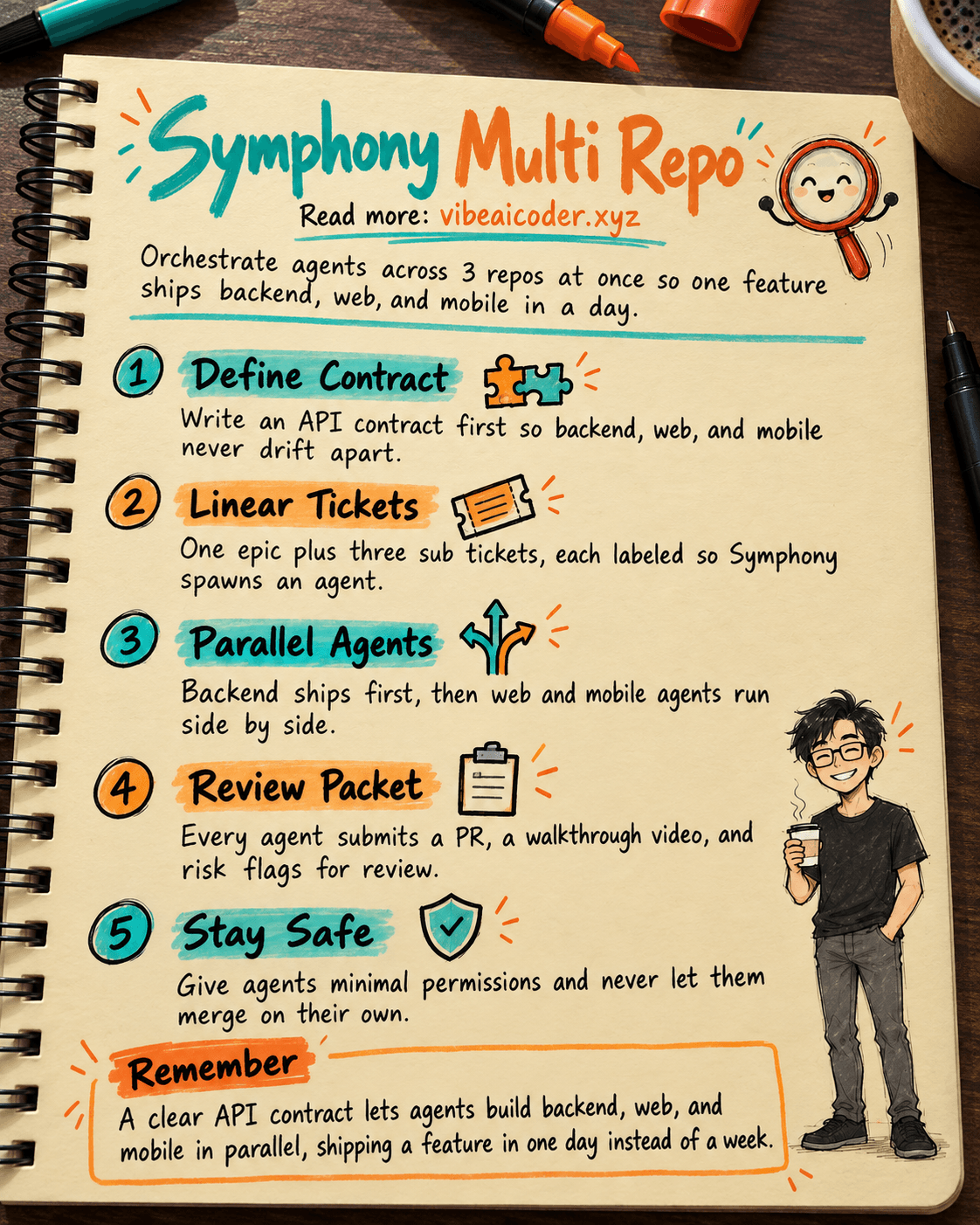
🎼 Orchestrate 3 Repos (API, Web, Mobile RN) With OpenAI Symphony to Ship a Feature in 1 Day
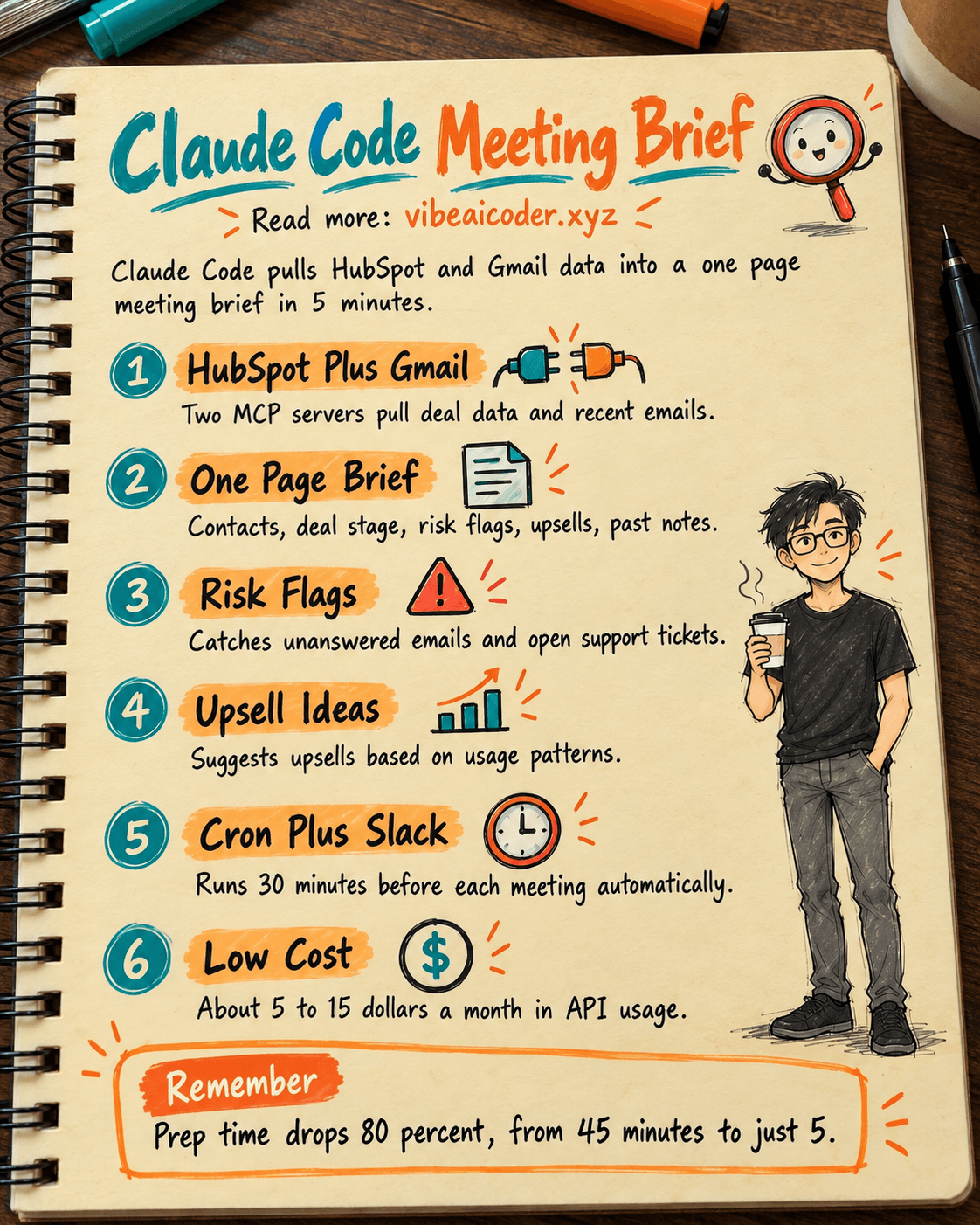
 How Account Managers Use Claude Code to Prep Meeting Briefs in 5 Minutes
 Turn One Blog Post Into 7 Content Formats in 20 Minutes with Claude Code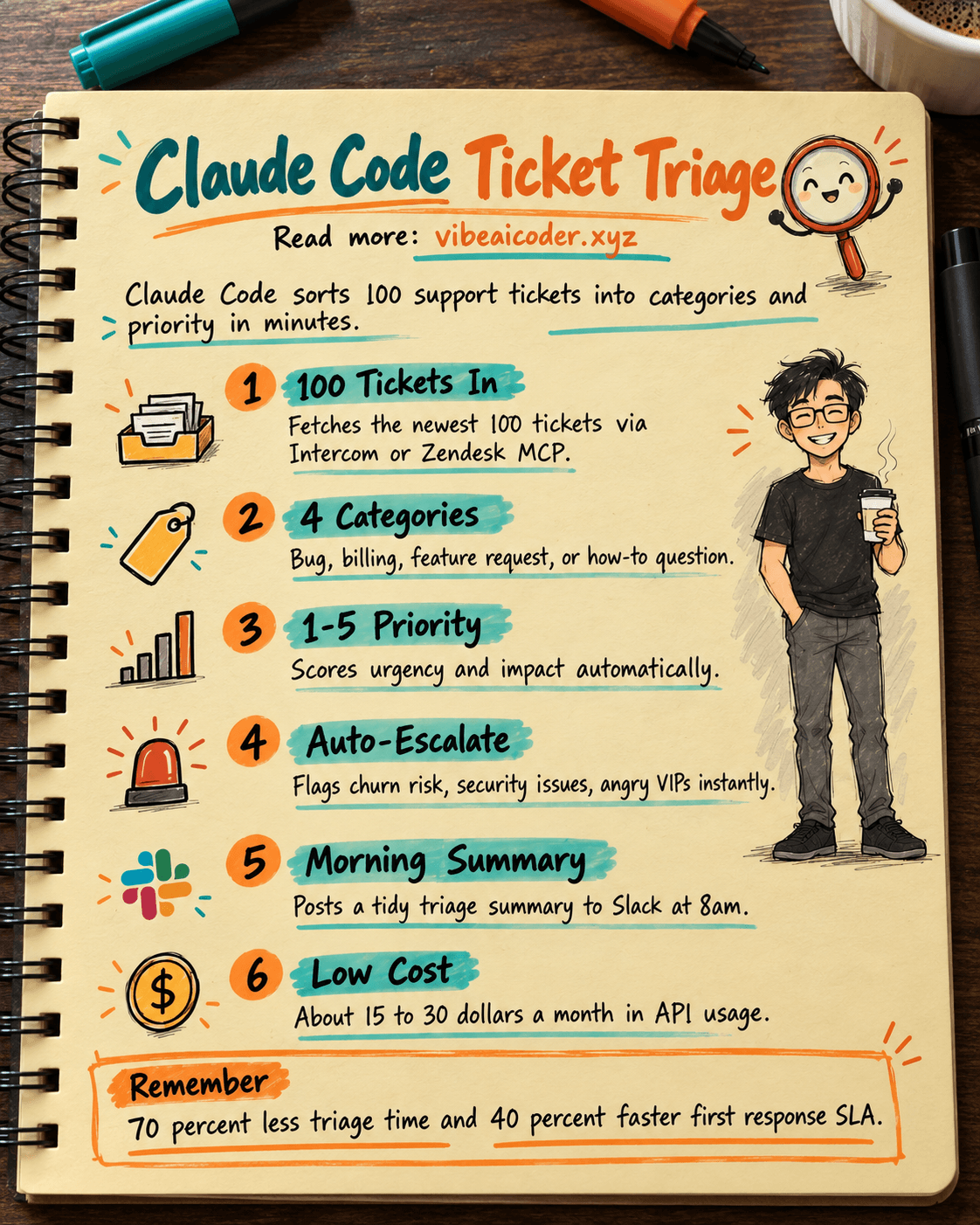
🎫 Claude Code Triages 100 Support Tickets in 5 Minutes, Saving Leads 2 Hours a Day

 How to Build 24/7 Automated Customer Support With Claude API, No Night Staff Needed
Optimize Your LinkedIn Profile With ChatGPT in 15 Minutes